AlphaCompass Scalper MT4 is marketed as an automated Gold trading Expert Advisor for
MetaTrader 4 and
XAUUSD. It is intended to handle programmed entries and exits with configurable account-management features. Before ordering, check the supplied build’s chart settings, file dependencies and broker requirements. Automation does not remove trading risk or guarantee an income.
Supported market and setup
| Detail |
What to know |
| Platform |
MetaTrader 4 |
| Main instrument |
Gold — XAUUSD |
| Trading approach |
Marketed as automated scalping |
| Chart period |
Follow the supplied release’s instructions; a universal chart recommendation was not verified |
| DLL requirements |
Confirm for the actual file before ordering |
| SET files |
Included only when stated in the package details |
| Version and account limits |
Check the individual offer |
The intended market is clearer than the timeframe and dependency details. If you are buying for a particular terminal or VPS, ask for compatibility confirmation before placing the order.
Which timeframe should I use?
Public descriptions disagree: some state any timeframe and another specifies M5. We have not established a primary manual that confirms one launch chart for the file supplied here.
Use the chart period named in the instructions for your release. If you receive a preset, check whether its chart requirement is documented separately. Do not assume loading a SET file sets the correct chart period.
Does AlphaCompass Scalper require a DLL?
Confirm the requirement for the supplied build. Public listings include both DLL and No DLL descriptions. A dependency claim from another store does not establish what your copy needs.
If a DLL is required, check the library filename, installation folder, supported operating system and hosting environment. If you use a Mac or hosted MT4 service, establish library compatibility before ordering. A VPS being able to run MT4 does not by itself confirm support for this package.
Do not enable DLL imports simply to troubleshoot an unexplained error. Read the error message and follow the package’s documented requirements.
Understand how trades and losses are managed
Descriptions of improved filters and protection modules do not establish the maximum loss the EA can take. We have not independently audited its code or reproduced its trading behaviour for this page.
Before live use, establish:
- Whether positions have broker-side stop losses or rely on internal exit rules.
- Whether it can add trades when price moves against an existing position.
- How the lot size is selected and whether it changes after losses.
- How many positions may remain open together.
- What any balance or equity limit does when triggered.
A fixed lot setting alone does not define the account’s maximum exposure. Several open trades can create more exposure than one trade at that size.
Minimum deposit and broker requirements
Some public specifications suggest
$1,000 or more, but that figure was not verified against a documented lot size, broker contract or loss-control configuration. It should not be treated as a universal minimum or a safe-balance promise.
Check the broker’s Gold contract size, minimum lot, margin requirement and trading costs. Review how much exposure the intended settings can build and how losing trades are handled.
Lower spreads and good execution are useful considerations, but an ECN label alone does not establish suitable conditions. Compare the actual spread and commission for the account you plan to use.
Trading results and evidence
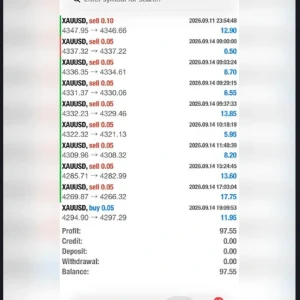
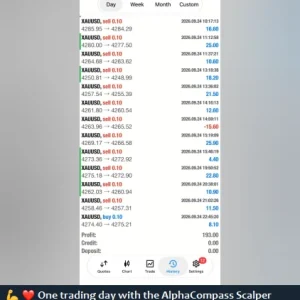
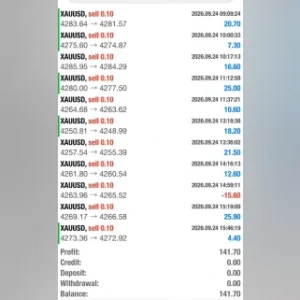
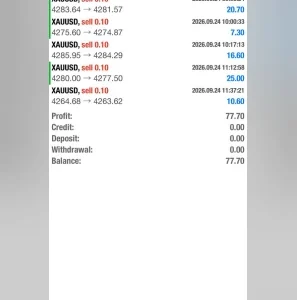
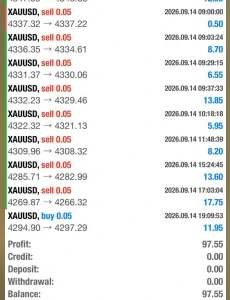
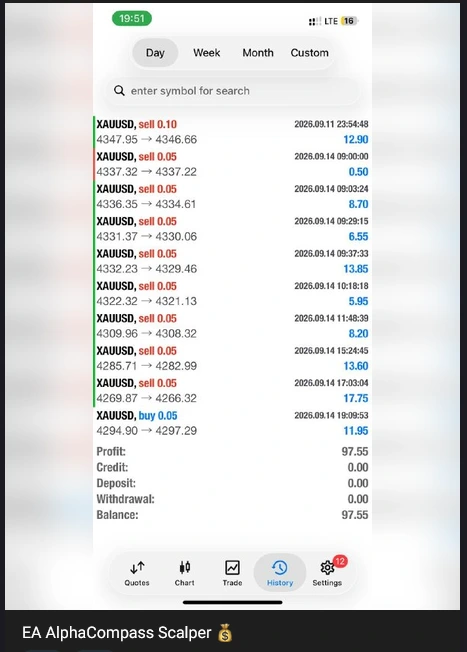
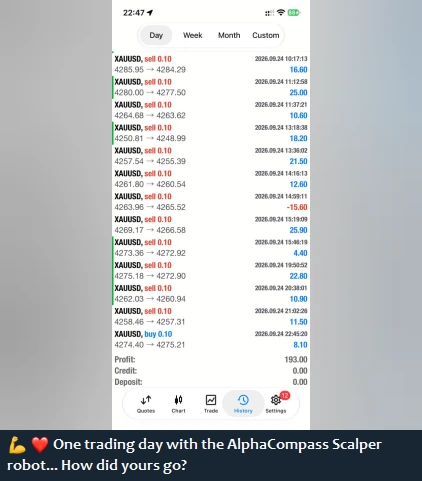
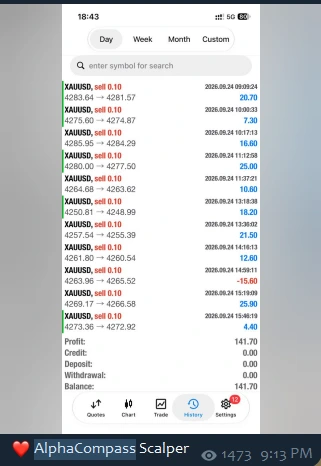
No independently verified, version-matched live account was established during this review, and we have not run an independent performance test for this page. We therefore do not publish a monthly-return, win-rate or maximum-drawdown promise.
A channel linked from reseller pages mentions a rolling statistics page for the robot. We could not retrieve that page to inspect its figures or verification method. Seller-published statistics should be distinguished from a complete broker-connected record and from historical tests.
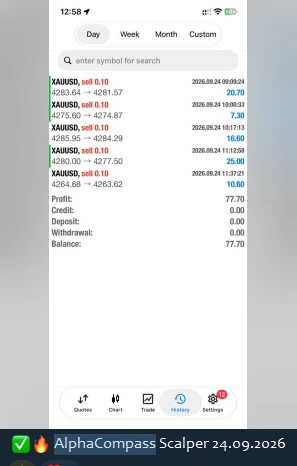
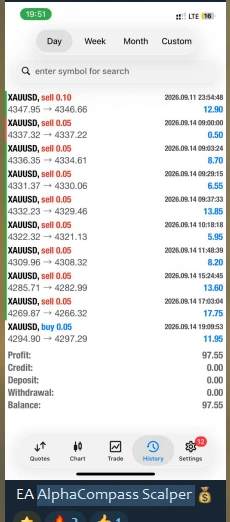
Before relying on any result, check its date, account type, EA release, settings, costs and open positions. A short profitable period or a dashboard screenshot does not show every market condition the strategy may face.
How to install AlphaCompass Scalper in MT4
For a package supplied as a standalone EX4 file:
- Extract the download and keep an untouched backup.
- Open your intended desktop MT4 terminal.
- Select File → Open Data Folder.
- Copy the EA file into MQL4 → Experts.
- Place additional libraries or indicators in the folders specified by the package instructions.
- Return to MT4 and refresh Navigator → Expert Advisors.
- Open XAUUSD using the chart period documented for your release.
- Attach the EA, review its settings and load a matching preset only if supplied.
- Allow trading for the EA and enable AutoTrading when ready. Check Experts and Journal for errors.
Use our
MT4 Expert Advisor installation guide for the full walkthrough, preset-loading steps and troubleshooting.
Why does it attach but not trade?
Check both the EA’s trading permission and platform AutoTrading. Then inspect the symbol, account connection, margin and log messages. Also check any documented trading hours, spread filter or activation requirement.
If no error is shown, the EA may be waiting for its entry conditions. Avoid changing several settings just to force a trade. Send the relevant log text to support so the issue can be checked.
Is AlphaCompass Scalper right for you?
Consider it if you want to evaluate automated XAUUSD trading and can confirm the software requirements, test the settings and monitor its operation.
It is a poor fit if you need guaranteed income or cannot establish how losses are managed. If you are new to MT4, start with the installation guide and a demo setup where the licence permits it.
Delivery, updates and support
See
Delivery & Downloads for order access and missing-file help. Check the offer’s package details for the actual files, activation, licence term and update coverage.
For a setup problem, send
Product Support your order number, EA version, MT4 build, operating system and exact error message. Include the symbol and chart period when relevant. Remove passwords, licence keys and private details from logs and screenshots.
Read the
Refund Policy before buying for eligibility and request instructions. Technical support cannot promise returns or reverse market losses.
Frequently asked questions
What does AlphaCompass Scalper trade?
The reviewed listings primarily describe XAUUSD, Gold. Support for other pairs was not verified for the supplied build.
Is this an MT4 or MT5 product?
This listing is for MT4. An EX4 file does not run in MT5. Any MT5 edition needs its own supported file and instructions.
Does it work on MT4 build 1478 or newer?
Some reseller titles use that compatibility label. Confirm the actual delivered file has been checked on your terminal build rather than treating the label as a guarantee for every later build.
Are SET files included?
Only when the offer’s package details say they are. Check that any preset matches the exact EA release.
Does it use grid or martingale?
This was not independently verified. Check the supplied documentation and observe whether it adds positions or changes sizes during losing moves. An absence of those words in marketing copy is not proof that the behaviours are absent.
Can I use it on a prop-firm account?
Check the firm’s current rules on third-party EAs, scalping, trade frequency, news and drawdown. A store category does not establish approval or guarantee passing a challenge.
Do I need a VPS?
Plan for the MT4 terminal to remain running and connected while the EA manages trades. If you choose a VPS, confirm it supports every dependency in your package. Hosting does not guarantee profitable trading.
Can I run it on my phone?
The standard MT4 mobile app does not run Expert Advisors. The EA needs a supported desktop or hosted environment. Your phone can be used to monitor the account.
How much can I earn?
There is no reliable fixed earnings figure. Settings, trading costs and market conditions affect results, and you can lose money.