Atherion Zenith AI EA MT5
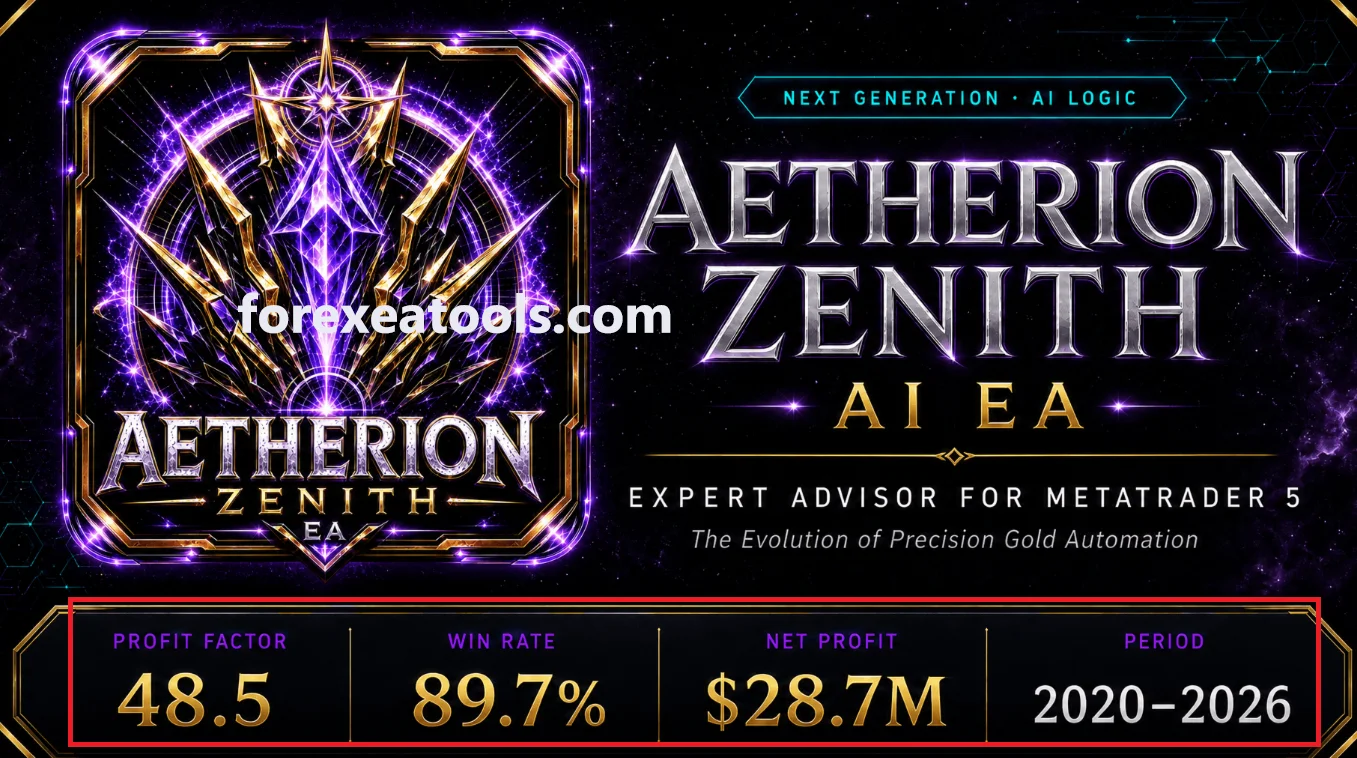
Atherion Zenith AI EA MT5 is an automated Gold (XAUUSD) trading tool designed for the H1 chart. Review the supplied version, files and setup requirements below, then explore the public account record before buying. Start with a demo test to check how the settings work with your broker.
What you receive
| Purchase detail |
Included with this offer |
| Product |
Atherion Zenith AI EA MT5 |
| Supplied version |
1.3 |
| EA file |
EX5 |
| SET files |
Not included – Use default |
| Setup instructions |
Included |
| Expiry or subscription |
No expire |
| DLL or external services |
No DLL |
| Updates and support |
LifeTime Updates |
| Delivery |
Digital By Email |
Check these details before purchasing. A SET file only loads saved input values; it does not install the EA or prove the settings suit your account.
How the EA works
The developer describes an MT5 system for XAUUSD on H1 that checks market conditions before opening trades. The published features include automatic position sizing, Stop Loss, Take Profit, trailing management and an on-chart dashboard. These are publisher descriptions, not findings from a code inspection.
See the
official Atherion Zenith listing for the developer’s overview.
The practical question is what your supplied release does under your account conditions. Check the actual inputs, trade logs and order behaviour in a demo test. Do not treat the word “AI” as proof that a system can predict prices or avoid losses.
Check the version before comparing features
The official update history lists
v1.5 on 10 October 2026. It adds a trading-hours filter and notes re-optimization. Earlier notes list an initialization/licence fix in v1.2, a fix for premature entries after attaching the EA in v1.3, and improved Gold-symbol handling in v1.4.
If your package is an earlier release, do not assume these later changes are included. Read the
official update history alongside the version in the package table. Update availability follows the terms of this offer.
Public trading results: growth and limitations
The developer links to the
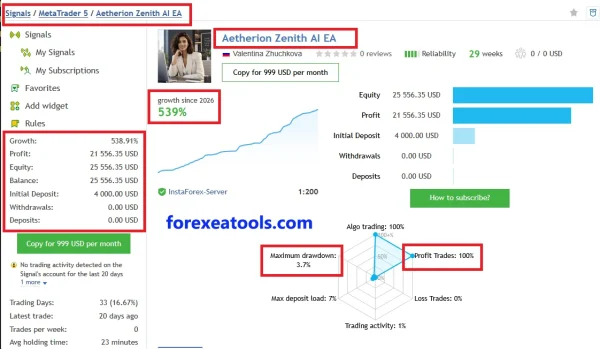
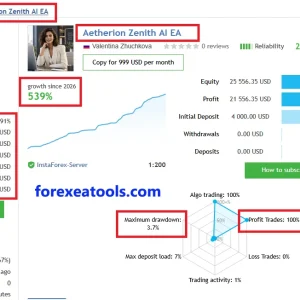
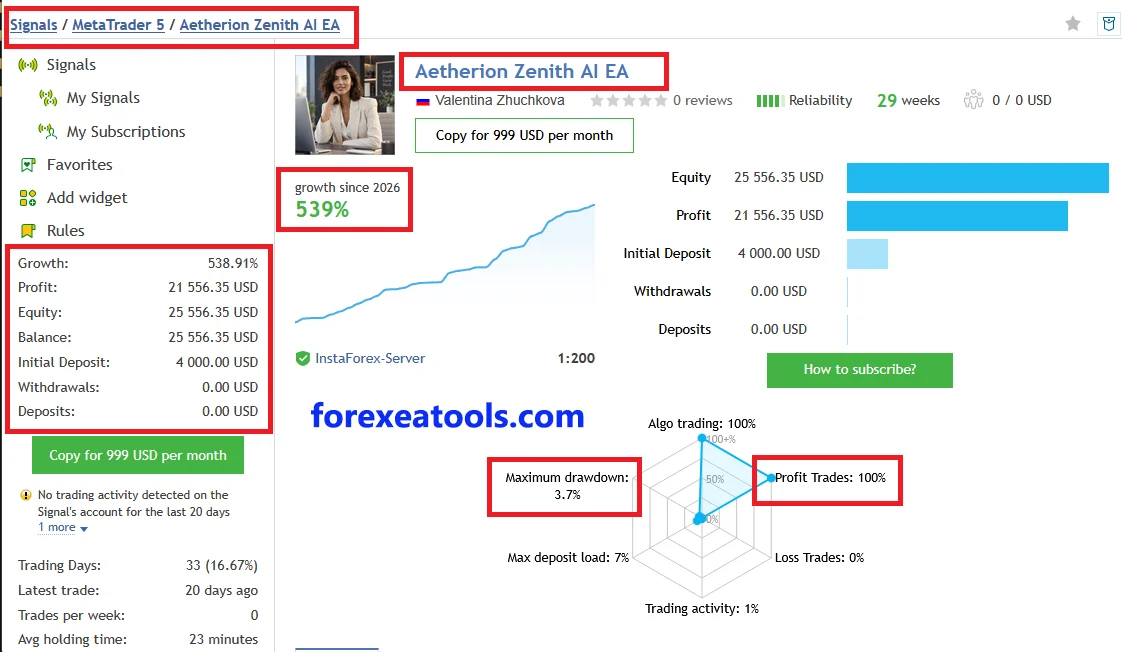
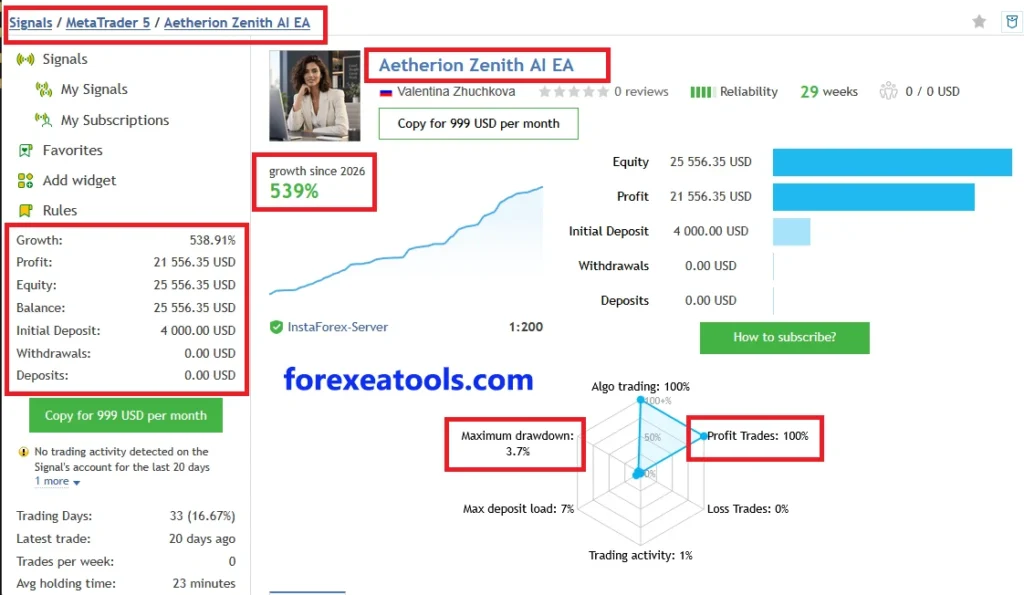
Aetherion Zenith AI EA signal on MQL5. At our source check on
13 October 2026, the page displayed
538.91% growth,
$21,556.35 profit from a
$4,000 initial deposit, and
3.70% relative equity drawdown.
The same snapshot showed
35 trades and warnings about low activity, including no trading for the previous
20 days. Read those warnings alongside the headline return. A small trade sample gives limited evidence of how the system handles different market conditions.
This is a public account record, not a return promise for this package. We have not confirmed that every trade used the supplied version and settings. The page’s reported account-history length should not be treated as verified testing time for one EA release. Open the link for current activity and statistics before deciding.
What do the results mean for you?
Growth describes the account’s reported return. Drawdown describes a recorded decline. Looking at both gives more context than looking at profit alone.
Neither figure sets a limit on your future losses. Also check open trades, account costs, lot sizes and changes in settings. A screenshot or high winning-trade percentage cannot show that the next trade will win.
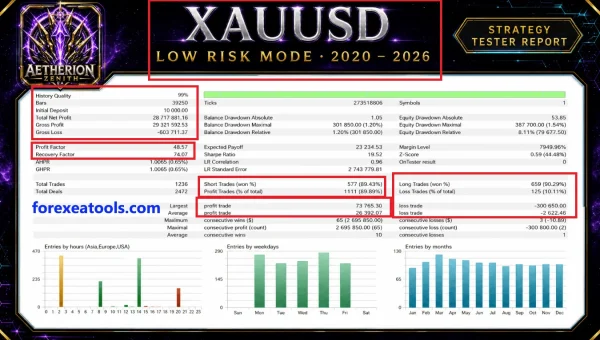
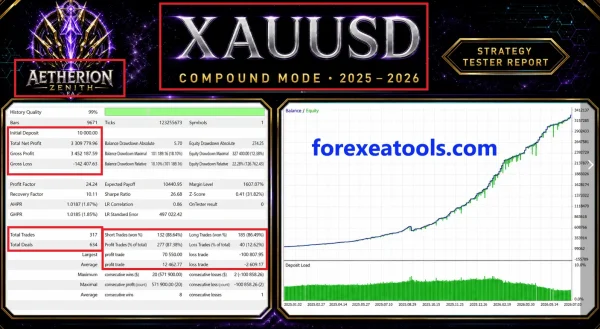
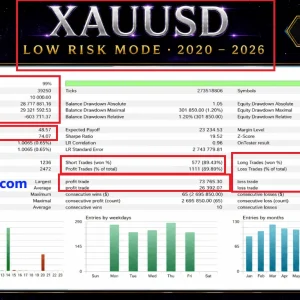
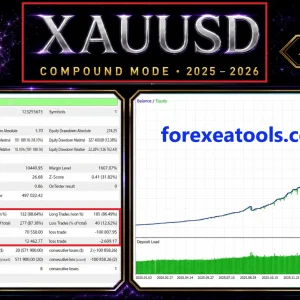
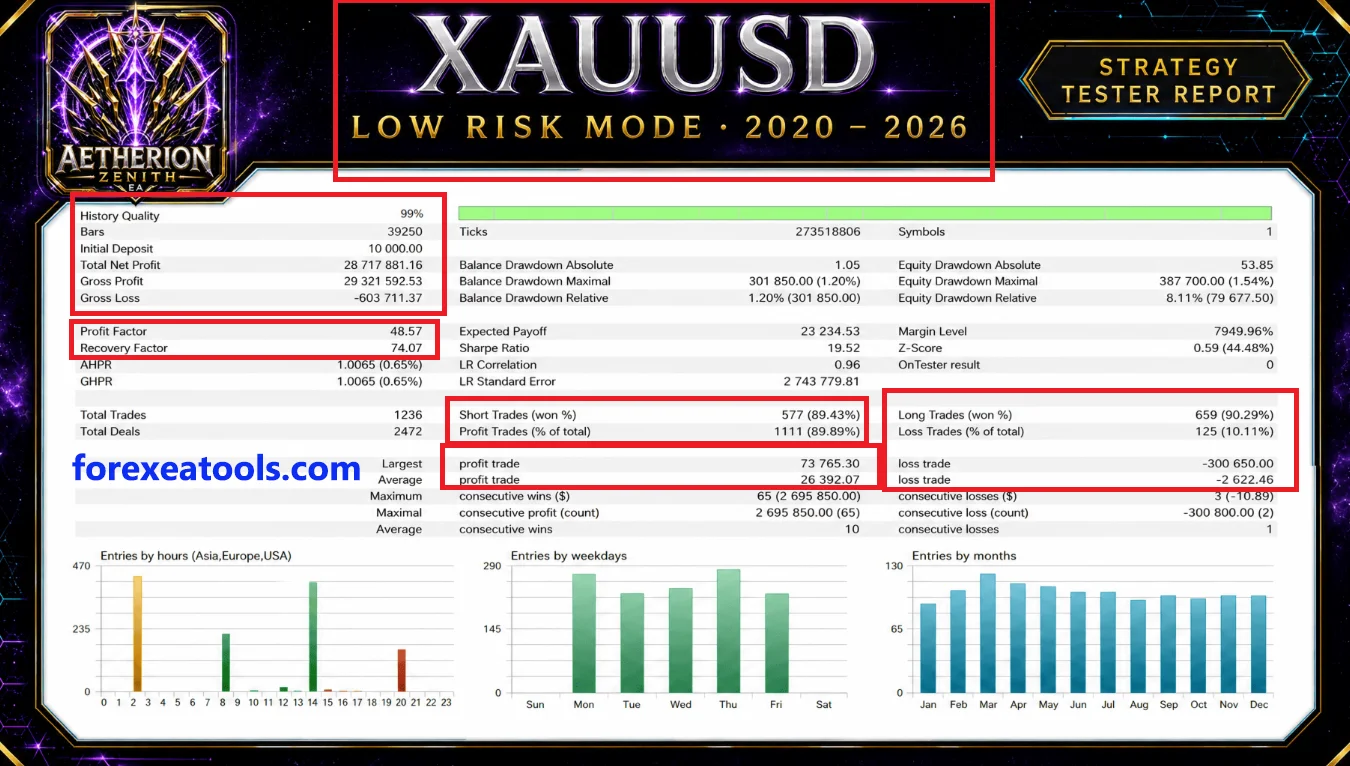
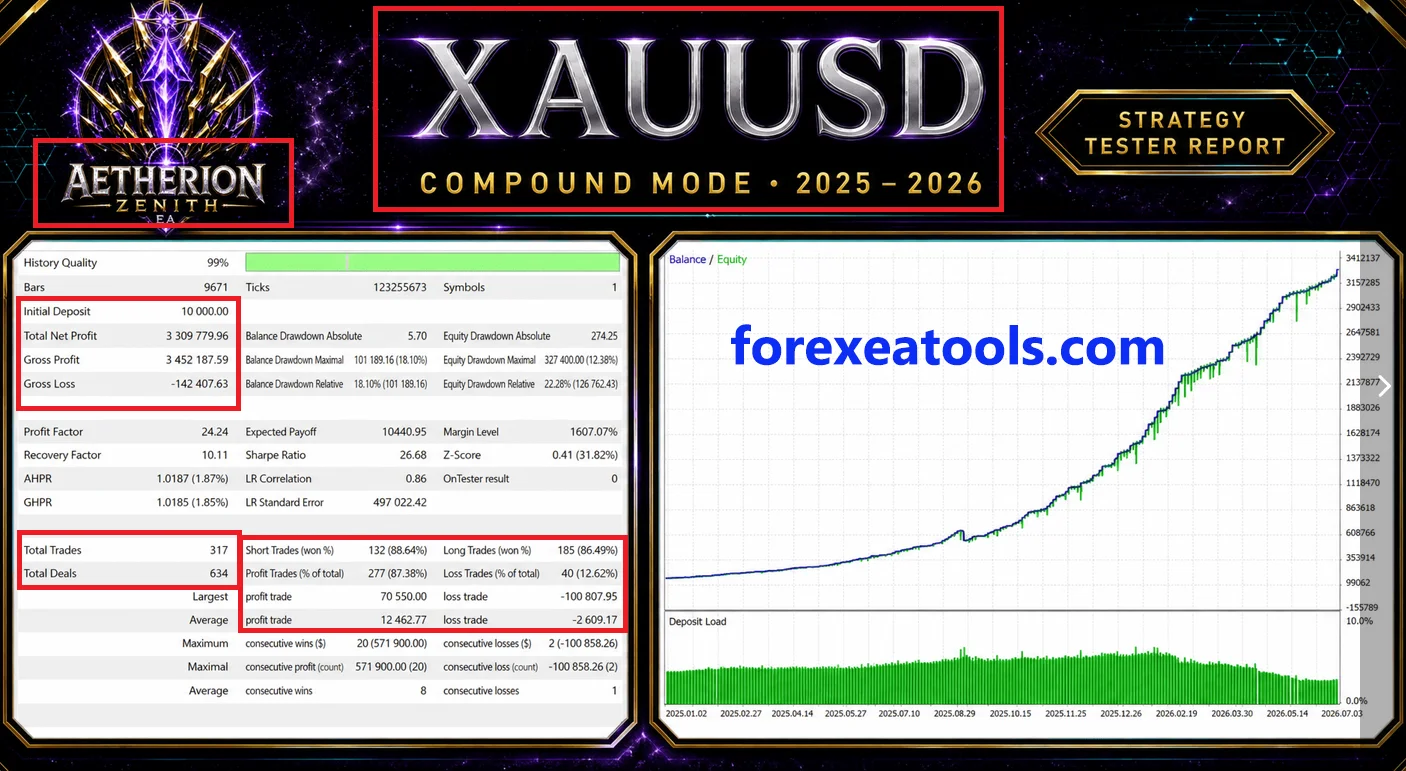
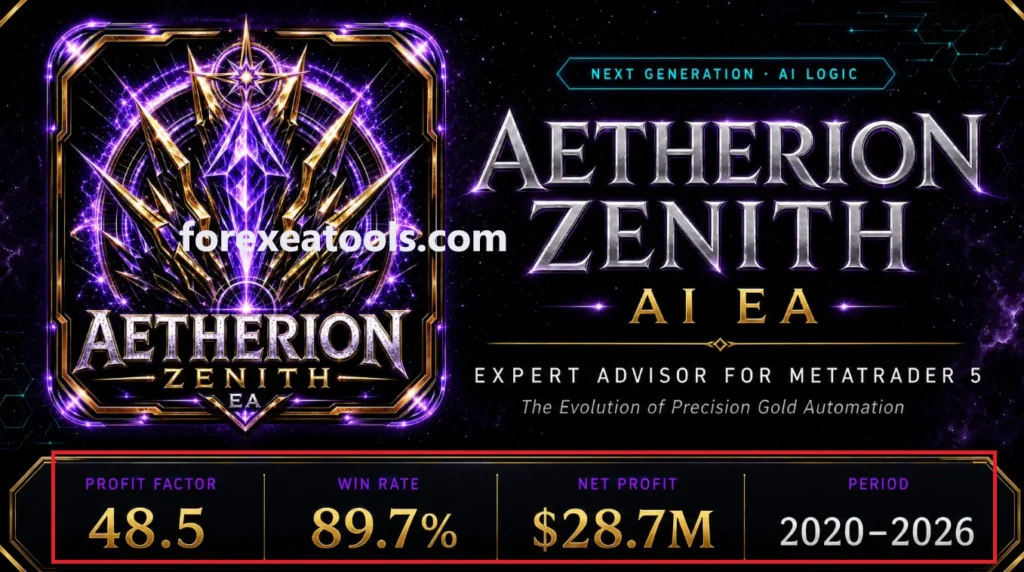
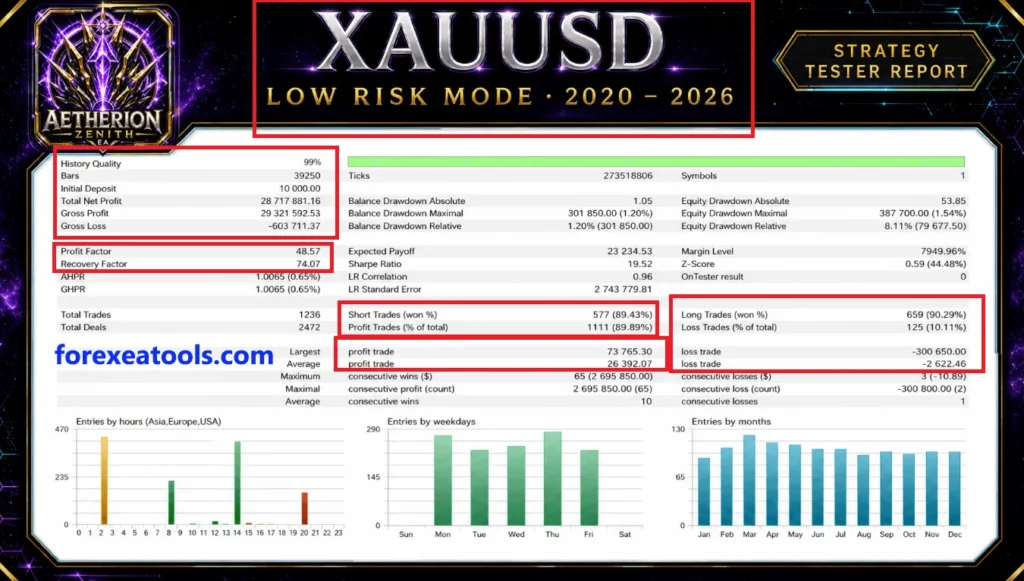
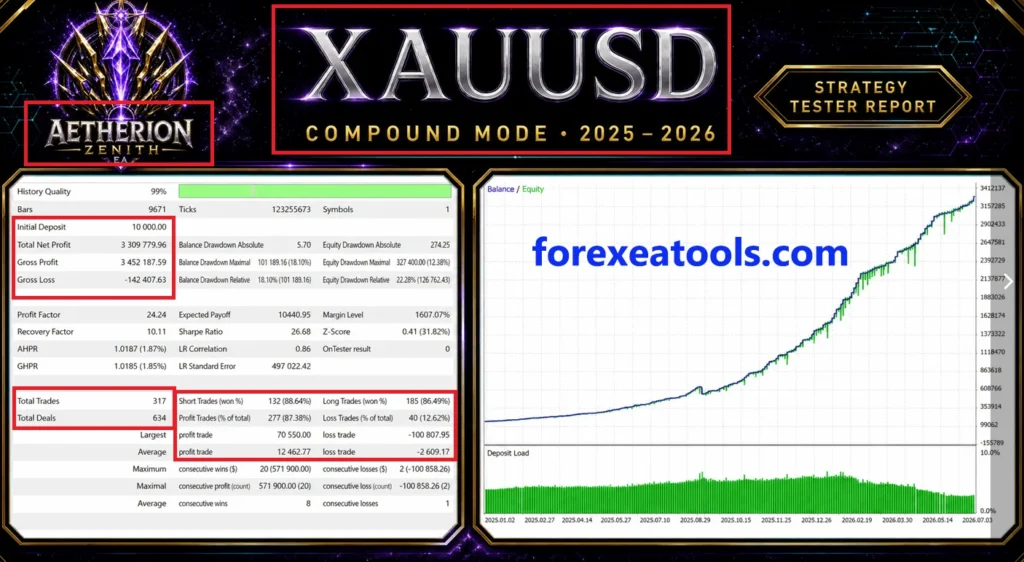
A backtest is a historical simulation. If you compare reports, check the dates, EA version, settings, spread, commission and data quality. Avoid comparing two headline returns when the test conditions differ.
Account and setup requirements
The intended chart is
XAUUSD H1. H1 means each candle represents one hour; it does not mean every trade lasts one hour.
Before installation, confirm your broker’s Gold symbol, minimum trade size, contract size, trading costs and the account mode supported by your supplied file. Ask support if the tested-compatibility section does not answer your question.
There is no verified universal safe starting balance stated here. The deposit shown on a signal or backtest is not automatically a minimum-deposit recommendation. Choose settings only after checking their position size, potential loss and margin needs.
How to install Atherion Zenith AI EA in MT5
For a standalone EX5 package, follow these steps together with its activation instructions:
- Open MT5 and select File → Open Data Folder.
- Copy the supplied EA file into MQL5 → Experts.
- Return to MT5 and refresh Navigator → Expert Advisors.
- Open your broker’s supported Gold chart and select H1.
- Attach the EA and check its version and inputs.
- If a matching SET file is included, use Inputs → Load to apply it. Review every changed value.
- Set the trading permissions required by this package. Enable DLL or WebRequest access only if its instructions require them.
- Click OK, enable platform Algo Trading when ready, and check the Experts and Journal tabs for errors on demo.
Need help with the file and chart steps? Follow our
MT5 Expert Advisor installation guide. If your package contains a preset, see
how to load a SET file in MT5.
Check these settings before live trading
Review the trade size or risk input, Stop Loss behaviour, position limits, supported symbol and any version-specific filters. Keep a backup of the original configuration before changing it.
Test with your intended broker and observe both successful and losing trades. A short winning run is not enough to establish long-term reliability. Keep the terminal connected when the EA needs to operate; check your hosting setup rather than assuming a VPS is already configured.
Delivery, updates and support
Your access method and update coverage are stated in the package table. See our
Delivery & Downloads page for general order-access information.
For a setup issue, contact
Product Support with your order number, supplied version, MT5 build and relevant error message. Do not send your trading-account password.
Review our
refund policy before purchasing, including how technical faults and trading-performance complaints are handled.
Frequently asked questions
Which version will I receive?
You receive the version stated in the package table. A newer release on the developer’s website does not automatically change the file included with this offer.
Are SET files included?
Check the package table. If files are supplied, use the preset matching your release and review its values before enabling trading. Do not assume another store’s presets are included here.
Does “AI” mean guaranteed profit?
No. The product name does not guarantee prediction accuracy, profitable trades or protection from losses.
Is the public signal the same as buying this EA?
No. Buying an EA supplies software under the stated offer. Subscribing to a signal is a separate trade-copying service with its own terms and fees.
Can I use the results to estimate my monthly income?
No reliable fixed monthly income can be promised. Your settings, broker and market conditions can produce different results, including losses.
Why might it not trade immediately?
Check the logs, chart, activation and trading permissions. If the EA has initialized correctly, it may be waiting for its entry conditions. Increasing risk is not a solution to an installation problem.
Is it approved for a prop-firm challenge?
No approval is claimed here. Check the firm’s current automation rules, loss calculations and account restrictions before using an EA.
Does “Unlimited” mean I can resell the files?
Do not assume that. Account-use limits and redistribution rights are different. Follow the actual licence included with your purchase.
Trading risk: Automated Gold trading can cause significant losses. Test the supplied file and configuration on demo first. Past account results and backtests do not guarantee future returns.