Dominion EA MT5 + SET Files is an automated trading package for MetaTrader 5. It is promoted for Gold and Bitcoin trading, with saved settings to help configure the EA.
Review the preset requirements, public account evidence and trading risks before choosing your setup. A SET file saves input values; it does not guarantee profit or make the same risk level suitable for every account.
- Platform: MetaTrader 5
- Package: Dominion EA with SET files
- Published market focus: XAUUSD (Gold) and BTCUSD (Bitcoin)
- Configuration: Use the preset and instructions matching your supplied release
Trading can result in losses. Test the configuration on demo before using real funds.
What is included?
| Purchase detail |
Included with this offer |
| Product |
Dominion EA MT5 |
| Trading platform |
MetaTrader 5 |
| SET files |
Included |
Check the supplied release and the purpose of each preset before enabling trading. A preset filename alone does not explain its account size, market or risk assumptions.
For a question about your order or files, visit
Product Support.
What markets is Dominion promoted for?
The
publisher-linked Dominion channel identifies Gold and Bitcoin as its market focus. On MT5 these commonly appear as XAUUSD and BTCUSD, although broker names and contract specifications vary.
Use each preset only on the market and chart specified for that configuration. Do not assume one preset works unchanged on both Gold and Bitcoin.
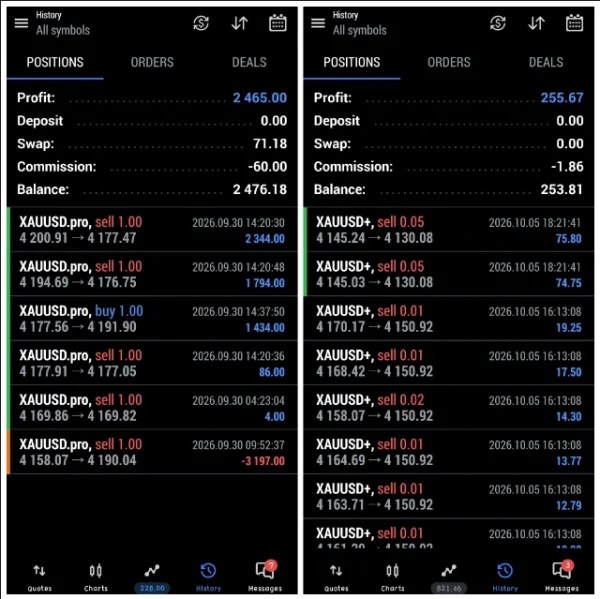
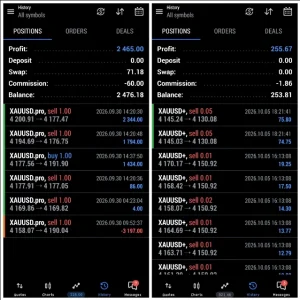
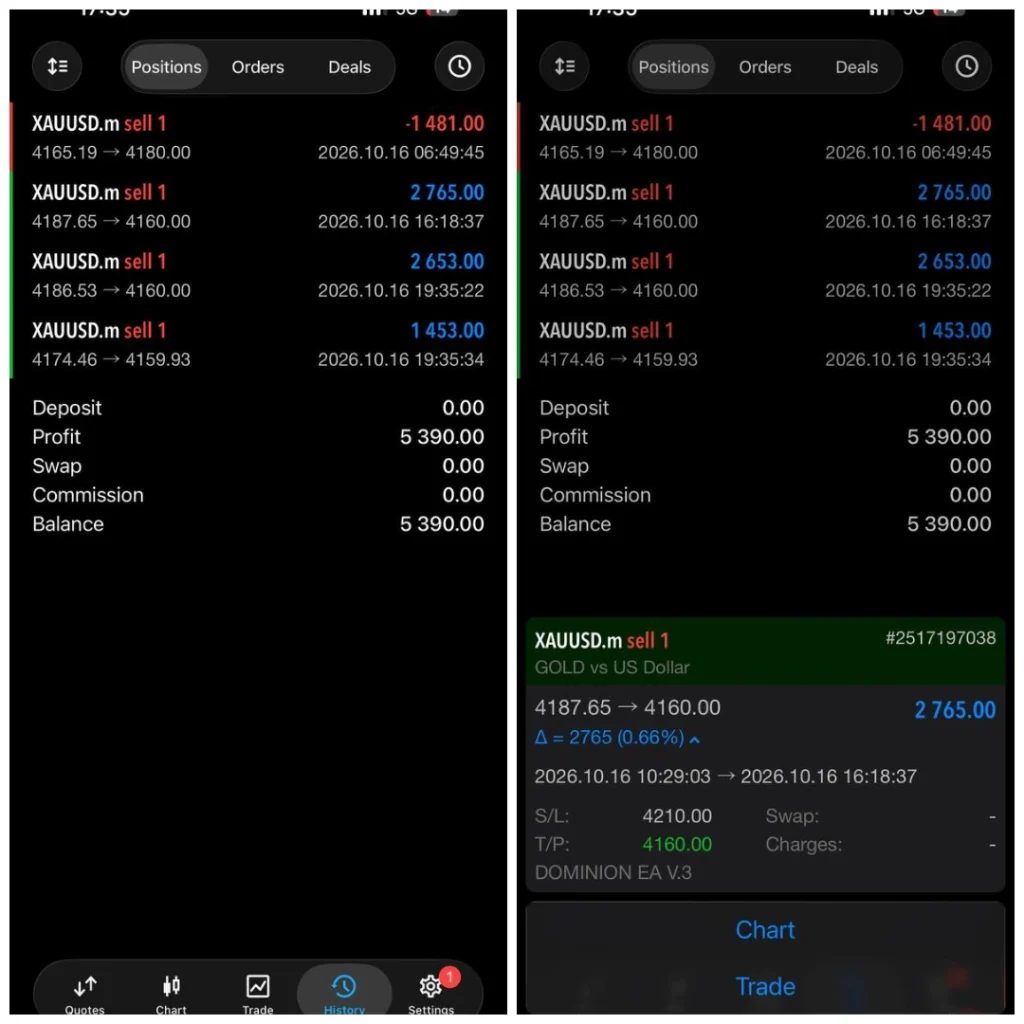
Some public account history includes AUDCAD, but that is not enough to confirm AUDCAD support for your package. Trading history can contain more than one strategy.
How does Dominion EA work?
Dominion is presented as an automated system that monitors prices and sends trading instructions when its programmed conditions are met.
The complete entry formula and position-management rules were not established from public developer documentation. We therefore do not describe every Dominion release as a confirmed trend system, grid system or non-martingale system.
What matters is the behaviour of the supplied file and preset:
- Does it open one position or several?
- Can it add trades while an existing position is losing?
- Does trade size increase after losses?
- Are exits managed individually or as a group?
- How do its loss controls work?
Understand those rules before live use. Labels such as “smart risk management” cannot replace an explanation of the actual exposure.
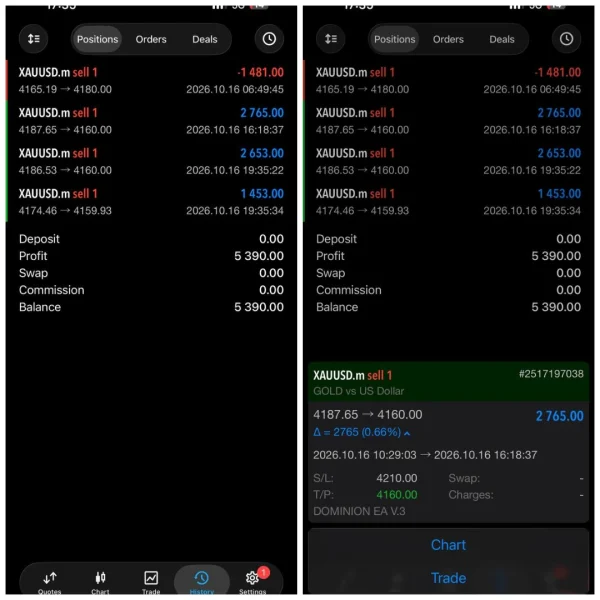
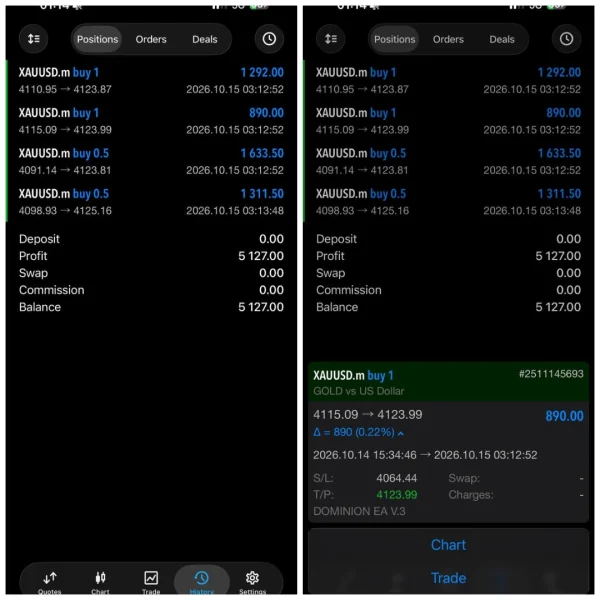
Dominion Live Trading
Vendor website
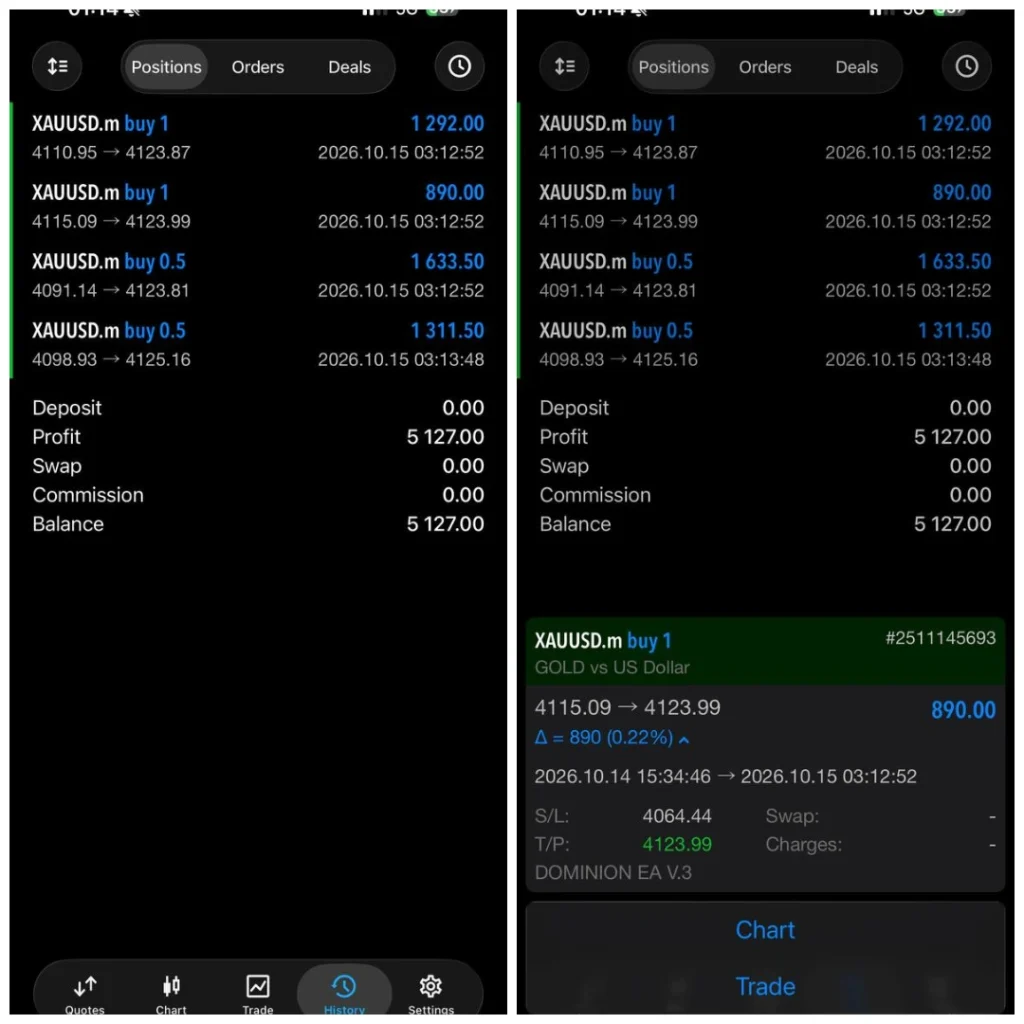
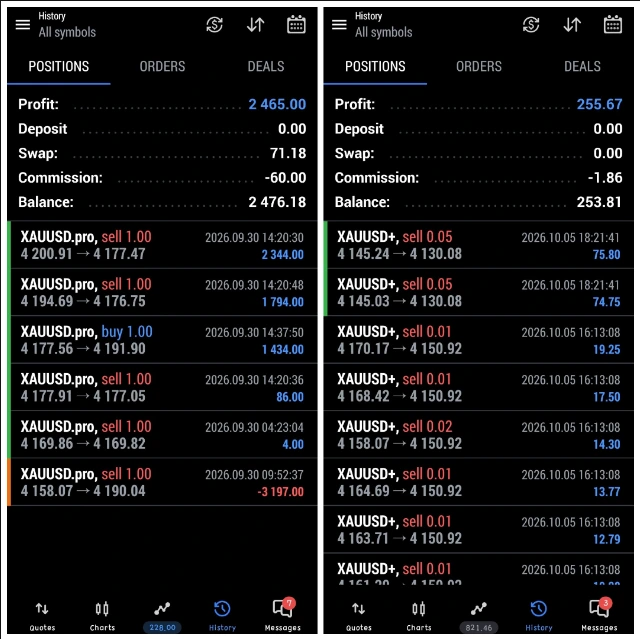
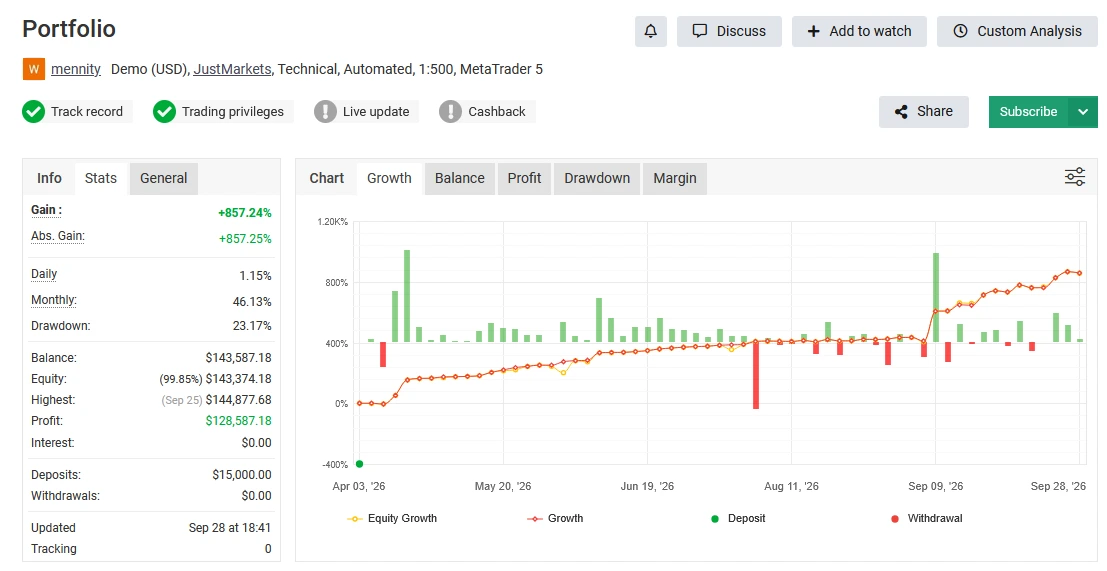
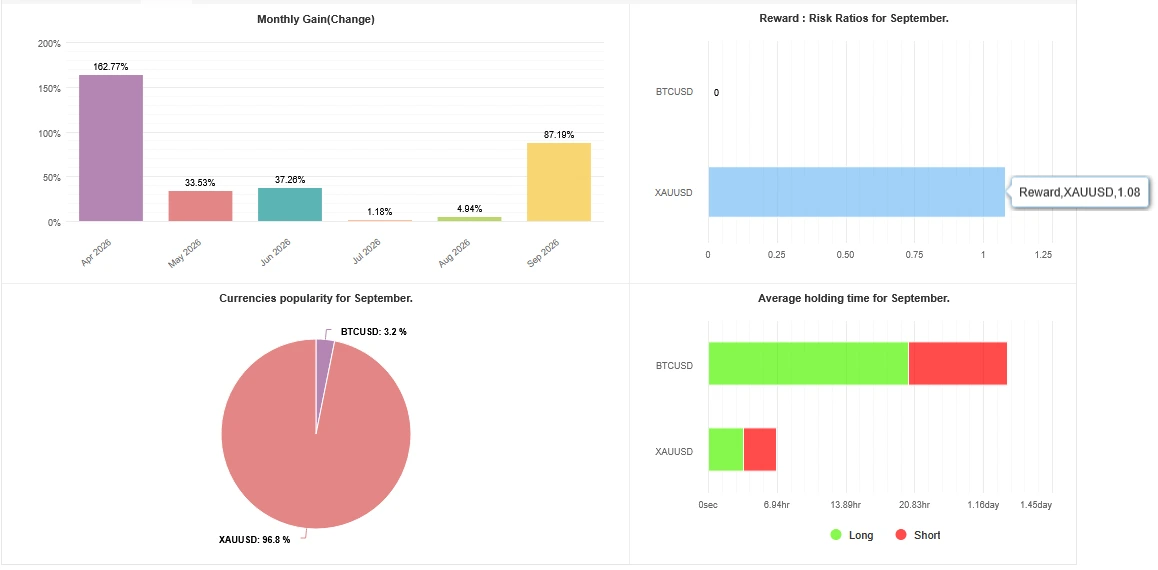
Dominion EA Myfxbook results: understand the account type
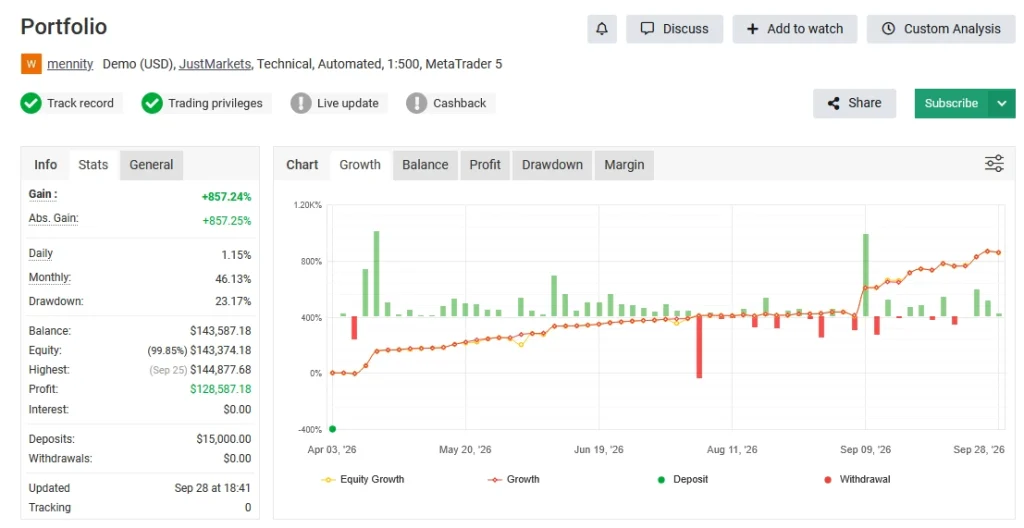
Several product pages and the publisher-linked channel point to the same
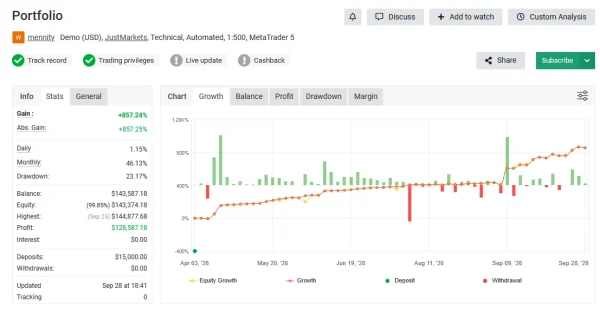
mennity Portfolio on Myfxbook.
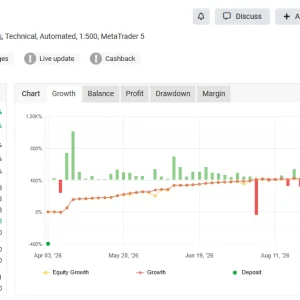
Checked on 18 October 2026: the page labels the account Demo (USD) on JustMarkets, using MetaTrader 5 with 1:500 leverage. Its displayed last update is September 28 at 13:11.
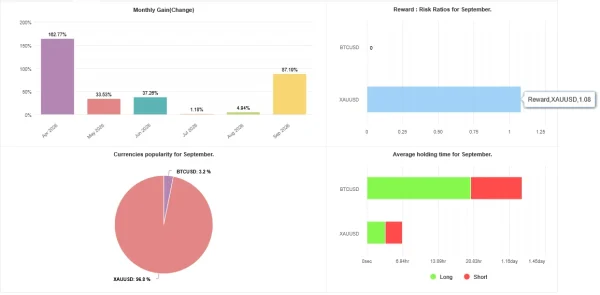
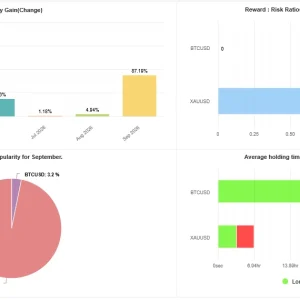
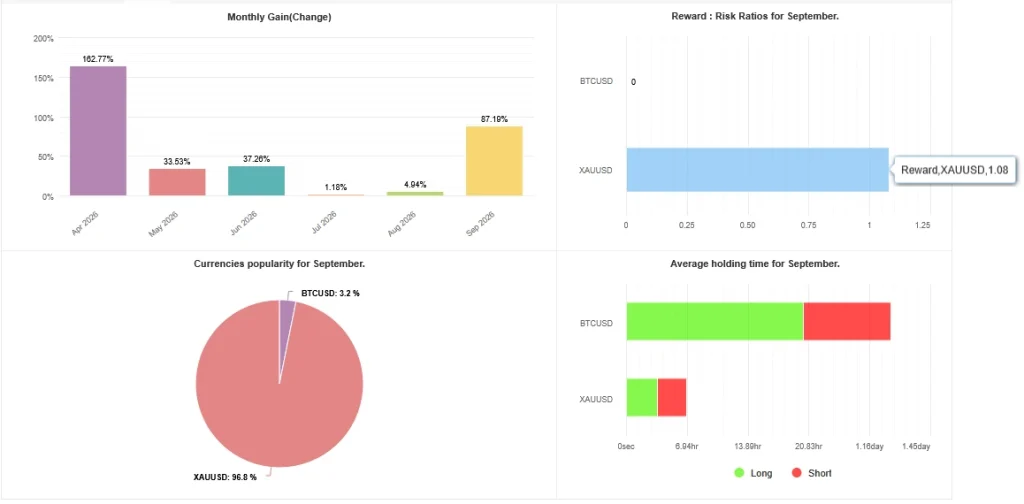
The account showed 857.24% gain, 23.17% drawdown and $128,587.18 profit from $15,000 in deposits, with no withdrawals displayed. It listed 580 trades and a 2.97 profit factor.
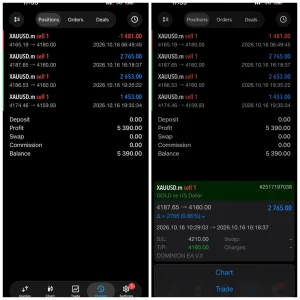
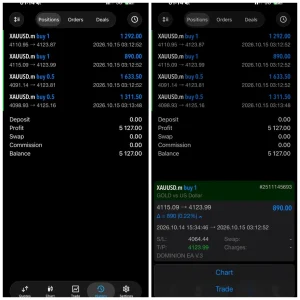
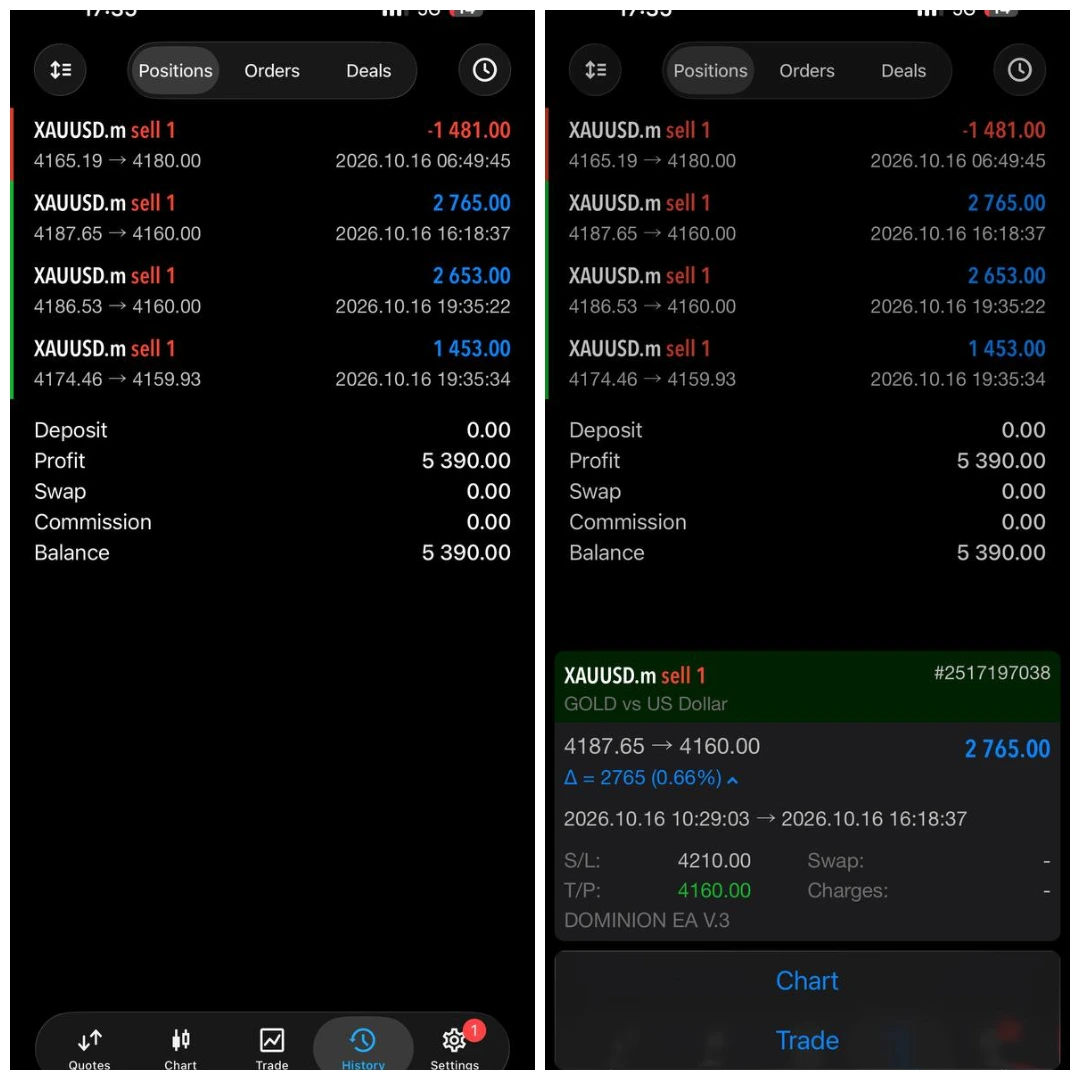
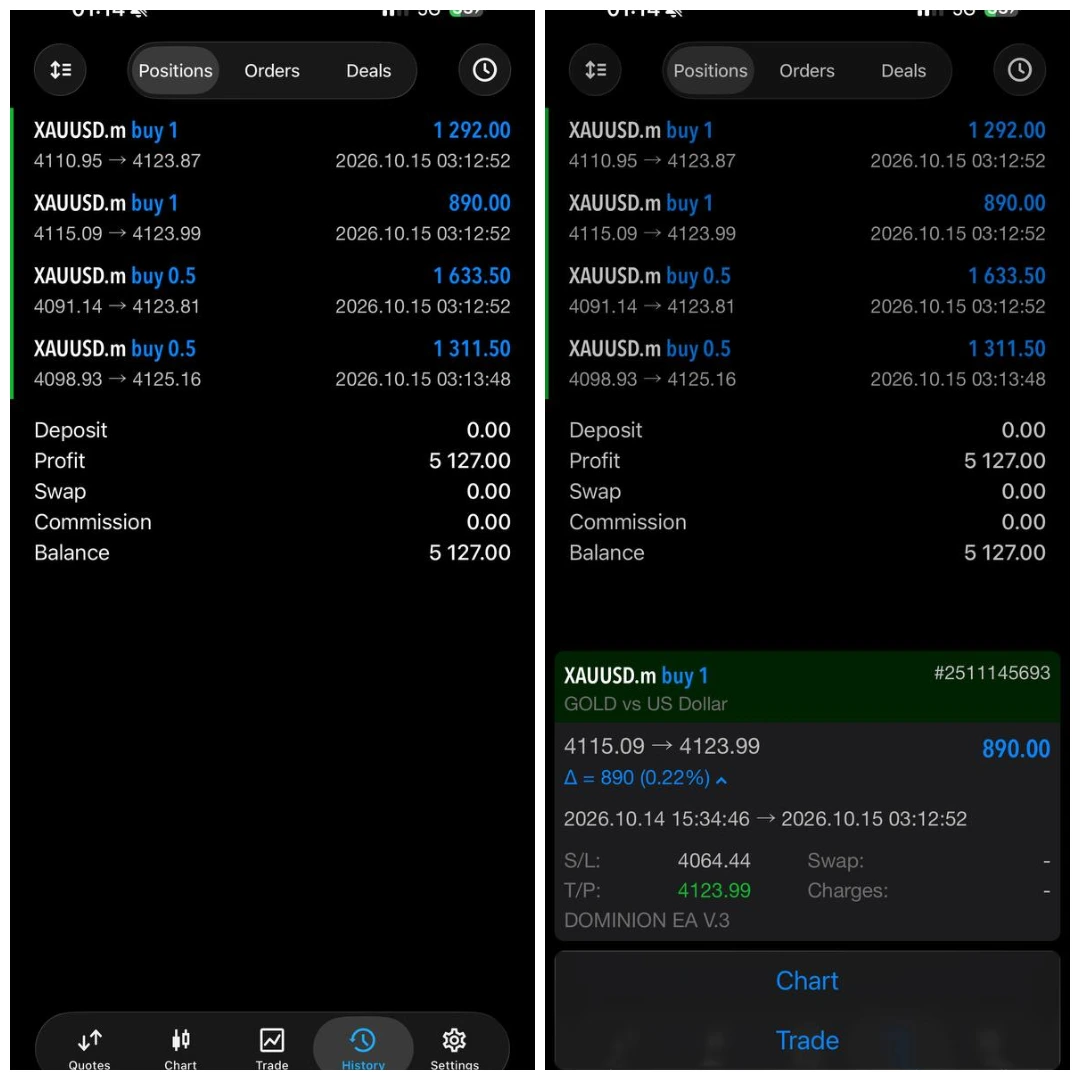
These are historical demo-account figures, not a current real-money result or a forecast for your account. The account is called “Portfolio”; its name and a shared link do not establish the exact EA release or settings behind every trade.
We have not independently forward-tested the supplied Dominion file, audited its code or confirmed that the whole portfolio uses only this EA.
What should you check in the record?
Read the return alongside drawdown, losing periods, open trades and the last update. A profitable final balance does not show how difficult it may have been to hold the positions along the way.
A historical 23.17% drawdown is not a maximum future loss limit. Different risk settings and market conditions can produce a larger decline.
Our
forex drawdown guide explains why open losses matter when reviewing a trading robot.
How to use Dominion SET files
A SET file is a saved group of EA inputs. It can make configuration easier, but you should still read the values it loads.
- Match the preset to your EA release.
- Confirm its intended symbol and timeframe.
- Check fixed-lot or automatic lot sizing.
- Review maximum positions and any additional-entry options.
- Check stop, exit and account-loss settings where available.
- Confirm the broker’s symbol names and contract details.
- Test the setup before allowing live trades.
For example, a preset designed around a larger account may create too much exposure on a smaller account. Loading it successfully does not establish that its trade size suits your balance.
Follow our
guide to loading a SET file in MT5 for the platform steps.
Timeframe, deposit and broker requirements
Use the requirements attached to your version and preset. Public stores give conflicting chart recommendations, and they do not establish one verified minimum balance for every Dominion configuration.
A broker’s minimum deposit and the balance needed to support an EA’s exposure are different things. Lot size, contract size, leverage, stops and simultaneous positions all affect the money at risk.
Gold and Bitcoin contracts can differ between brokers. Before trading, check the minimum lot, lot step, margin requirements, trading hours, spread and minimum stop distance.
Do not select high leverage simply because a public account uses it. The account’s leverage setting does not tell you how much risk its positions take.
How to install Dominion EA on MT5
Follow your package’s installation instructions. For a file-based MT5 package:
- Open the MT5 desktop terminal you will use.
- Select File → Open Data Folder.
- Copy the supplied MT5 EA file into MQL5 → Experts.
- Return to MT5 and refresh Navigator → Expert Advisors.
- Open the chart and timeframe specified for your preset.
- Attach Dominion EA to the chart.
- Open Inputs → Load and select the matching SET file.
- Review the loaded settings and complete any required activation.
- Enable trading permissions when ready to test.
- Check the Experts and Journal tabs for errors.
See our
MT5 EA installation guide for more help.
Do not enable DLL imports simply because another store’s generic guide tells you to. Follow the actual file’s requirements.
Risks to understand before trading
Position size: A small price move can create a large money loss when the volume is high.
Multiple positions: Several open trades can increase total exposure. Review the whole account rather than one order.
Broker execution: Spread changes, slippage, commissions and swaps can change results.
Market conditions: A setting that performed well in one period may lose in another.
Technical interruptions: A disconnected terminal cannot continue running its EA logic normally.
Preset changes: Changing lot sizes or additional-entry settings can substantially change the risk.
A stop or drawdown-control feature does not guarantee an exact exit price during a gap or fast market.
Delivery and support
Check the purchase terms for delivery timing, activation, permitted accounts, updates and support coverage.
Our
Delivery & Downloads page explains general order-access procedures. For a setup problem, contact
Product Support with your order number, EA version, MT5 build and error message.
Never share your trading-account password. Read our
refund and returns policy before purchasing.
Frequently asked questions
What is Dominion EA MT5?
It is an automated trading tool for MetaTrader 5. This package includes SET files to help configure its inputs.
Are SET files included?
Yes. Review the purpose and risk settings of each included preset before use. A preset does not install or activate the EA.
Which markets is it promoted for?
The publisher-linked channel identifies Gold and Bitcoin. Use matching instructions for your supplied setup rather than assuming every market is supported.
Is the Myfxbook account real or demo?
The linked mennity Portfolio page was labelled Demo when checked on 18 October 2026. It should not be presented as a verified real-money Dominion account.
Does Dominion use grid or martingale?
Public descriptions conflict. The complete logic has not been independently established here. Check additional-position, lot progression and exit behaviour in the supplied release before trading.
What is the best timeframe?
Use the timeframe specified for the exact preset and EA release. This page does not promise one universal chart setting.
What is the minimum deposit?
There is no verified universal amount established here for the supplied configuration. A retailer’s stated starting balance is not proof that a preset suits that balance.
Can I use Dominion EA on MT4?
This offer is for MT5. An MT5 file cannot run as an MT4 EA. A separately supplied MT4 edition would be a different package.
Can I use it on my phone?
Custom EAs run through a compatible desktop or hosting environment. Mobile MT5 is not where you install the EA file.
Do I need a VPS?
A compatible VPS may help keep the terminal connected when your computer cannot stay online. Confirm the package requirements and hosting compatibility.
Is it approved for prop-firm accounts?
Do not assume approval from a store category or product description. Check the firm’s current rules on EAs, open positions, news and drawdown.
Does this package include unlimited accounts or lifetime updates?
Only if those terms are stated in the written offer. Account limits, software duration, updates and support are separate details.
Why is the EA not opening trades?
Check the chart setup, connection, permissions, activation and terminal logs. It may be waiting for its conditions. Do not increase lot size as a way to fix a missing-trade problem.
Will my results match the public portfolio?
Not necessarily. The release, presets, account type, costs and trading dates may differ. A public account is evidence to inspect, not an earnings promise.
Choose your setup with the right information
Before buying Dominion EA MT5 + SET Files, review the package details, understand the loaded risk settings and check the limits of the public performance evidence.
Ask a product question
Risk notice: Forex and CFD trading can cause substantial losses. Automation does not remove market risk. Historical demo results and backtests do not guarantee future profits.