How does IS Scalp Hunter trade Gold?
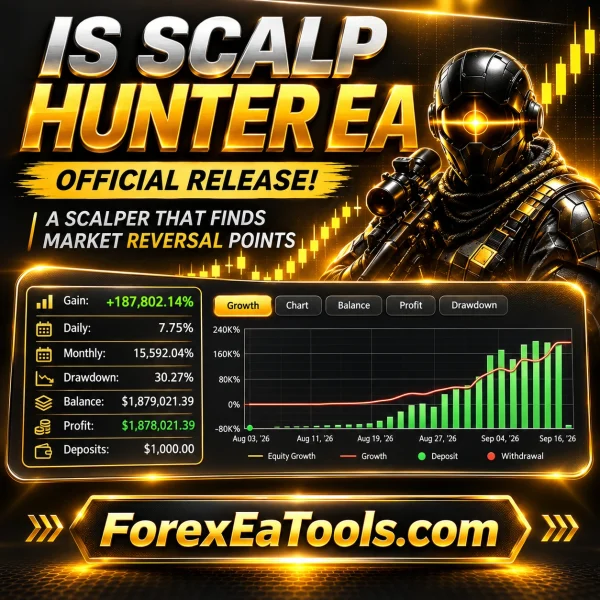
IS Scalp Hunter is marketed as a MetaTrader 4 Expert Advisor that looks for short moves after a possible reversal in Gold. Published descriptions mention a stop loss on each position. The entry formula and the behaviour of every preset have not been independently verified for the file sold here.
A stop loss defines an intended exit level. The actual fill can differ if price moves quickly. To understand the risk, check the stop distance, lot size and how many trades can remain open at the same time.
Setup at a glance
| What to check |
Setup information |
| Platform |
Desktop MetaTrader 4 |
| Main market |
XAUUSD (Gold) |
| Starting chart |
M5 is the most consistently listed setup. One listing also mentions M1; confirm what your file or preset requires. |
| Broker symbol |
Use the Gold symbol shown in your terminal, including any suffix, and confirm the EA recognises it. |
| SET files |
Check the exact file list. A SET file contains saved inputs and must match the EA version. |
| Dependencies |
Confirm whether the supplied build requires any libraries, activation or external access. |
Why broker costs matter for Gold scalping
A strategy that aims for small price moves can be sensitive to spread and commission. Slippage is the difference between the price requested and the price received. Check these costs during the hours your settings allow the EA to trade. A low advertised spread alone does not establish that the broker is suitable.
If the preset uses a trading-hours filter, check which clock the input uses before changing it. A reference to the US session does not tell you what hour to enter on your broker’s server.
What is the minimum deposit?
Several listings mention
$1,000, but that amount is not verified as a universal requirement for this package. Check the minimum lot, Gold contract size, margin, intended stop distance and how many orders the setup may open. A deposit on a demo account does not tell you how much to fund a live account.
For compatibility help, send
Product Support your broker, MT4 build, account type and Gold symbol. Keep your trading password private.
Myfxbook demo results
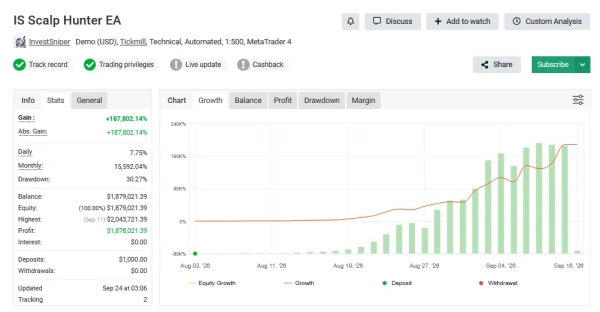
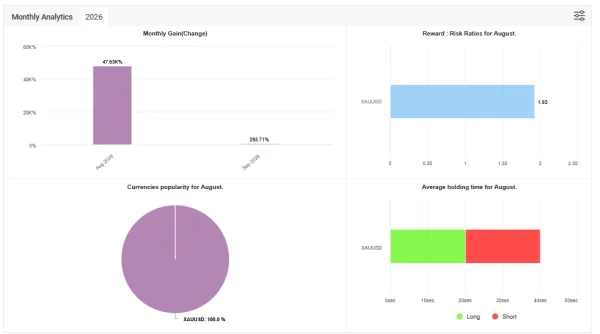
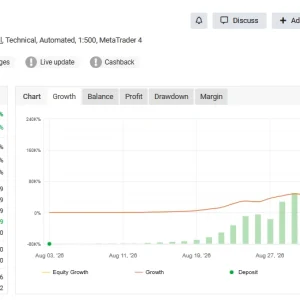
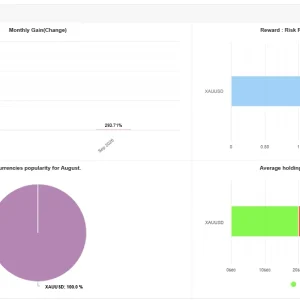
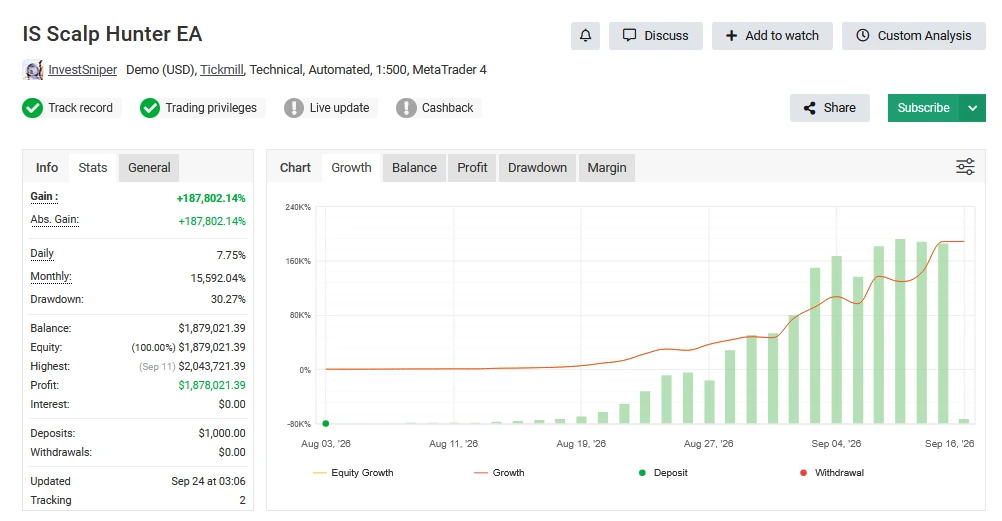
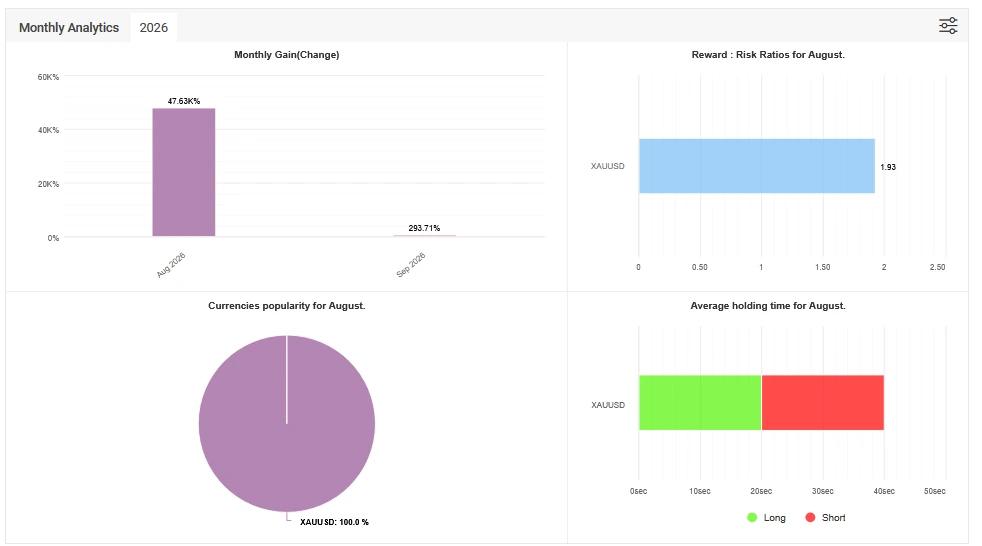
View the InvestSniper IS Scalp Hunter EA account on Myfxbook.
An indexed Myfxbook profile lists this account as
Demo and shows
30.27% drawdown in the indexed snapshot. This is historical account information. The current account page could not be checked directly, so we are not quoting a current growth figure or making a verification claim.
Use the record to ask better questions: How long did the account run? Do the lot sizes and settings match your intended setup? Are open losses visible? Do the costs resemble your broker’s? A demo can help you study the strategy, but it does not establish the same results on a live account or on the file supplied here.
How to install IS Scalp Hunter in MT4
For a standalone EX4 package:
- Open desktop MT4 and choose File → Open Data Folder.
- Copy the EA into MQL4 → Experts and refresh Expert Advisors in Navigator.
- Open your broker’s Gold chart on the timeframe specified for your release.
- Attach the EA. If a matching preset is supplied, choose Inputs → Load and review trade size, stops and trading hours.
- Check the Experts and Journal tabs. Use a supported demo account first and turn on AutoTrading only when you are ready to let the EA place orders.
See the
MT4 Expert Advisor installation guide for folder locations, preset loading and troubleshooting. Only enable DLL imports if the supplied instructions explicitly require them.
Frequently asked questions
Should I use M1 or M5?
M5 is the commonly published setup. Follow the instructions for your supplied file and preset rather than assuming both periods produce the same trades.
Are SET files included?
Only if the package details list them. Check the preset name and intended chart before loading it.
Will it work on MT4 build 1478 or newer?
Some sellers advertise that build range. Check the build verified for your download. To find your terminal build, open
Help → About in MT4.
Does it use grid or martingale?
This was not independently confirmed for the supplied build. Check whether it adds positions or changes lot size after losses before using live funds.
Can I run this EA on MT5?
This page is for MT4. An EX4 file cannot be installed as an MT5 Expert Advisor.
Does it work for prop-firm challenges?
Check your programme’s rules on third-party EAs, scalping, holding times, news and drawdown. Neither a reseller category nor a demo result establishes approval or guarantees a pass.
Why is the EA attached but not trading?
Check AutoTrading, account connection, symbol names, spread and any trading-hours filters. Read the Experts and Journal tabs before changing settings. The EA may simply be waiting for a valid setup.
How much can I earn?
No fixed earnings can be promised. Market conditions, broker costs and your settings affect results. Losing trades and losing periods are possible.
Delivery, support and refunds
See
Delivery & Downloads for order access. For setup help, send your order number, EA version, terminal build and exact error to
Product Support. Remove passwords and private account details from screenshots. Read the
Refund Policy for eligibility and request instructions.