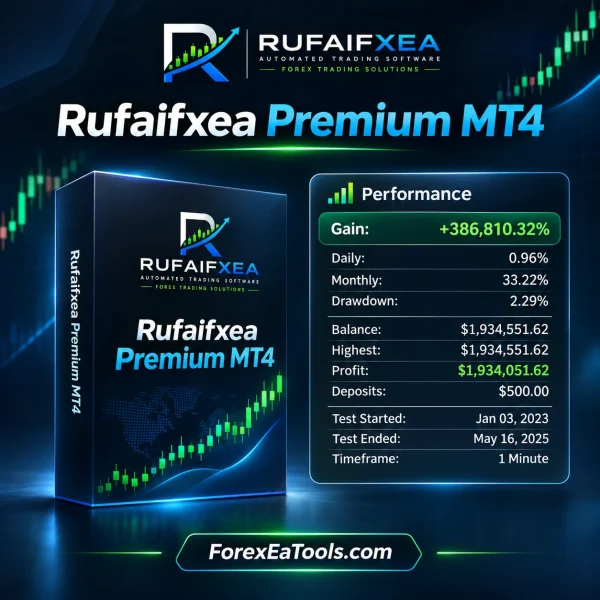
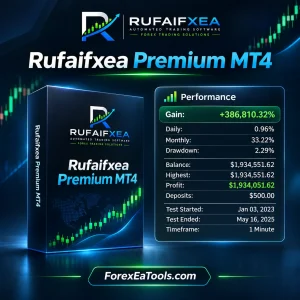
Rufaifxea Premium MT4 is marketed as an automated Expert Advisor for MetaTrader 4, with configurable trading and risk settings. Before ordering, check the supplied version, matching presets, supported chart setup and account limits. If you plan to use a funded or challenge account, confirm the firm’s rules first. Automated trading does not guarantee a profit or a passed evaluation.
Check the setup before buying
| Setup detail |
What you need to establish |
| Platform |
This listing is for MetaTrader 4 |
| EA version |
Check the delivered file; reseller pages commonly list v5.0 |
| Trading pair |
Use the symbol named in the matching package instructions or preset |
| Timeframe |
Use the chart period specified for that configuration |
| Account compatibility |
Confirm broker symbol names, account requirements and activation limits |
| Minimum balance |
Check the selected lot size, margin needs and possible combined exposure |
Some public listings say “any pair” and “any timeframe.” That does not establish a tested setup for every market. A preset should identify what it was made for, including its symbol, chart period and EA version.
How does the strategy work?
Public descriptions advertise automated trading, risk controls and news filtering, but the detailed entry rules and loss-management formula were not verified from a readable primary manual during this review.
Before using live funds, establish:
- Whether trades have individual stop losses or depend on internal exit rules.
- Whether the EA adds positions during a losing move.
- How many positions can remain open together.
- Whether lot sizes change after losses.
- How any daily limit is calculated and when it resets.
We have not audited the code or independently verified these behaviours. A setting labelled “protection” needs to be understood and tested; its name alone does not explain what it does.
MyFxBook Performance evidence
Source –
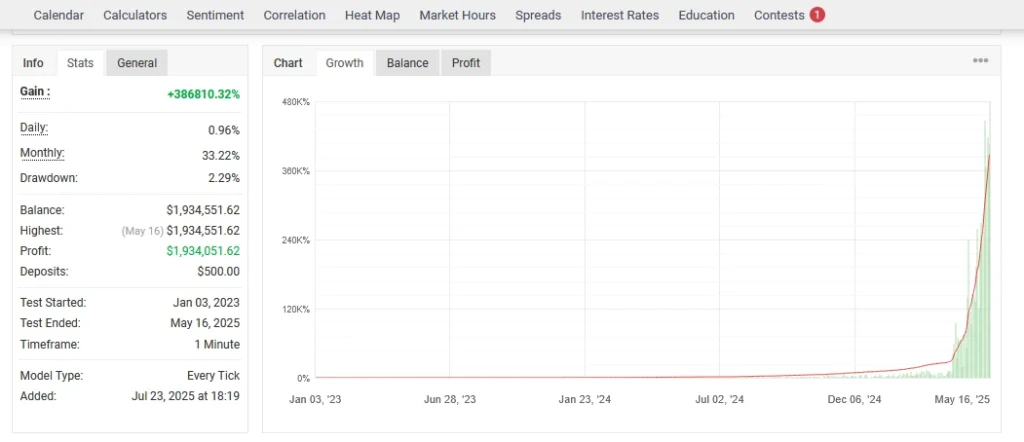
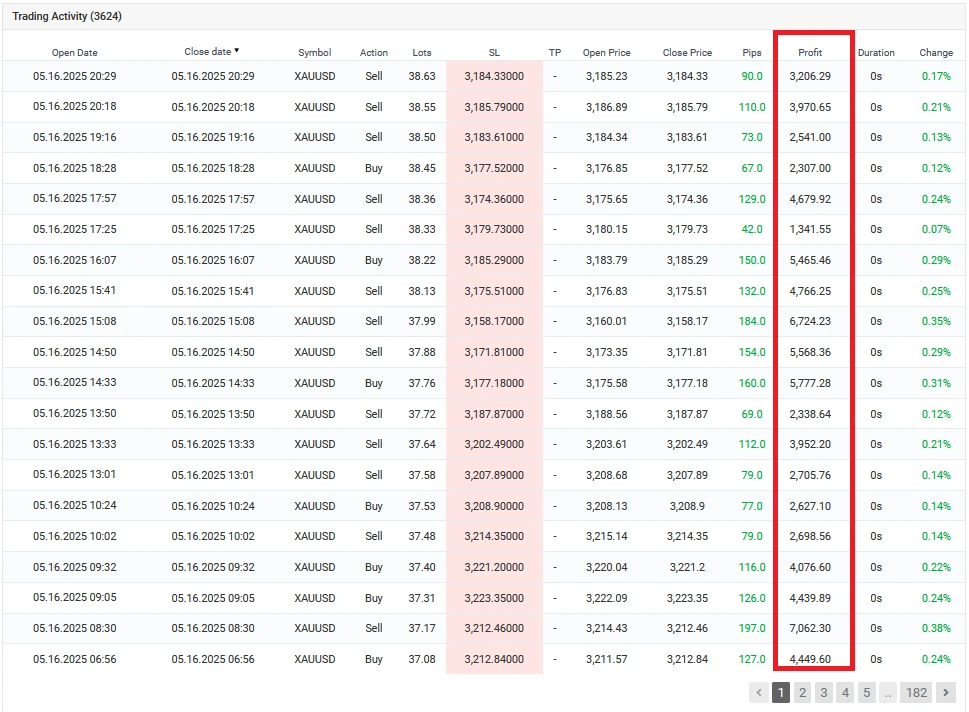
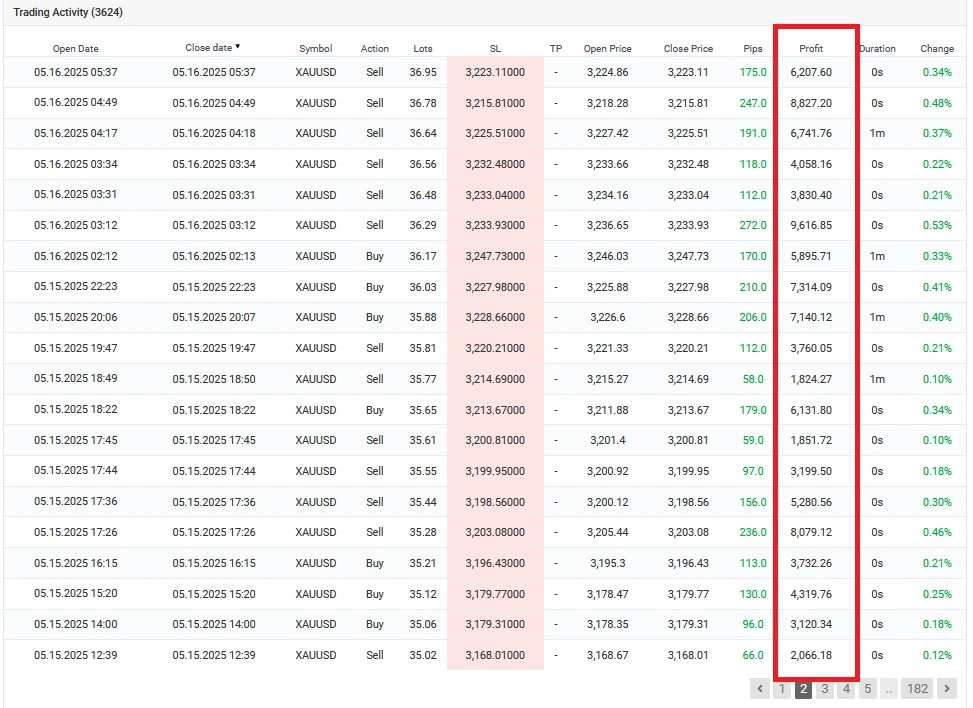
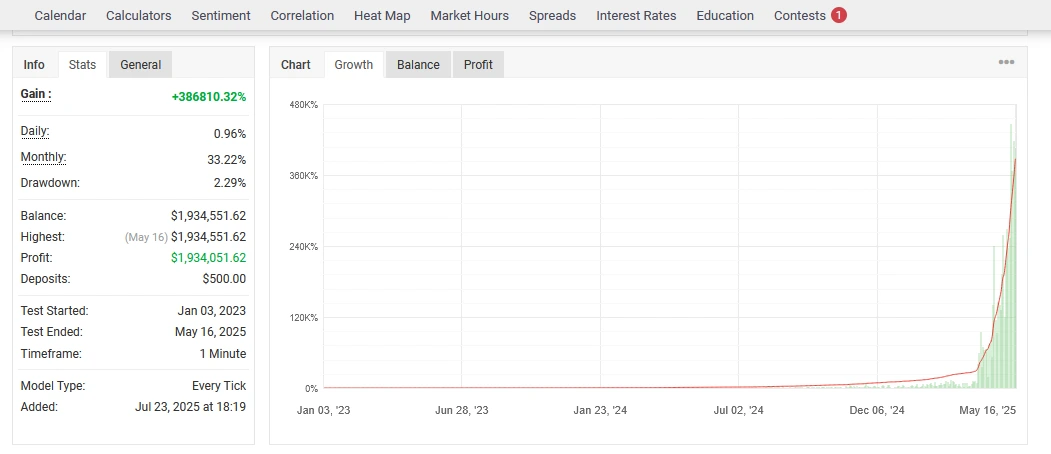
Performance evidence: historical test, not live proof
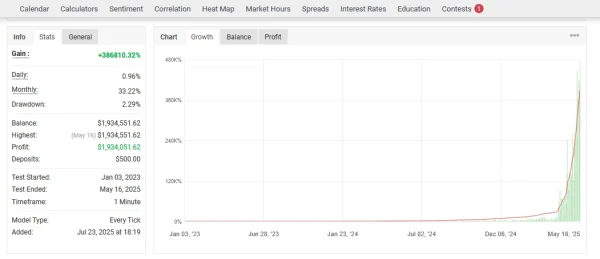
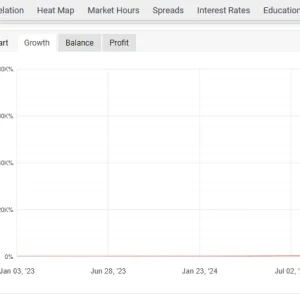
A Myfxbook report circulated with this product is titled
Real Gold EA and is published in the platform’s Strategies section. It lists a test from
January 3, 2023 to May 16, 2025, a
one-minute timeframe and the
Every Tick model.
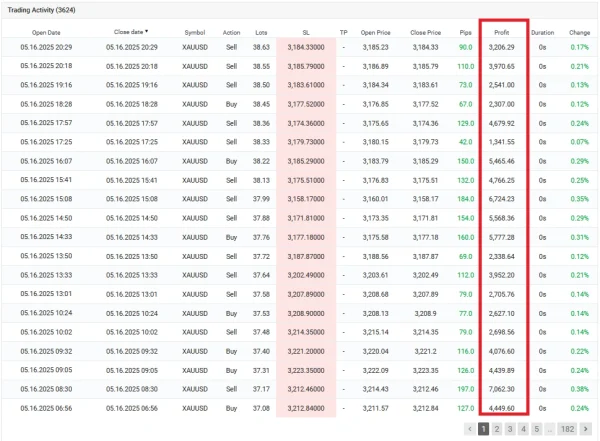
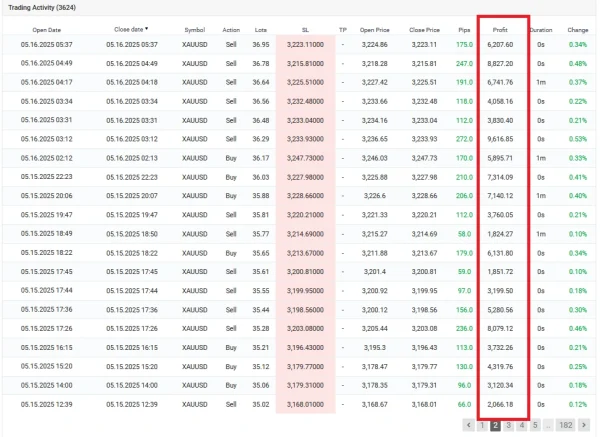
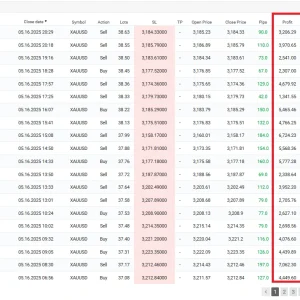
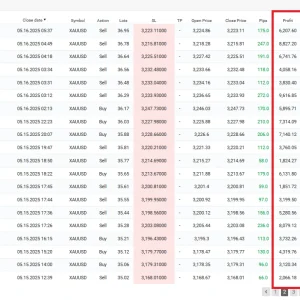
This is historical test evidence. It does not establish that the same returns were achieved on a live broker account. The report’s title also differs from Rufaifxea Premium, so the link alone does not confirm the EA version or preset used.
The report lists zero commissions and an average trade length of 10 seconds. For a test with such short trades, check whether spreads, costs and execution assumptions resemble the account you intend to use. We have not independently reproduced this report or verified its connection to the supplied EA.
Do not treat a large growth percentage or a small reported drawdown as a promise about future returns. Ask for a version-matched report and a complete account history before relying on performance claims.
Minimum deposit and broker requirements
A reliable minimum deposit for your setup has not been established. Some reseller pages list $100, but no broker-specific calculation was verified to support that figure.
Check the minimum lot, contract size, margin needed and number of positions the chosen settings can open. A broker accepting a small deposit does not show that the EA’s possible losses fit that balance.
For a compatibility question, contact
Product Support with your broker name, account type and intended symbol. Never send your trading password.
Using Rufaifxea Premium on a prop-firm account
Check the firm’s current rules before attaching the EA. Confirm whether it permits the strategy, trade frequency, news trading and use of third-party robots.
Also compare the firm’s daily-loss calculation and reset time with the EA’s settings. Check whether floating losses, fees and other trades count toward the firm’s limits. A reseller’s “prop-firm ready” label does not establish approval or guarantee a passed challenge.
How to install Rufaifxea Premium in MT4
For a package supplied as a standalone EX4 file:
- Open the desktop MT4 terminal you want to use.
- Select File → Open Data Folder.
- Copy the EA file into MQL4 → Experts.
- Return to MT4 and refresh Navigator → Expert Advisors.
- Open the symbol and chart period specified in your package instructions.
- Attach the EA and review its inputs.
- If a compatible SET file is supplied, choose Inputs → Load and inspect the imported values.
- Allow trading for the EA and enable platform AutoTrading when ready.
- Check Experts and Journal for errors.
Follow our
MT4 Expert Advisor installation guide for the full walkthrough and troubleshooting steps.
Enable DLL imports or WebRequest access only when the supplied file’s documented dependencies require them. Do not copy permissions from a generic installation block.
What should I check in a SET file?
A SET file stores inputs. It does not install the EA, activate a licence or make a risk level suitable for every account.
Check its intended EA version, symbol and timeframe. Review trade size, maximum positions and any loss-limit settings before applying it. If a value is unclear, ask for an explanation rather than assuming the preset is safe because it was supplied.
Delivery, updates and support
See
Delivery & Downloads for order access and missing-download help. Check the individual package details for included files, activation, expiry and update coverage.
For an installation problem, send
Product Support your order number, product version, MT4 build and exact error message. For a trading-behaviour question, include the symbol, timeframe and relevant settings, with private details removed.
Read the
Refund Policy before buying for eligibility and request instructions. Technical support cannot promise trading returns or reverse market losses.
Frequently asked questions
Is Rufaifxea Premium an MT4 or MT5 EA?
This offer is for MT4. An EX4 file does not run in MT5; any MT5 edition needs its own supported file and instructions.
Is version 5.0 included?
Public reseller listings mention v5.0. Check the version stated in this offer’s package details before ordering; a competitor’s version does not establish the file you receive here.
Which pairs and timeframe should I use?
Use the setup named in the instructions and matching preset for the delivered release. A verified pair-by-pair setup was not established during this review.
Are SET files included?
Only when the package details say they are. Check the filenames and their intended symbol and version.
Is the linked Myfxbook report a live account?
The Real Gold EA report reviewed is a historical strategy test. It should not be labelled as verified live performance for Rufaifxea Premium.
Does it guarantee a passed prop-firm challenge?
No. Check the firm’s rules, understand the strategy and test the settings. Trading losses and rule breaches remain possible.
Why does the EA attach but not trade?
Check AutoTrading, the EA’s trading permission, account connection, margin and error messages. It may also be waiting for an entry condition. Send the log text to support rather than changing several settings at once.
How much can I earn?
There is no reliable fixed earnings figure. Results depend on the strategy, settings, costs and market conditions. Losing trades and losing periods are possible.