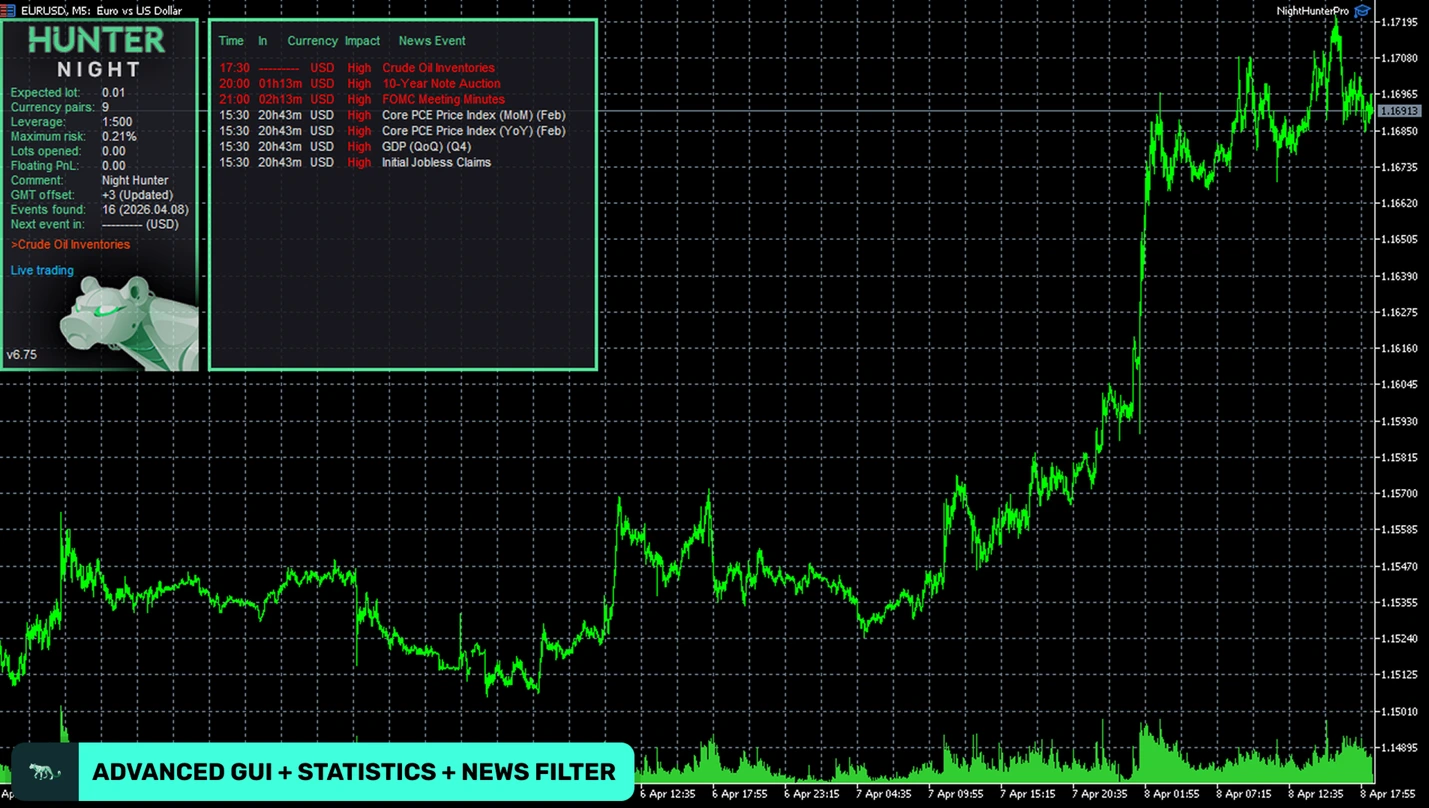
What does Night Hunter Pro do?
Night Hunter Pro looks for short forex trades during quieter market conditions. The developer describes entries placed with pending orders and a stop loss on each trade, without grid or martingale. A stop loss can still fill at a different price during a fast move or thin market.
Night Hunter Pro setup at a glance
| Detail |
Developer’s published MT5 setup |
| Platform |
Desktop MetaTrader 5 |
| Starting chart |
One M5 chart; EURUSD recommended |
| Listed pairs |
GBPUSD, EURUSD, EURCHF, USDCAD, USDCHF, CHFJPY, AUDCAD, EURCAD and EURAUD |
| Account type |
Hedging |
| Broker conditions |
Low spread and slippage around rollover |
| Presets |
The developer says the recommended settings are stored in the EA; no separate SET file is needed for that setup |
| Continuous operation |
Developer recommends a VPS for uninterrupted operation |
The chart you attach the EA to is not the same as the list of pairs it can trade. Check the symbol input after attaching it. If your broker calls a pair EURUSD.a, for example, use the symbol name shown in your terminal. Follow the pair list for your supplied build rather than assuming an “All Pairs” signal name describes this package.
Why rollover conditions matter
Rollover is the broker’s daily changeover. When liquidity is thin, the gap between buy and sell prices can widen. If a strategy targets small moves, a wider spread or a worse fill can change the outcome. Check your actual spreads, commission and order execution near the EA’s trading window. A broker’s “ECN” or “Raw” label alone does not tell you what you will pay.
How to install Night Hunter Pro in MT5
For a standalone EX5 package:
- Open desktop MT5 and select File → Open Data Folder.
- Copy the EA to MQL5 → Experts, then refresh Expert Advisors in Navigator.
- Open one EURUSD M5 chart and attach the EA once.
- Check the broker’s symbol names and review lot sizing and the enabled pair list.
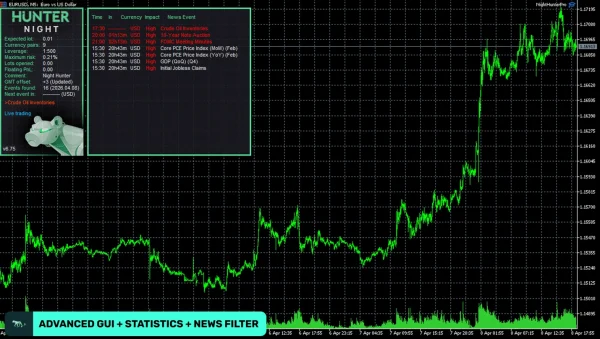
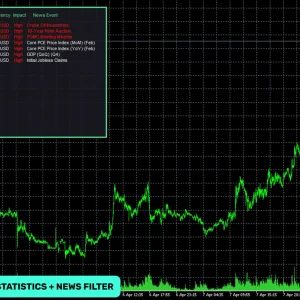
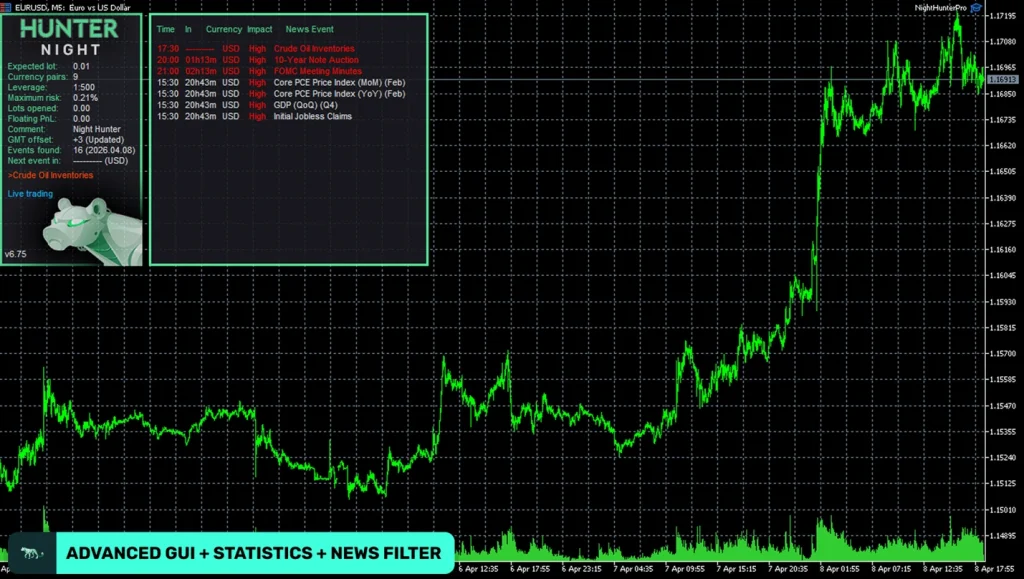
- Follow the supplied release’s instructions for WebRequest permissions used by the news filter and automatic GMT detection. Check the logs for connection errors.
- Use a supported demo account first. Review the Experts and Journal tabs and confirm the setup before enabling it on a live account.
See our
MT5 Expert Advisor installation guide for file placement and troubleshooting. If your package includes a separate preset, use our
MT5 SET file guide to load it and review its inputs.
Public trading records
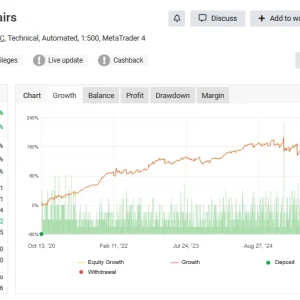
The links below are separate accounts. Compare the platform, account type, date range, enabled pairs and drawdown before comparing growth.
| Record |
How to read it |
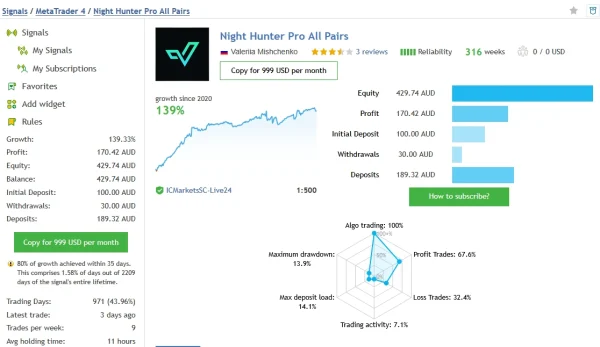
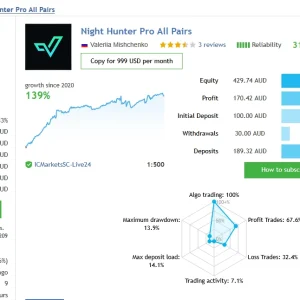
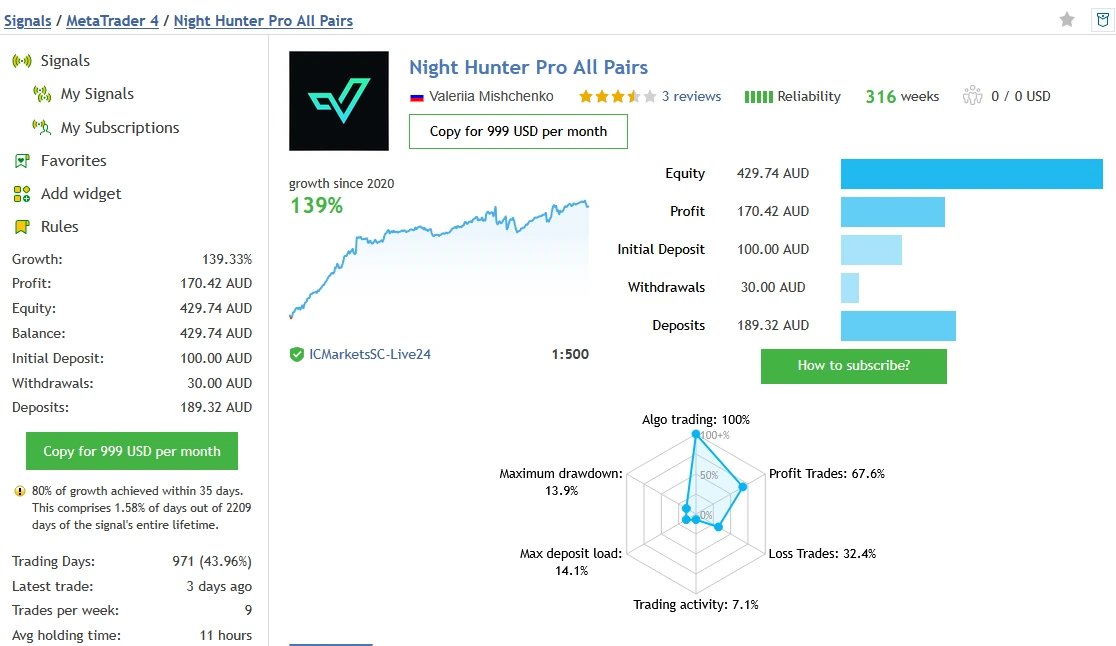
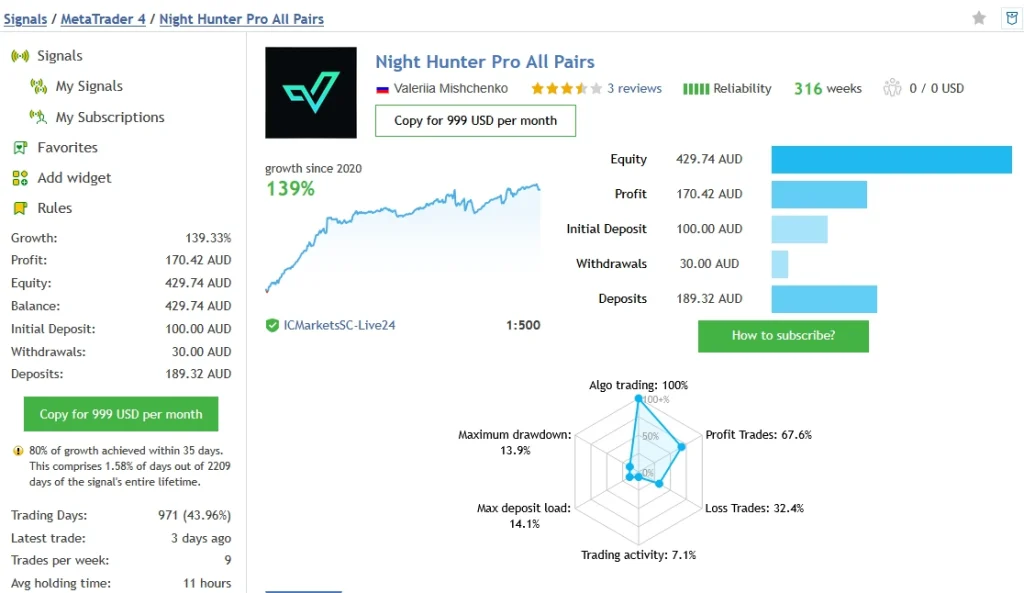
| Night Hunter Pro All Pairs — MQL5 |
MQL5 labels this an MT4 signal. It showed 139.33% growth when checked on 11 November 2026. |
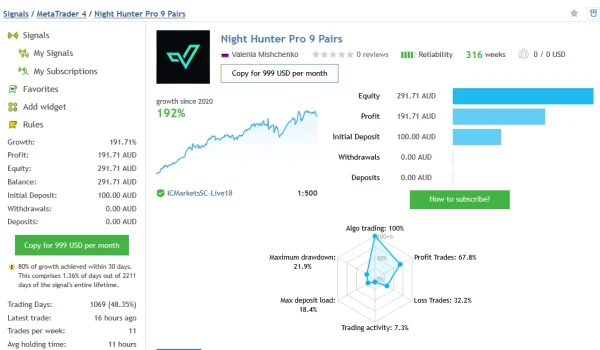
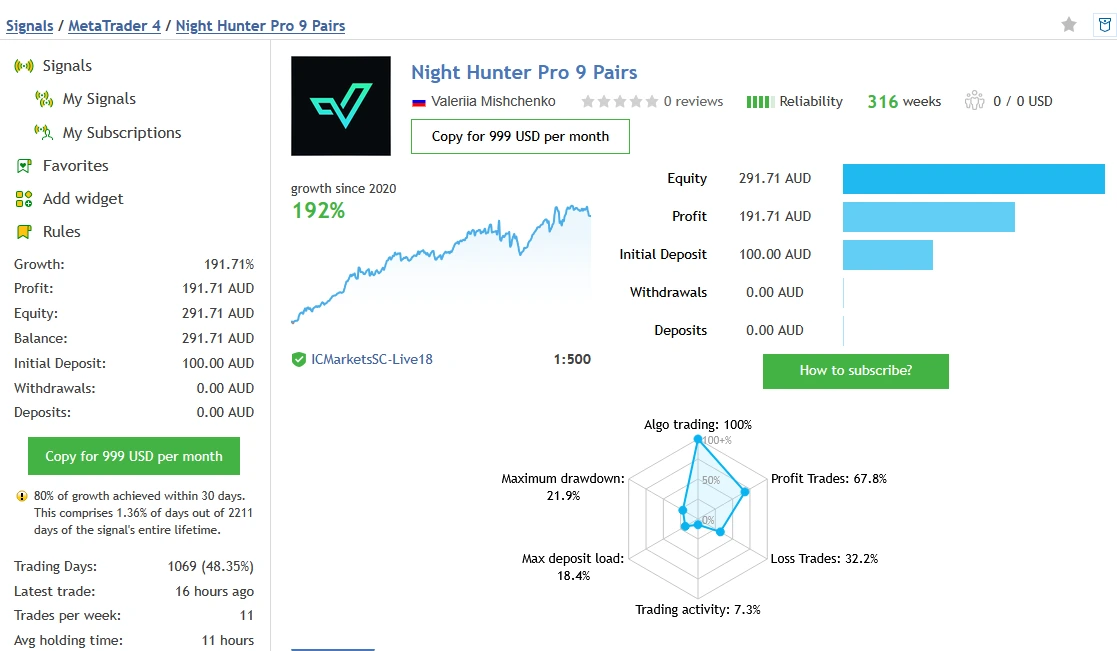
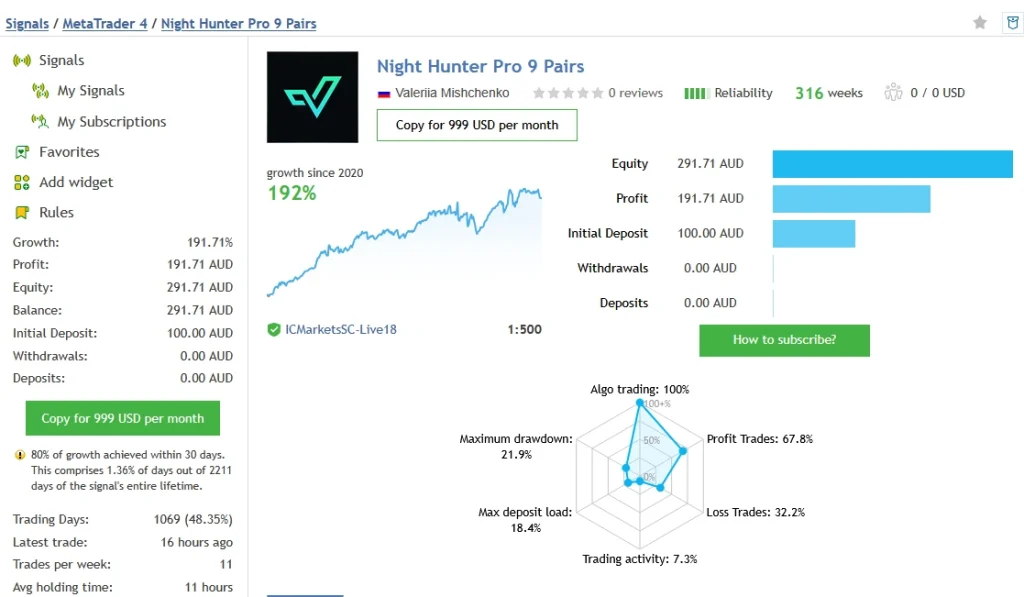
| Night Hunter Pro 9 Pairs — MQL5 |
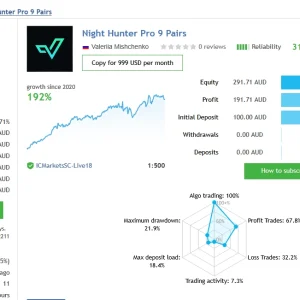
Also MT4. It showed 191.71% growth on the same date. MQL5 flagged that 80% of growth occurred within 30 days. |
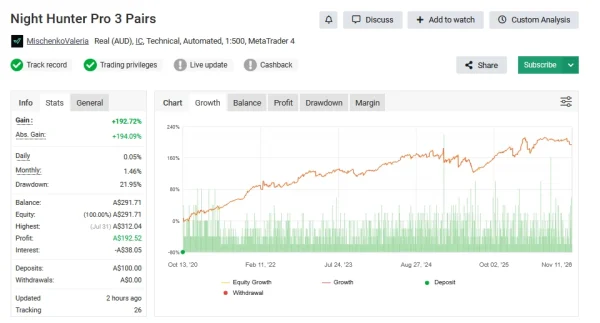
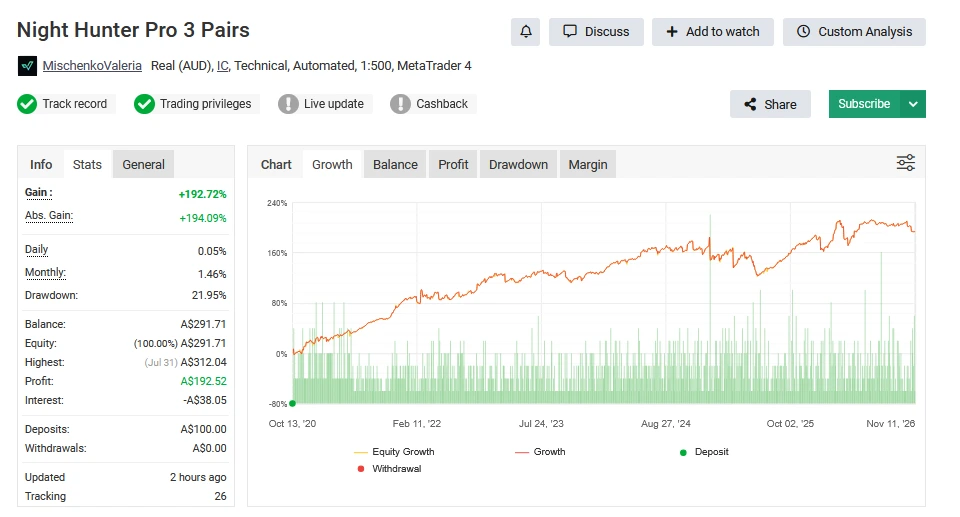
| Night Hunter Pro 3 Pairs — Myfxbook |
An indexed snapshot identified this as a real AUD MT4 account. Current figures could not be confirmed, so no return or drawdown figures are quoted here. |
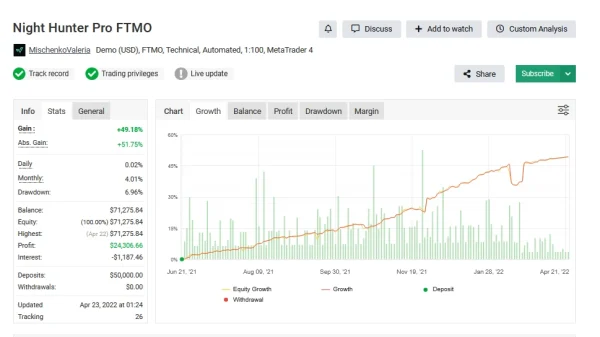
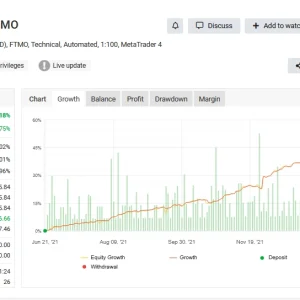
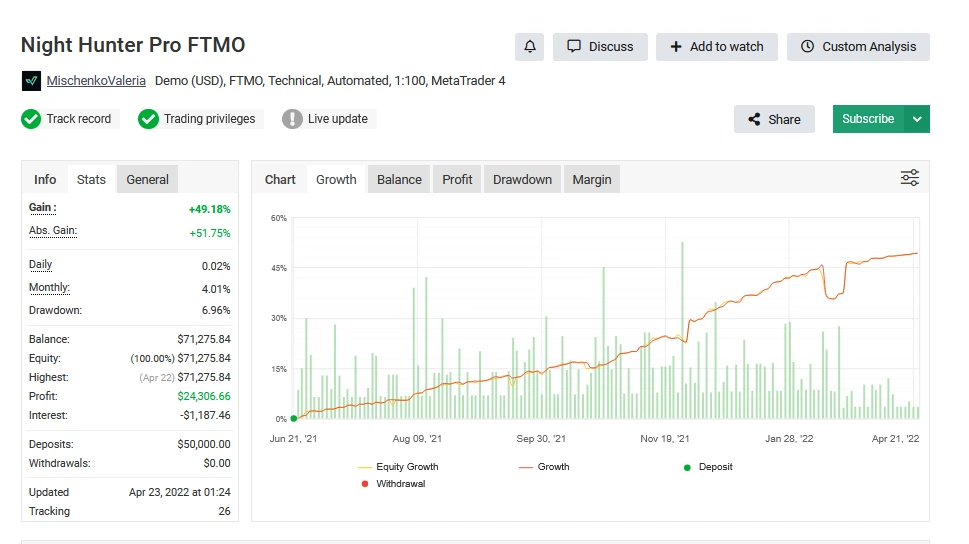
| Night Hunter Pro FTMO — Myfxbook |
Current figures and account details could not be confirmed. The account name alone does not prove funded status or that your firm’s rules allow the EA. |
These records do not show that the file sold here used the same version, broker or settings. A signal subscription is separate from buying the EA. Past results do not guarantee future returns.
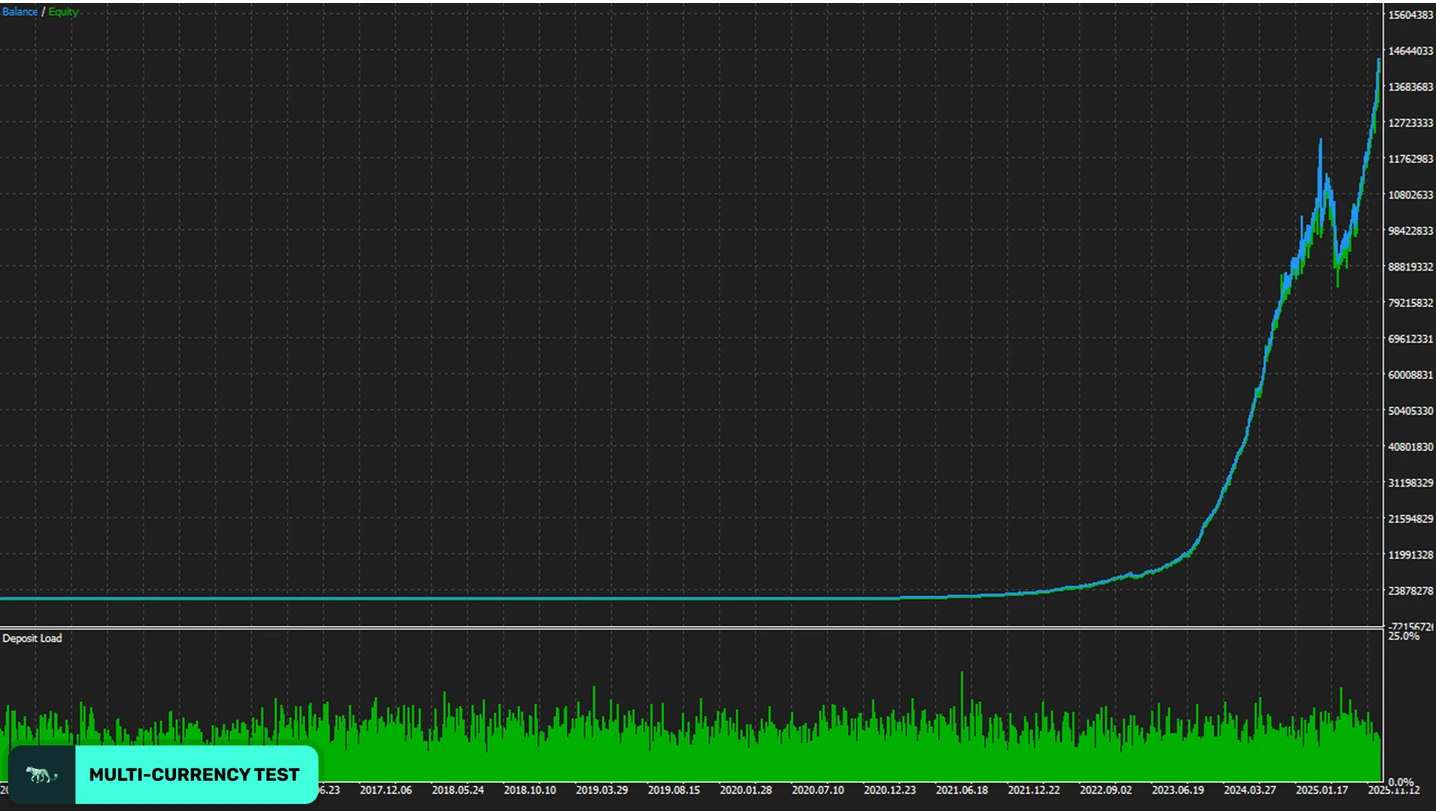
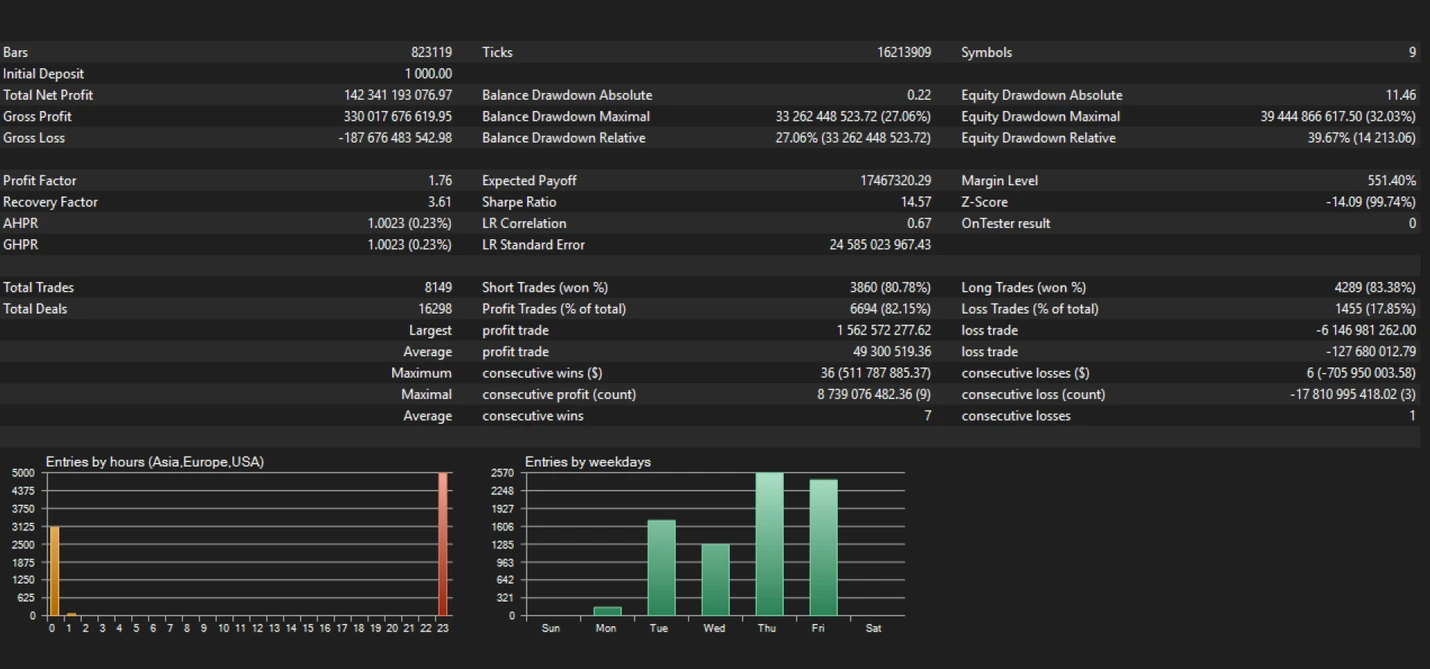
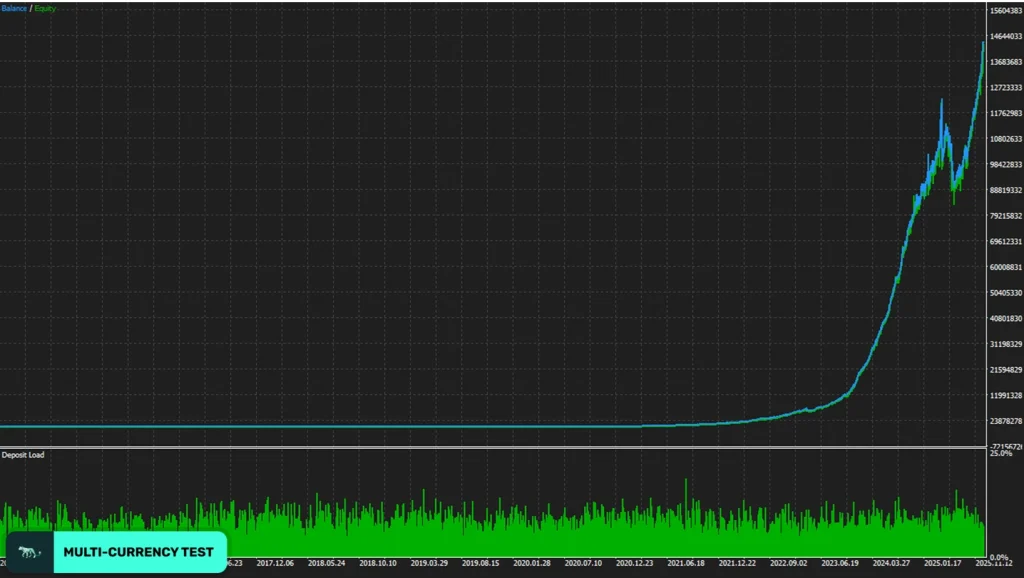
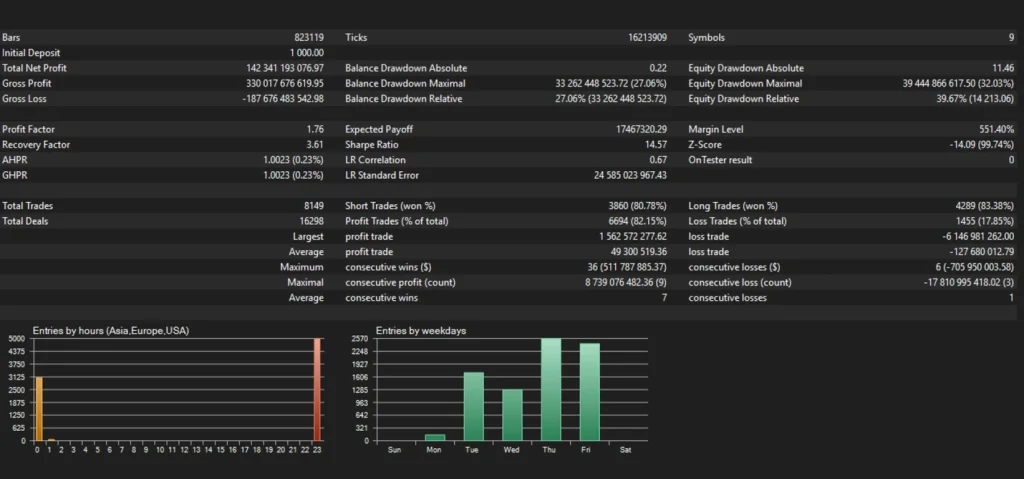
Backtest records
Delivery, support and refunds
See
Delivery & Downloads for order access. For installation help, send your order number, EA version, MT5 build and exact error to
Product Support. Remove account passwords from logs or screenshots. Read the
Refund Policy for eligibility and request instructions.
Frequently asked questions
Which version will I receive?
Check the confirmed version in the package details beside the price. The developer’s Market listing and a reseller’s offer can list different builds.
What is the minimum deposit?
No universal minimum has been confirmed for this offer. Your broker’s minimum lot, margin rules, lot-sizing mode and number of enabled pairs affect the balance needed. An initial deposit on a signal is a fact about that account, not a funding recommendation.
Can I use a netting account?
The developer specifies an MT5 hedging account. Confirm your account type with your broker before ordering.
Do I need to open a chart for every pair?
No. The developer’s setup uses one M5 chart. Check the symbol list and broker suffixes rather than adding the EA to every chart.
Are SET files included?
Only if listed in this offer. The developer’s standard setup uses internal settings. If a separate preset is supplied, check the version and purpose before loading it.
Does No DLL mean no internet access is needed?
No. DLLs and WebRequest permissions are different. Check the actual package dependencies. The developer documents WebRequest connections for the news filter and GMT detection.
Can I use it for FTMO or another prop firm?
Check your programme’s current rules on EAs, overnight trading and loss limits. A historical account or a compatibility claim does not guarantee approval or a pass.
Why is Night Hunter Pro not opening trades?
Check Algo Trading, the Experts and Journal logs, symbol names, broker time and spread filters. If the setup shows no error, the EA may simply be waiting for its trading conditions.