Algo Scalper Gain EA MT5 is marketed as an automated scalping robot for
Gold (XAUUSD) and
Bitcoin (BTCUSD) on the
M1 chart. Scalping means trading short price moves. Before ordering, check the supplied version, matching settings and broker requirements. Trade size and the way the EA handles losing positions are important parts of the setup.
Which markets and timeframe does it use?
| Setup detail |
Published listing information |
| Trading platform |
MetaTrader 5 |
| Gold symbol |
XAUUSD |
| Bitcoin symbol |
BTCUSD |
| Main chart period described |
M1 — one minute |
| Trading style |
Automated scalping |
These details come from public reseller descriptions. Follow the instructions and presets supplied with your exact file. If your broker uses a different symbol name, confirm that the build supports it before use.
Gold and Bitcoin are separate markets. A lot size or preset used for one should not be copied to the other without checking its purpose and the broker’s contract specifications.
What should I check before buying?
The supplied EA version and MT5 build
Your EA version and your MT5 terminal build are different numbers. Check the EA’s supplied version separately from the terminal build under
Help → About. If you need compatibility confirmed, send both details to support.
The settings for each symbol
If presets are included, check which file is intended for Gold and which is intended for Bitcoin. Also check the matching EA version, account assumptions and trade-size settings. A preset loading without an error does not prove it fits your account.
How losing trades are handled
Before enabling live trading, establish whether the supplied build uses individual stop losses, an internal exit rule, a combined-position exit or an account-level limit. Check how many positions can remain open and what happens if the terminal disconnects.
Do not assume “dynamic risk management” explains those details. We have not independently audited the EA’s code or verified its loss-control behaviour for this page.
Minimum deposit and broker requirements
A universal minimum deposit has not been verified for this offer. The required account balance depends on the settings and the broker’s minimum order size and margin requirements.
Before funding an account, check:
- The contract size and minimum lot for the selected symbol.
- Margin needed for the number of positions the EA can open.
- Spread, commission and overnight charges.
- How the setup handles losing positions and floating losses.
The smallest deposit accepted by a broker is not the same as enough capital to run a particular EA setup. If you need help identifying a setting, contact
Product Support before ordering.
Why broker costs matter for scalping
Short price targets leave less room for trading costs. Compare results after spreads, commission and other applicable fees. Check the actual entry and exit prices as well as the win rate.
For example, 20 winning trades at $1 each and one losing trade of $25 produce a $5 loss before fees. Many winning trades alone do not establish profitability.
Trading results and evidence
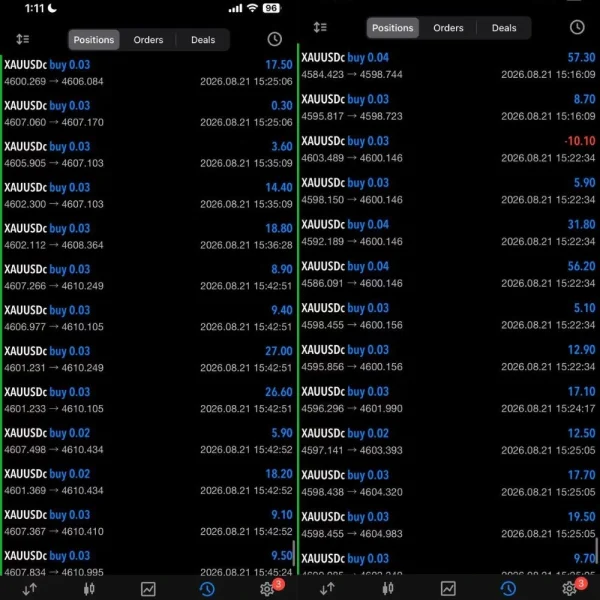
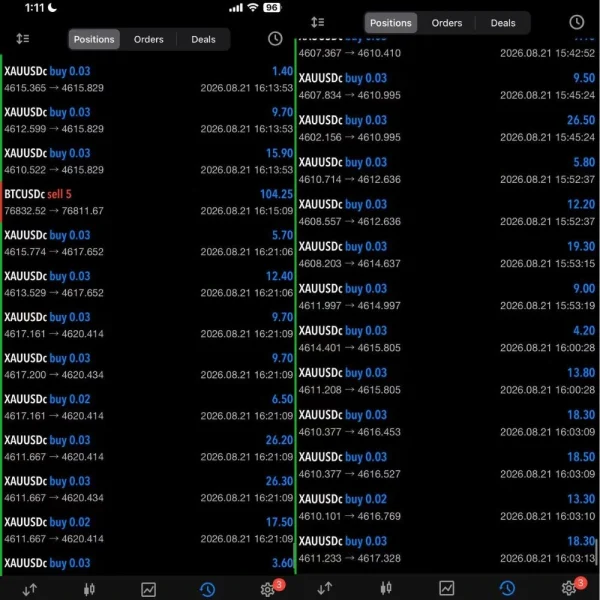
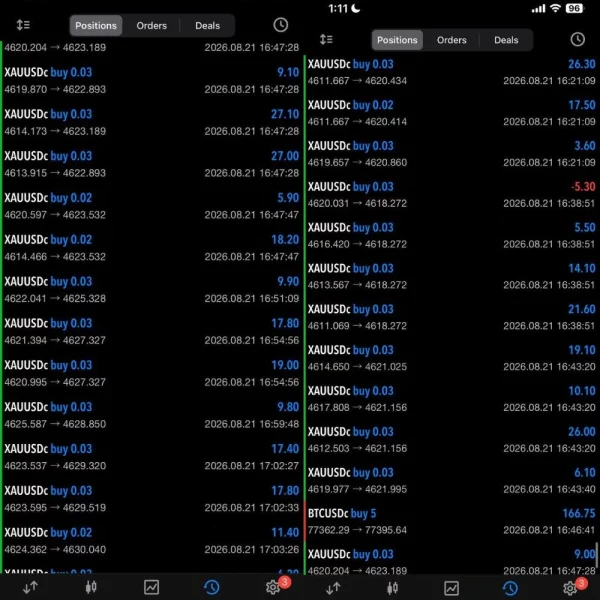
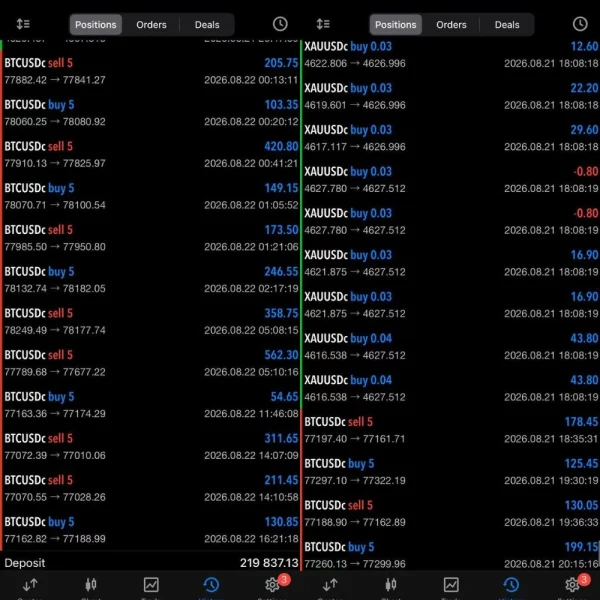
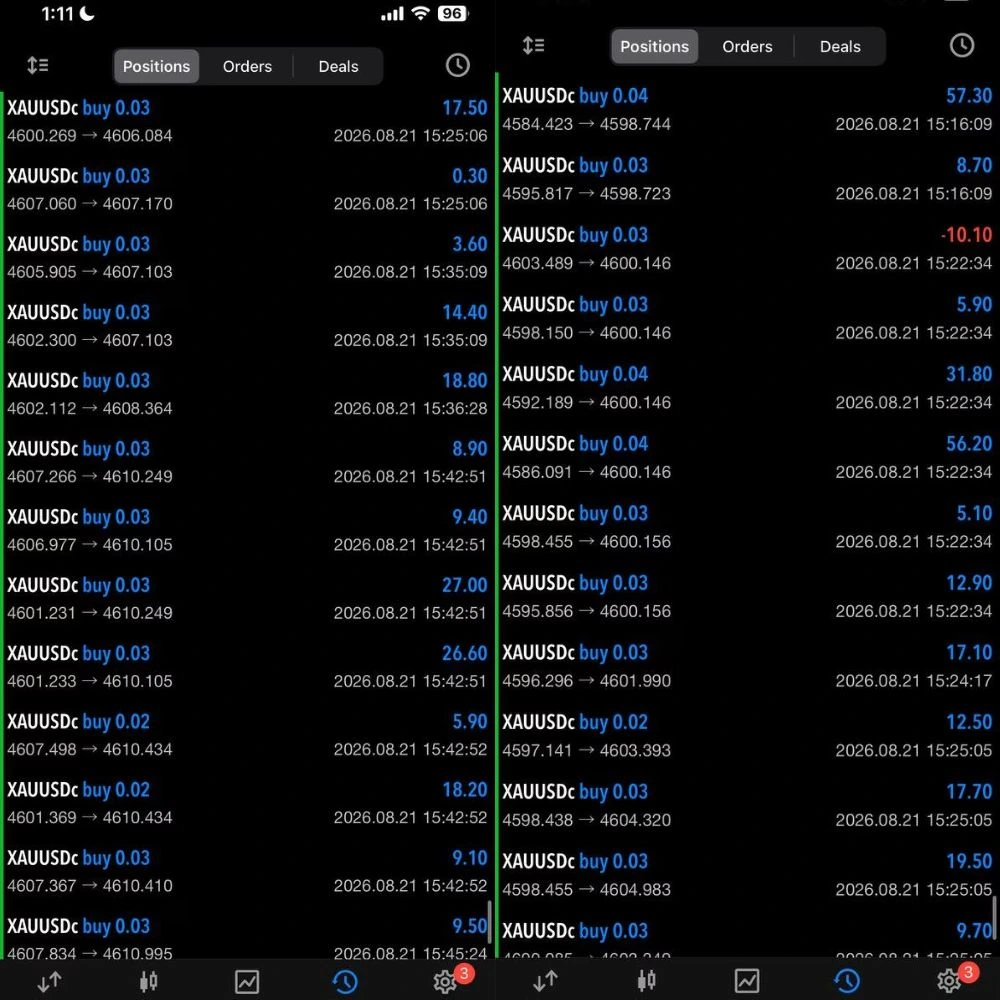
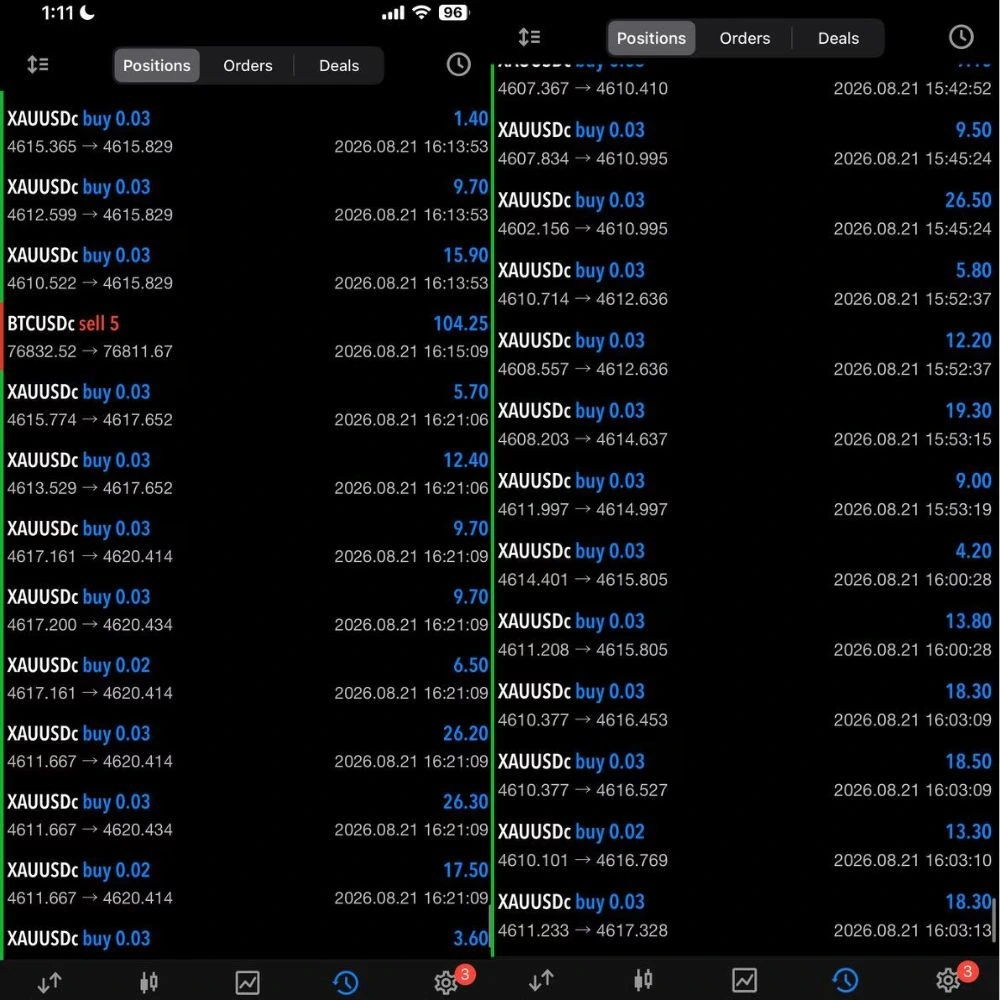
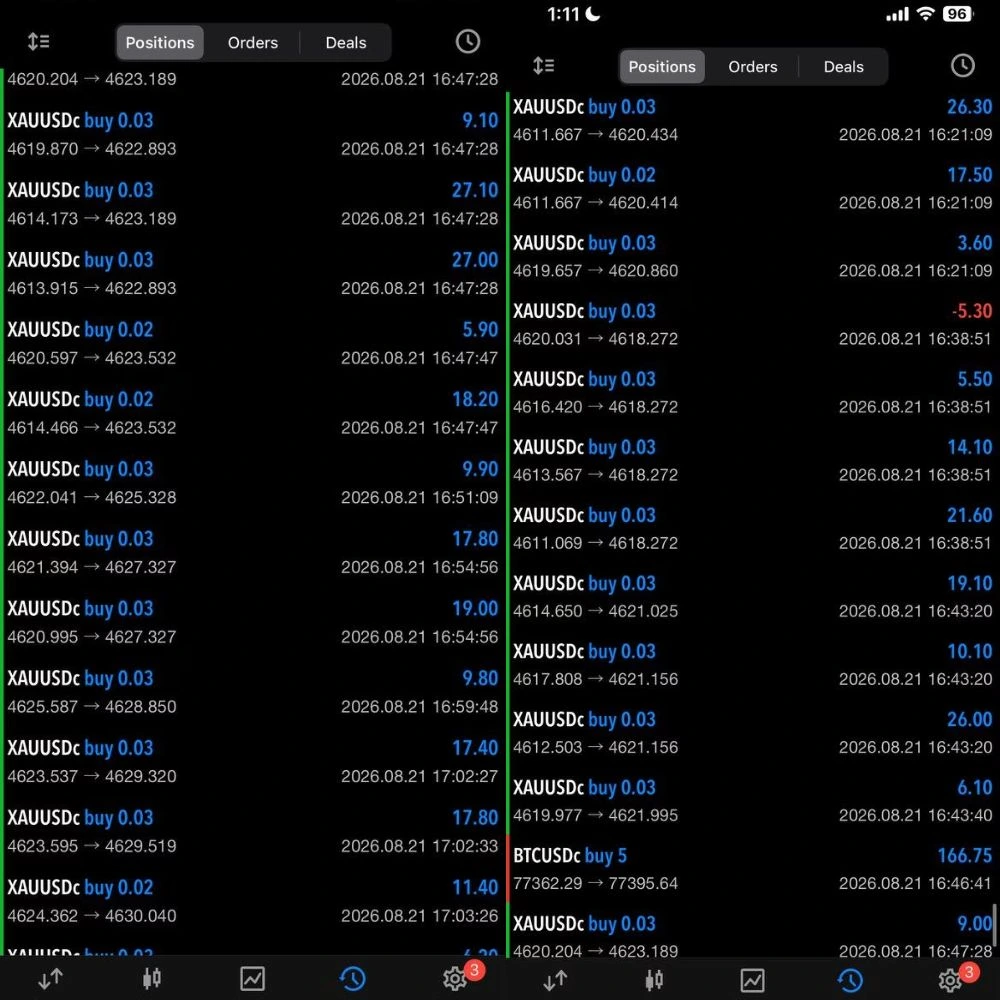
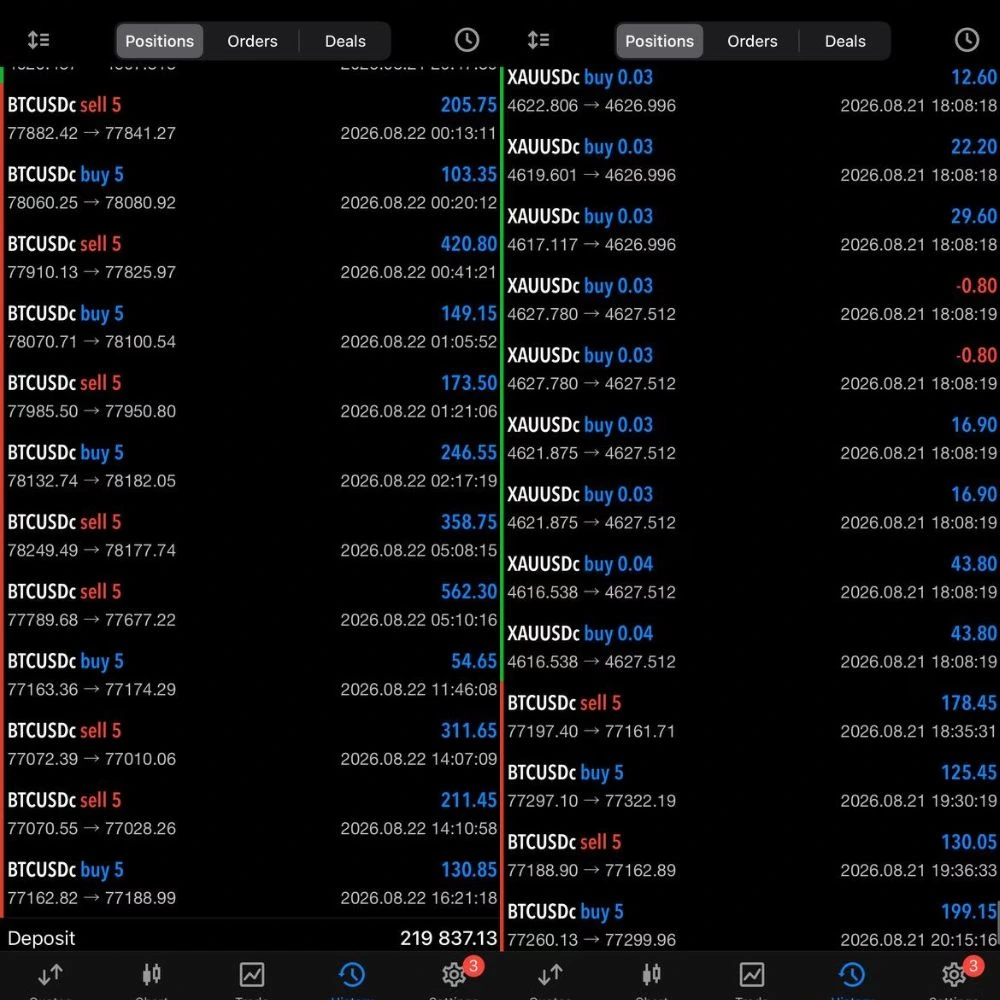
We have not independently run a performance test or verified a complete, version-matched live account record for this page. We therefore do not publish a monthly return, win-rate promise or maximum-loss claim.
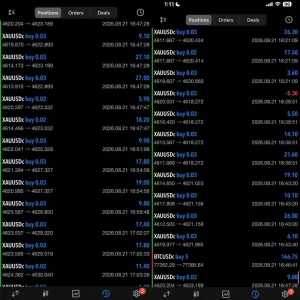
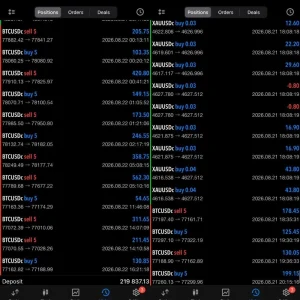
If you review a trading screenshot, check whether open losing positions are included. A list of closed winners does not show the full account position. For a backtest, look for the exact version, preset, symbol, test period, costs and equity drawdown.
Keep your test report and original settings so you can compare changes. Historical results cannot guarantee future returns.
How to install Algo Scalper Gain EA in MT5
For a package delivered as a standalone EX5 file:
- Open the desktop MT5 terminal you intend to use.
- Choose File → Open Data Folder.
- Copy the EA file into MQL5 → Experts.
- Return to MT5 and refresh Navigator → Expert Advisors.
- Open the symbol and timeframe named in your package instructions. Public listings mainly describe M1.
- Attach the EA and review its input settings.
- Load the matching preset only if one is supplied, then inspect the imported values.
- Enable automated trading when ready and check Experts and Journal for errors.
For the full walkthrough, see
How to Install an Expert Advisor in MT5. If your package includes presets, follow
How to Load a SET File in MT5.
Do not enable DLL imports just because a generic installation guide says to. Follow the documented dependencies of the actual file supplied.
Is Algo Scalper Gain right for you?
Consider it if you want to evaluate automated short-term Gold or Bitcoin trading and can test the exact setup before using live funds.
It is a poor fit if you need guaranteed income or cannot establish how losing positions are managed. New MT5 users should begin with the installation guide and a supported demo setup.
Delivery, updates and support
See
Delivery & Downloads for order access and missing-file help. Check the offer’s package information for included files, activation terms and update coverage.
For a setup problem, contact
Product Support with your order number, EA version, MT5 build, symbol and exact error text. Remove passwords and private account details from screenshots and logs.
Read the
Refund Policy before ordering for eligibility and request instructions. Setup support cannot guarantee a trading outcome.
Frequently asked questions
Which symbols does Algo Scalper Gain trade?
Public reseller listings identify XAUUSD and BTCUSD. Check the supplied presets and confirm support for your broker’s symbol names.
What timeframe should I use?
Most reviewed descriptions specify M1. Follow the instructions for your supplied file rather than switching periods based on another store’s recommendation.
Are SET files included?
Only if the package details state they are. Use a preset matched to the EA version and symbol. A SET file contains saved inputs, not the EA program.
Does it use a stop loss, grid or martingale?
Those behaviours have not been independently verified for the supplied build. Review the manual and test how the EA handles a losing position. Do not assume that fixed lot sizing means there is no grid or recovery behaviour.
Do I need DLL imports?
Confirm the requirement for the delivered file. A No DLL build should not require enabling DLL imports as a standard installation step.
Can I run it on MT4?
An MT5 EX5 file does not run in MT4. Use a separately supported MT4 edition if one exists.
Can I run Gold and Bitcoin at the same time?
Confirm the supported multi-chart setup and any trade identifiers before doing so. Test each configuration and review their combined exposure.
Can I use it on a prop-firm account?
Check the firm’s current automation, trade-frequency, news and drawdown rules. A reseller category label does not establish approval or guarantee passing an evaluation.
Why is it not opening trades?
Check the account connection, trading permissions, symbol, margin and log messages. The EA may be waiting for an entry condition. Send the error text to support instead of changing several settings at once.
How much can I earn?
There is no reliable fixed income figure. You can lose money, and results vary with trading conditions, costs and settings.