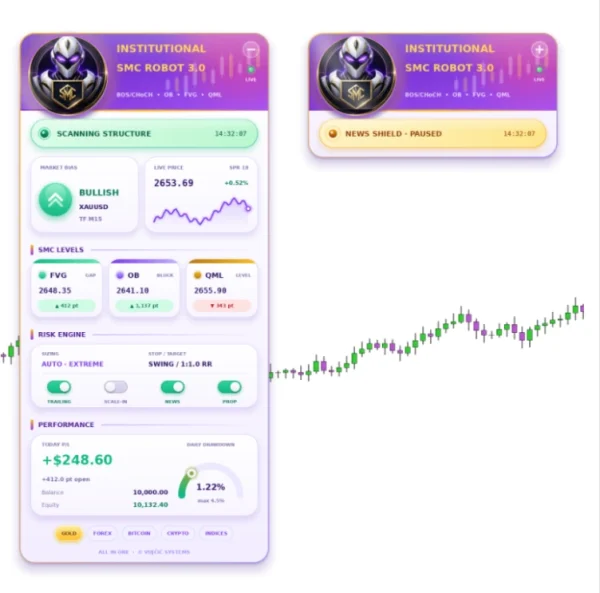
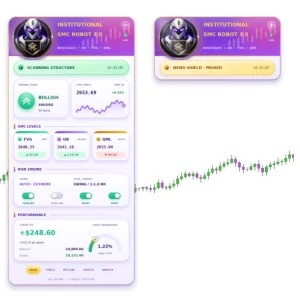
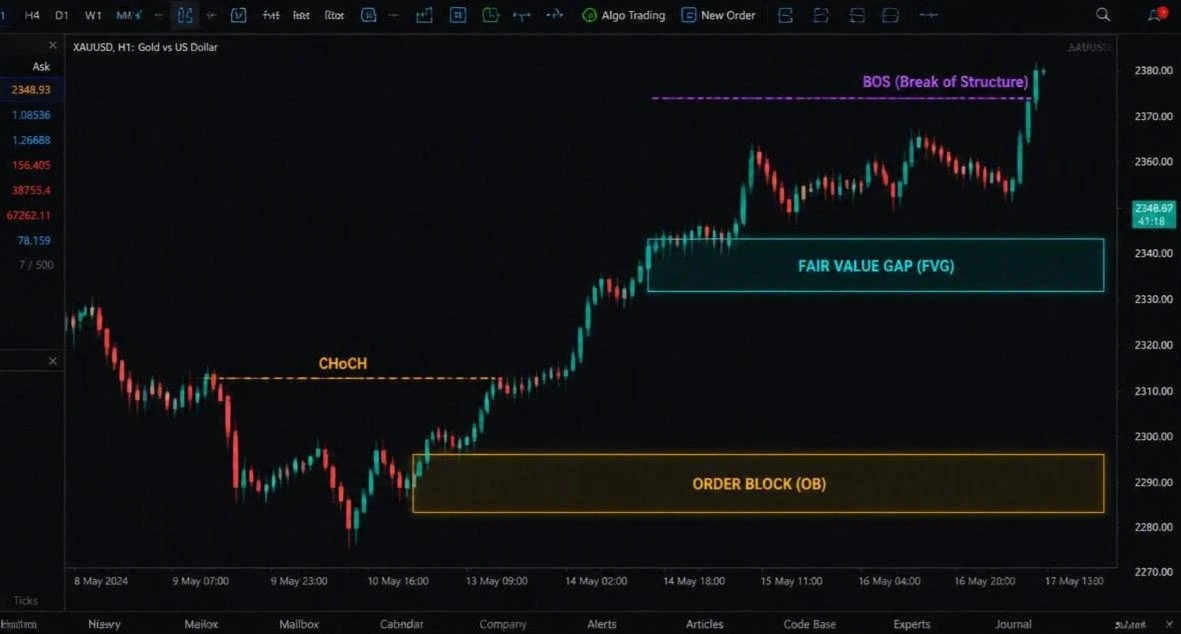
Institutional SMC Robot Eclipse MT5 + SET File brings automated Smart Money Concepts trading to MetaTrader 5. Review its price-structure approach, setup guidance and public trading records before choosing it for your account.
The included SET file stores saved inputs. Check its intended symbol, timeframe and trade size before use. A preset does not make the same risk suitable for every account.
What does the robot do?
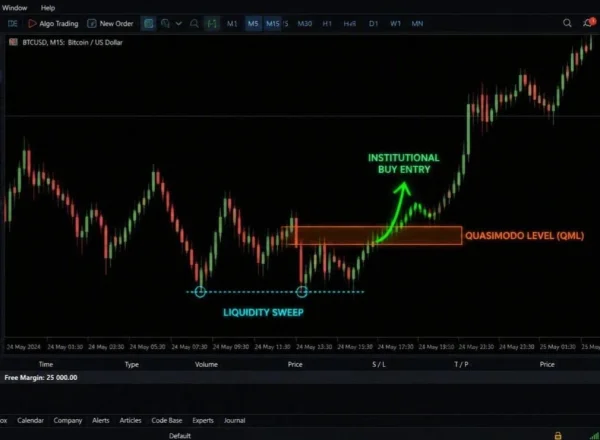
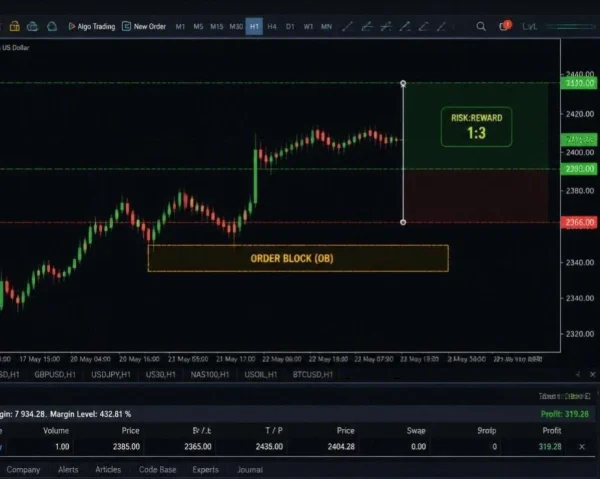
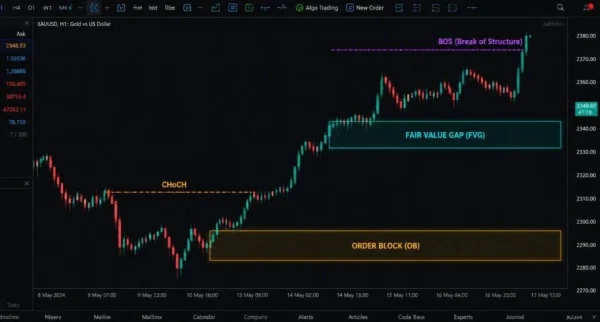
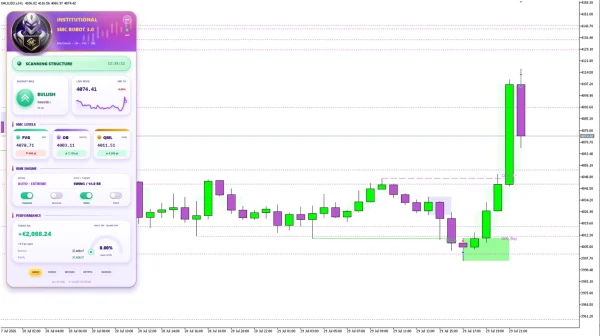
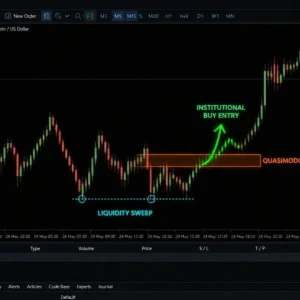
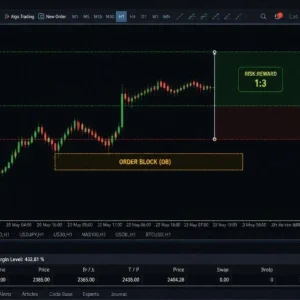
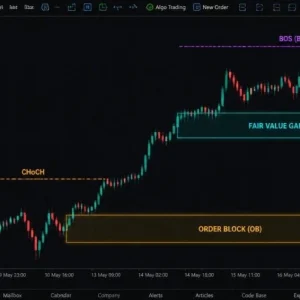
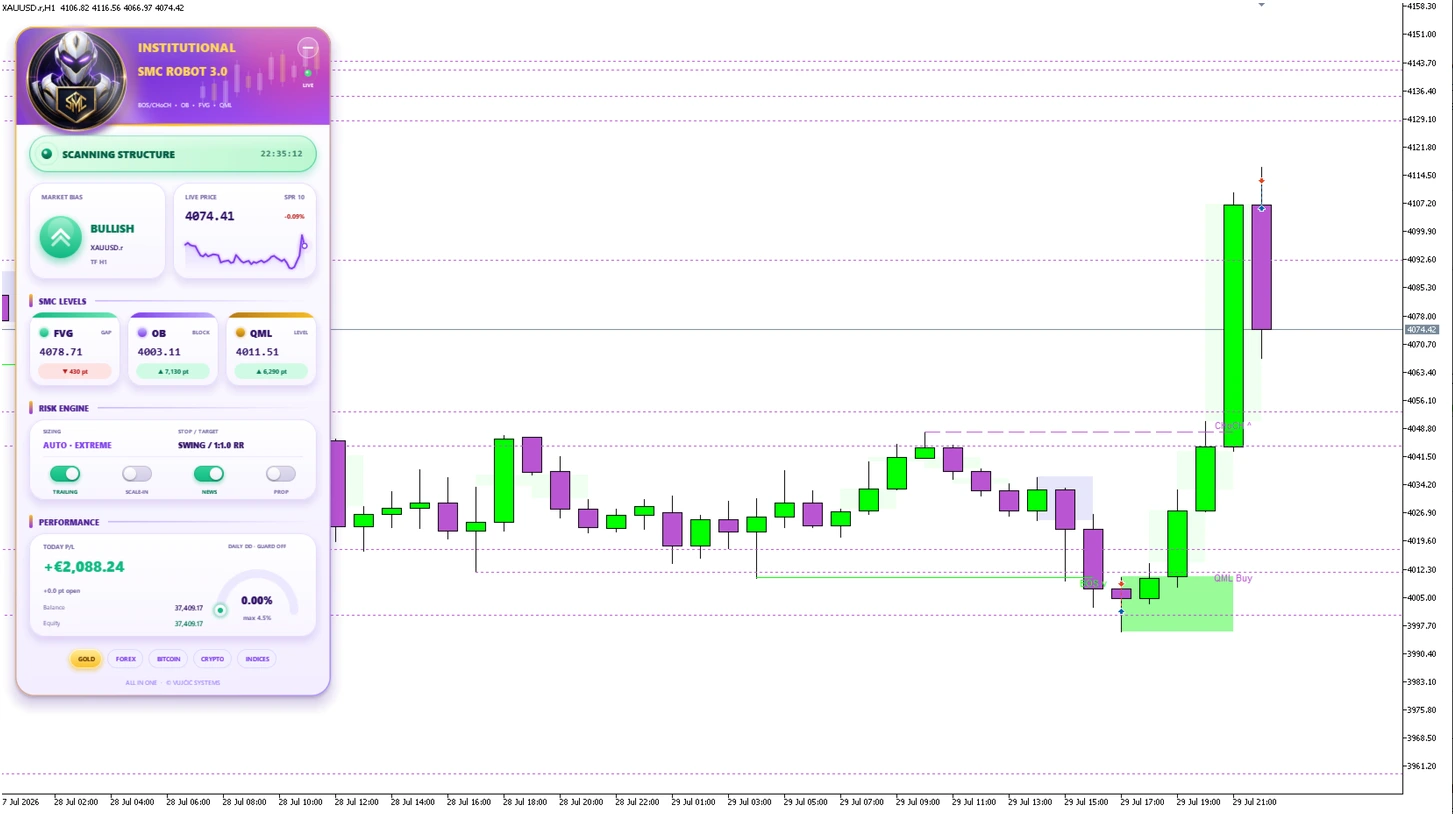
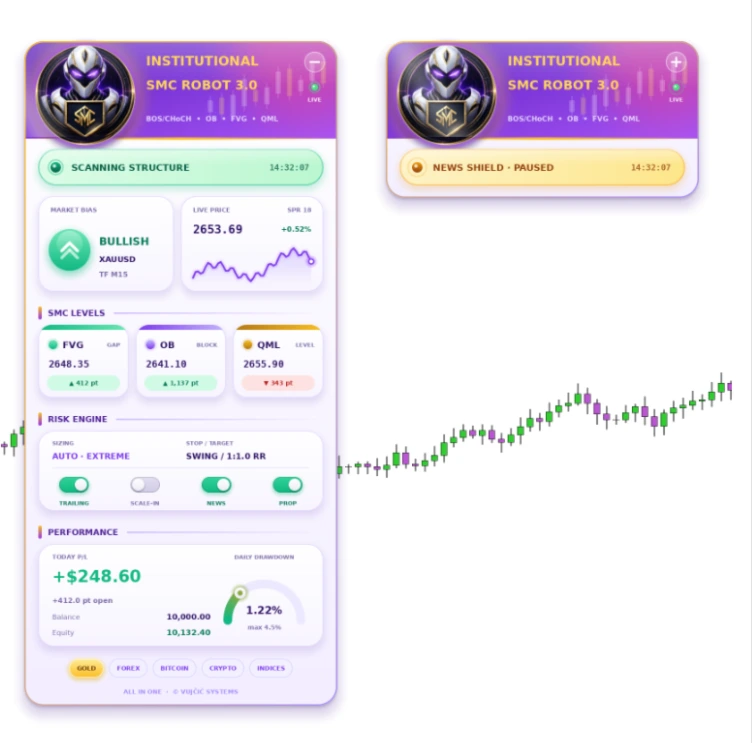
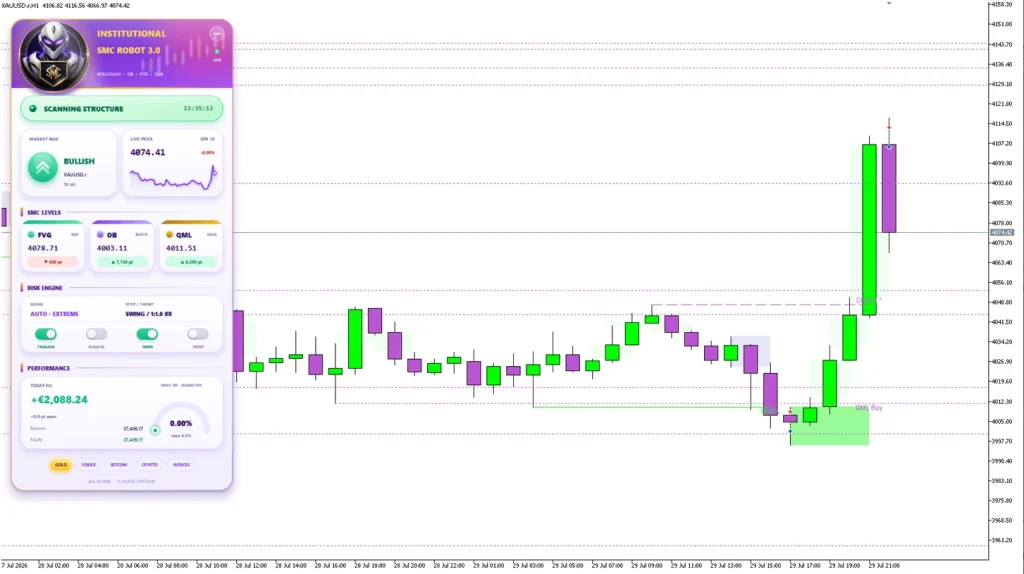
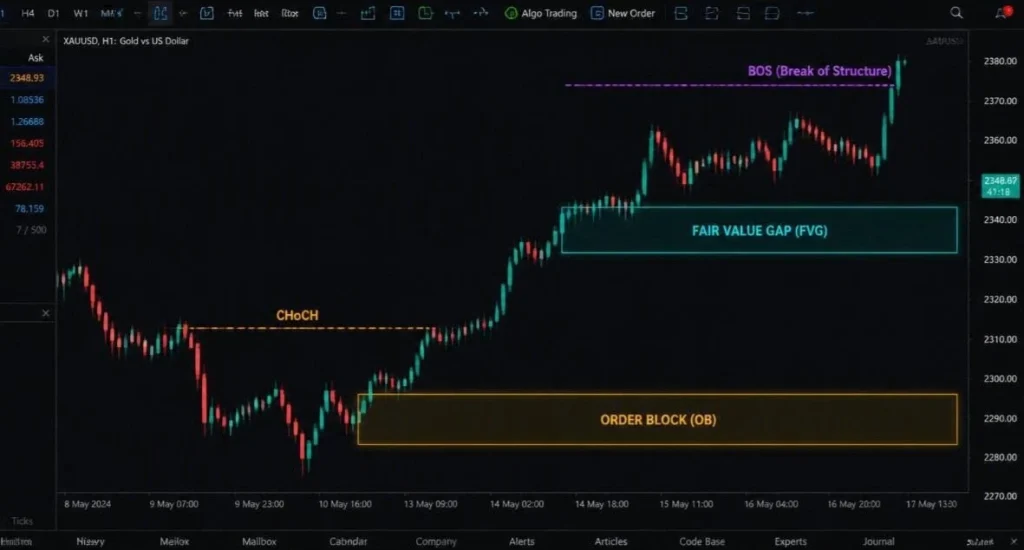
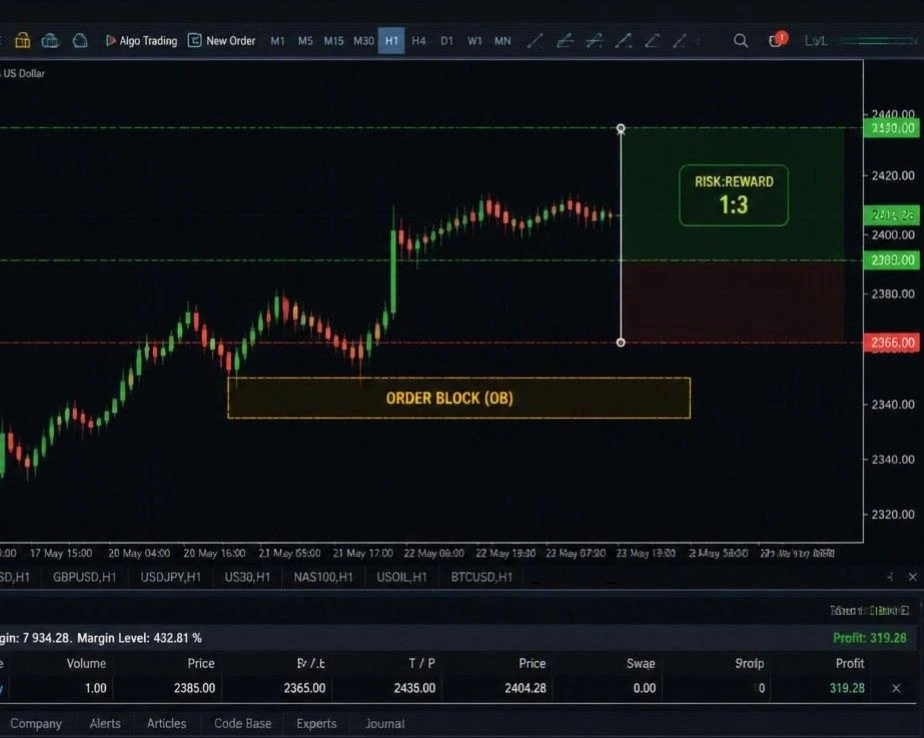
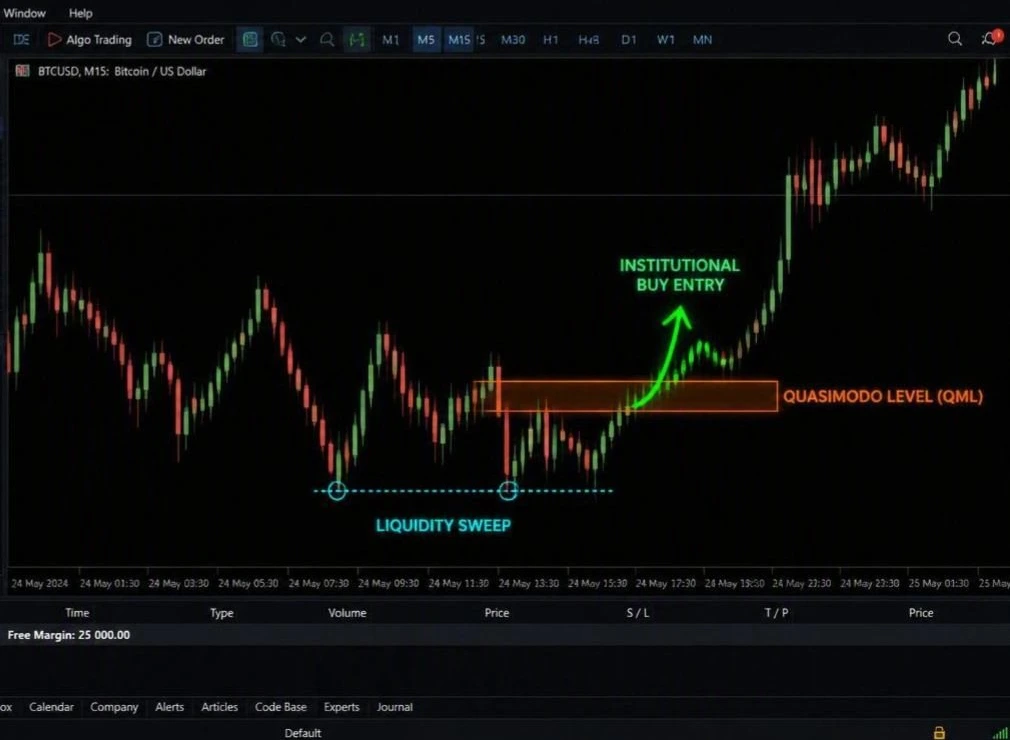
Published descriptions cover structure breaks, order blocks, fair value gaps and related price patterns, with automated entries and trade management. These are programmed interpretations of chart behaviour. The word “institutional” does not independently prove access to banks’ private orders or future price moves.
In simple terms, the software looks for its configured pattern, checks its entry rules and manages trades according to the available settings. You still need to understand the settings and monitor the account.
Eclipse name and version: check the exact release
Some stores advertise older releases using the Eclipse name. The linked
official MQL5 listing currently uses Institutional SMC Robot and shows v3.20.
Do not assume an older Eclipse file includes every feature in that current description. The filename, version displayed in MT5 and supplied manual should agree. A SET file must also match the release it was prepared for.
Supported markets and setup guidance
| Question |
Guidance to check against your supplied release |
| Platform |
MetaTrader 5 |
| Published market coverage |
Gold, indices, Bitcoin and forex; configuration is market-specific |
| Current official default test |
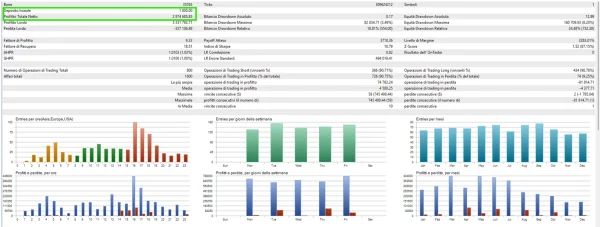
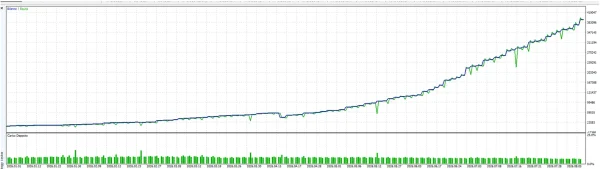
XAUUSD H1, default inputs, real ticks |
| Current official capital guidance |
$200 / €200 minimum; $300+ recommended for standard lot execution |
| Included preset |
SET file; its exact filename and intended setup must be confirmed |
The capital figures are developer guidance, not an account-safety threshold. A small account can still take a large percentage loss when the minimum permitted trade size is too large for its balance.
Use the chart named in your matching preset instructions. Do not apply one store’s M5 or M15 suggestion to every release or market.
What is included?
| Purchase detail |
Confirmed offer information |
| Product |
Institutional SMC Robot Eclipse MT5 |
| SET file |
Included |
The SET file loads input values into a compatible EA. It does not install the EA, activate a licence or prove that the saved settings have been tested on your broker.
Public account evidence
The current official product page links the following MQL5 signals. Figures were checked on 25 October 2026 and may change. These accounts are from the provider, not ForexEaTools.
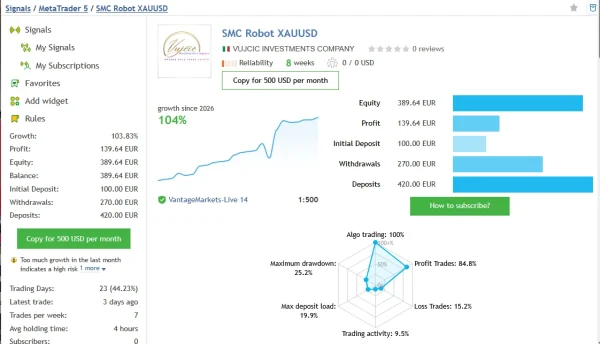
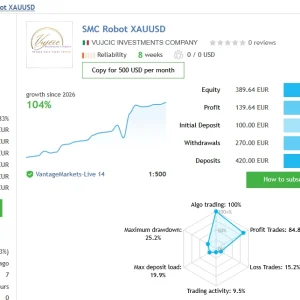
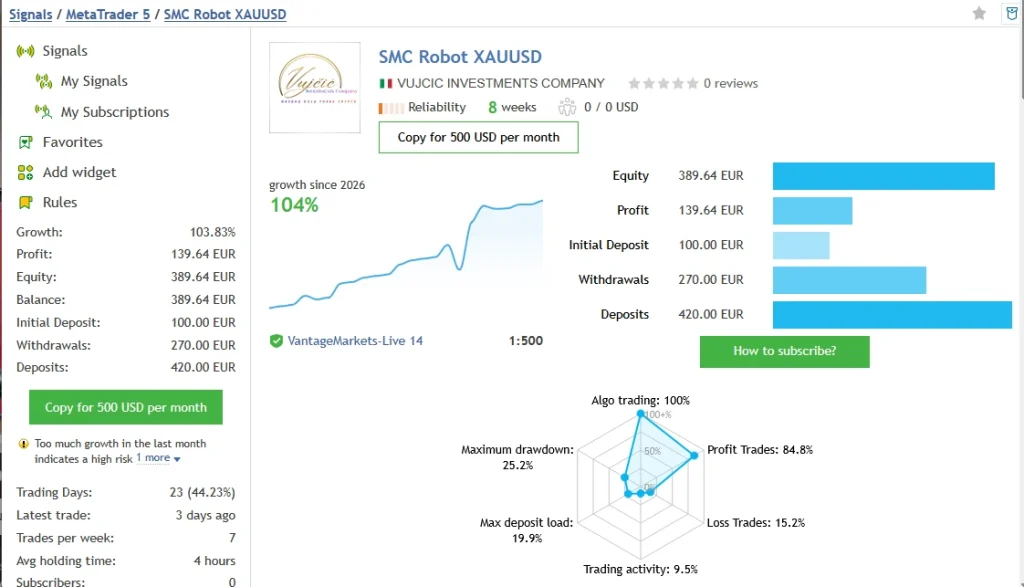
Gold: SMC Robot XAUUSD
The
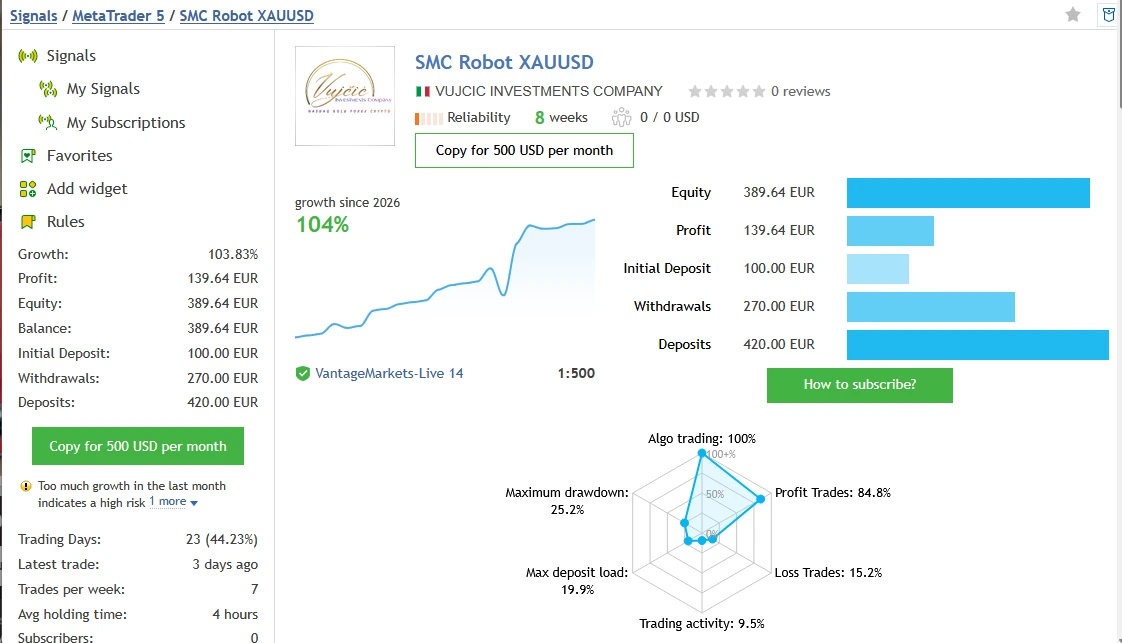
SMC Robot XAUUSD signal shows 103.83% growth, €139.64 profit, 33 trades and eight weeks of displayed history. The initial deposit was €100, with €420 in additional deposits and €270 withdrawn.
MQL5 lists 14.70% relative balance drawdown and 25.18% relative equity drawdown. It separately shows maximal balance drawdown of €47.45 (27.57%). These are separate reported measurements, so they should not be combined into one selected “maximum risk” figure.
The page flags rapid recent growth as a risk and warns that the account is new. The result is early evidence, not proof of stable long-term performance.
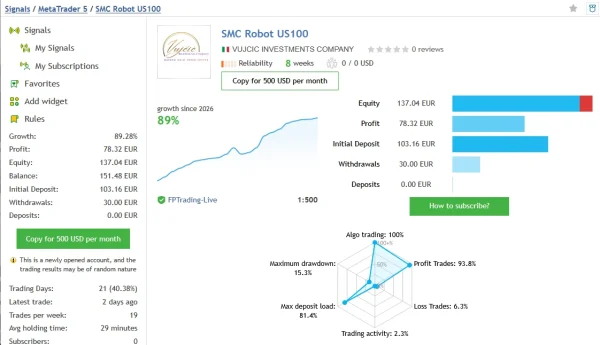
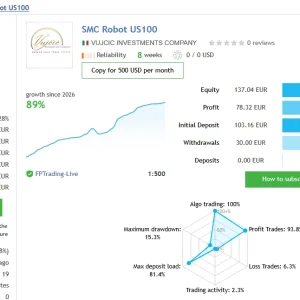
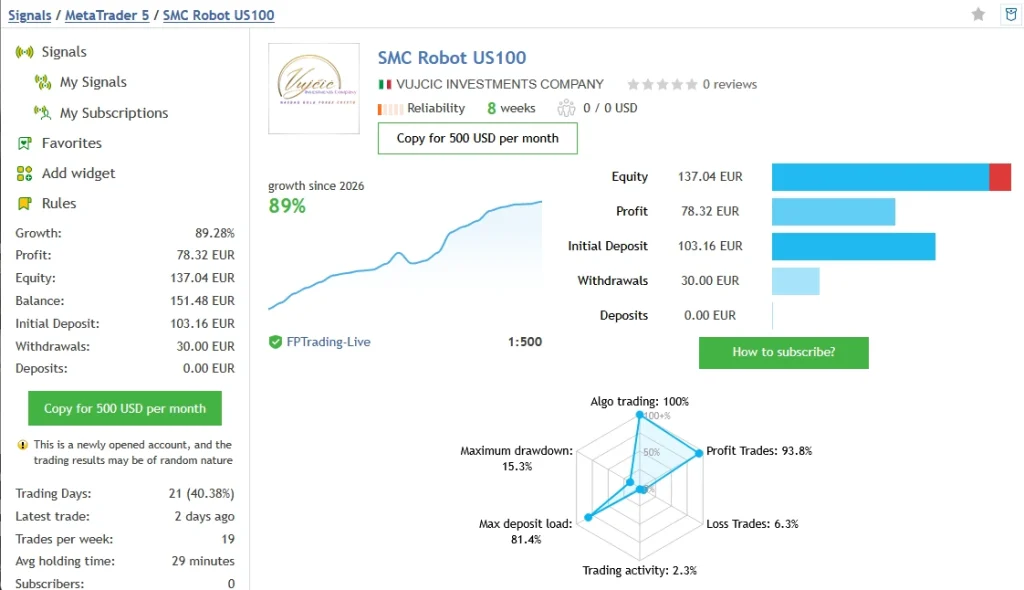
NASDAQ: SMC Robot US100
The
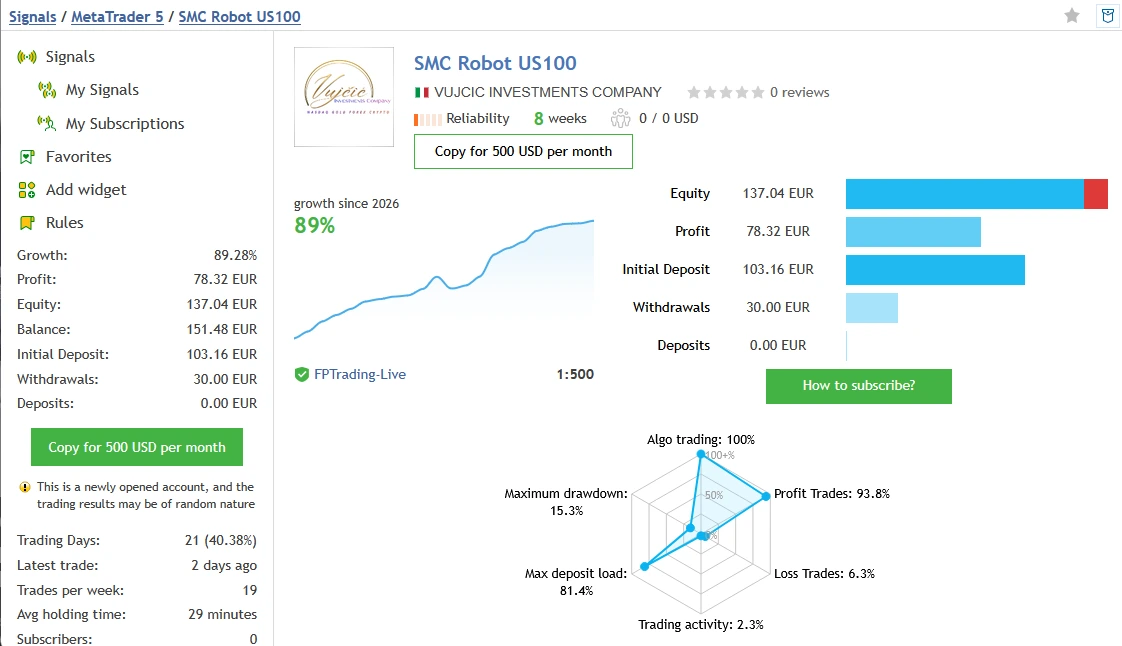
SMC Robot US100 signal shows 89.28% growth, €78.32 profit, 48 trades and eight weeks of history. It lists a €103.16 initial deposit and €30 withdrawn.
Relative drawdown is 9.49% by balance and 15.26% by equity. At the snapshot, equity was €137.04, below the €151.48 balance, showing the importance of checking open results as well as closed profits. MQL5 also warns that the account is new.
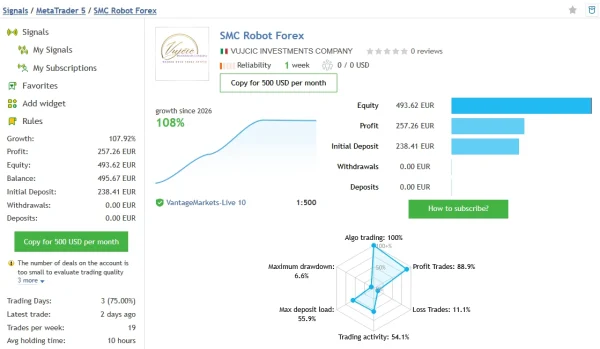
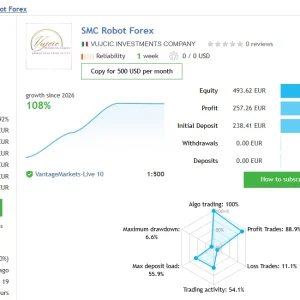
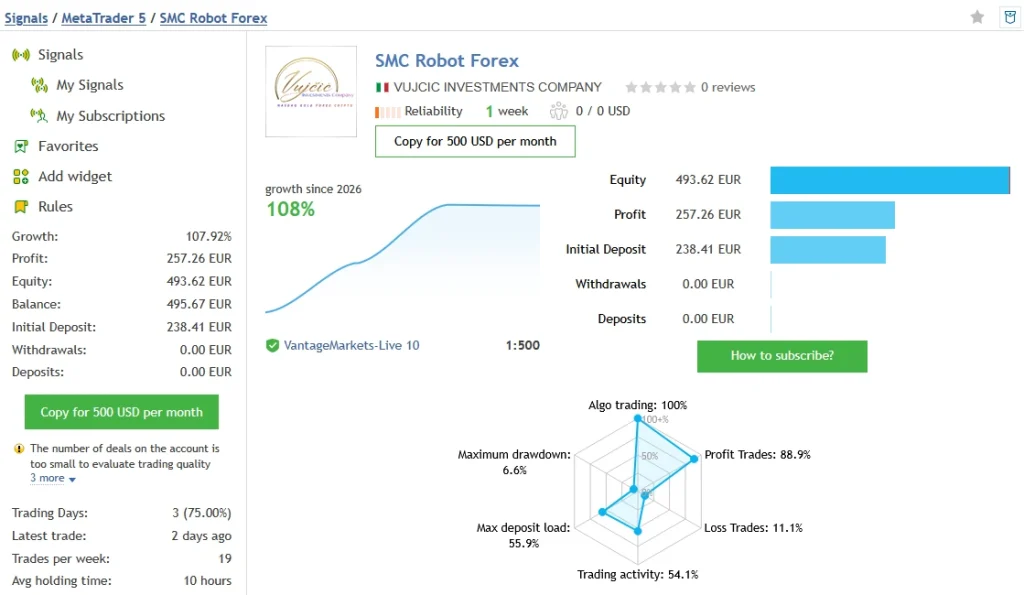
Forex: SMC Robot Forex
The
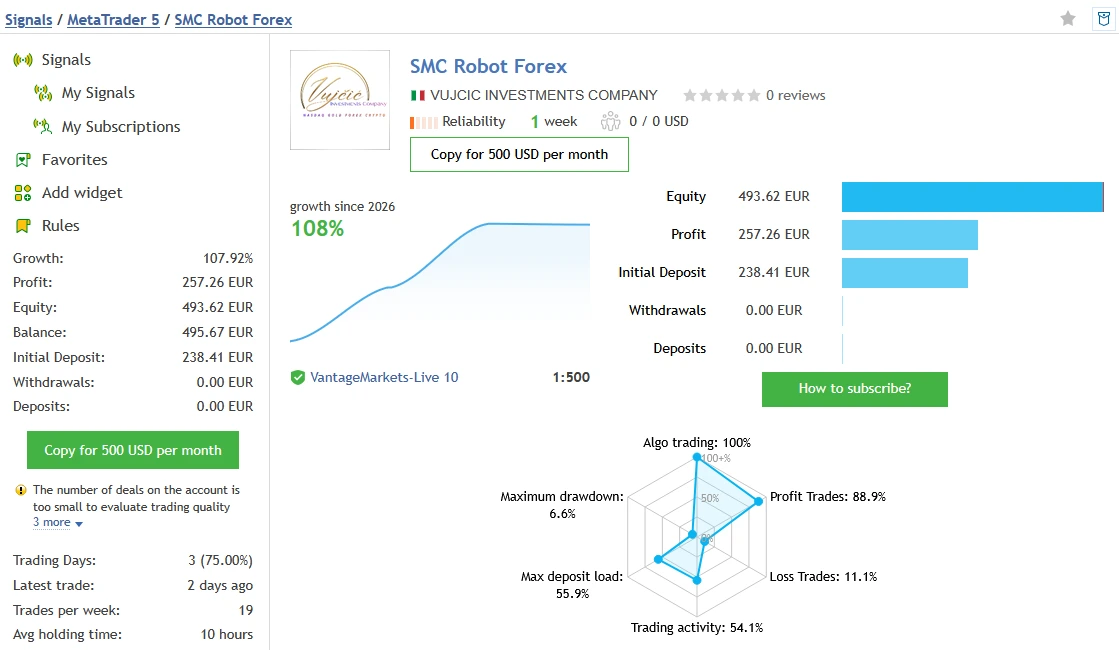
SMC Robot Forex signal shows 107.92% growth and €257.26 profit from a €238.41 initial deposit, with no additional deposits or withdrawals shown. The record contains 18 trades, with the displayed distribution covering USDCAD and EURCAD, and only one week of history.
Relative drawdown is 6.62% by balance and 2.82% by equity. MQL5 warns about the small trade sample, new account and high growth. Such a short record is not enough to establish dependable performance.
What these records can tell you
They let you inspect actual published trading histories, including losses, cash movements and account age. They do not establish that every trade used the supplied Eclipse version or your included SET file.
Growth percentages should not be treated as a simple profit divided by the initial deposit when deposits or withdrawals are involved. Review the full record and its risk measurements. Past performance does not guarantee future results.
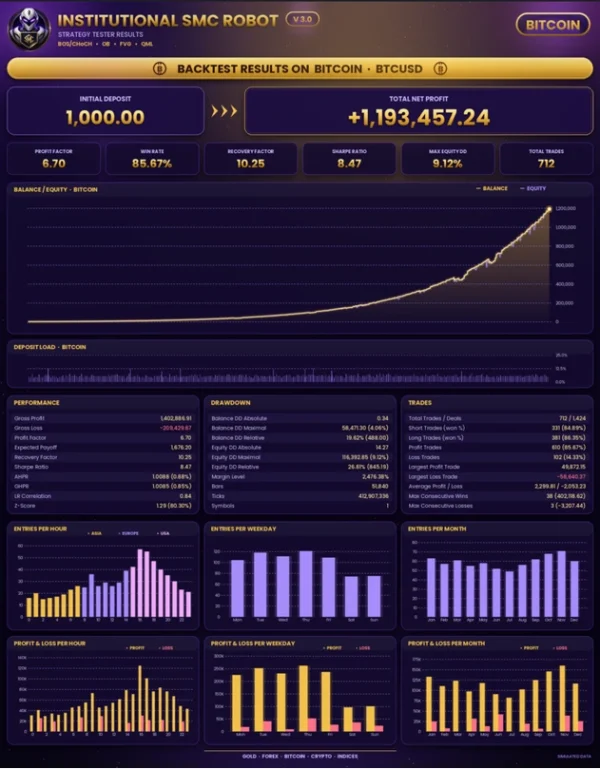
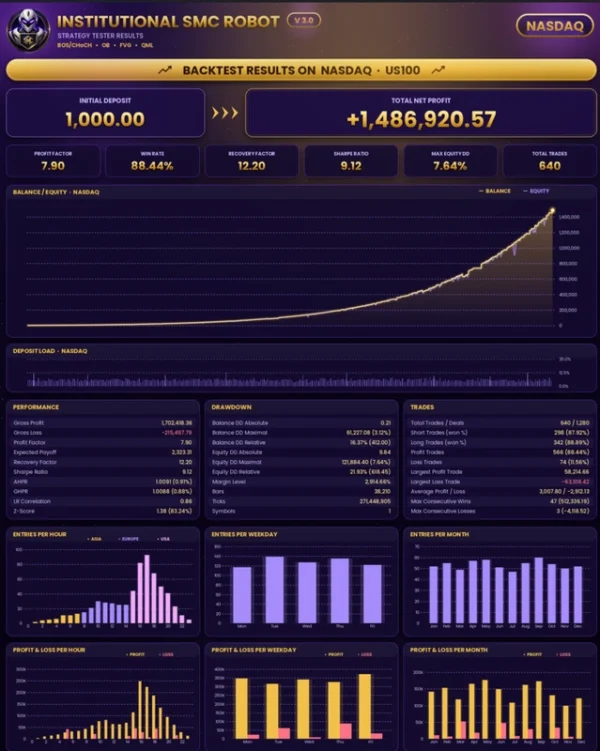
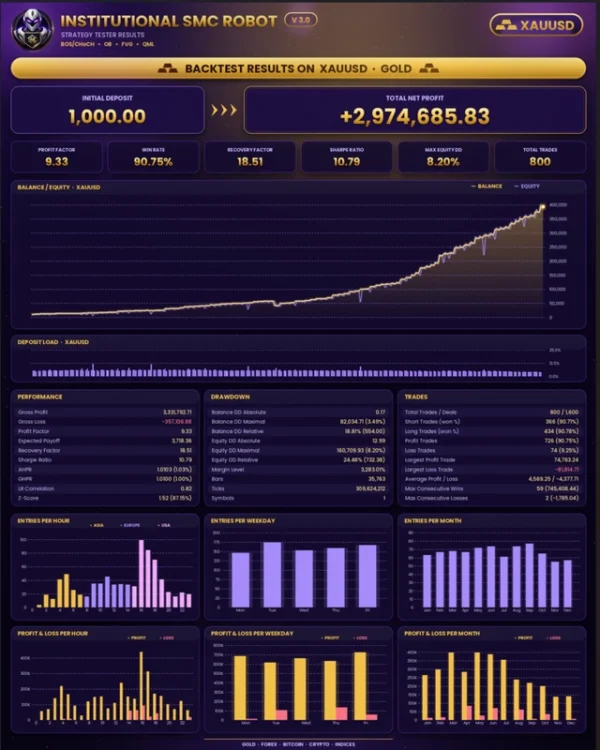
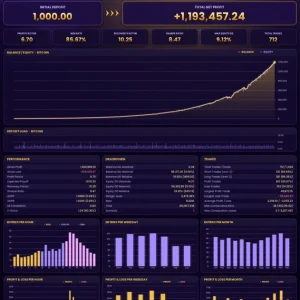
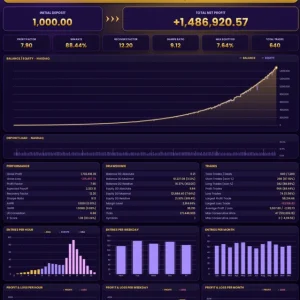
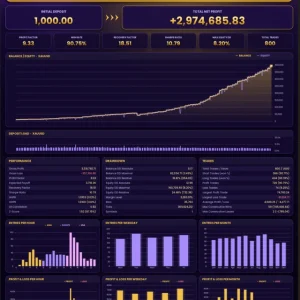
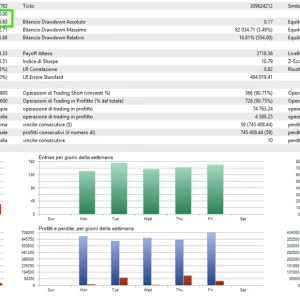
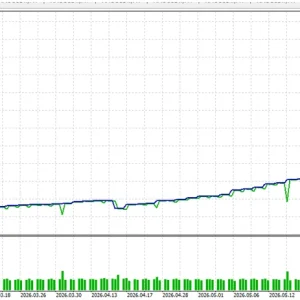
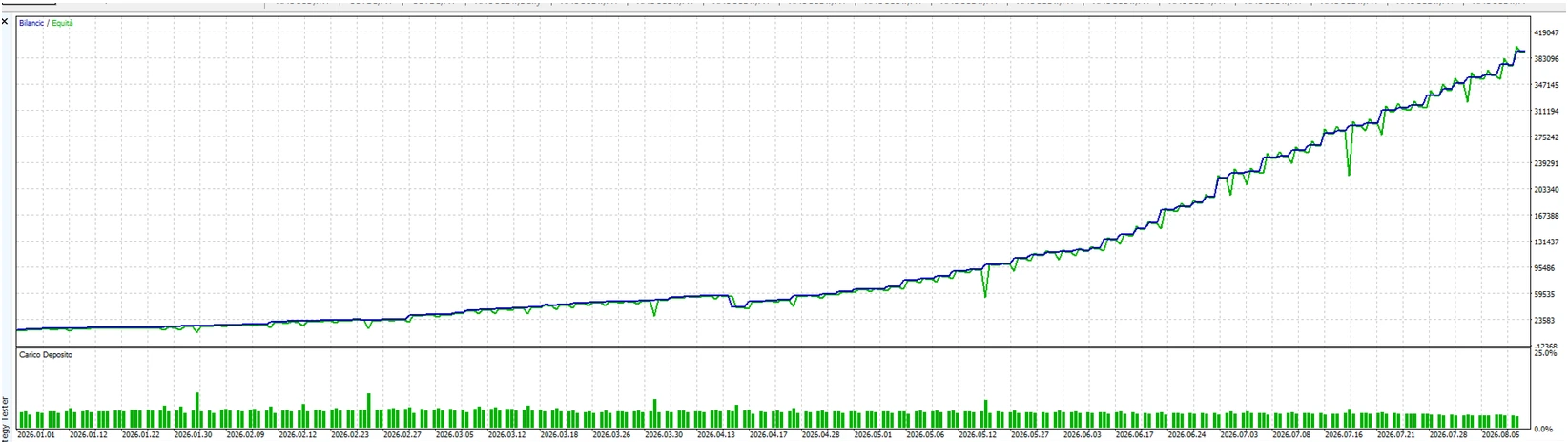
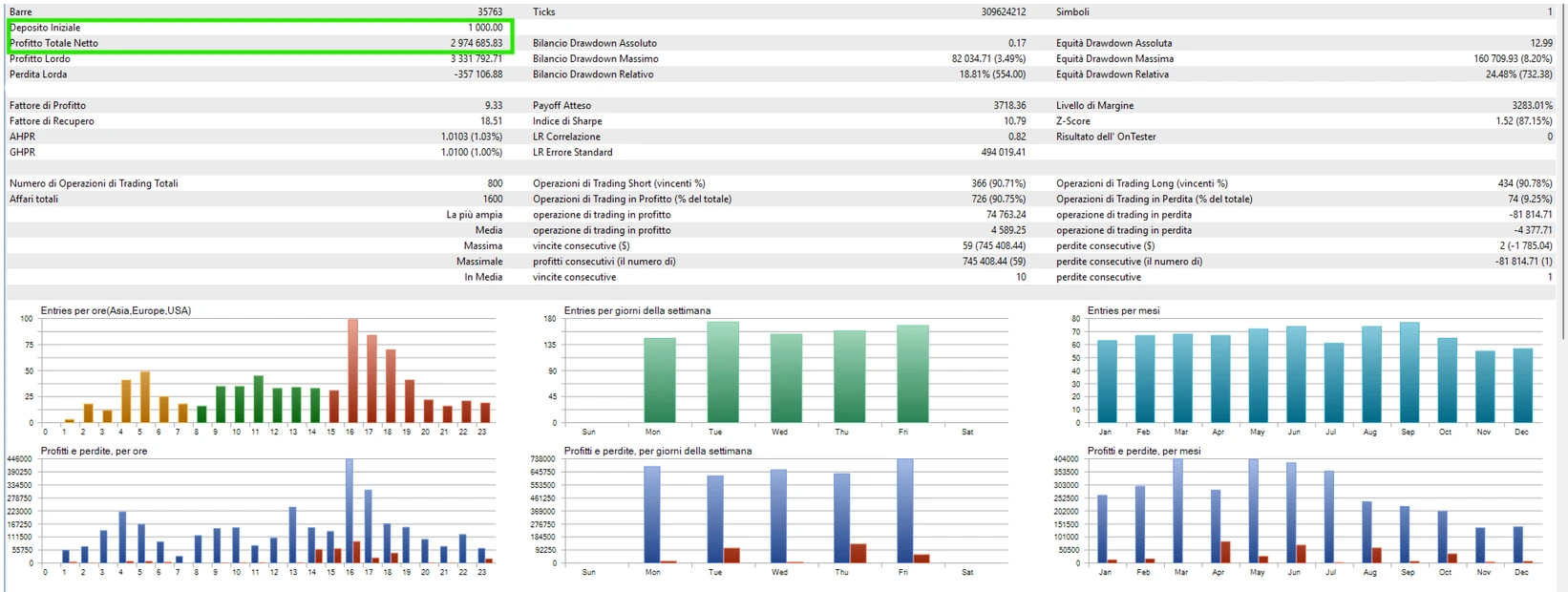
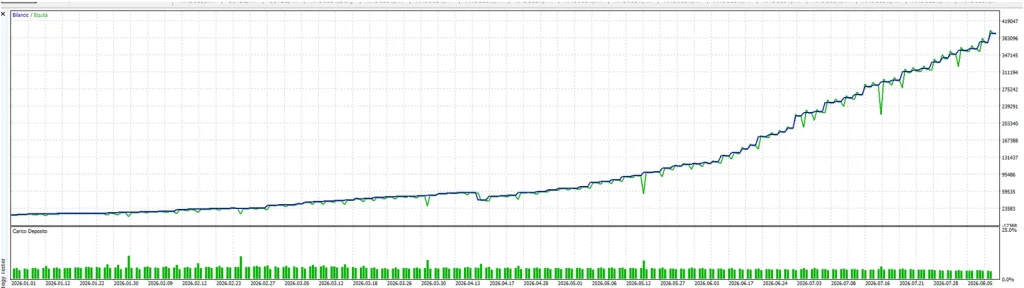
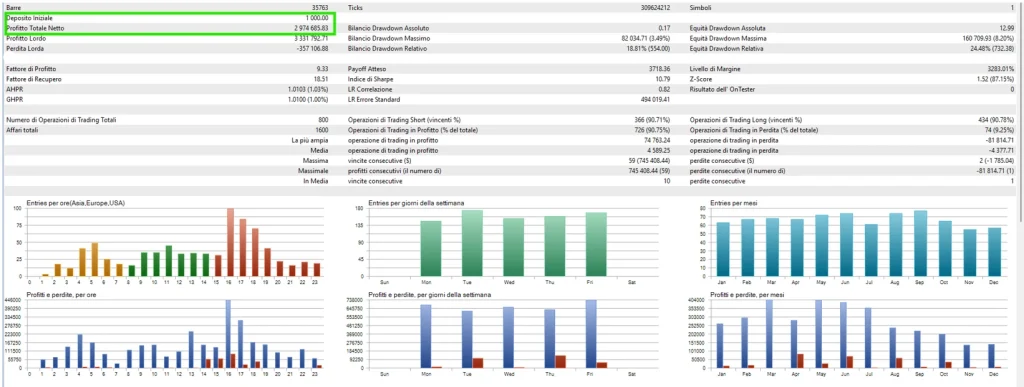
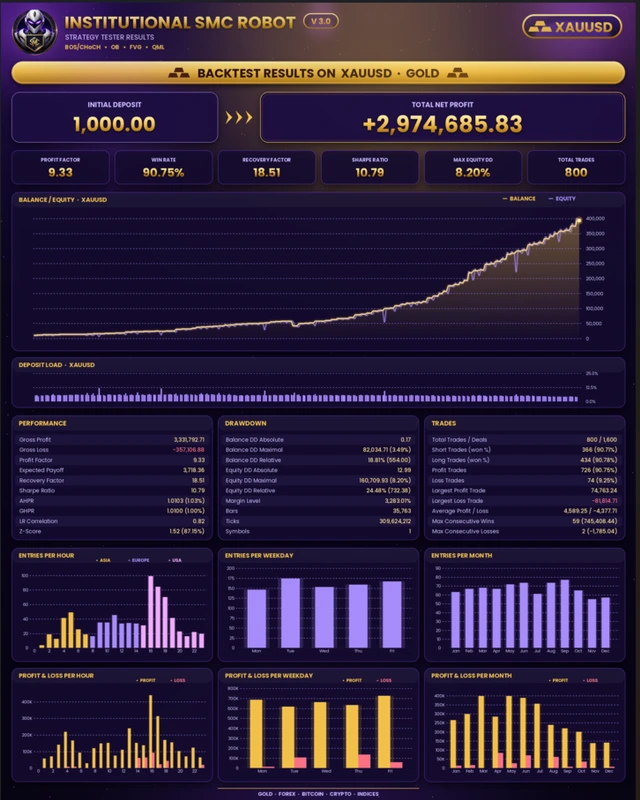
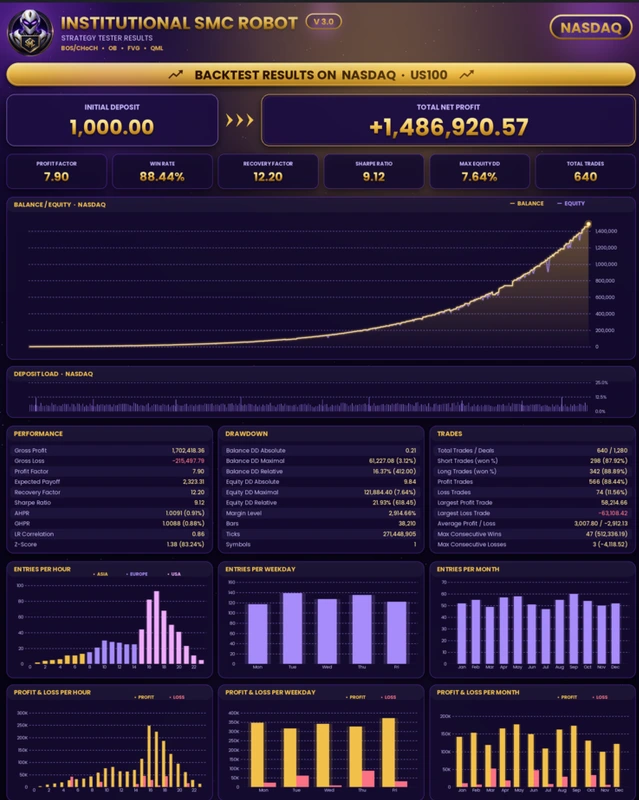
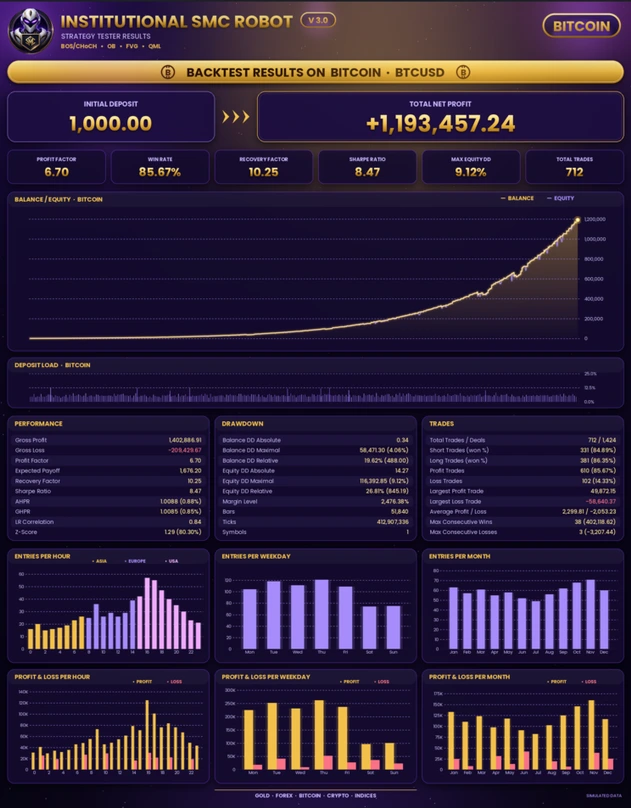
BackTest evidence
How to install the EA and load the SET file
For a manually supplied MT5 EA:
- Open MT5 desktop and select File → Open Data Folder.
- Follow the package instructions to place the EA in MQL5 → Experts.
- Refresh Navigator → Expert Advisors.
- Open the chart and timeframe specified for your preset.
- Attach the EA and open Inputs → Load.
- Select the matching SET file and review all imported values.
- Check trading permissions and enable Algo Trading when ready to test.
- Review the Experts and Journal tabs for errors.
See our
MT5 EA installation guide for the full steps. For preset help, follow
how to load a SET file in MT5. MQL5 Market purchases use the Market installation process.
Check the preset before trading
Record the symbol, timeframe, trade size and intended account conditions. Then check whether it allows multiple positions, adds trades or changes position size automatically.
For example, if one planned trade risks $10, three overlapping trades could expose roughly $30 before extra execution costs. This is an illustration, not a stated setting for this product. Check total exposure rather than judging risk from one lot-size field.
A three-decimal symbol and a two-decimal symbol may interpret distance settings differently. Use instructions written for your broker’s symbol and release. Do not copy a universal adjustment rule from another account without checking what the input measures.
Prop-firm use and position scaling
Check your firm’s rules on EAs, daily loss, total drawdown, news and multiple positions. A “Prop Firm” label does not establish approval or guarantee a challenge pass.
The current v3.20 description discusses adding positions to winning trades and specifies a hedging-account requirement for that feature. This does not confirm that the feature exists in your Eclipse release. Extra positions can increase exposure even when opened after a profitable move.
Help with your setup
For a purchase question or covered installation issue, contact
Product Support. Include the product name, release, MT5 build, preset filename, broker symbol and relevant error text. For an existing purchase, include your order number. Never share your trading-account password.
Frequently asked questions
Does the SET file work with every version?
Do not assume so. Input names, available options and trade-management behaviour can change. Use a preset prepared for the supplied release and review the loaded values.
Can I run it on MT4 or my phone?
This offer is for MT5. MT4 cannot run an MT5 EA. Use a supported desktop or hosted MT5 environment for EA execution; the mobile app is not a replacement for that environment.
Is it guaranteed to work with Exness or any other broker?
No universal compatibility has been established for this supplied file. Check symbol digits, account mode, contract size, minimum lot and any dependencies on the exact account you intend to use.
Does “SMC” mean there is no grid or martingale?
No. A strategy label alone does not establish how the software sizes or adds positions. Review the inputs and actual trade behaviour for your release.
Will the public signals match my account?
Not necessarily. The release, preset, broker, costs, capital and execution can differ. Start with demo testing where the licence permits and keep records of your configuration.