



Mon Scalper MT5 – Gold EA for XAUUSD
$19.99
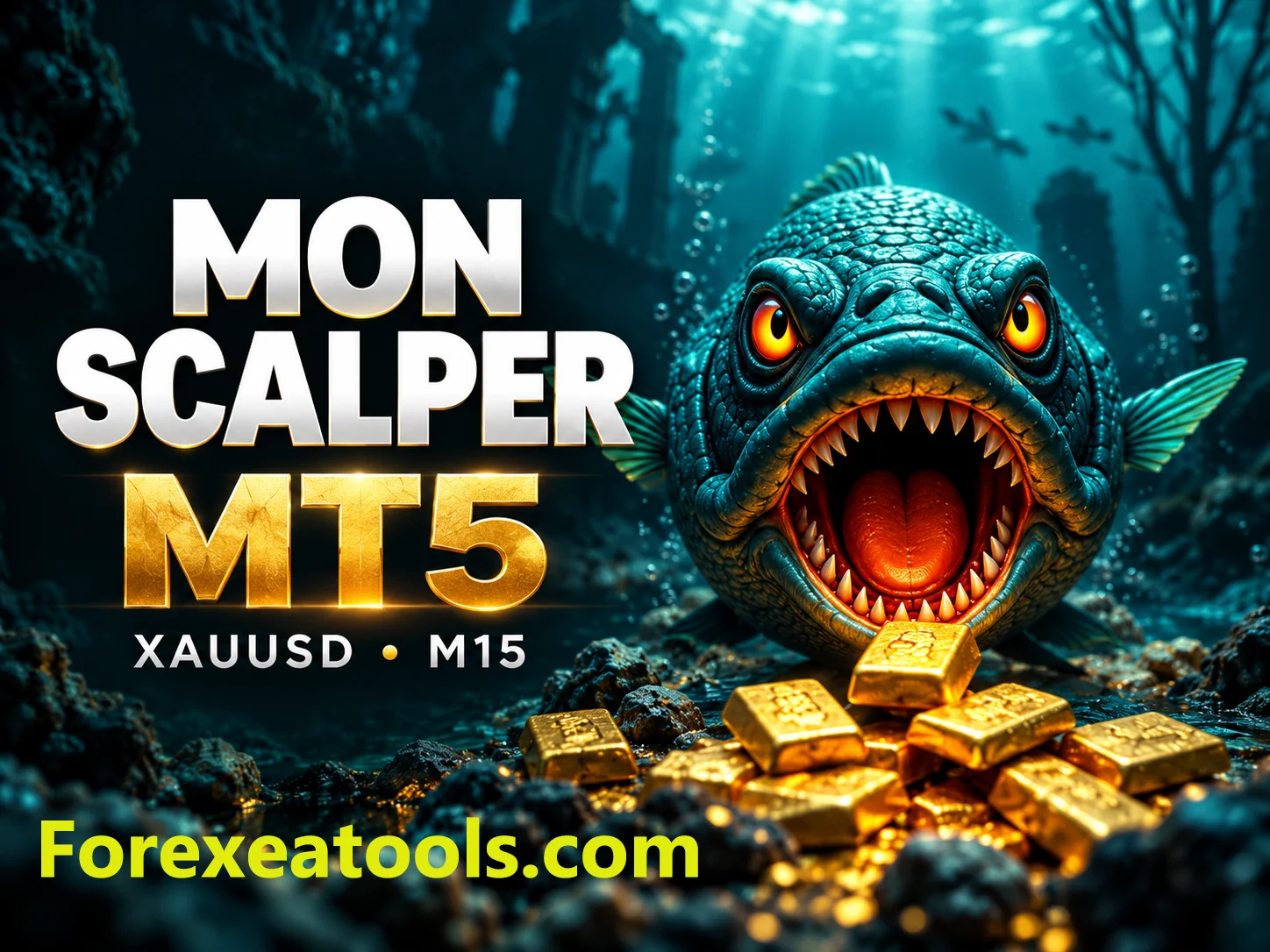
Mon Scalper MT5 is an Expert Advisor built for automated gold trading on MetaTrader 5. The developer lists XAUUSD on the M15 chart and describes a breakout strategy using two trendlines.
Check the supplied version, included files and licence terms before ordering. This is trading software, not a promise of profit. Automated trading can lose money.
Description
What is Mon Scalper MT5?
Mon Scalper MT5 is a trading robot for MetaTrader 5. A trading robot, also called an Expert Advisor or EA, follows programmed rules to place and manage trades.
This EA focuses on XAUUSD, the symbol commonly used for gold. The developer recommends the M15 chart, which means each chart candle covers 15 minutes.
Before buying, check the package details above. The version, files and licence supplied by this store are the terms of your purchase.
How does its trading strategy work?
The developer describes a dual-trendline breakout approach. In simple terms, the EA checks a shorter-term trend and a longer-term trend, then looks for a breakout when they agree.
A breakout happens when price moves beyond a level the strategy is watching. A breakout can fail, so an entry signal does not guarantee a winning trade.
According to the developer, the EA avoids grid and martingale methods and uses a stop loss for each trade. A stop loss is an instruction to close a losing position at a chosen level; it does not remove trading risk or guarantee the exact exit price.
For the original product information, see the developer’s Mon Scalper MT5 listing.
What should you check before buying?
Make sure the offer matches your platform and licence needs. This listing is for the MT5 version. An MT5 file does not run in MT4, and renaming it will not convert it.
Check these details before placing an order:
- The exact version and files supplied.
- Whether your account and device are allowed under the licence.
- Whether activation is needed and how it works.
- Whether SET files, indicators or libraries are included or required.
- The supported MT5 build and operating system.
- Any DLL requirements or restrictions on VPS use.
If a requirement is unclear, ask us about compatibility before buying.
What is included with your purchase?
Your package includes:
- EA program: EX5
- SET files: Included
- Documentation: Yes
- Licence: Unlimited
- Updates and support: LifeTime updates
An EA program and a SET file do different jobs. The EA runs the trading rules. A SET file holds saved settings that you load into the EA. Do not treat a SET file as the trading robot itself.
Settings and account requirements
Use instructions that match the supplied version. Do not load presets from another EA or assume that a similarly named file is suitable.
Before enabling trading, review the trade size, risk settings and any limits shown in the actual EA inputs. A lot is a unit of trade size; the exposure depends on the broker’s contract specifications. Larger trades can lead to larger losses.
The developer publishes account-balance guidance, but that guidance should not be treated as a safe deposit amount for every user. Check the current product documentation and your broker’s margin and gold contract rules.
Broker conditions, trading costs and execution can affect results. Check that the EA supports your broker’s gold symbol, including any suffix, and test the setup on a demo account if the licence permits it.
Mon Scalper MT5 live trading results
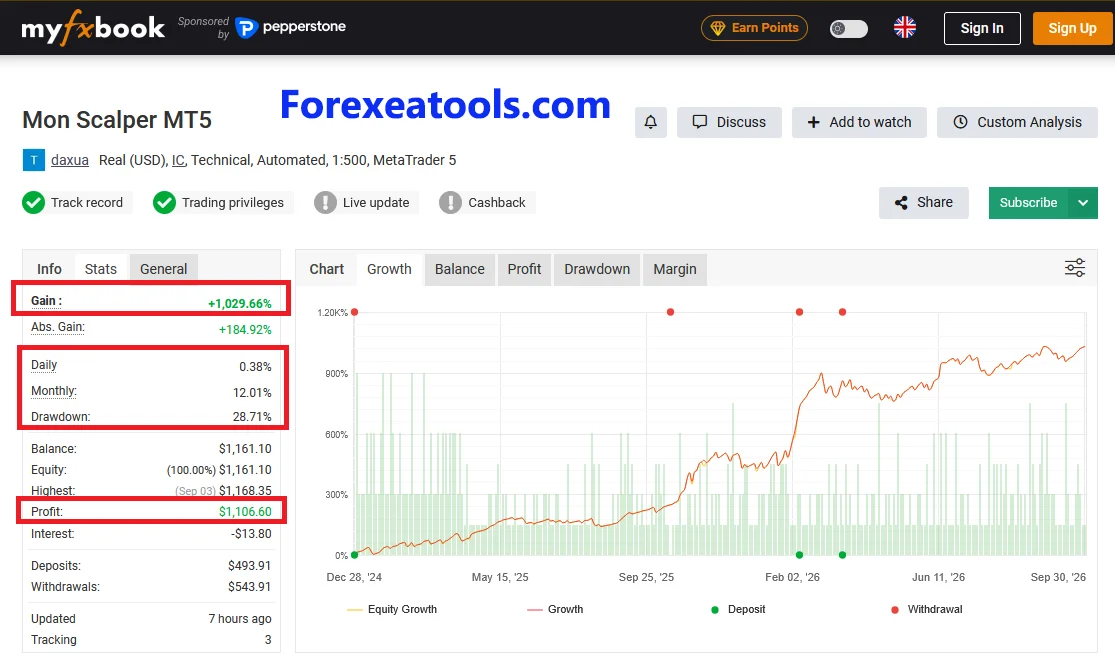
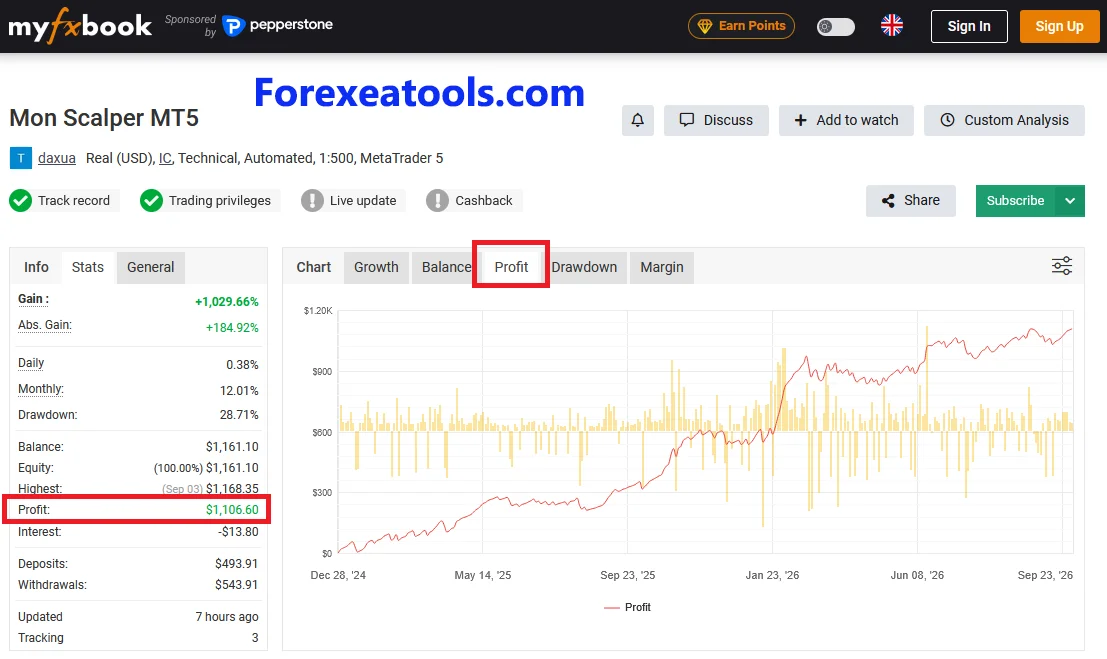
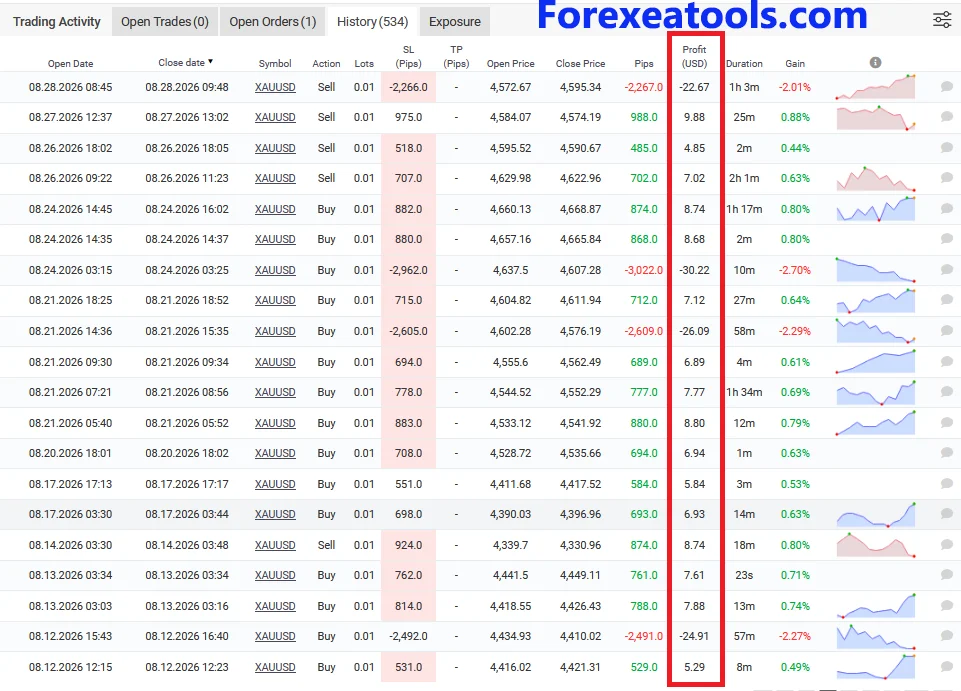
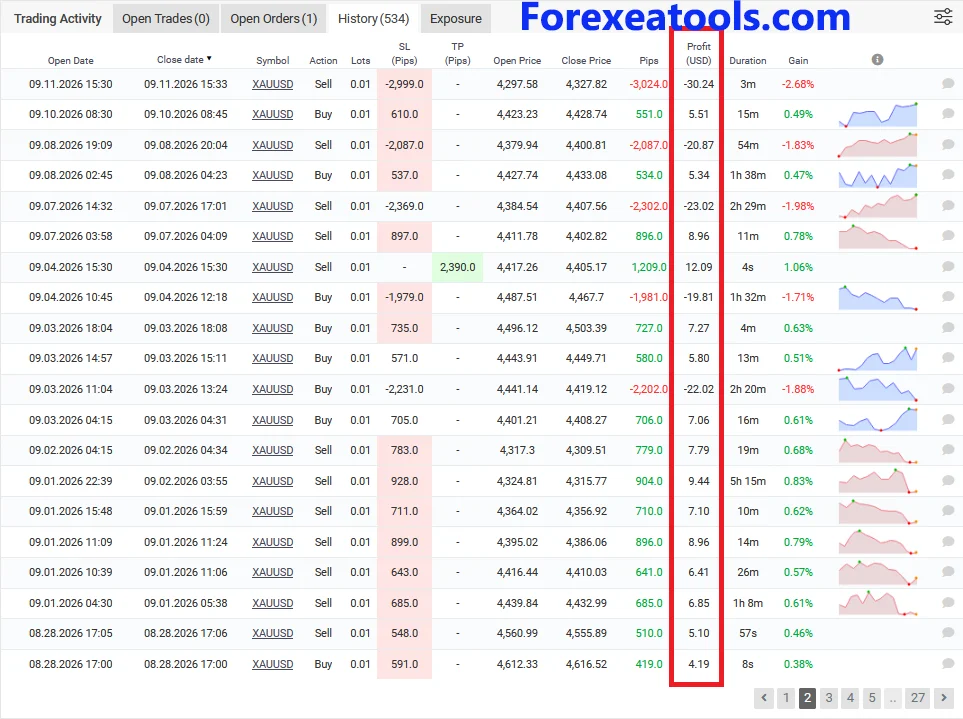
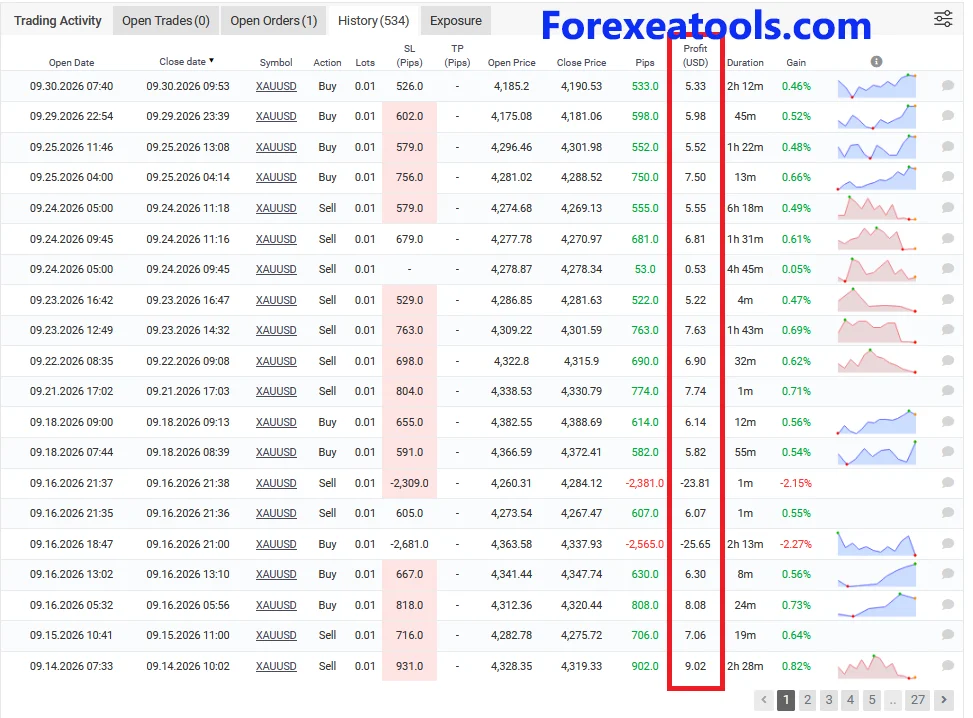
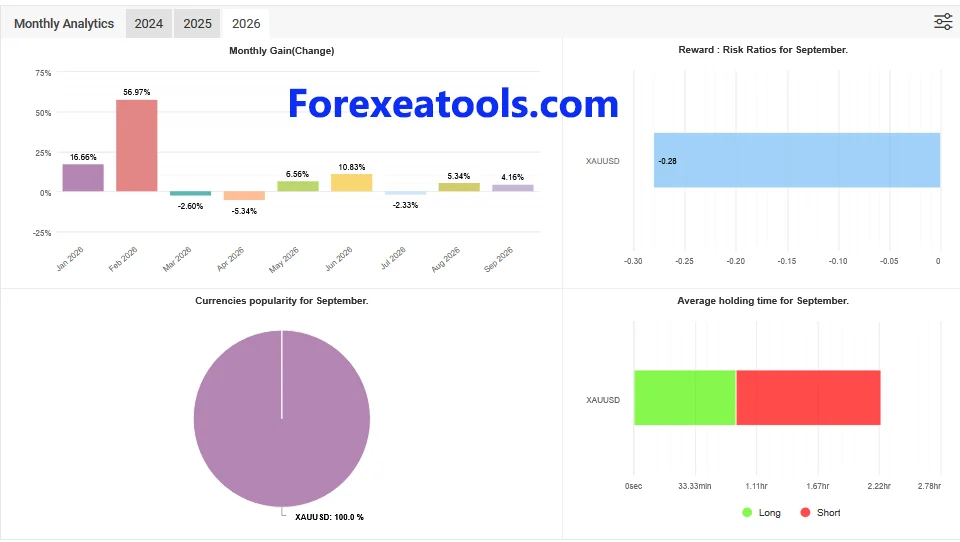
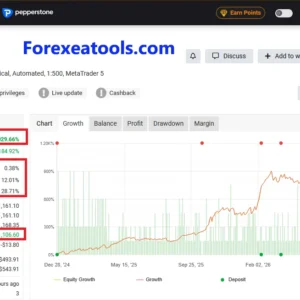
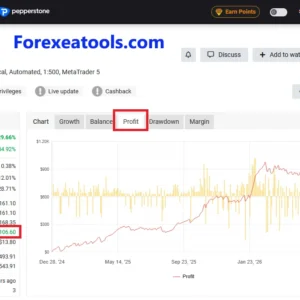
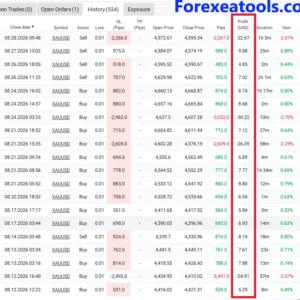
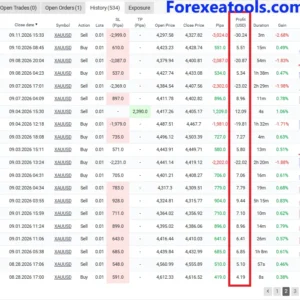
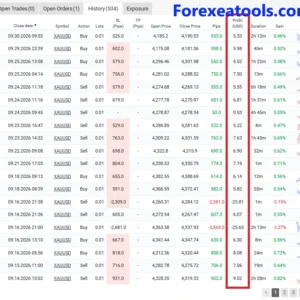
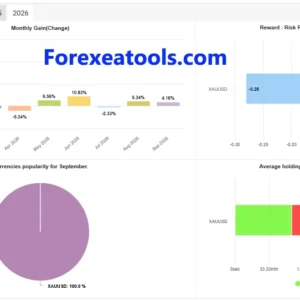
Before buying, review the trading records below. Check both profit and drawdown, along with the account’s trading history. These results belong to the accounts shown and may differ from your results.
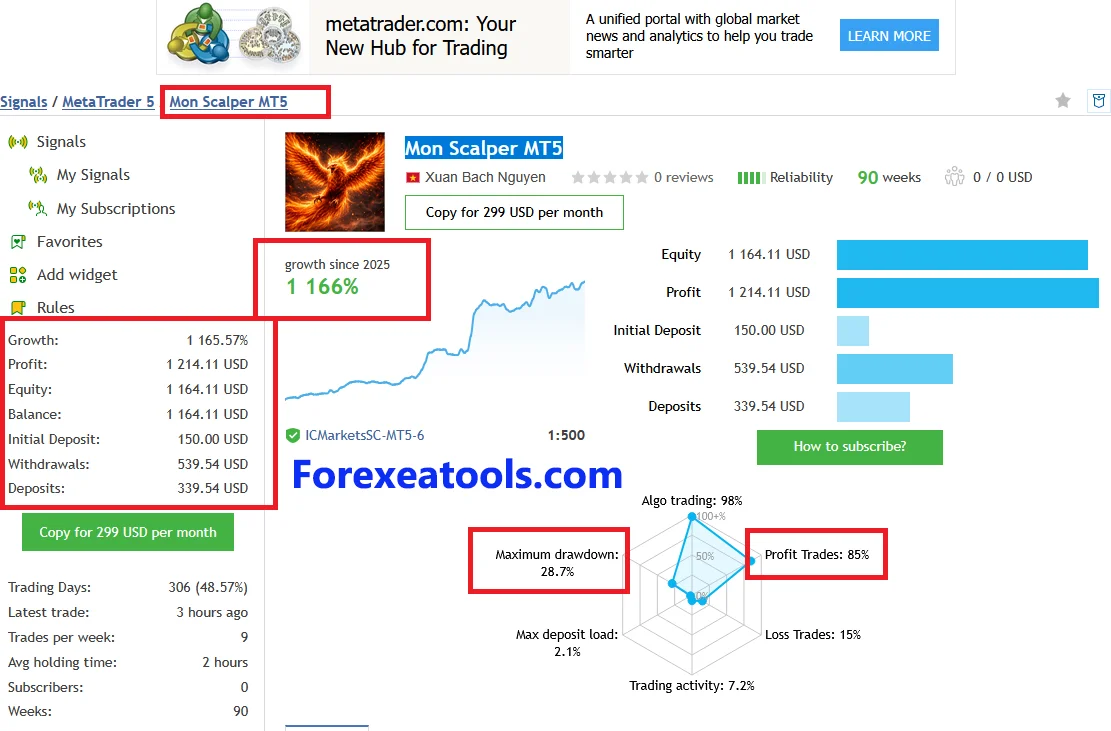
MQL5 live signal
| Detail | Reported result |
| Growth | +1,176.13% |
| Maximum drawdown | 28.7% |
| Profit | $1,223.82 |
| Initial deposit | $150.00 |
| Additional deposits | $339.54 |
| Withdrawals | $539.54 |
| Profitable trades | 85% |
| Average holding time | 2 hours |
Myfxbook accounts
Live Myfxbook Link – Mon Scalper
| Performance detail | Reported figure |
| Gain | +19.46% |
| Absolute gain | +19.46% |
| Drawdown | 0.00% |
| Profit | $102.76 |
| Trading period | [09/14/2026 → last Testing date 10/03/2026] |
| Account type | [Real] |
Live Myfxbook Link – Mon Scalper MT5
| Performance detail | Reported figure |
| Gain | +1,042.04% |
| Absolute gain | +187.05% |
| Drawdown | 28.71% |
| Profit | $1,119.32 |
| Trading period | [28/12/2024 → Testing date 10/03/2026] |
| Account type | [Real] |
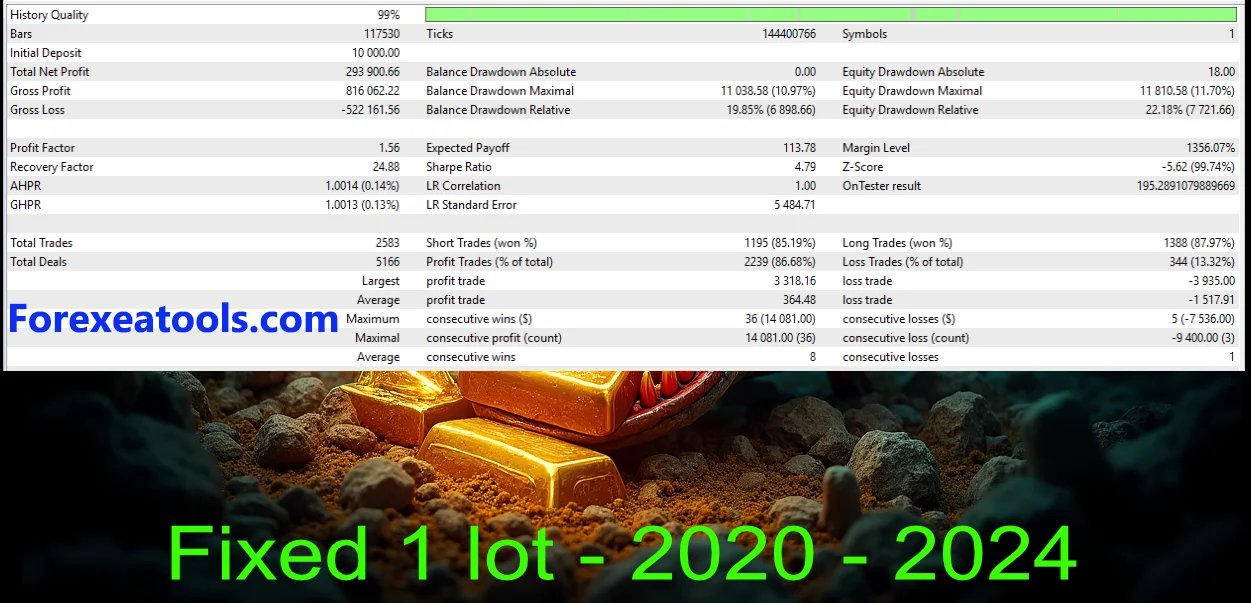
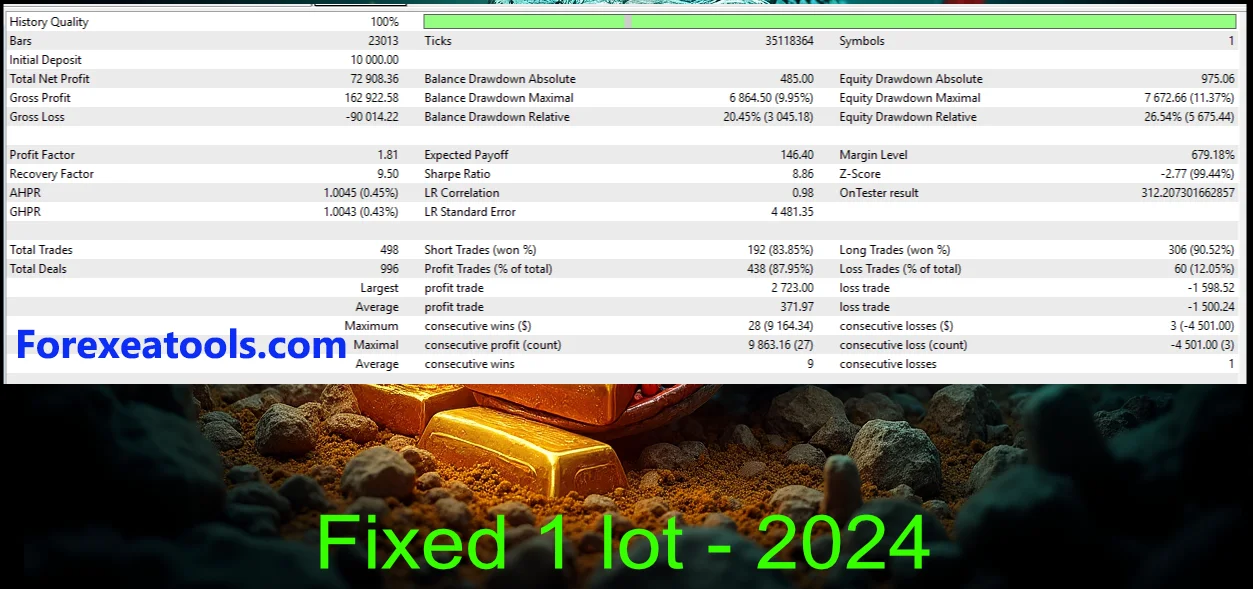
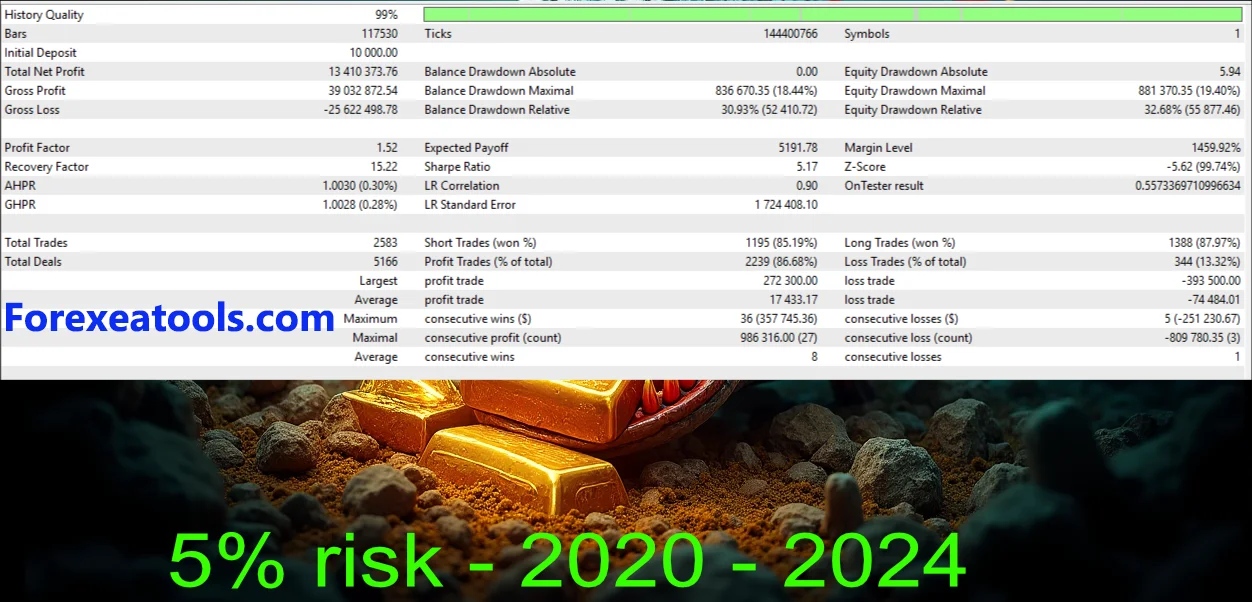
Backtests and live trading results
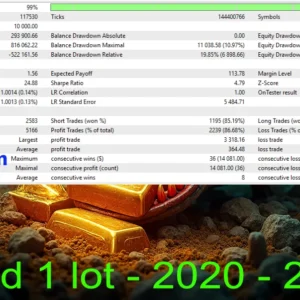
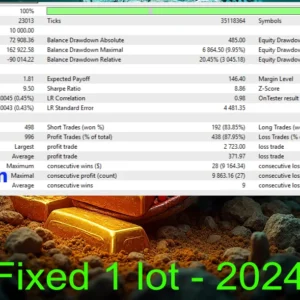
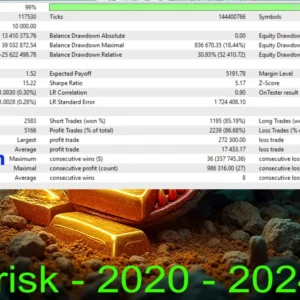
A backtest runs a strategy against historical prices. A live record shows trading on an account over a particular period. Neither tells you what your account will earn in the future.
Evaluate losses alongside profits. Drawdown describes a decline from an account’s earlier peak and helps you understand how difficult a losing period could be.
Before relying on any report, check its dates, EA version, settings, trade size, costs and whether it is a demo or real account. A developer’s result is not a test carried out by ForexEAtools.
No independently verified performance report for the package offered here is included in this description. Do not assume that results from another version or account will match this purchase.
How to install Mon Scalper MT5
Follow the delivery and activation instructions supplied with your order. For a package delivered as a standalone EA file:
- Extract the ZIP file, if your download is an archive.
- Open the MT5 terminal where you want to install the EA.
- Select File → Open Data Folder → MQL5 → Experts and copy the EA program into that folder.
- Install any required extra files in the folders named in the package instructions.
- Return to MT5 and refresh Navigator → Expert Advisors.
- Open the recommended chart and attach the EA.
- Review its inputs. Load a supplied, matching SET file if applicable.
- Allow Algo Trading for the EA and enable the platform’s Algo Trading button when ready.
- Read the Experts and Journal messages for activation, missing-file or setup errors.
MQL5 Market purchases use the Market installation and activation route instead of manually copying an EA from another computer.
For illustrated steps and troubleshooting, follow our guide to installing an Expert Advisor in MT5.
Downloads, updates and installation help
Your order’s delivery terms are shown in the purchase details above. Our delivery and download guide explains how to find order files and what to do if access is missing.
For an installation problem, send your order number, EA version, MT5 build, operating system and the exact error message. Hide passwords, licence keys and private account details. You can request help through product support.
Update access depends on the coverage stated for this offer. Do not assume every future release is included.
Read our refund and returns policy before purchasing. Installation support cannot promise trading profits or reverse market losses.
Frequently asked questions
Is this a trading robot or an indicator?
It is an Expert Advisor: software that can place and manage trades under its programmed rules. An indicator usually displays analysis or alerts. Check the actual package to see which supporting files are included.
Can I run this MT5 version in MT4?
No. You need a version made for the platform you use. This product page covers the MT5 offer.
Does it trade on my phone?
The standard MT5 mobile app does not run desktop EAs. Run the EA in a supported desktop or hosted terminal. You can use the mobile app to monitor the account.
Does my computer need to stay on?
If the EA runs on your computer, its MT5 terminal must remain running and connected. A suitable VPS can host the terminal remotely. Confirm compatibility with the EA’s licence and dependencies before choosing a hosted setup.
Why has the EA not opened a trade?
It may be waiting for its entry conditions. Check the chart, account connection, trading permissions, settings and logs. Do not increase trade size or remove filters just to force a trade.
Are SET files and updates included?
Only the files and update coverage stated in the purchase details are included. Check those details before buying.
Does this EA guarantee profit?
No. Automated trading can produce losses, and past results do not guarantee future results. Software that installs correctly is not proof of a profitable strategy.
Can I get help before ordering?
Yes. Contact us with your platform and compatibility questions before you purchase.
Is this offer right for you?
Check that you want an MT5 gold-trading EA and that you understand the supplied licence, files and requirements. Review the evidence available, and make sure you can test the setup where permitted.
Once you have checked these details, use the Add to Cart button to purchase the package described on this page.



Reviews
There are no reviews yet.