Institutional Aggressive XAUUSD MT5 v2.6 is an automated gold trading EA for MetaTrader 5. It looks for intraday XAUUSD opportunities using time filters and direction-based rules, with Stop Loss, Take Profit and break-even management.
Review its H1 setup, special initialization instructions and public trading risks before using it. The official developer page now lists v2.9, so check which version your package contains.
Setup at a glance
| Item |
Published guidance |
| Platform |
MetaTrader 5 (MT5) |
| Market |
XAUUSD (Gold) only |
| Preferred chart |
H1 (one-hour chart) |
| Supplied version discussed |
v2.6 |
| Developer-stated minimum deposit |
$150 / €150 |
| Account types |
Hedging and Netting |
| Trade management |
Stop Loss, Take Profit, break-even |
| Trade frequency |
Up to three distinct setups a day, according to developer |
| Connection |
Stable MT5 terminal or VPS recommended |
The minimum deposit is a technical starting reference, not a safe trading balance. Losses depend on leverage, order size, gold volatility and account conditions.
Source:
https://www.mql5.com/en/market/product/180450
How the gold strategy works
The EA watches gold prices and checks whether they match its direction and time-based rules. When the rules match, it can open a buy or sell position and manage that trade automatically.
The developer describes three main parts: seasonal time filters, statistical price patterns and a directional bias module. In simple terms, it tries to trade selected gold price movements during suitable periods of the day.
The developer also advertises fixed protective orders and automatic break-even management. A Stop Loss can still fill at a worse price during a fast market move, and break-even does not remove all trading risk.
The seller calls it an AI system, but the public description does not establish that it uses a trained AI model. Its exact entry rules are not public.
Main features
Gold-only automated trading
The robot focuses on XAUUSD rather than running across many currency pairs. It can enter and manage trades automatically when MT5 is running and trading is enabled.
Stop Loss and Take Profit on orders
The developer says positions use planned Stop Loss and Take Profit levels. These help define exits, but they cannot guarantee the final loss or profit on a fast market.
Time filters and break-even
Time filters can block entries in selected market periods. Break-even management may move a stop after price has moved in the trade’s favour. Both features should be checked in the actual v2.6 settings.
What to check in the v2.6 settings
Start with the correct XAUUSD symbol and H1 chart. Review the active risk level, lot sizing, Stop Loss, Take Profit, trailing or break-even settings and any trading-hour filters.
The developer advertises risk options ranging from Low to Very High. The precise effect of each option should be confirmed in the version you install. Avoid copying a high-risk preset from a screenshot without knowing how it changes position size.
Important for cent and three-decimal gold accounts: The developer says XAUUSD symbols with three decimal places, including some cent or micro accounts, can need point settings adjusted by ten times. The developer asks users to request a dedicated .set file. Do not apply a normal-account preset blindly.
Important inconsistency: The developer says the robot does not use grid trading, yet the cent-account instructions refer to “Grid execution.” Ask the developer for an explanation and inspect real order history before treating the no-grid claim as verified.
A .set file is a saved collection of EA settings. Inclusion of a .set file with this ForexEaTools.com offer has not yet been confirmed.
Special launch instructions — read before enabling trades
The original developer instructs users to attach and initialize the EA
while the gold market is closed, such as after the trading day or over the weekend. The stated aim is to avoid incorrect positions at startup.
This is an unusual requirement, so practice it on demo first. Ask the developer what to do after a VPS restart, platform crash or lost connection. Do not assume that attaching the EA during an open market is safe.
The developer also recommends a stable VPS and a broker with tight XAUUSD spreads and low slippage. A VPS keeps the MT5 terminal running; it does not make the strategy profitable.
Public trading results: check losses as well as wins
The original product links to a public MQL5 signal. On
3 November 2026, the accessible signal titled
Institutional Aggressive showed:
| Signal measure |
Snapshot |
| Growth |
−83.89% |
| Profit |
−€83.89 |
| Starting deposit |
€100.00 |
| Balance |
€16.11 |
| Equity |
€16.11 |
| Recorded history |
6 weeks |
Public source:
https://www.mql5.com/en/signals/2393371
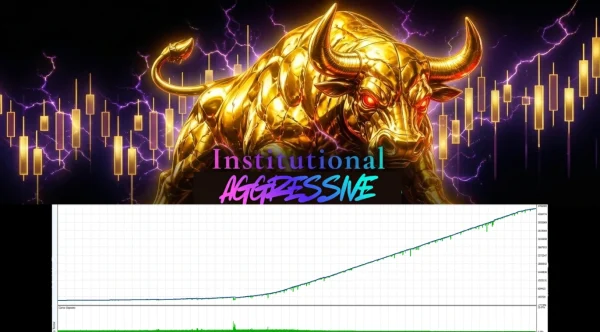
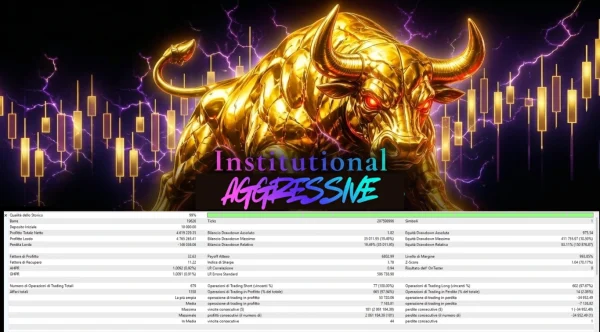
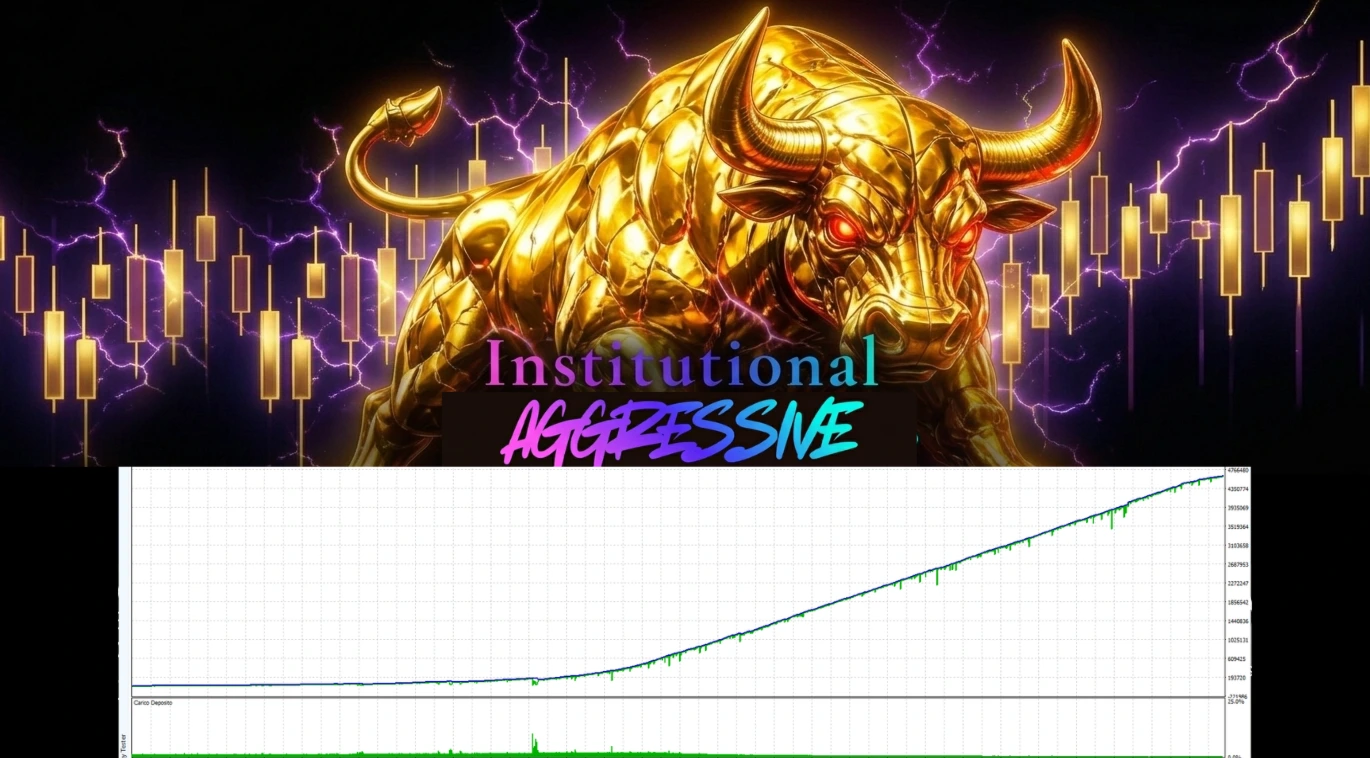
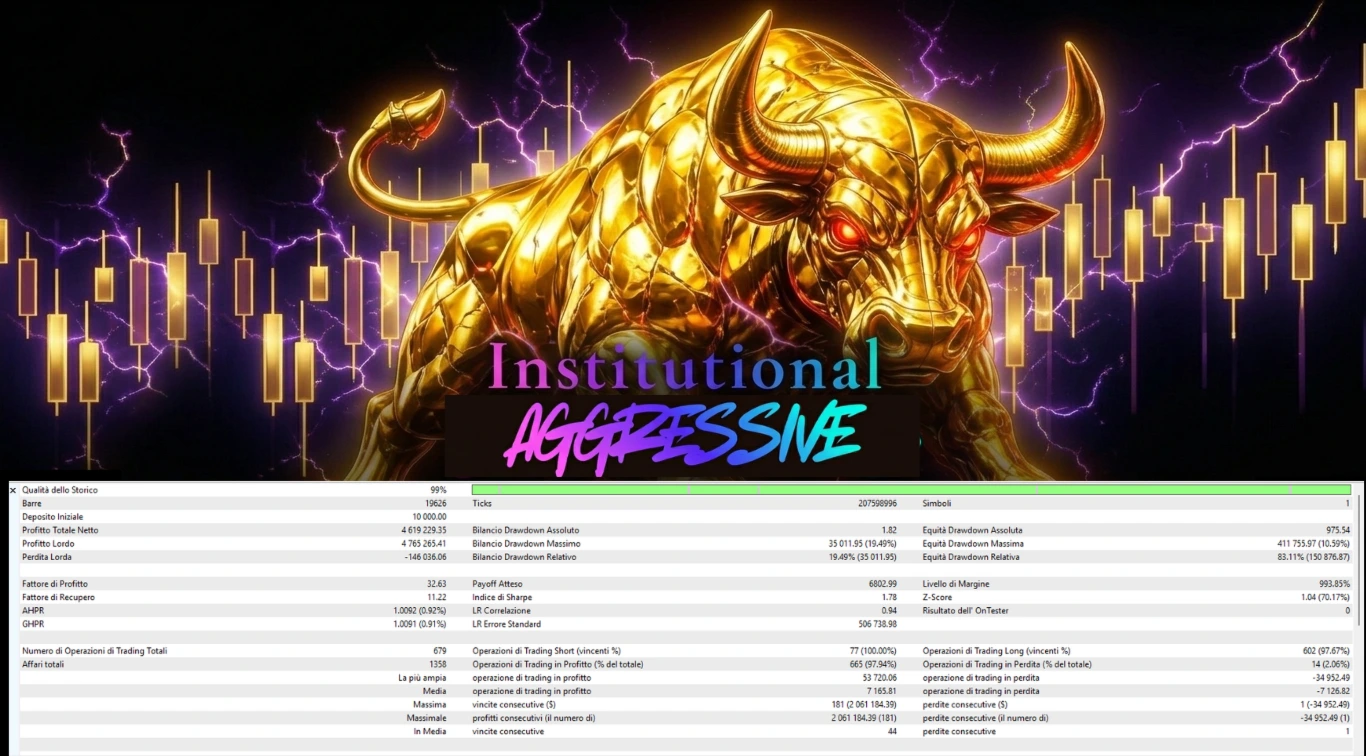
These are changing figures, not guaranteed future results. The record does not independently prove which exact EA build or settings generated every trade, so it must not be presented as a measured backtest of v2.6.
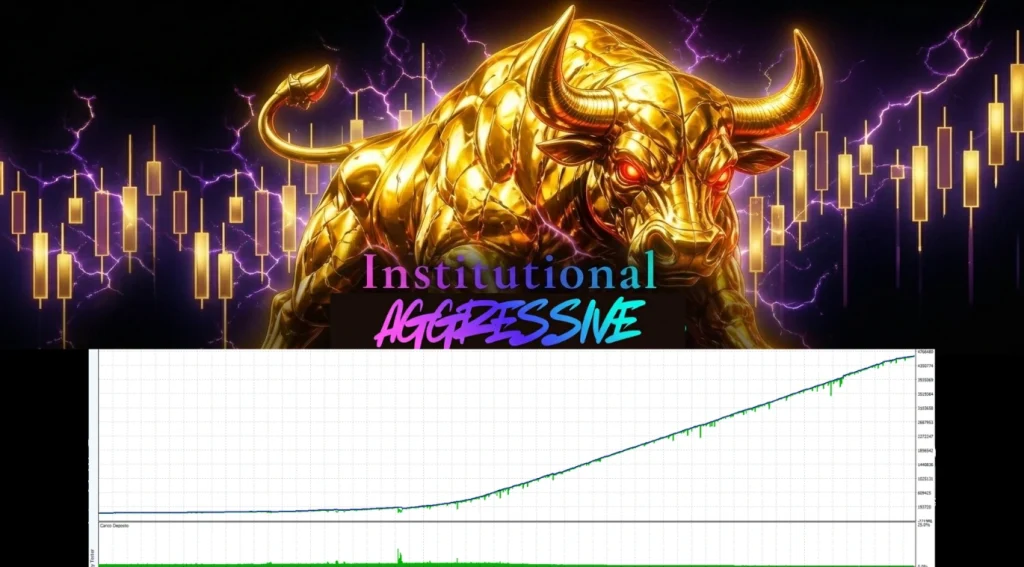
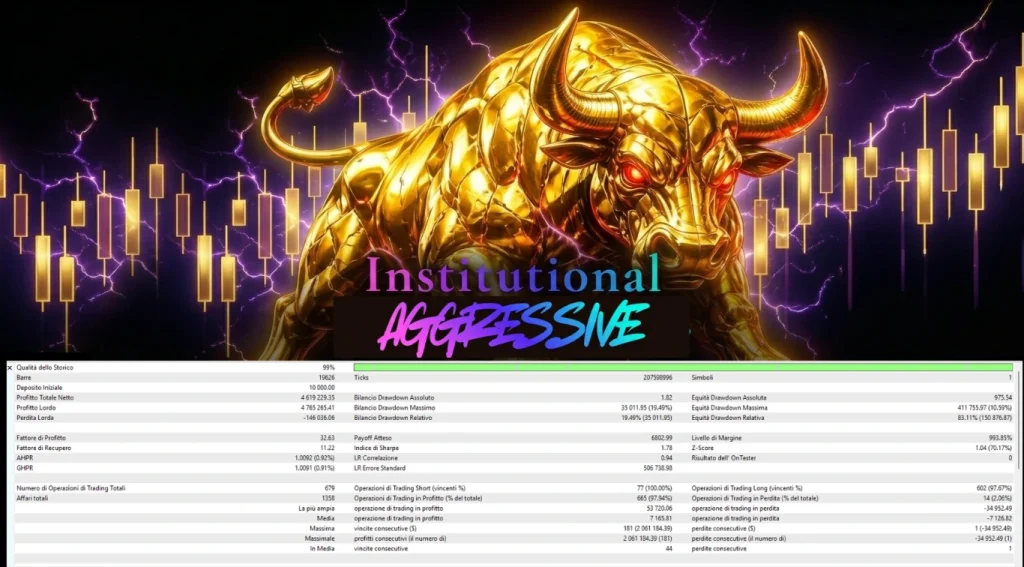
Some third-party pages show earlier positive snapshots. A historical screenshot can be accurate for its date and still be misleading if newer losses are missing. Always open the current signal and check account equity, closed trades, drawdown and trade history.
Our assessment: The large observed loss and short account history mean the available public evidence does not establish a reliable trading advantage. Do not judge the EA using win rate or past growth alone.

How to install Institutional Aggressive XAUUSD on MT5
- Obtain a trusted, properly licensed EA file for MetaTrader 5.
- Open MT5 on your computer or supported VPS and sign in to a demo account.
- Select File → Open Data Folder, then open MQL5 → Experts.
- Copy the supplied .ex5 file there, if your package uses that format.
- Restart MT5 or refresh the Expert Advisors list in Navigator.
- Open your broker’s XAUUSD chart and select H1.
- Check the developer’s instructions before attaching the EA. Its initial launch should be performed when the gold market is closed.
- Review the input settings and load a compatible .set file only if one is supplied and suitable for your account.
- Check trading permissions and the Experts and Journal tabs for errors.
- Test on demo before considering live trading. Monitor open equity, spreads, lot sizes and order behaviour.
If the installation asks for DLL access or unexpected external files, check the source carefully before allowing permissions. The MT5 mobile app can monitor positions but cannot run the desktop EA itself.
For a longer walkthrough, see our
How to Install an EA on MT5 guide
Common problems and fixes
The EA is not opening trades
Check the XAUUSD market hours, trading permissions, broker symbol and Experts/Journal messages. The strategy’s time filters may also block trading when there is no suitable setup.
The EA does not appear in Navigator
Check that the file is in the correct MT5
MQL5 → Experts folder. Refresh Navigator or restart the platform. An MT4 file will not run as an MT5 Expert Advisor.
The EA rejects an order or shows invalid stops
Check minimum lot size, allowed Stop Loss distance, margin, symbol digits and broker restrictions. Avoid changing settings at random to force a trade.
The EA behaves differently on a cent account
Ask for settings designed for your broker’s gold quote precision. The official author specifically warns about three-decimal symbols and point conversion.
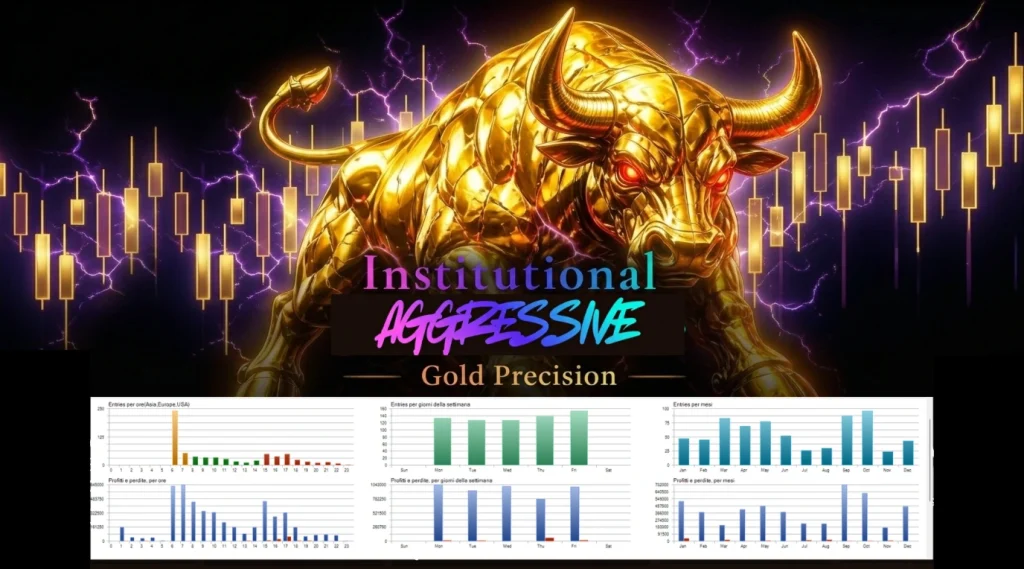
Results are different from the seller’s screenshots
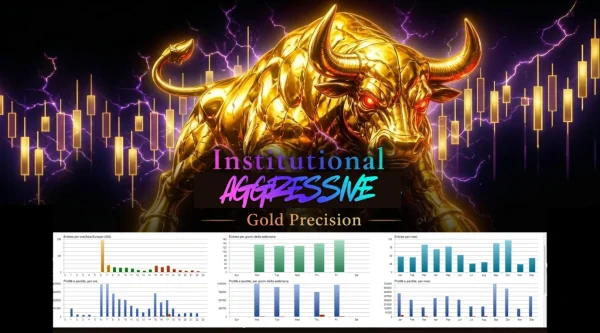
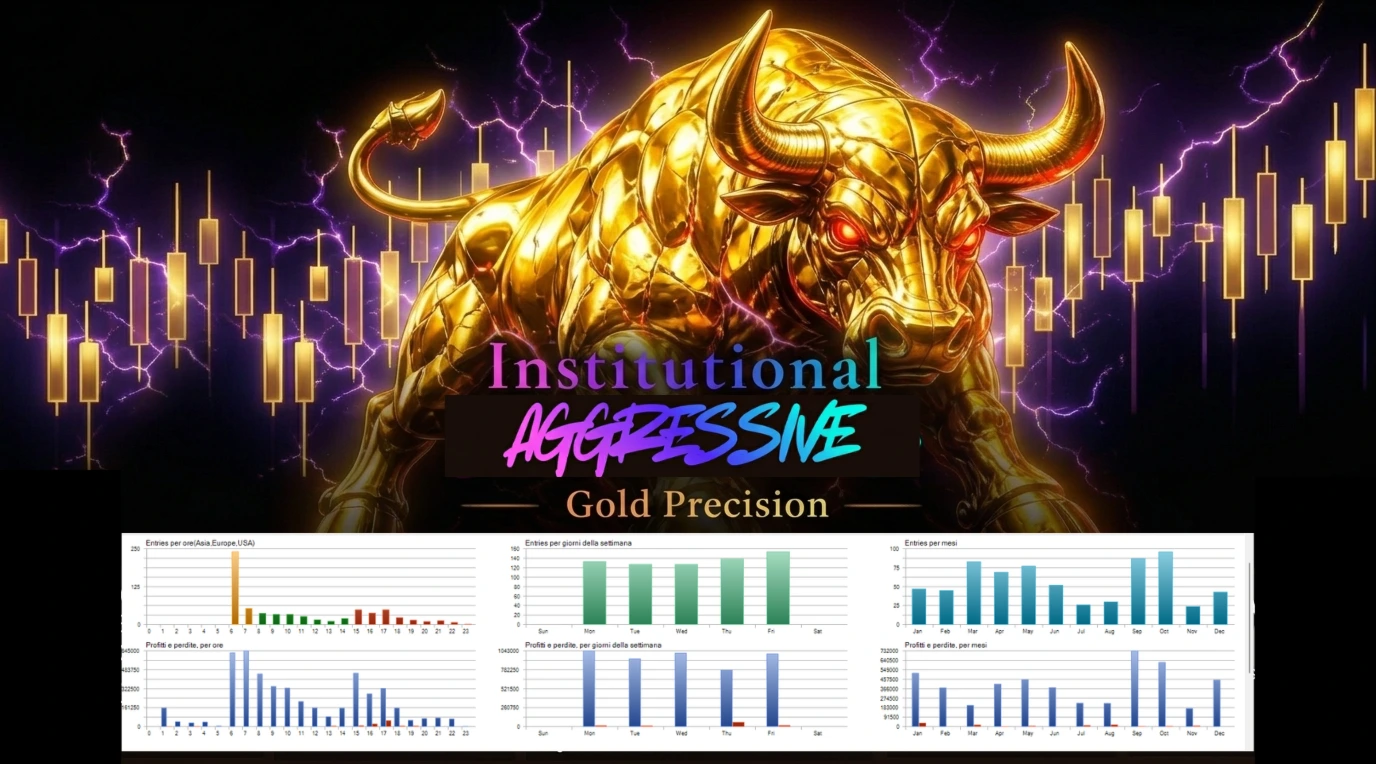
Confirm the exact EA version, input file, chart, broker costs and test period. Screenshots from one account do not prove what will happen on another account.
Your purchase from ForexEaTools.com
| Purchase detail |
This offer |
| Product |
Institutional Aggressive XAUUSD MT5 |
| Advertised version |
2.6 |
| Platform |
MetaTrader 5 |
| Included EA files and presets |
Check the package details before publishing |
| Licence, activation, updates |
Confirm before publishing |
Delivery, support and refunds
See
Delivery & Downloads for general order-access information. Check the package details for the exact included files and any activation requirements.
For an installation problem, contact
Product Support with your order number, EA version, MT5 build and the relevant error message. Hide personal account details in screenshots. Never send your trading-account password.
Read our
refund policy before buying. A software installation fault and dissatisfaction with trading returns are different issues; review the conditions and help process.
Frequently asked questions
What is Institutional Aggressive XAUUSD MT5 v2.6?
It is an automated Expert Advisor for MT5 that focuses on intraday gold (XAUUSD) trading and manages orders using programmed entry and exit rules.
What is the latest version?
As checked on 3 November 2026, the official MQL5 listing shows v2.9. Several resellers advertise v2.6. Check which version a store actually supplies.
Which chart should I use?
The developer prefers XAUUSD H1, the one-hour chart. Use the correct gold symbol for your broker.
Is Institutional Aggressive XAUUSD an MT4 or MT5 EA?
The product discussed here is for MetaTrader 5. MT4 compatibility has not been established for this version.
Does the EA use martingale or grid?
The developer says no. However, its public cent-account instructions mention “Grid execution,” so that claim needs clarification before it is relied on.
How much money is needed to run the EA?
The developer states $150 or €150 as the minimum deposit. That is not a recommendation of safe capital. Gold trading with leverage can result in substantial losses.
Does v2.6 include SET files?
The contents of this ForexEaTools.com package have not been confirmed. Check the exact download contents before relying on a specific preset.
Can I run the EA on a cent account?
The developer gives special guidance for cent accounts and three-decimal XAUUSD symbols. Confirm the point values and use a suitable preset before testing.
Why must I attach the EA when the gold market is closed?
That is a specific instruction from the developer to avoid incorrect startup positions. Follow the manual for your exact version and ask how to restart safely after an interruption.
Can I run it on my phone?
You can watch your account through the MT5 mobile app, but the EA needs a supported MT5 desktop terminal or VPS to run.
Is it suitable for prop-firm challenges?
The developer advertises prop-firm use, but individual firms may restrict EAs, news trading, daily losses and certain trading methods. Check the firm’s current rules yourself.
Does Institutional Aggressive XAUUSD guarantee profits?
No. The accessible public signal showed a major loss on 3 November 2026. Past performance, protective orders and marketing claims do not guarantee future returns.
Final review
Institutional Aggressive XAUUSD MT5 v2.6 offers automated gold entries, time filters and built-in trade management for MT5 users. Its most important setup points are the H1 chart, closed-market initialization and special settings for some cent accounts.
Its risks deserve equal attention. The linked public signal has shown a very large loss, and results from the newer official version cannot automatically be applied to v2.6. For anyone considering it, the sensible first step is controlled demo testing with realistic broker conditions.