AiX Gold MT5 v1.87 at a glance
| What to check |
Details |
| Listed version |
v1.87 |
| Platform |
Desktop MetaTrader 5 |
| Market |
XAUUSD or GOLD |
| Chart timeframe |
H1 (one hour) |
| MT5 account mode |
Hedging |
| Trading style |
Breakouts around daily and hourly price levels |
| Jev trade review |
Optional. An API key is needed when enabled. |
Public trading records: what they show
View AiX Gold live results on MQL5
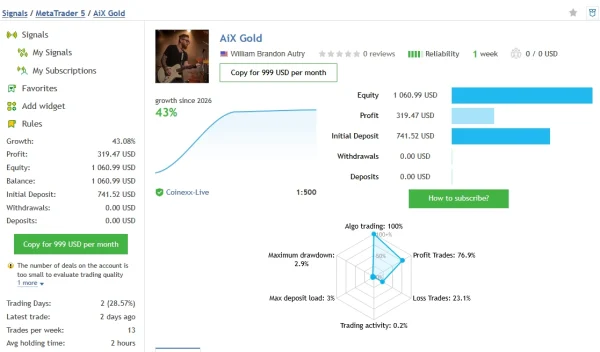
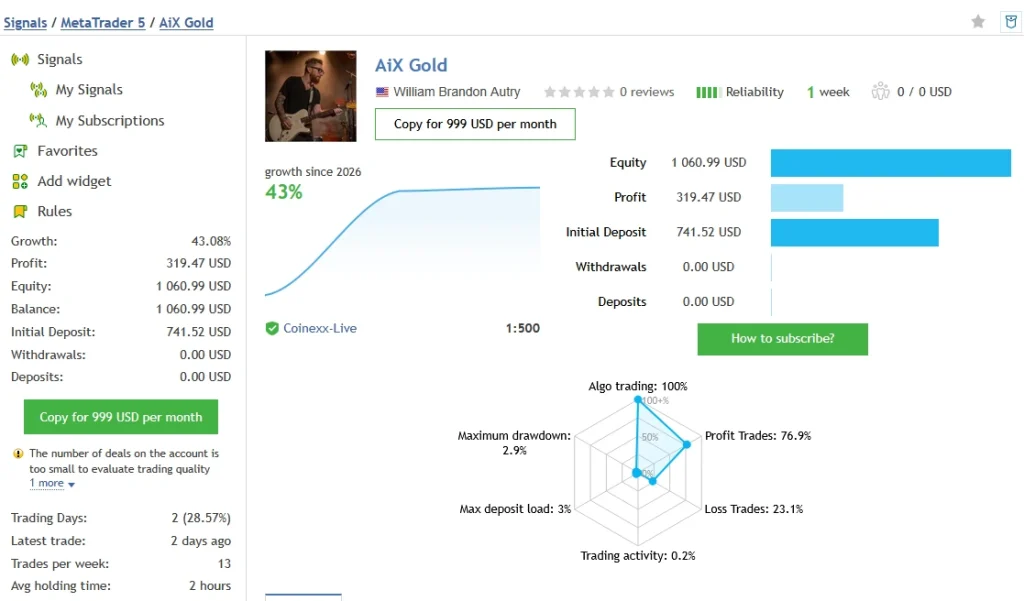
Snapshot checked on 7 November 2026. Figures can change as the account trades.
| Signal metric |
Reported value |
| Broker server |
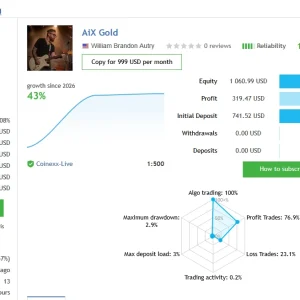
Coinexx-Live |
| Growth |
43.08% |
| Profit |
$319.47 |
| Closed trades |
13 |
| Trading days |
2 |
| Relative balance drawdown |
2.95% |
| Relative equity drawdown |
1.17% |
MQL5 warns that the account is newly opened and has too few trades to evaluate trading quality.
On 7 November 2026, the developer’s public live signal showed
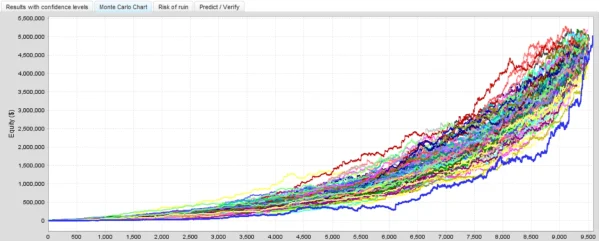
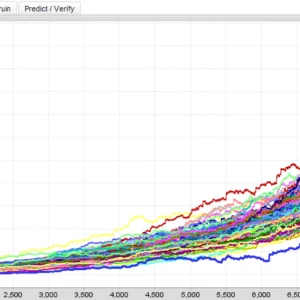
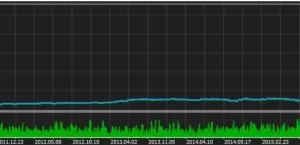
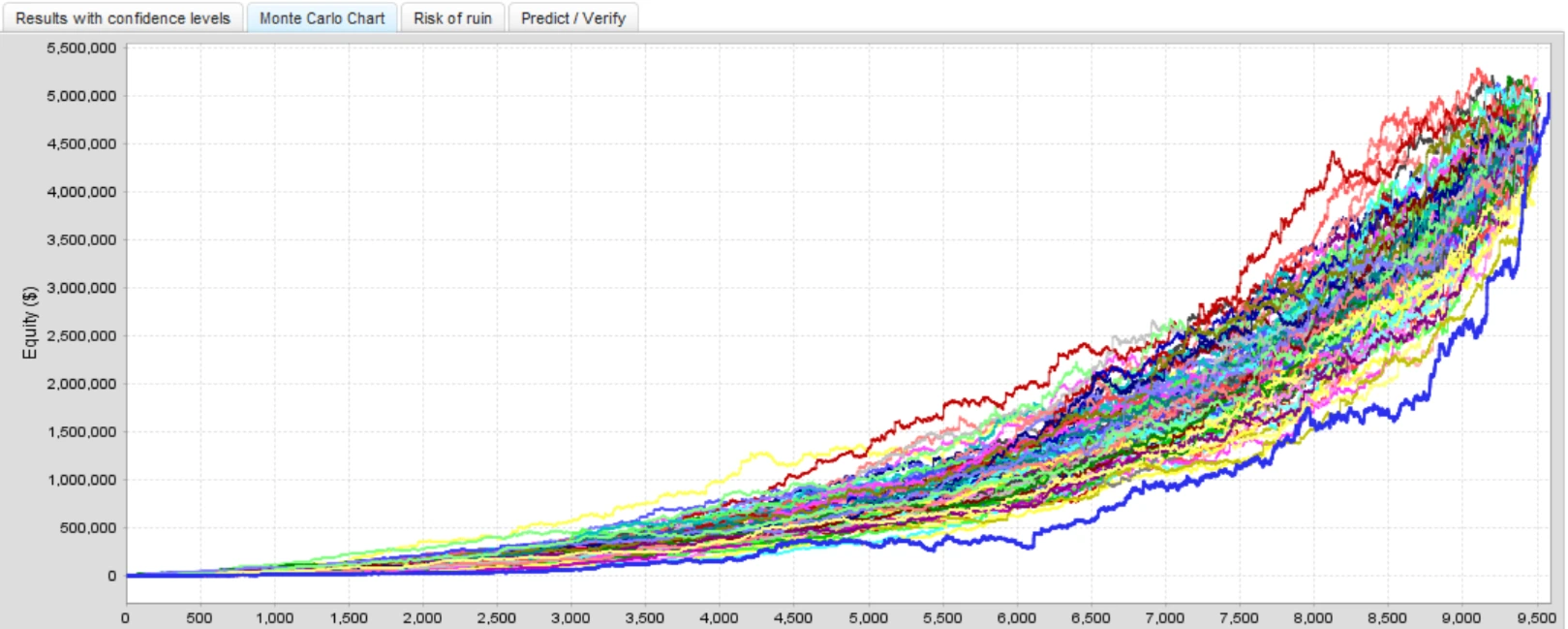
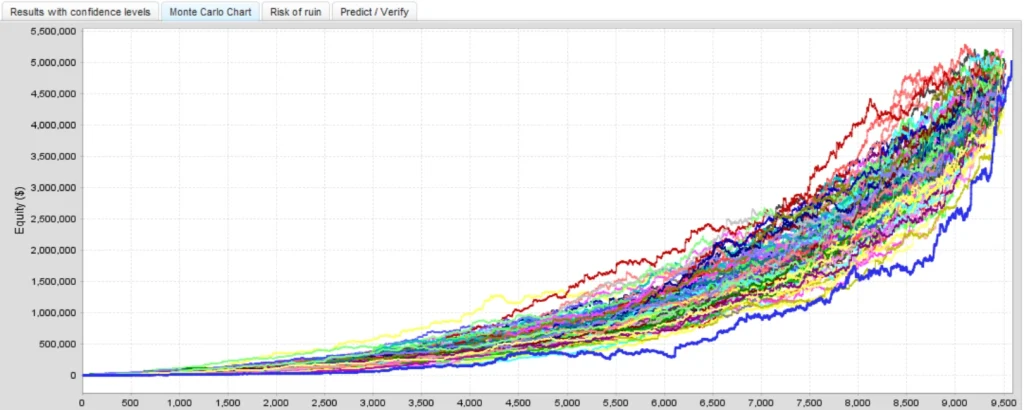
13 closed trades. That is a short record for judging how the EA handles different gold market conditions. The public record does not establish which build or Jev settings produced every trade. Developer backtests are simulations. ForexEaTools has no independent trading results for this v1.87 package to share.
Automated gold trading can lose money. Historical results do not predict future returns. See
how balance and equity drawdown are measured.
Backtest trading records

What comes with your order?
This listing is for the AiX Gold MT5 v1.87 Expert Advisor. Before ordering,
ask ForexEaTools to confirm your package. Check the exact file format, whether separate SET files or a guide come with it, how the licence is activated and whether it expires. You can also check DLL requirements, how and when the file is delivered, and what support and updates are included.
A SET file is a saved group of EA settings. You load it into the EA’s Inputs tab after attaching the EA. If you already have a preset, check that it matches v1.87 and your broker’s gold symbol before using it.
How does AiX Gold trade?
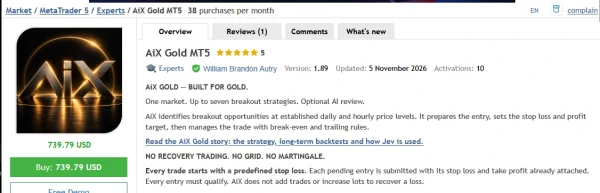
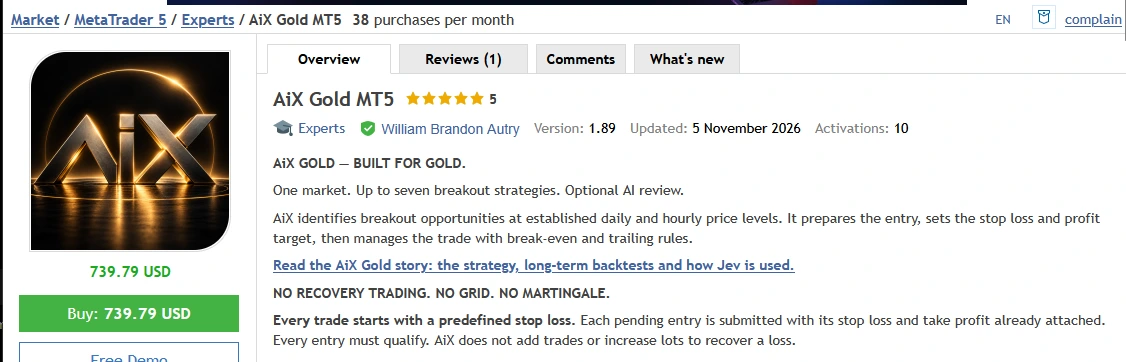
Developer William Brandon Autry describes up to seven gold breakout strategies. The EA looks for price to move through an established level. It places pending buy or sell orders with a stop loss and take profit, then can move stops using break-even and trailing rules. The developer describes the strategy as avoiding grid and martingale recovery.
Gold can break through a level and quickly reverse. Several strategies can also trigger around the same move, adding to your total exposure. A fast market can cause a stop to fill at a different price from the level you set. See our
guide to grid, martingale and breakout EA risks.
Will it work with my broker?
Check the
account type and exact gold symbol in desktop MT5. Your account needs hedging mode. Some brokers add letters or numbers to XAUUSD. Find your broker’s gold symbol in Market Watch and use that chart. Before you set a lot size, check the contract size, minimum trade size and margin requirements. These can vary by broker and account type.
Do I need Jev?
You can run the base strategy with
Jev set to Off, the developer’s documented default.
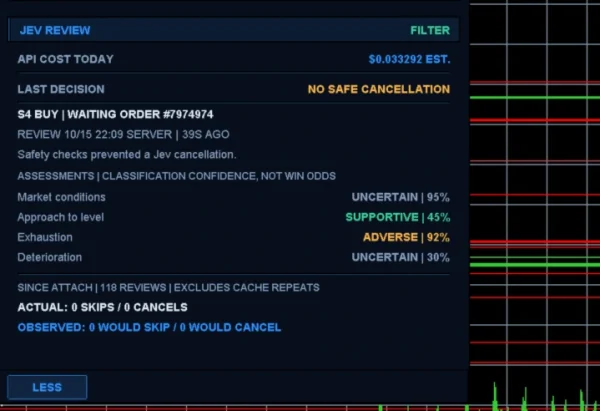
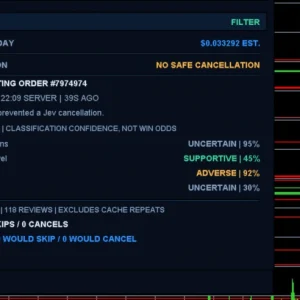
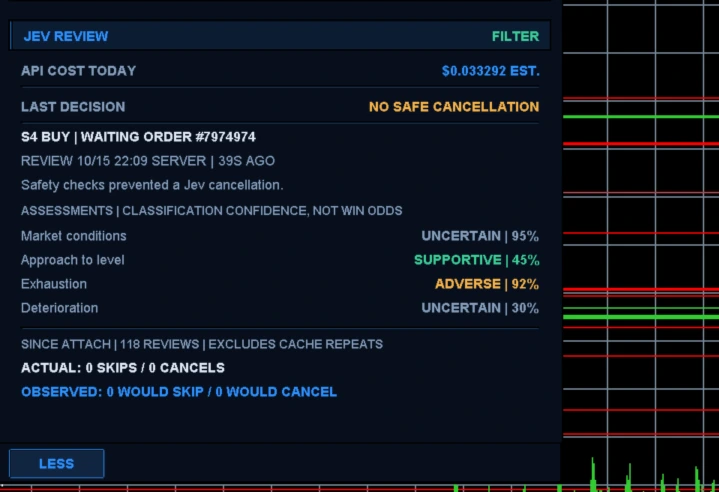
Observe shows Jev’s assessment while the base rules control orders.
Filter can block a setup or cancel a pending order according to its configured rules.
If you enable Jev, you need an API key and must allow the provider’s URL in MT5 WebRequest settings. The provider may charge separately. The developer says Jev is inactive in the MT5 Strategy Tester, so the published backtests describe the base strategy.
How to install and check AiX Gold on demo
- Open an MT5 hedging demo account. Find your broker’s gold symbol and open an H1 chart.
- Follow our MT5 EA installation guide and attach AiX Gold to the chart.
- Review the lot size, spread and news settings. If you have a compatible preset, follow our guide to loading a SET file in MT5.
- Start with Jev set to Off. Enable Algo Trading on demo and check the Experts and Journal tabs for errors.
- Observe how the EA handles pending orders, stops and any overlapping trades. If you later enable Jev, check its messages and order behavior on demo separately.
What do the public trading results show?
On 7 November 2026, the developer’s public live signal showed
13 closed trades. That is a short record for judging how the EA handles different gold market conditions. The public record does not establish which build or Jev settings produced every trade. Developer backtests are simulations. ForexEaTools has no independent trading results for this v1.87 package to share.
Automated gold trading can lose money. Historical results do not predict future returns. See
how balance and equity drawdown are measured.
Delivery, support and refunds
Read
Delivery & Downloads for order access. If your setup depends on a particular preset or licence option, confirm it with
Product Support before ordering. See the
refund policy for purchase terms.
Frequently asked questions
Can I run AiX Gold on MT4 or on an MT5 netting account?
Use desktop MetaTrader 5 with a hedging account. The EA runs in desktop MT5. You can use the mobile app to monitor your account.
Are SET files included with v1.87?
Check with ForexEaTools before ordering if you need separate presets. Ask which files are included and which setup each one is for.
Do I need a VPS?
A VPS is optional. The EA needs a running, connected MT5 terminal to check for new setups and manage trades. A VPS can keep the terminal running when your computer is off.
Is AiX Gold suitable for a prop firm challenge?
Check your firm’s current rules on third-party EAs, order behavior, trading around news and drawdown. Ask the firm to confirm whether your intended setup is allowed.
How much can I earn with AiX Gold?
There is no reliable earnings estimate. Your lot size, spreads, execution and market conditions can all affect the outcome. You can lose money even when the EA uses stop losses.