Obsidian Pivot Engine MT5 is a level-based breakout Expert Advisor with
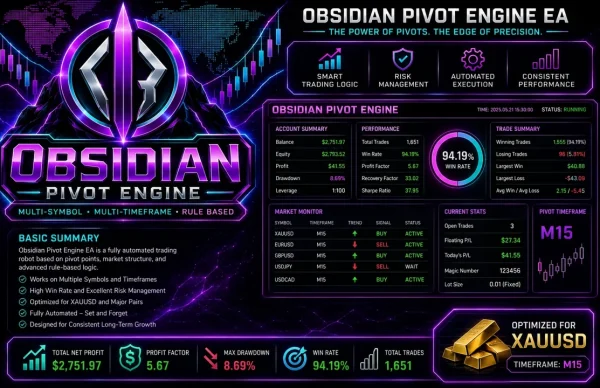
XAUUSD M15 as its primary published setup. It uses multi-timeframe analysis and pending entries, with BTCUSD and NASDAQ described as optional markets. Check the supplied file type, account compatibility and risk settings before ordering. An EX5 trading file and editable MQ5 source code are different package items.
Our Telegram –
Join
Admin Contact
Supported markets and starting setup
| Setup detail |
Published product information |
| Platform |
MetaTrader 5 |
| Primary market |
Gold — XAUUSD |
| Primary chart |
M15 — 15 minutes |
| Initial inputs |
Default configuration for evaluation |
| Additional markets |
BTCUSD and NASDAQ, enabled separately |
| Strategy |
Level-based breakout trading with multi-timeframe analysis |
Start by checking the Gold configuration before adding another market. Follow the instructions for your supplied release; internal analysis across several periods does not mean the launch chart is unimportant.
Broker symbols vary. Before enabling NASDAQ or Bitcoin, confirm the exact symbol name, minimum lot, contract size and trading hours. Do not assume that a Gold configuration fits a different instrument.
EX5 EA file or MQ5 source code: which do you need?
| File type |
What it means for you |
| EX5 |
The compiled EA program that runs in MetaTrader 5 |
| MQ5 |
Editable source code that needs compiling into an EX5 program |
| SET |
Saved inputs for a compatible program; not the EA or its source |
If you want to install and evaluate the EA, check that the package includes a working EX5 file. If you want editable code, check that MQ5 source and any required companion files are explicitly included, together with the permitted use terms.
Source-code access does not establish permission to redistribute or resell it. Owning an EX5 file also does not mean editable source is included.
What risk controls are described?
Published descriptions list initial stop-loss protection, trailing management, position and pending-order limits, and exposure controls per symbol. They describe the strategy as using no grid, martingale, averaging of losing positions or automatic lot increase after losses. These are published specifications, not our independent code audit.
Review what those controls do in the supplied build. In particular, an exposure limit that blocks new entries is different from a rule that closes existing trades.
If you enable several markets, review the combined account exposure. A separate limit for each symbol does not automatically provide a single account-wide maximum-loss limit.
Why might a trade have no take-profit value?
The detailed published description states that take profit is not used by default. It instead describes trailing and other position-management functions. A blank take-profit field is therefore not enough on its own to diagnose a fault.
Check the instructions, inputs and logs to understand the intended exit. Do not treat the absence of a fixed profit target as permission to ignore losing positions or protection errors.
Minimum deposit and broker requirements
A universal minimum deposit has not been verified for this offer. Required capital depends on trade size, stop distance, margin requirements and how many positions may open together.
Check your broker’s spread, commission, order-distance restrictions and symbol specifications. Confirm the account mode supported by your configuration before enabling multiple positions or symbols.
Some descriptions recommend a hedging account for independent position management. If you have a netting account, confirm the supplied build’s behaviour rather than assuming both modes operate identically.
For a compatibility question, send
Product Support your broker, account mode, MT5 build and intended symbol. Never send your trading password.
Backtests and trading evidence
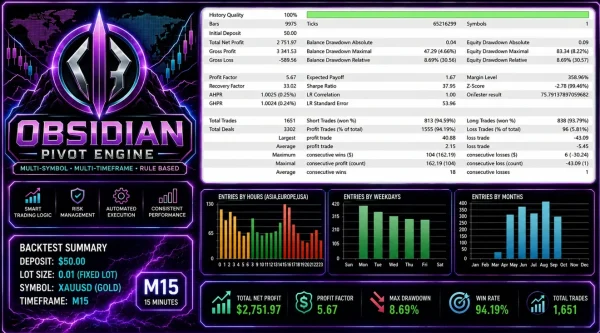
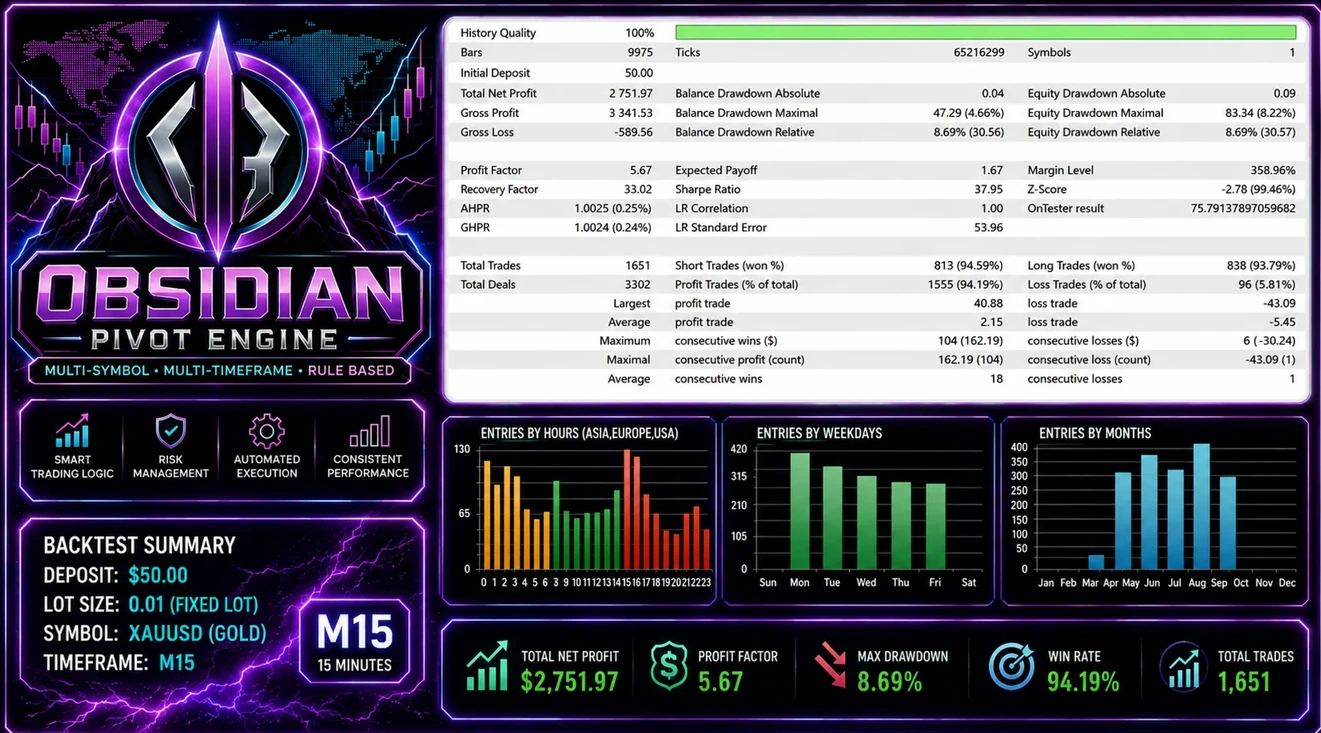
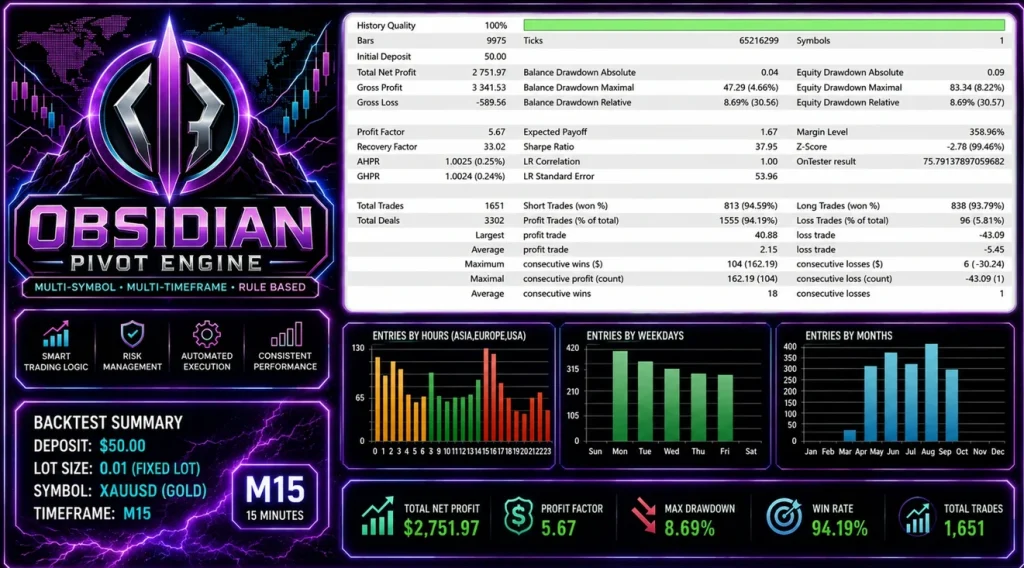
Public reseller pages discuss a historical XAUUSD M15 test. A backtest is a simulation using historical data; it is not a live brokerage account record.
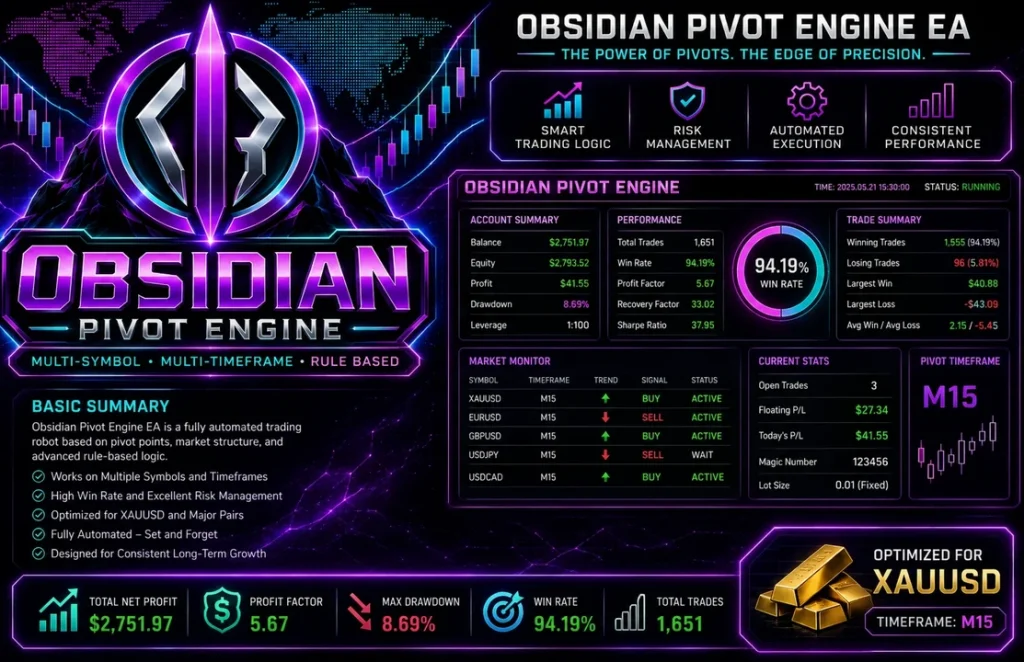
We have not independently reproduced the backtest or verified a complete, version-matched live account for this page. We therefore do not use its win rate, profit factor or drawdown as a promise about your account.
Before comparing a report with your setup, check its EA version, period, input values, trade size, data quality, costs and equity drawdown. A single drawdown figure describes the test period, not the largest loss possible in the future.
How to install Obsidian Pivot Engine in MT5
For a package supplied as a standalone EX5 file:
- Open your intended desktop MT5 terminal.
- Choose File → Open Data Folder.
- Copy the EA into MQL5 → Experts.
- Return to MT5 and refresh Navigator → Expert Advisors.
- Open your broker’s XAUUSD M15 chart for the primary published setup.
- Attach the EA and review the default inputs, enabled symbols, trade size and order limits.
- Load a matching SET file only if one is supplied and required for your configuration.
- Allow automated trading when ready, then check Experts and Journal for errors.
See
How to Install an Expert Advisor in MT5 for the full walkthrough. If your package includes presets, use
How to Load a SET File in MT5.
If you receive MQ5 source instead, compile the complete project in MetaEditor before running the resulting EX5. Ask for help with compilation errors rather than deleting code to make them disappear.
Testing before live use
Evaluate the documented default setup first so you have a starting point for comparison. Keep its report and original inputs before making changes. If demo use is supported, check symbol recognition, orders, protective stops and exits there too.
Change one setting at a time and record what changed. Enable optional markets only after checking their configuration and the resulting combined exposure.
Delivery, updates and support
Read
Delivery & Downloads for order access and missing-file help. Check the offer’s package details for file format, version, licence, activation and update coverage.
For an installation error, send
Product Support your order number, EA version, MT5 build and exact error text. For a trading-behaviour question, also include the symbol, chart period and relevant inputs, with private details removed.
Read the
Refund Policy before ordering for eligibility and request instructions. Setup support cannot guarantee trading returns or reverse market losses.
Frequently asked questions
Which chart should I start with?
The primary published configuration is XAUUSD M15 with default inputs for evaluation. Follow the supplied release’s instructions before changing it.
Can it trade Bitcoin and NASDAQ?
Both are described as optional markets. Confirm symbol naming and configuration for your broker before enabling them.
Is MQ5 source code included?
Only if this offer explicitly lists it. A ready-to-run EX5 package does not automatically include editable code.
Are SET files included?
Only when the package details say so. The primary published setup uses default inputs; do not assume a separate preset is needed or included.
Does it use grid or martingale?
Published specifications say it does not. That statement is not an independent audit of the supplied file.
Does it work on MT4?
No. An MT5 EX5 file needs MetaTrader 5. An MT4 edition, if available, would require its own supported file.
Do I need a VPS?
Plan for MT5 to remain running and connected while the EA manages orders. A suitable VPS can help with continuity, but it does not improve a strategy’s underlying profitability or remove execution problems.
Can I use it on a prop-firm account?
Check the firm’s current EA, pending-order, news and loss-limit rules. Do not assume acceptance or a passed challenge from a reseller category label.
Why are there no trades yet?
Check permissions, connection, symbol, margin and logs. A breakout strategy may wait for its conditions; it does not have to trade immediately after installation.
How much can I earn?
No reliable fixed earnings figure can be promised. Results depend on settings, execution costs and market conditions. Losing trades and losing periods remain possible.