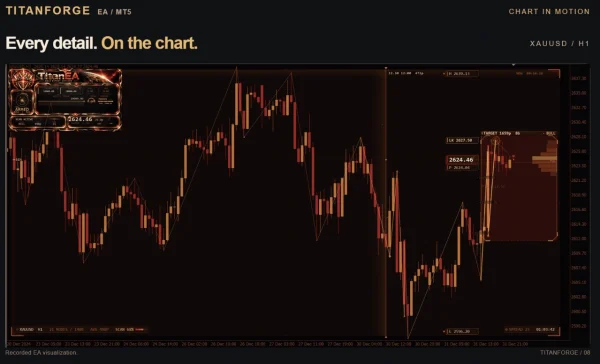
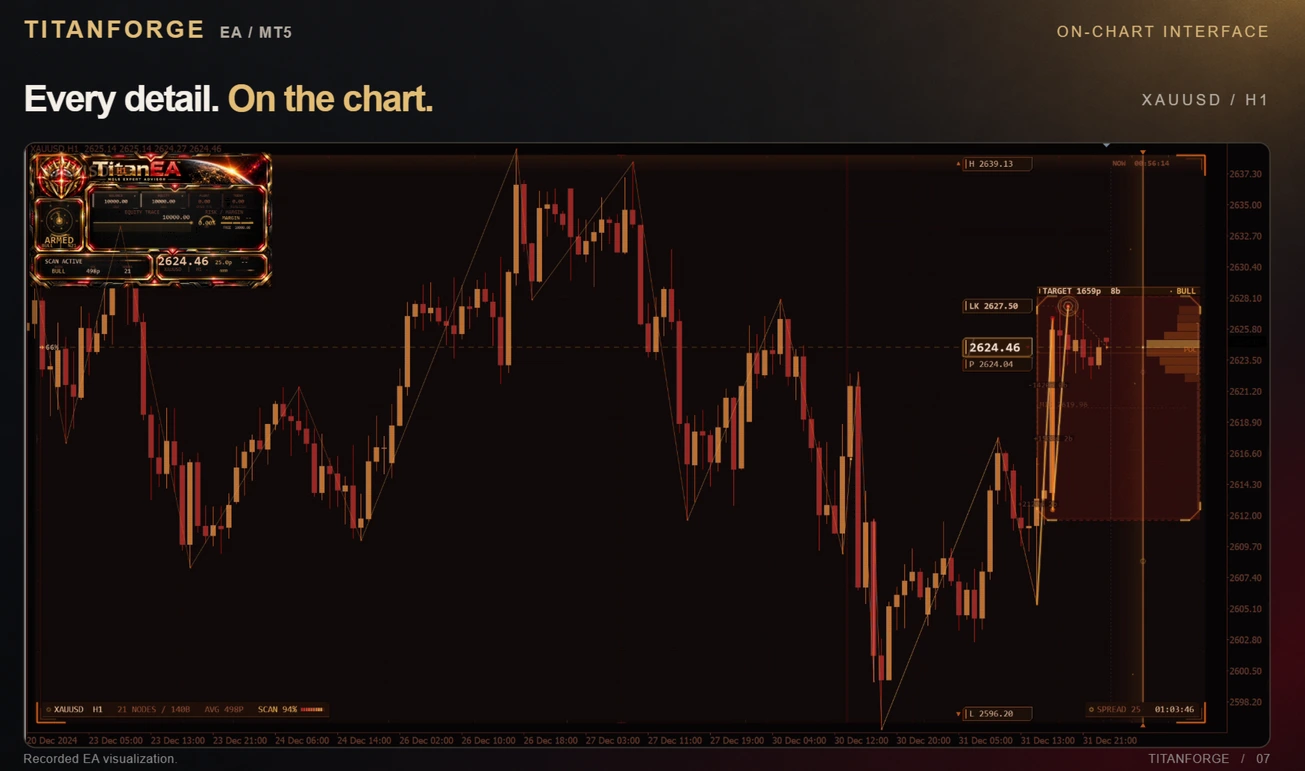
TitanForge EA MT5 is an automated gold trading tool designed for
XAUUSD on the H1 chart. It looks for strong price moves and uses a stop loss and trailing stop to manage trades. Check the setup, package details and public trading results before you buy.
Platform: MetaTrader 5 ·
Market: XAUUSD (gold) ·
Chart: H1
TitanForge EA MT5 settings and requirements
| Setup detail |
Developer’s published guidance |
| Platform |
MetaTrader 5 desktop |
| Market |
XAUUSD (gold) |
| Chart timeframe |
H1 (one hour) |
| Fixed position size |
About $300 account balance when using 0.01 lot |
| Automatic position sizing |
$1,000+ account balance recommended |
| Account type |
ECN, Raw Spread or Pro recommended |
| VPS |
Recommended for keeping MT5 online |
These balance figures are the developer’s setup guidance. They do not establish how much money you need with your broker or how much you could lose. Check your broker’s gold symbol, minimum lot size, contract size and margin requirements. Start with a demo account to see how the settings behave.
What settings should you check first?
Check whether the EA uses a fixed lot size or calculates the size automatically. Then review its stop loss, spread limit and news filter. The developer also describes daily and overall loss controls that can pause new entries. Review how those controls work in your build before relying on them.
What comes with your order?
| Package detail |
ForexEaTools offer |
| Platform |
MetaTrader 5 (MT5) |
| EA file and version |
1.3 |
| SET files |
Default settings |
| Licence and activation |
Unlimited |
| MT5 build and dependencies |
No DLL / Latest Build |
| Delivery |
Digital — see Delivery & Downloads below |
| Updates |
LifeTime |
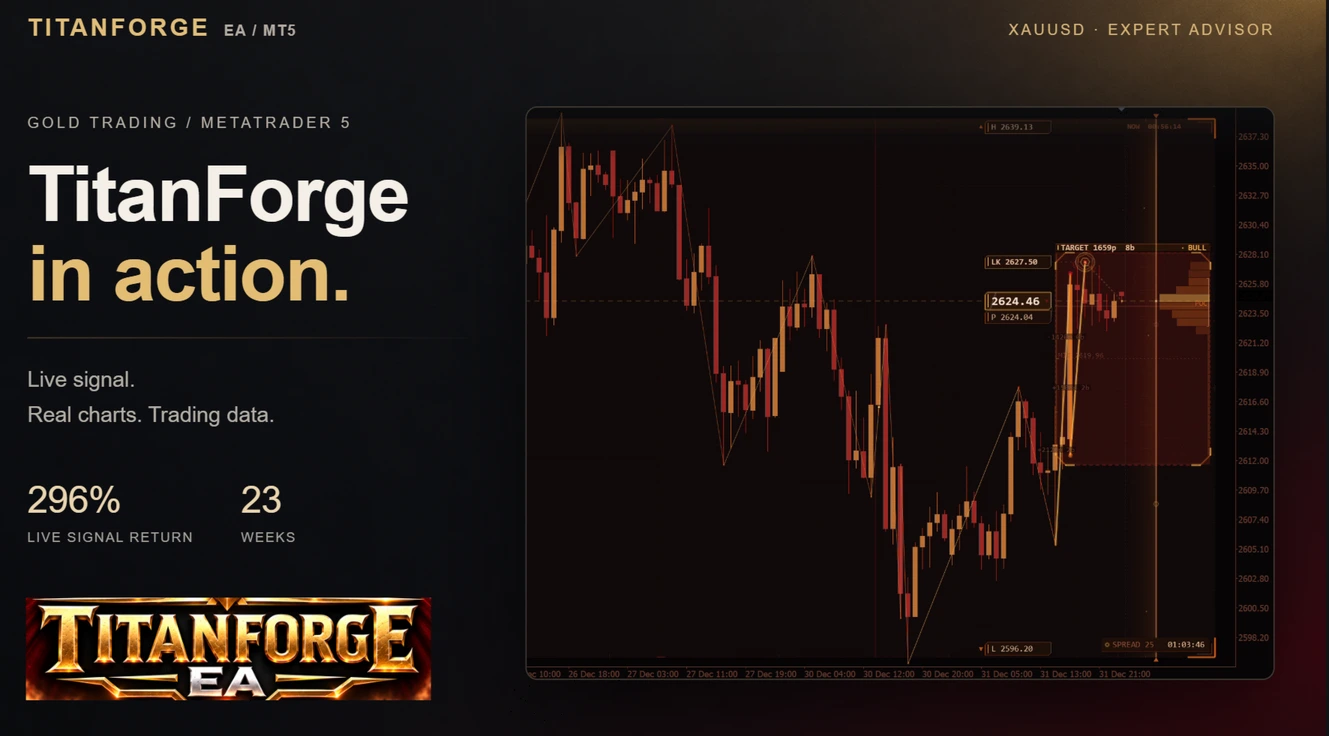
TitanForge EA MT5 live results: what the public account shows
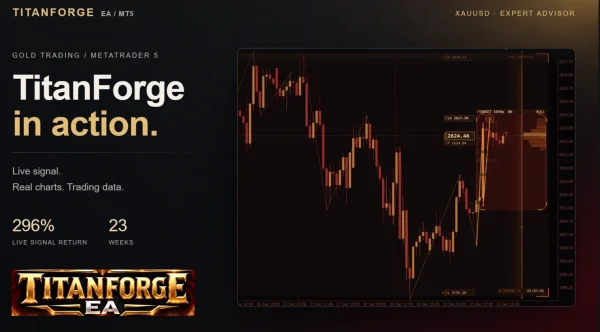
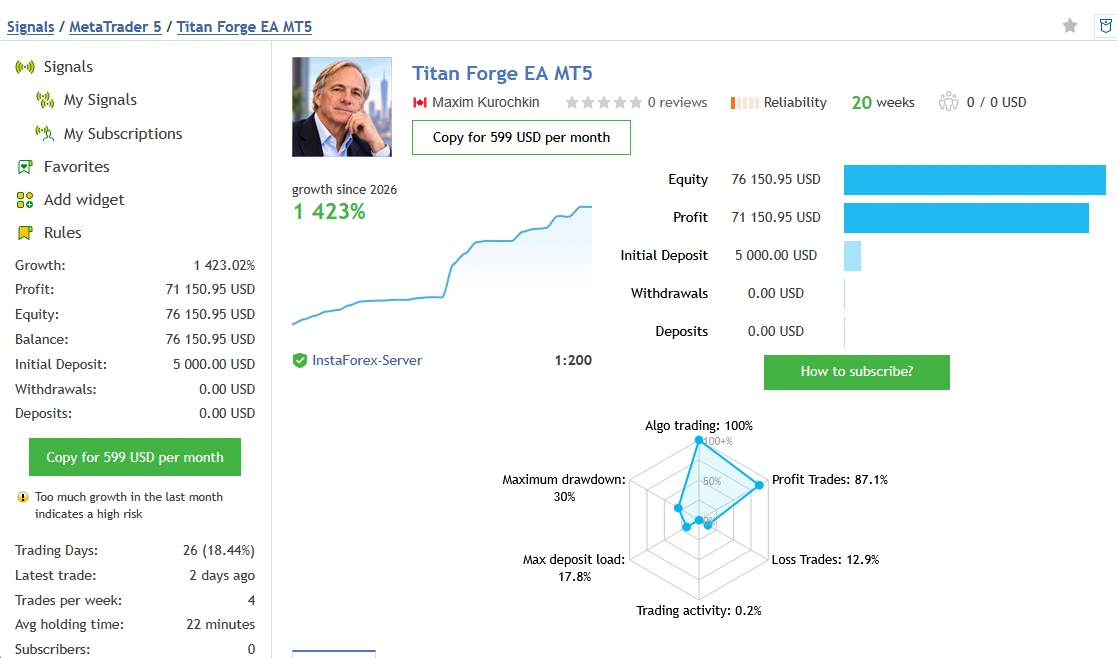
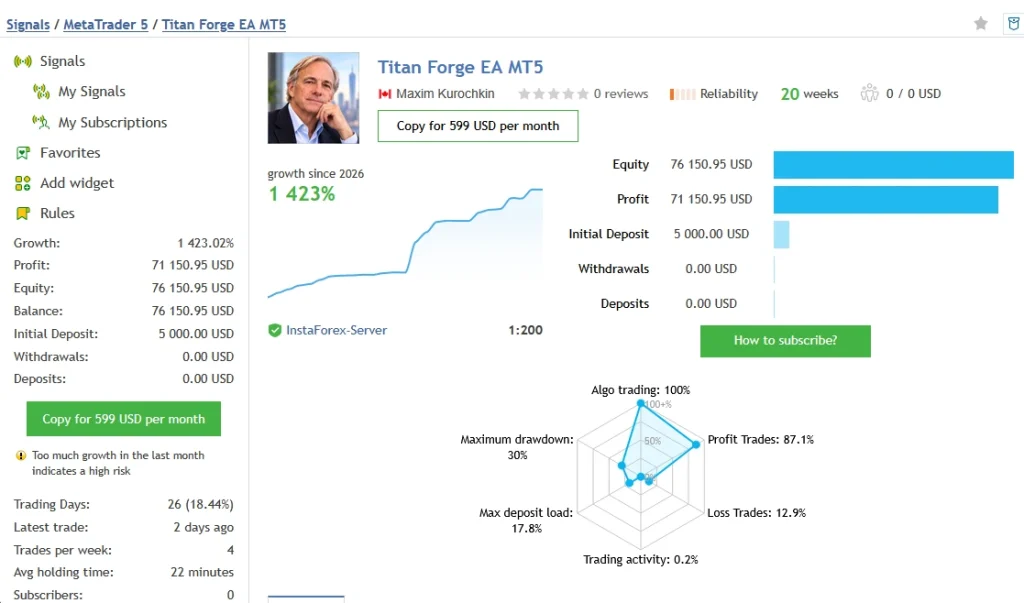
The developer links to a
public Titan Forge EA MT5 signal. In the snapshot checked on
13 November 2026, MQL5 showed
31 trades,
+1,423.02% reported growth and
29.96% relative equity drawdown. The account started with
$5,000. MQL5 also flagged the account’s recent growth as a sign of high risk.
Check the
Equity chart as well as the
Balance chart. Equity includes gains and losses on open trades. In this snapshot, relative balance drawdown was just
0.42%, even though relative equity drawdown was almost
30%.
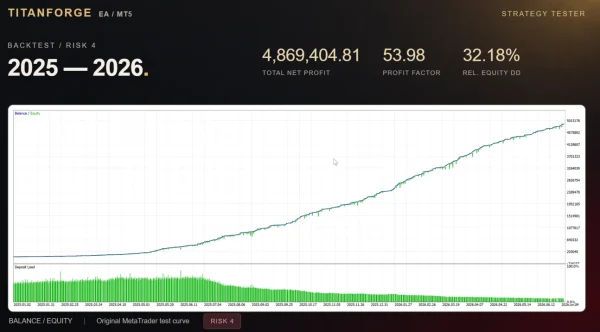
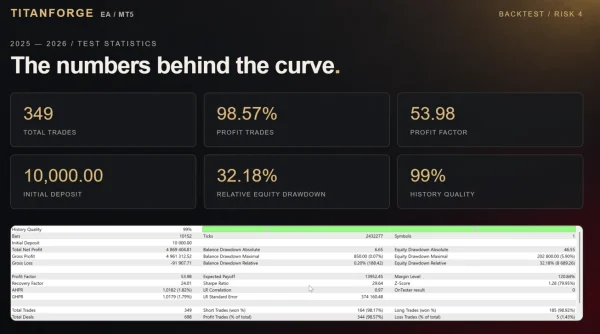
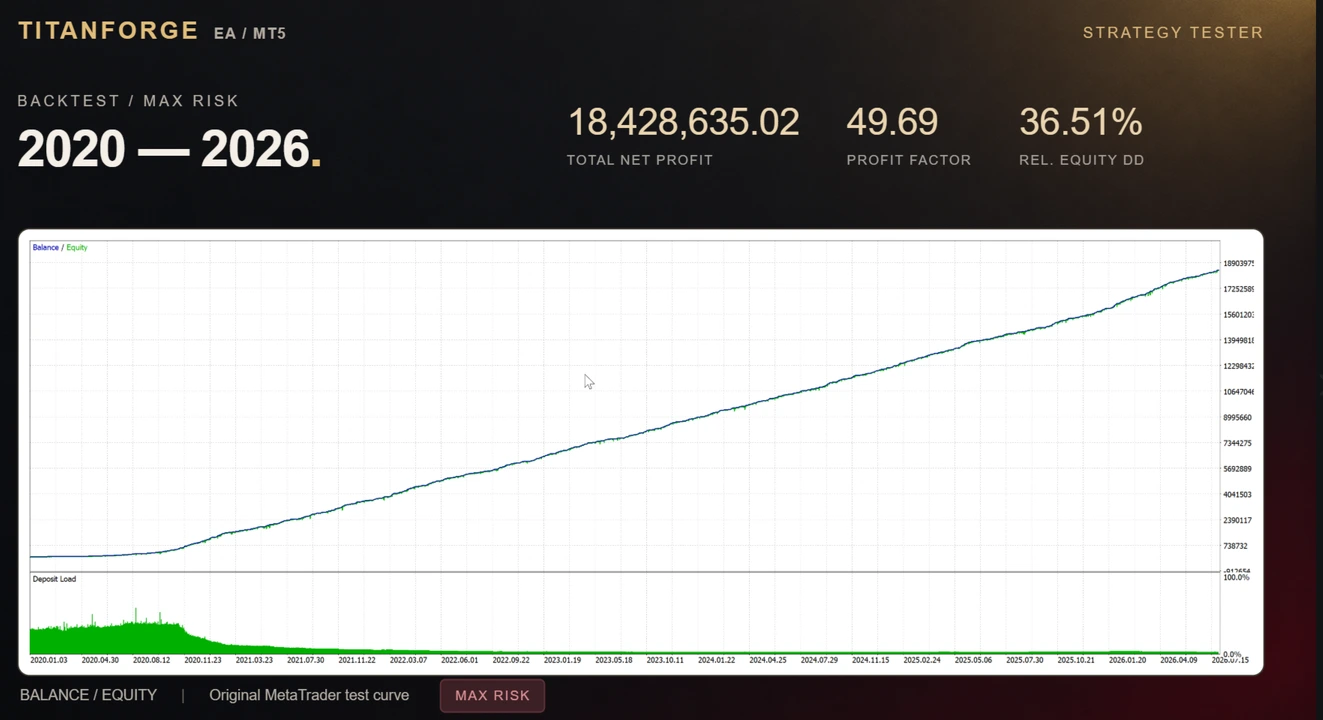
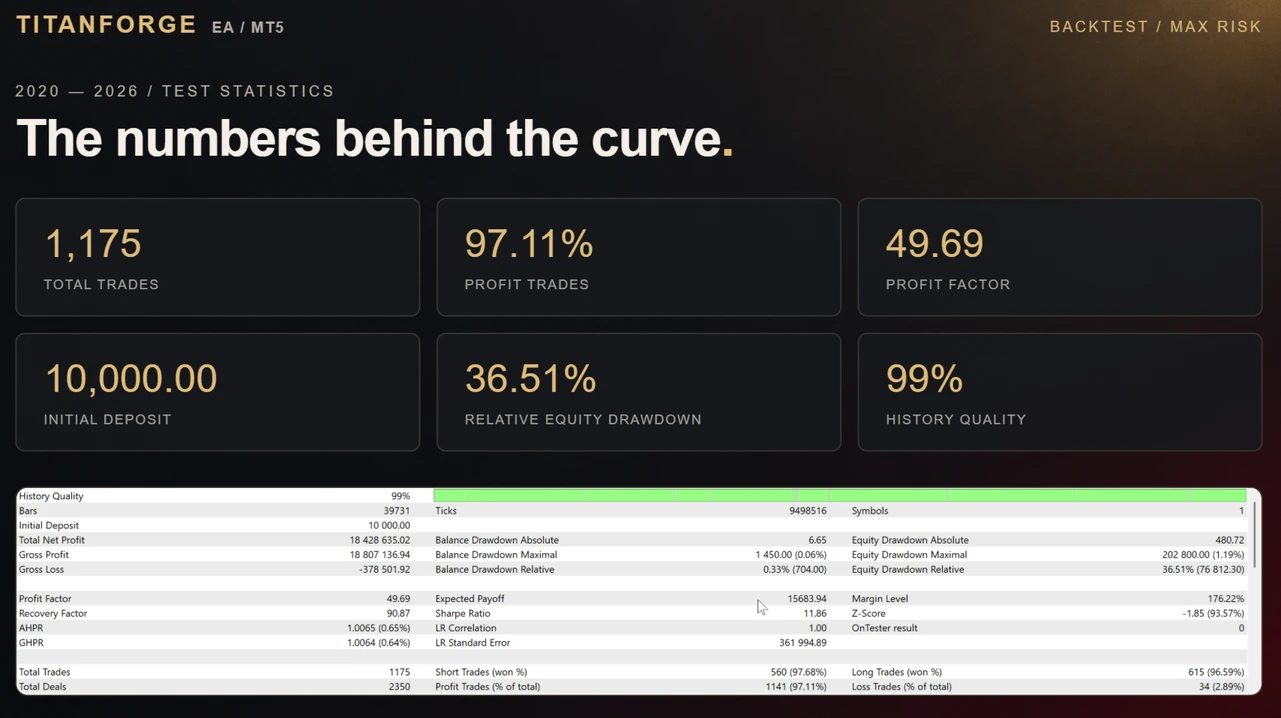
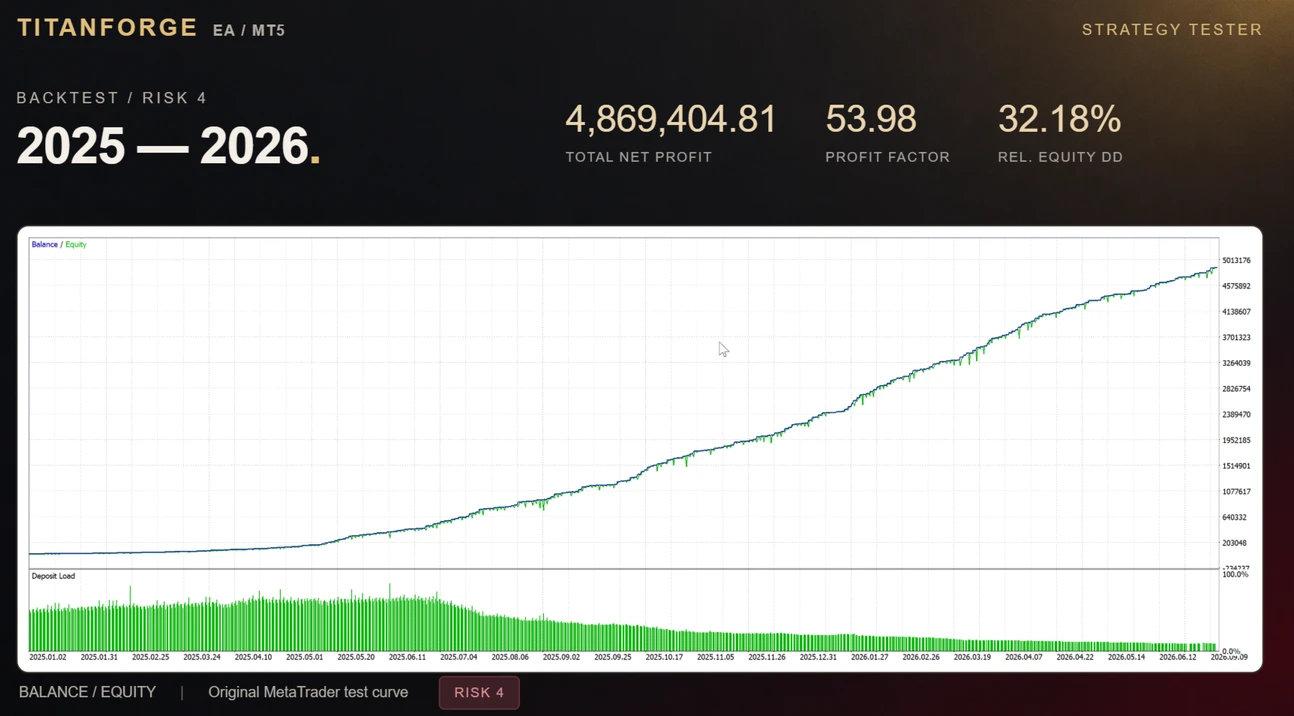
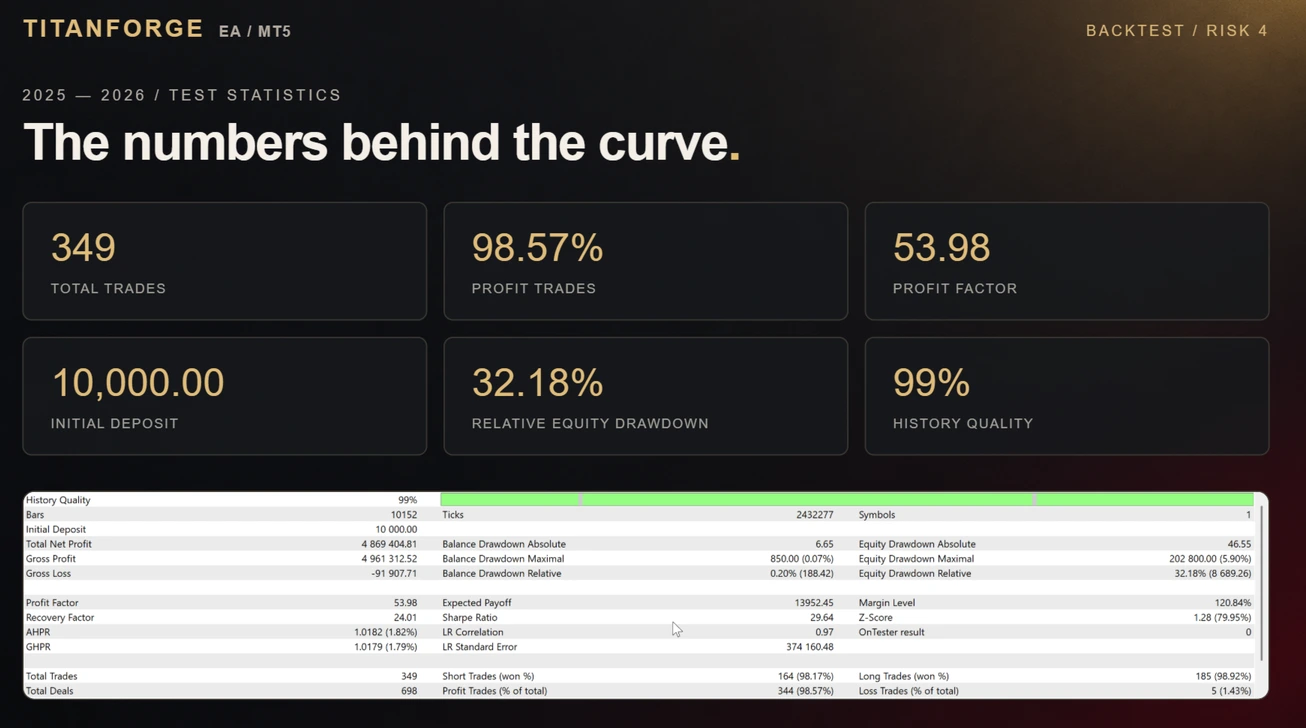
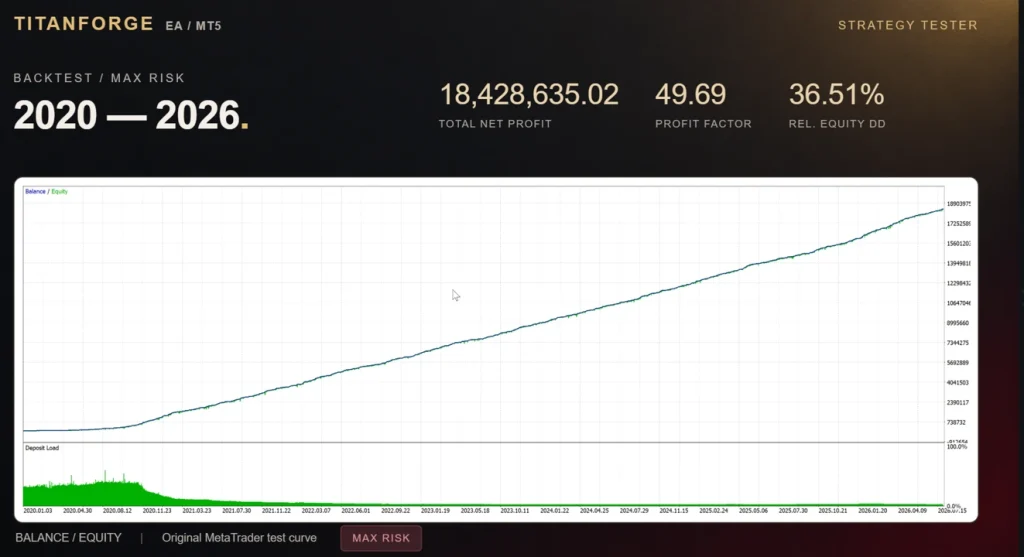
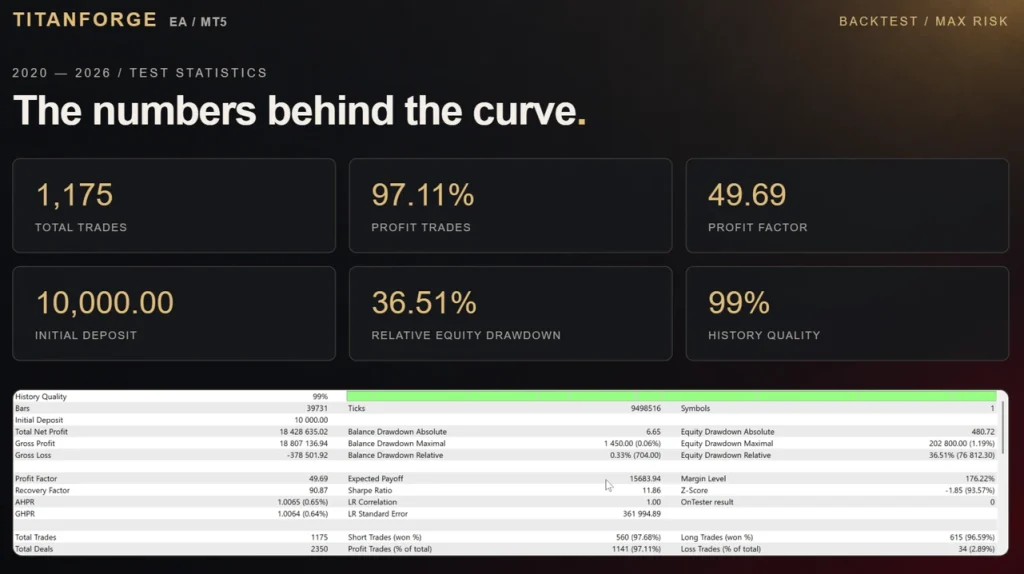
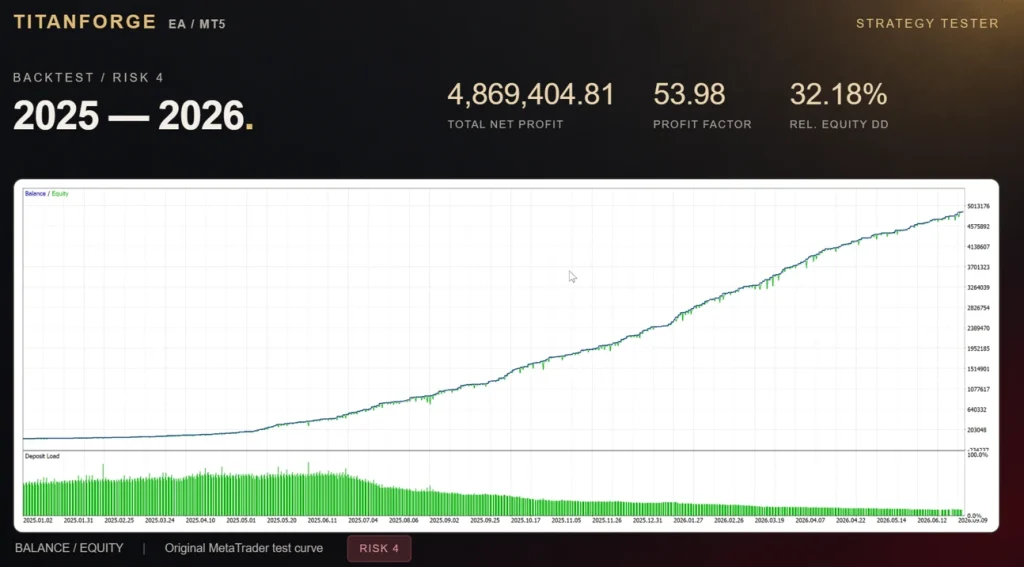
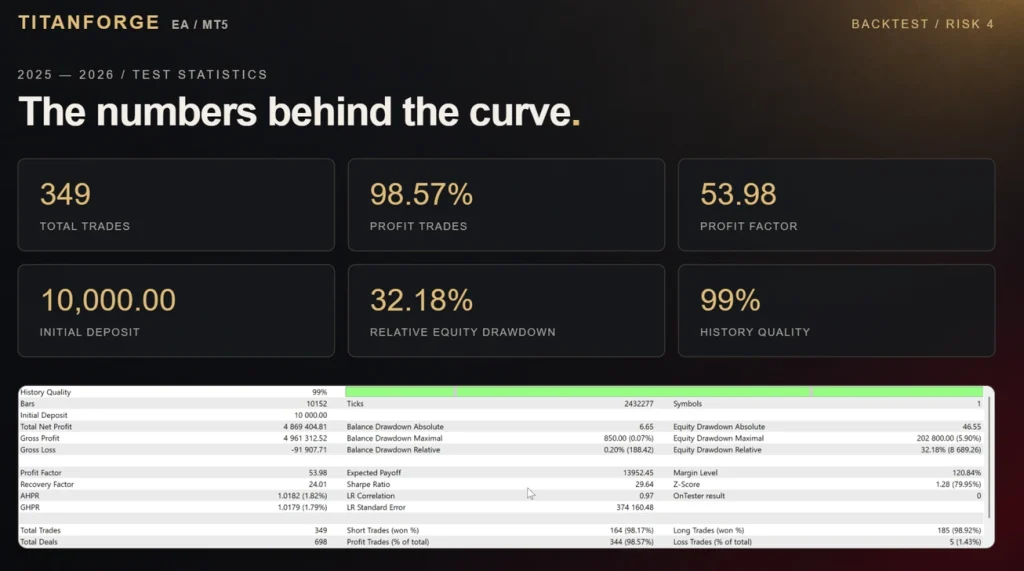
These figures describe one public account with a small trade sample. They do not show what your account will earn or prove that the supplied file and settings will match that account. The developer also publishes backtests; those are simulations and should be read separately.
Past results do not guarantee future returns.
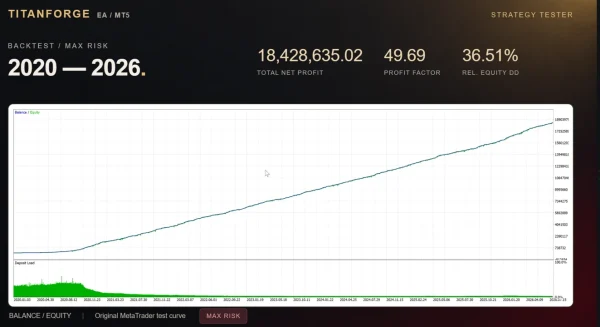
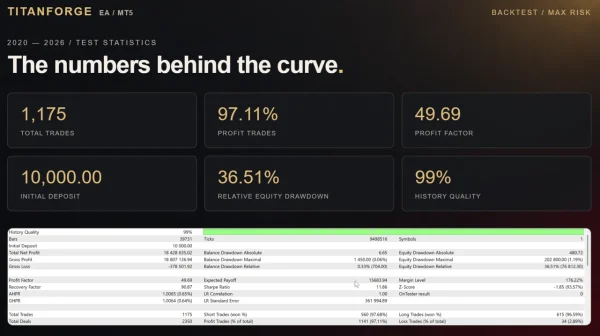
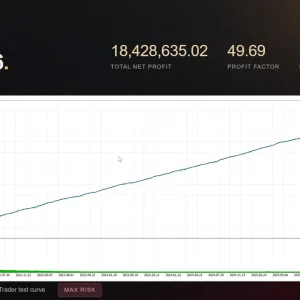
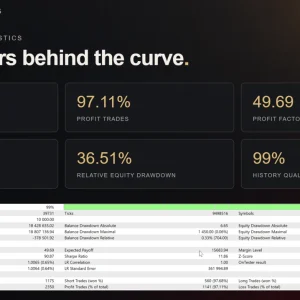
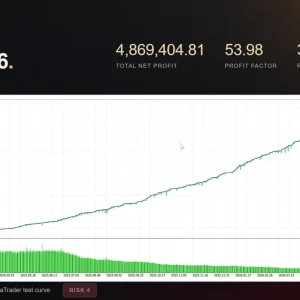
TitanForge EA Backtest
How to install TitanForge EA in MT5
- Open MT5 desktop and follow our MT5 Expert Advisor installation guide.
- Open your broker’s gold chart and select H1.
- Attach TitanForge from Navigator → Expert Advisors.
- If your package includes a matching preset, follow our guide to load a SET file in MT5. Review the trade size and risk settings before applying it.
- Enable Algo Trading when you are ready to test on demo. If the EA does not start, check the Experts and Journal tabs for the exact message.
Delivery, updates and support
See
Delivery & Downloads for how to access your digital order. Check the package table for update coverage.
Need help with installation? Contact
Product Support with your product version, MT5 build and error message. Include your order number if you have already bought it. Read the
Refund Policy before ordering.
Frequently asked questions
Does TitanForge work on MT4?
This offer is for MT5. An MT5 EA file cannot run on MT4.
Should I use H1 or M30 for TitanForge?
The TitanForge developer specifies
H1 for XAUUSD. Follow the instructions for the exact build you receive.
Can I run TitanForge with $100?
The developer’s published guidance starts at about
$300 with a fixed 0.01 lot and recommends
$1,000 or more for automatic sizing. A $100 setup has not been verified here. Check your broker’s margin and contract size on demo first.
Are SET files included?
Check the package table for the exact files included. A SET file loads saved settings into the EA. It does not install the EA or make a risk setting suitable for every account.
Why is TitanForge not opening trades?
The EA can wait for an entry signal. If it shows no activity, check the gold symbol, H1 chart, Algo Trading, and any spread or news filters. Look in
Experts and
Journal for errors.
Can I use TitanForge on a funded account?
Check your firm’s current rules on third-party EAs, automated trading and loss limits. The EA’s loss controls do not establish firm approval or guarantee a pass.