What is Aikon MT5?
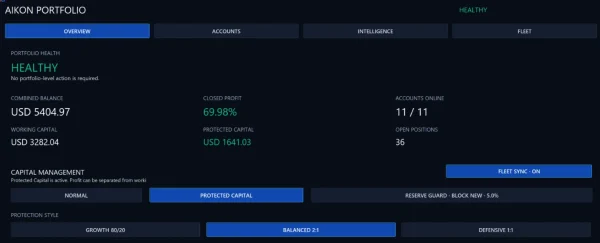
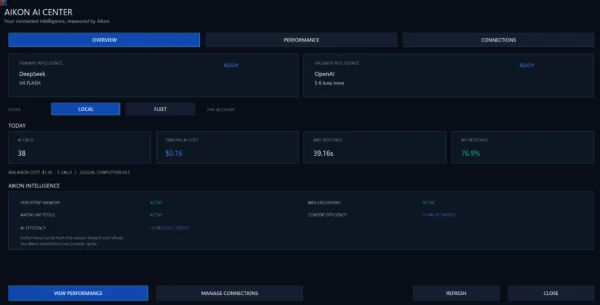
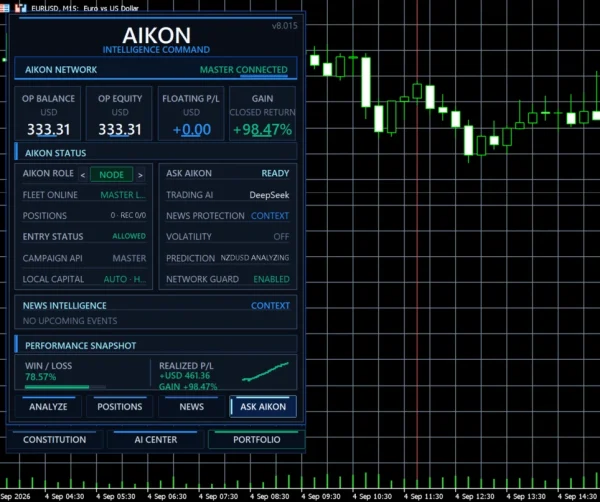
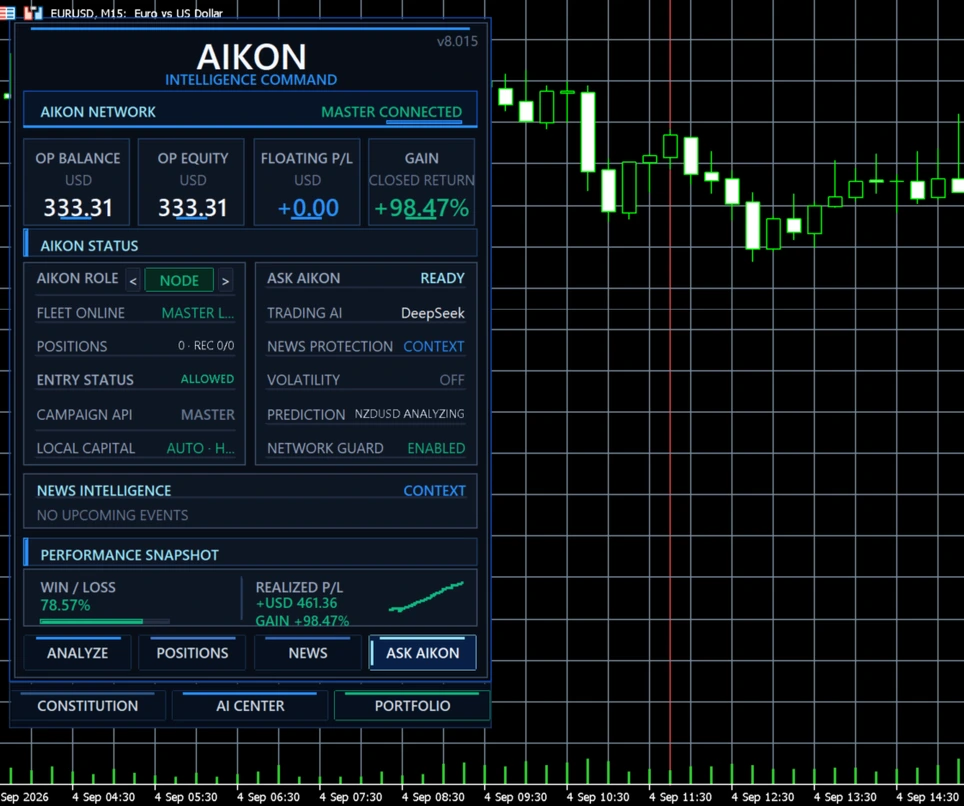
Aikon combines automated trading with an assistant you can ask in plain English. For example, you can ask why a market did not trade, review open exposure, or ask it to prepare a settings change. Check proposed changes before approving them. Automated trades can still occur under the rules you have already enabled.
Start with one account and a setup you understand. The version you receive matters: a feature in the newest developer documentation may not be available in an older file.
What do I need to run Aikon?
| Buyer question |
What to check |
| Which platform? |
Desktop MetaTrader 5. Check the supplied file against your MT5 terminal build. |
| Do I need an AI account? |
Connected AI features need internet access and credentials for a supported provider. Confirm supported providers and models for your exact release. |
| Are AI calls included in the EA price? |
External provider charges are separate. Costs vary by provider, model and usage. |
| Will it work on my phone? |
The developer describes Telegram pairing for remote interaction. The EA still runs on a connected MT5 terminal. |
| Which chart and symbols? |
Check the instructions for your chosen profile, broker symbols and supplied release. Do not assume every setup uses the same chart. |
| Can I use Recovery on netting? |
The developer’s current documentation says Recovery cannot run on netting accounts. Confirm account compatibility before choosing that mode. |
Single Entry vs Recovery
Single Entry is a starting approach if you want to evaluate entries and exits without enabling a recovery sequence. Review the actual stop-loss, take-profit and lot-size settings for the profile you choose. The developer describes starting profiles for Forex and Gold.
Recovery can add positions under its configured rules. That means you need to consider the size of all open trades together, not just the first order. Before enabling it, check the maximum number of entries, how position size changes, and what closes a losing sequence. If you are unsure, leave Recovery off while evaluating the EA.
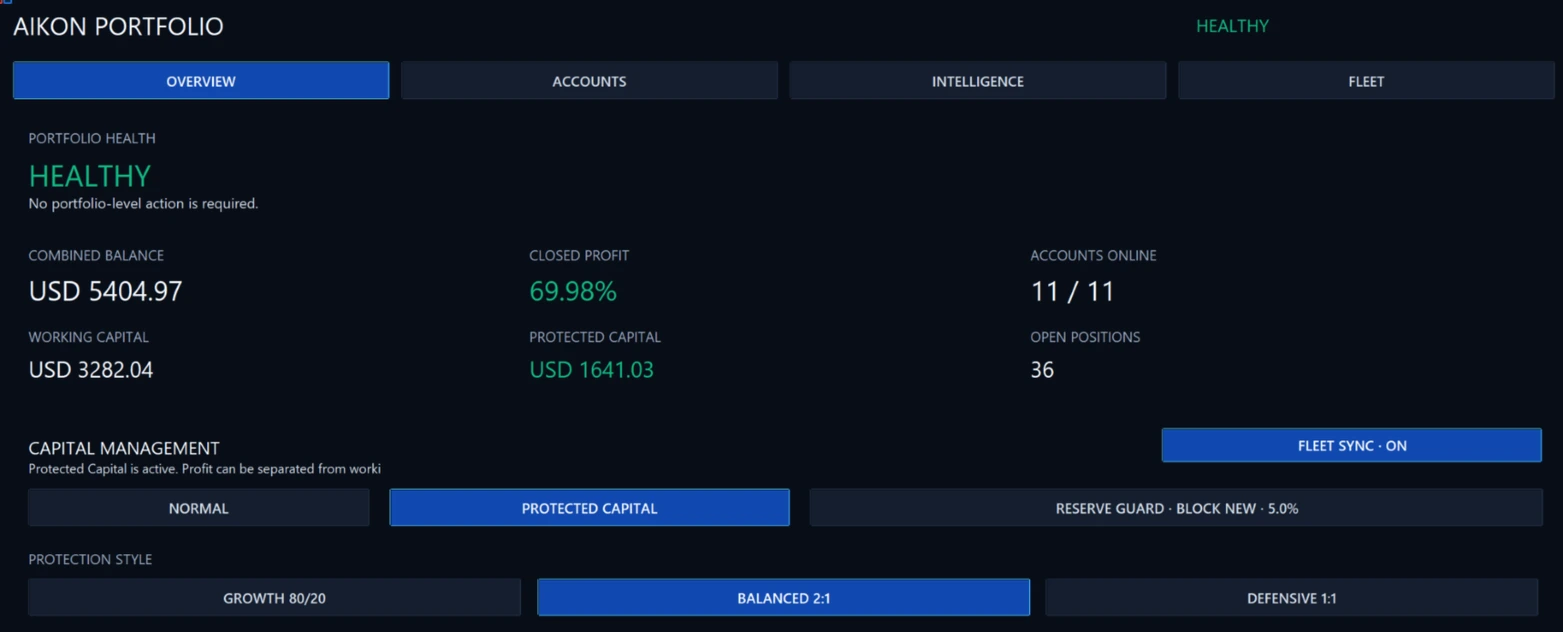
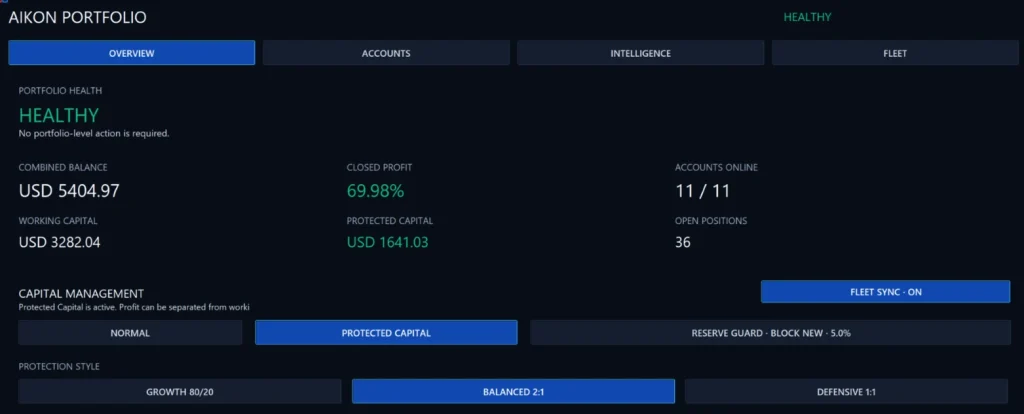
Capital settings such as
Operating Capital and
Protected Reserve are software controls. Check exactly what each setting permits or blocks. Do not treat a reserve shown in the EA as a separate bank balance or a guarantee against loss.
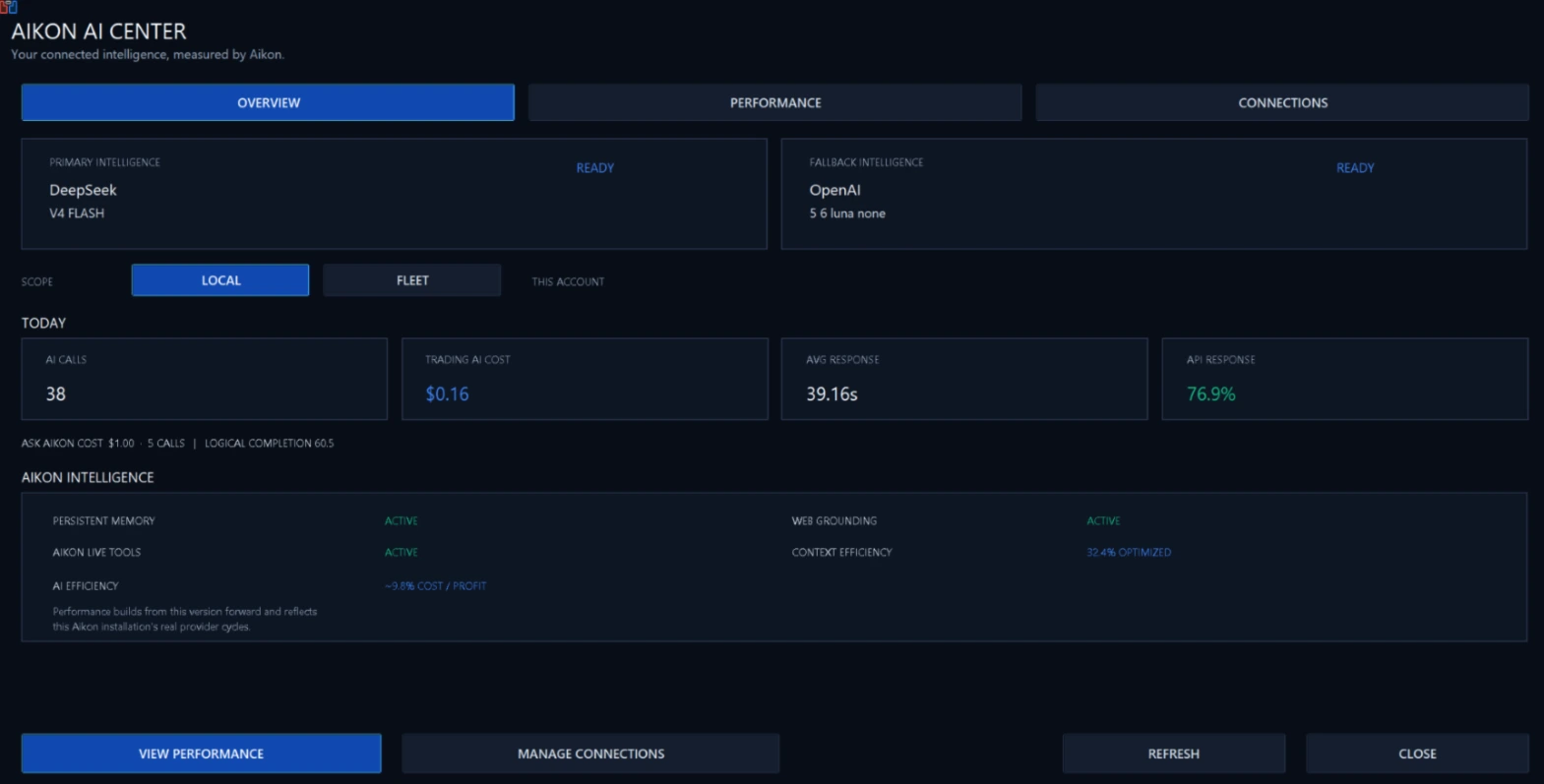
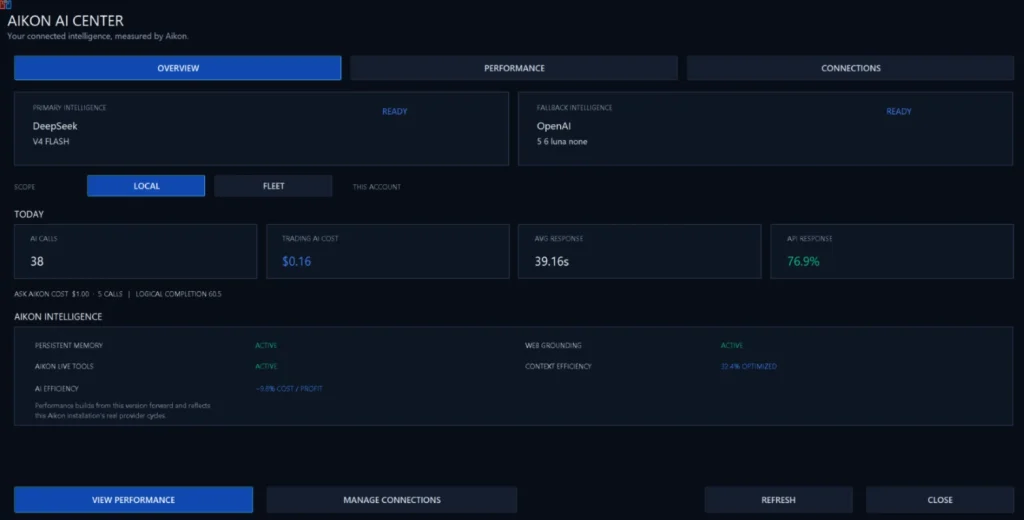
AI provider costs and credentials
Before ordering, check whether your preferred provider and model are supported by the file you will receive. Check the provider’s billing separately. Usage can vary depending on how often the EA calls the model and how you use Ask Aikon.
Set up only the connection destinations documented for your release. Keep API keys and Telegram credentials private. If you need help, send the error text with secrets removed.
How to install Aikon in MT5
For a package delivered as a standalone EX5 file:
- Open desktop MT5 and choose File → Open Data Folder.
- Copy the EA into MQL5 → Experts, then refresh Expert Advisors in Navigator.
- Attach it to the chart specified for your release and profile. Start on demo if the supplied licence allows it.
- Configure the supported AI provider if you plan to use connected features. Follow the supplied instructions for any WebRequest permissions.
- Review the selected symbols, lot size, exits and capital controls. Leave optional features off until you know what they do.
- Check the Experts and Journal tabs for errors before enabling automated trading.
See our
MT5 Expert Advisor installation guide. If your package includes a separate preset, see
How to Load a SET File in MT5.
Aikon results: what can a backtest show?
MT5 Strategy Tester can help you inspect mechanical rules that run in simulation. It does not run the WebRequest connections used for live AI conversations, provider research or Telegram. Use a separate connected demo check if you want to evaluate those features.
No performance figure is presented here as a verified result for the file you receive. If you compare a public signal, check the version, profile, account type, period and drawdown. Results from a Recovery setup should not be treated as evidence for Single Entry. A backtest or past signal does not guarantee future returns.
Delivery, support and refunds
Use
Delivery & Downloads for order access and missing files. For setup help, send
Product Support your order number, EA version, MT5 build, provider name and exact error. Remove API keys and passwords from logs and screenshots. Read the
Refund Policy before buying.
Frequently asked questions
Which version will I receive?
Use the version shown in the package details beside the price. The developer’s current version does not establish which file this offer supplies.
Does No DLL mean no internet or API costs?
No. A DLL is a software library. Internet access and provider charges are separate requirements for connected AI features. Confirm the DLL requirement for your supplied file.
What is the minimum deposit?
No universal minimum has been verified for this offer. Check the profile’s trade size, broker margin requirements and the combined exposure of any additional positions.
Are SET files included?
Only if the package details list them. A built-in profile and a separate SET file are different things.
Can I run Aikon on MT4 or from my phone?
This offer is for MT5. A standalone EX5 does not run in MT4. Telegram, where supported and paired, gives you a way to interact with the running MT5 setup from a phone.
Can I use Aikon on a funded account?
Check your firm’s current rules on automated trading, third-party EAs and loss limits. A software setting or marketing label does not establish approval or guarantee a pass.