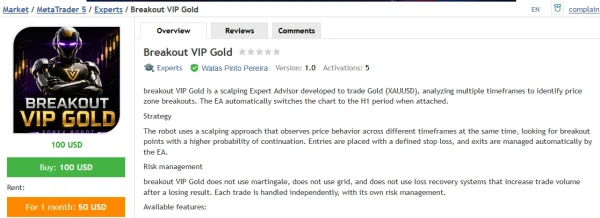
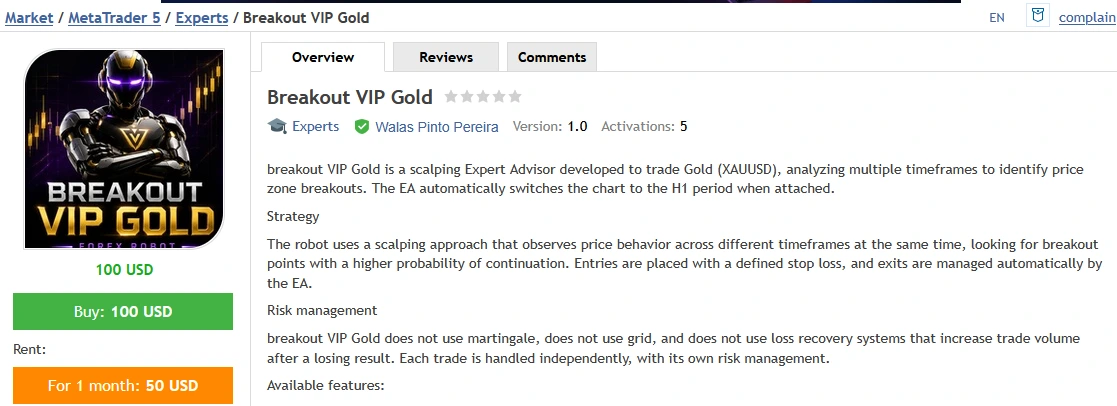
Breakout VIP Gold MT5 is an automated Expert Advisor for Gold (XAUUSD). It looks for price-zone breakouts across several timeframes and switches its chart to H1 when attached. The developer describes independent trades with stop losses, without grid or martingale. Check the account requirements and package contents before ordering.
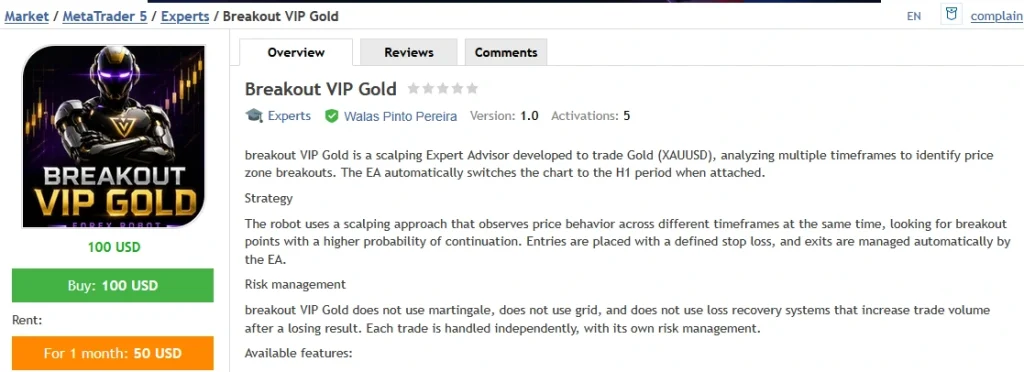
Supported market and chart
| Setup detail |
Published information |
| Platform |
MetaTrader 5 |
| Market |
Gold — XAUUSD |
| Chart |
H1; selected automatically when the EA is attached |
| Method |
Multi-timeframe breakout scalping |
| Trade size |
Fixed lot or percentage of balance/equity |
| Controls |
Stop loss, margin check and buffer, daily loss limit, high-impact news filter |
Use the Gold symbol offered by your broker. If its name includes a suffix, confirm that the supplied build recognises it before live use. Do not assume support for other markets because another store lists forex pairs.
Risk controls: what to check
The developer lists a configurable daily loss limit that pauses trading, a margin safety buffer and an optional close-before-news feature. These settings need to be reviewed for your account.
- Trade size: check what one stopped-out trade could cost before choosing a fixed lot or percentage.
- Daily limit: check how the supplied build calculates the limit, resets it and handles existing positions.
- Margin buffer: check that your account can meet the broker’s order requirements.
- News filter: follow the supplied instructions for any data connection or permissions. Check the logs rather than assuming the filter is active.
These controls do not make losses impossible. A trading pause does not undo a loss, and execution can differ from the price requested.
Minimum deposit and broker requirements
The developer lists a minimum deposit of
200, with
500 recommended, but does not state the currency in the description reviewed. It also recommends
1:500 leverage and low-spread Gold execution. These are published setup figures, not a promise that any account funded to that level is suitable.
Before depositing money, check your broker’s Gold contract size, minimum lot and margin requirement. Ask how your chosen trade size fits those conditions. More leverage does not improve the strategy or remove trading risk.
Compare the actual spread and trading costs on your account. A small difference in entry or exit price can matter when a trade targets a short move.
Results and testing
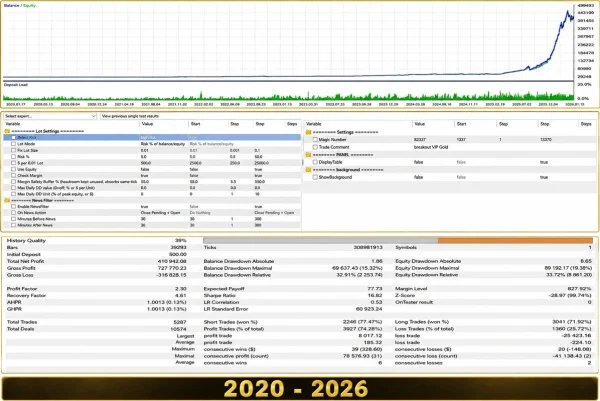
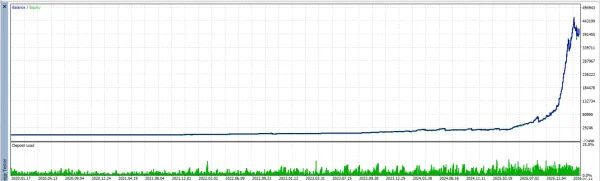
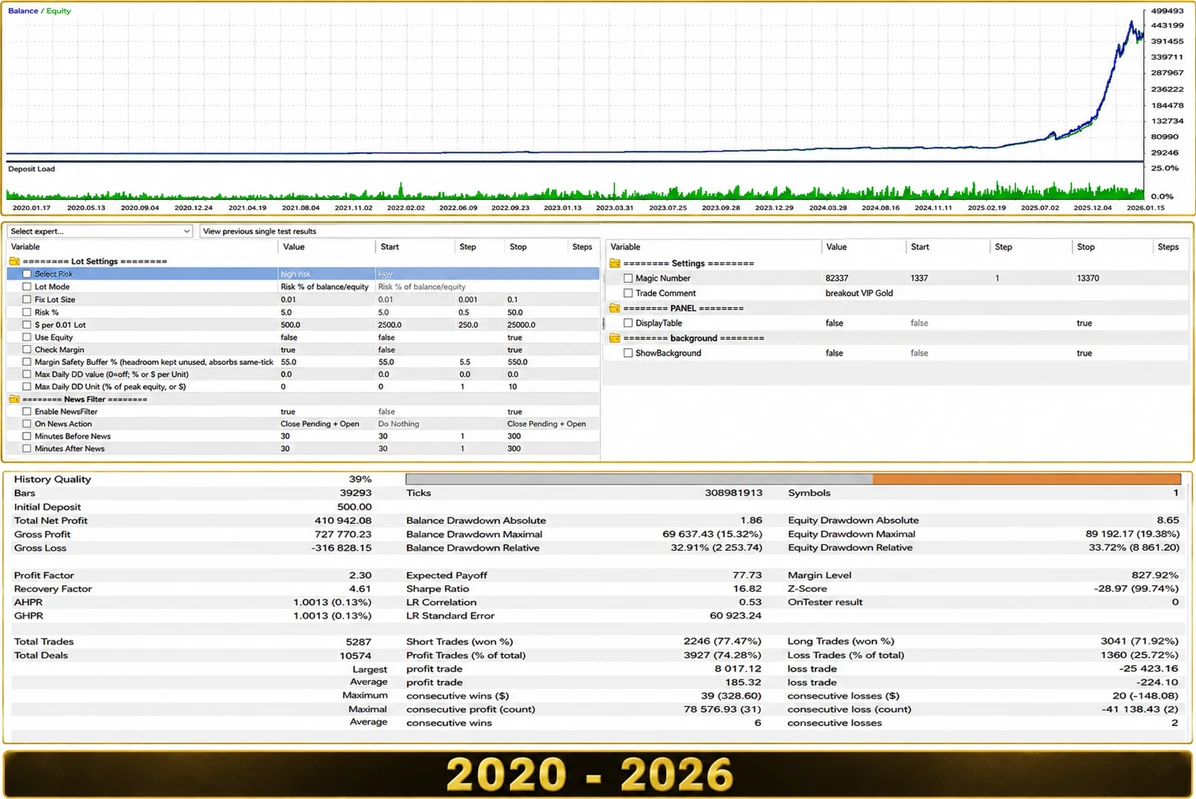
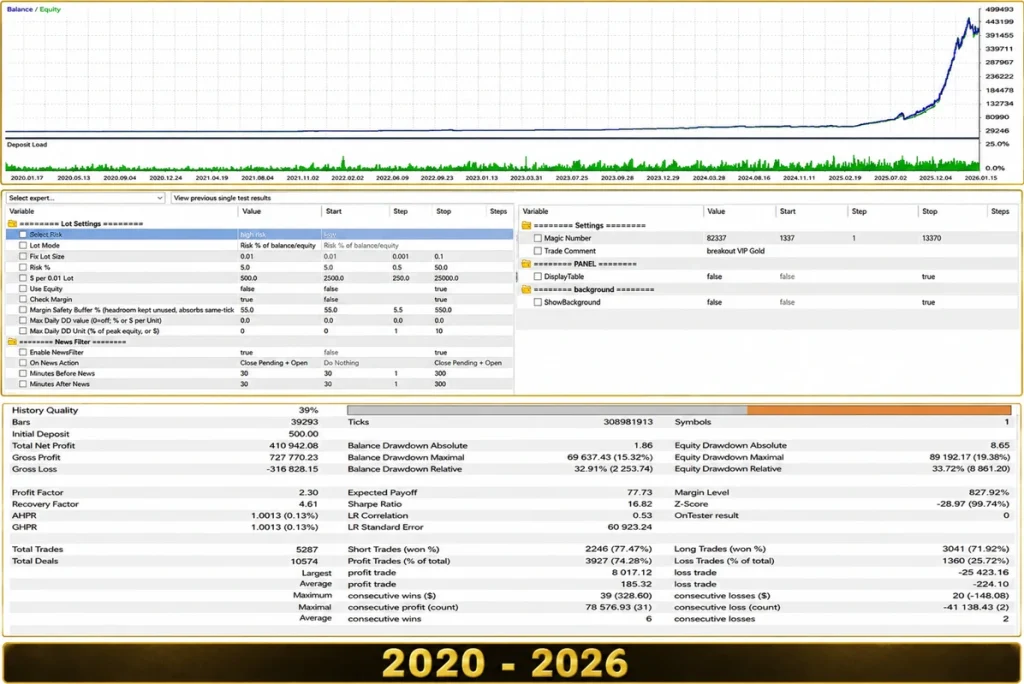
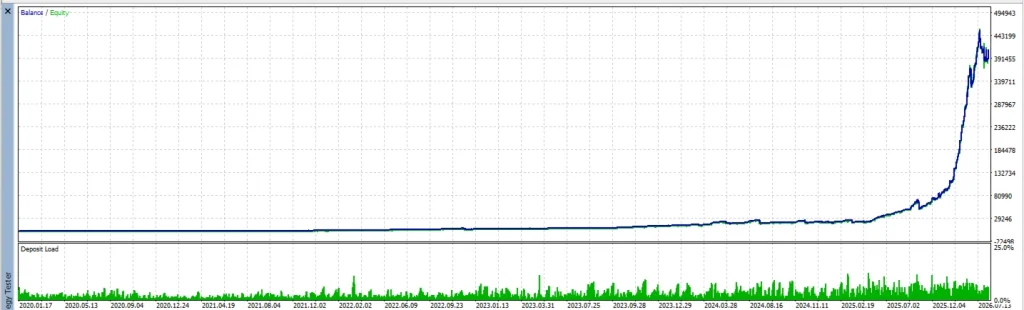
We have not independently tested this EA’s trading performance for this page. No version-matched live account record was verified during this review, so we are not publishing a growth percentage, win rate or monthly income claim.
Before relying on a report, check whether it is a live account or a backtest. Look for the exact EA version, settings, symbol, period, trading costs and equity drawdown. A screenshot without those details cannot show what your own account is likely to experience.
Use Strategy Tester to inspect trade behaviour, then check the setup on demo if the licence permits it. Keep the report and original settings so you can compare changes. Past results do not guarantee future returns.
How to install Breakout VIP Gold in MT5
For a package supplied as a standalone EX5 file:
- Open your intended desktop MT5 terminal.
- Choose File → Open Data Folder.
- Copy the EA file into MQL5 → Experts.
- Refresh Navigator → Expert Advisors.
- Open your broker’s XAUUSD chart and attach the EA. Check that it switches to H1.
- Review trade size, daily limits and any news-filter setup requirements.
- Load a compatible preset only if one is supplied, then review the imported values.
- Allow automated trading when ready and check Experts and Journal for errors.
See our
MT5 Expert Advisor installation guide for the full walkthrough. If your package includes a preset, follow
How to Load a SET File in MT5.
Is this EA right for you?
Consider it if you want to evaluate an automated Gold breakout approach and can check its settings and order behaviour before using live funds.
It is a poor fit if you want guaranteed income, cannot tolerate losing trades or need confirmed support for markets beyond XAUUSD. If you are new to MT5, start with the installation guide and a supported demo account.
Delivery, updates and support
Read
Delivery & Downloads for order access and missing-file help. Check the individual offer for included files, licence terms and update coverage.
For setup questions, contact
Product Support with your order number, EA version, MT5 build, symbol and exact error message. Remove passwords and private account details from screenshots and logs.
Read the
Refund Policy before ordering for eligibility and request instructions. Technical support cannot guarantee trading returns.
Frequently asked questions
Which pair does Breakout VIP Gold trade?
The documented market is Gold, XAUUSD. Confirm symbol suffix handling for your broker before use.
Why does my chart change to H1?
The EA selects H1 automatically when attached. Its multi-timeframe analysis does not mean you should choose a different launch chart.
Does it use grid or martingale?
The developer says it uses neither and does not increase volume after losses as a recovery method. This is a developer description, not an independent code audit.
Are SET files included?
Only if the package details say so. A SET file contains saved settings, not the EA itself. Use a file made for the supplied release.
Is it suitable for a prop-firm challenge?
Do not assume approval. Check the firm’s current rules on EAs, news trading, daily losses and account drawdown. A built-in daily limit may use a different calculation from the firm.
Why is the EA not opening trades?
Check the account connection, Algo Trading permissions, symbol, margin and log messages. It may be waiting for an entry condition or paused by a filter. Send the error text to support rather than repeatedly changing settings.
Can I use this MT5 EA in MT4?
No. Use a separately supported MT4 edition if available.
How much can I earn?
There is no reliable fixed earnings figure. Results depend on market conditions, costs and settings. Losing trades and losing periods are possible.