Zennbot Apex MT5 v2.5 + SET File is an automated trading package for MetaTrader 5. Apex combines 12 momentum strategies, while reseller setup descriptions focus on Gold (XAUUSD) H1.
Review the preset, broker requirements and DLL dependencies before buying. A SET file loads saved settings; it does not guarantee the same results on every account.
What is Zennbot Apex?
The
Zennbot website describes Apex as a momentum system combining
12 independent strategies, each with a stop loss and take profit. It also states that Apex is available on prop firms and recommended brokers only.
Momentum trading tries to take part in an existing price move. If that move fades or reverses, trades can lose. Several strategies operating on the same market can also face losses together.
Treat the strategy count as a description of the system, rather than proof that its risks are fully diversified.
| Detail |
What is established |
| Supplied product |
Zennbot Apex MT5 |
| Supplied version |
2.5, as stated for this offer |
| SET file |
Included; exact filename and intended configuration need confirmation |
| Published reseller market |
XAUUSD / Gold |
| Published reseller chart |
H1 |
| Developer strategy description |
Twelve momentum strategies with stop loss and take profit |
| Broker access |
Confirm the exact supported broker and account conditions |
| DLL requirement |
Several v2.5 stores list DLL use; confirm the supplied package |
The XAUUSD H1 guidance appears across several reseller pages. It has not been established by inspecting the supplied file or a version-specific developer manual. Match your installation to the actual preset instructions.
What is included with this offer?
| Purchase detail |
Included information |
| Product |
Zennbot Apex MT5 |
| Version |
2.5 |
| SET file |
Included |
A preset can save time when loading inputs. It is still important to review trade size, active strategies, loss controls and trading hours before applying it.
Which chart and broker should you use?
The reviewed Apex v2.5 store listings commonly identify
XAUUSD H1. Do not switch to forex pairs or another timeframe because a separate review suggests it, unless your matching instructions support that setup.
Check your broker’s Gold symbol, contract size, minimum trade size, account mode, spread and commission. A symbol suffix such as “m” or “.a” does not by itself establish compatibility.
The developer’s broker restriction matters. Confirm access and activation for your exact account rather than assuming that an “unlimited” reseller label means every broker is supported.
Does Apex v2.5 need a DLL?
Several reviewed v2.5 offers explicitly identify a DLL package. One page also contains conflicting DLL and NoDLL wording. The requirement for this offer must therefore be confirmed from its actual files and instructions.
If a DLL is required, it affects your hosting choice. MetaTrader’s
integrated virtual hosting documentation states that DLL calls are forbidden in that environment. A DLL-dependent package needs a compatible desktop or hosted environment that supports its dependencies, such as an appropriately configured Windows VPS.
Follow the supplied instructions for library placement and permissions. Enable DLL imports only for a trusted package that needs them. Do not disable antivirus software or download missing libraries from unrelated sources to make a file run.
What balance do you need?
Some reseller pages quote a $100 minimum. A universal developer-confirmed minimum for this exact v2.5 package was not established in this review.
Before trading, check the money at risk at the preset’s trade size and stop distance. If the broker’s minimum volume prevents you from reducing exposure enough, that account is too small for the intended setup.
For example, a planned $10 loss is 10% of a $100 account, before additional execution costs. If three positions with the same planned loss are open together, the combined amount is $30. This is an illustration, not a stated Apex default.
Public Trading Results: Zennbot Apex and Zero
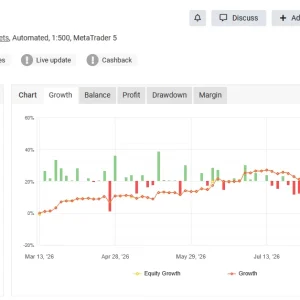
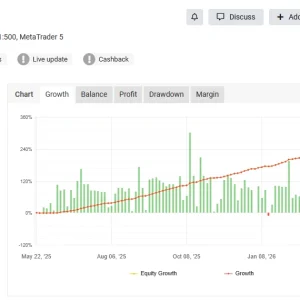
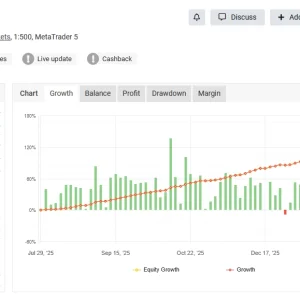
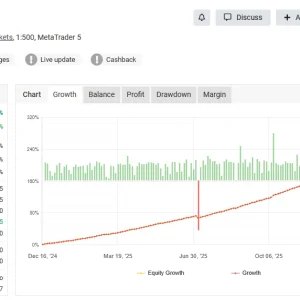
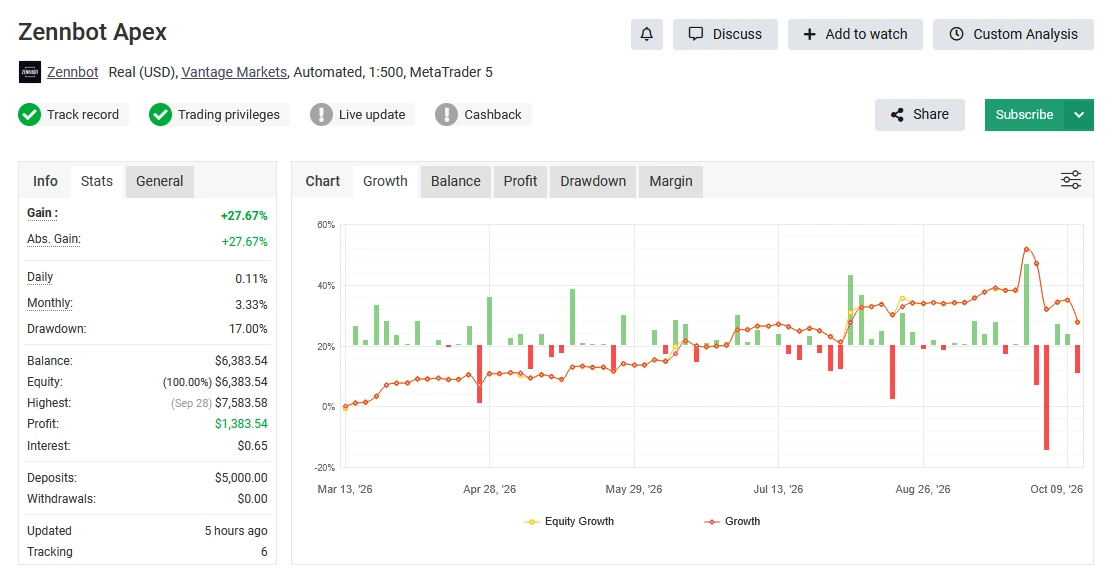
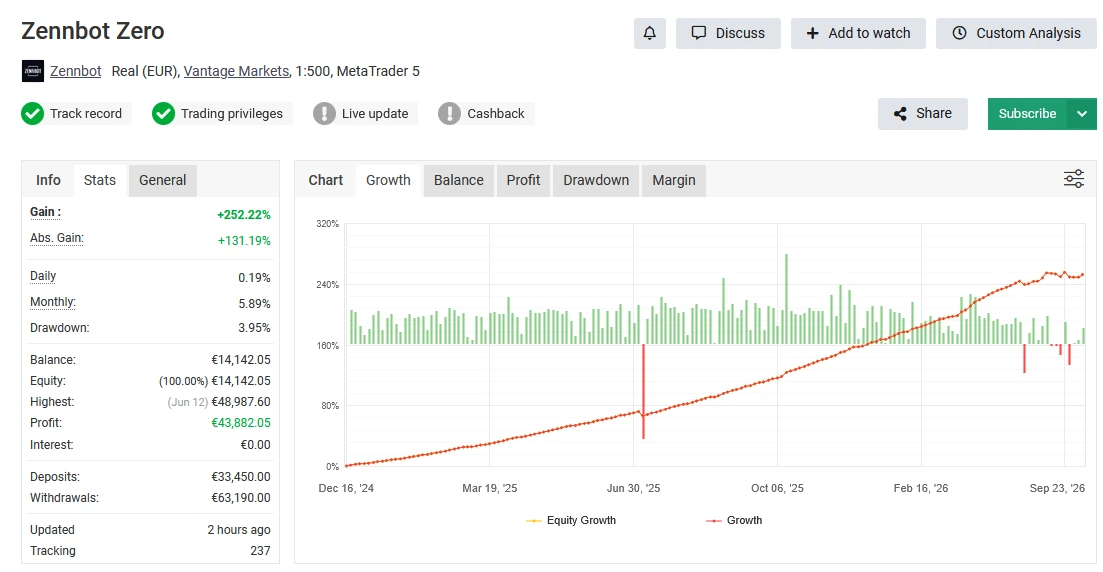
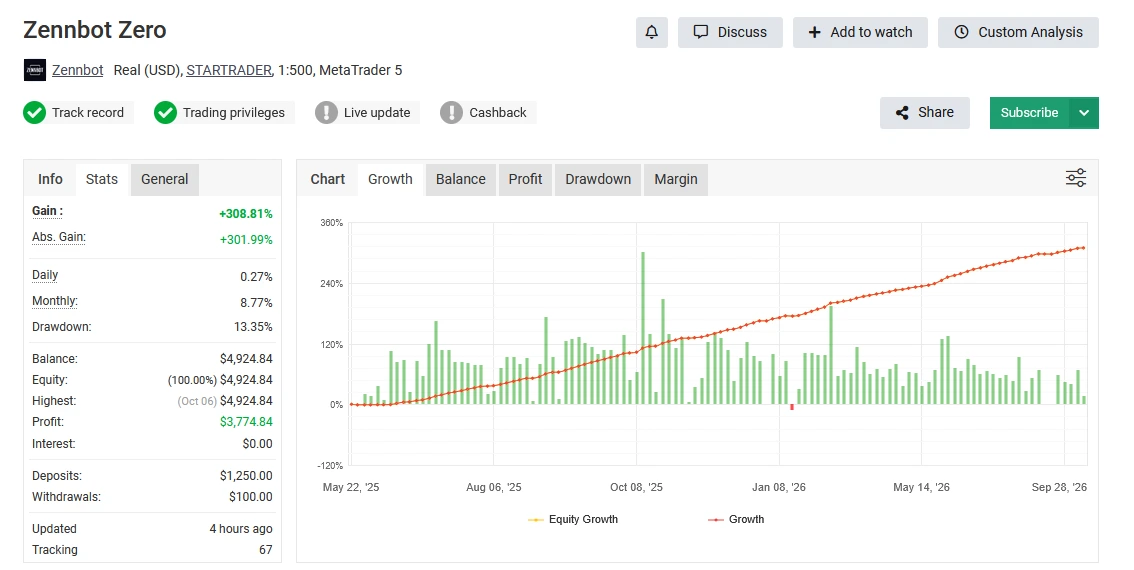
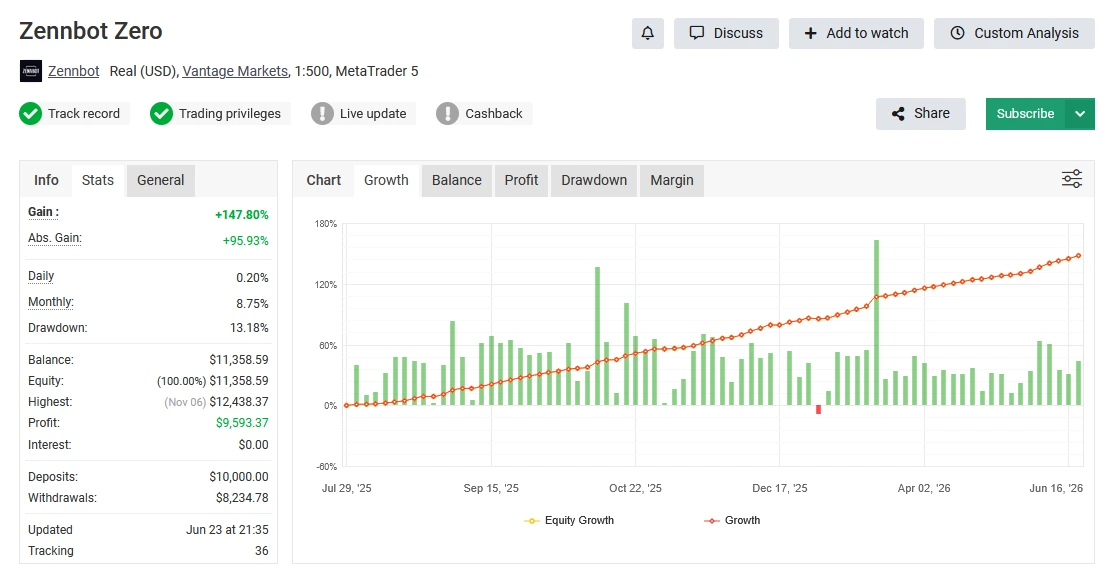
Zennbot publishes four Myfxbook accounts linked below.
One is named Zennbot Apex, while the other three are named Zennbot Zero. Review each account separately, because results from one product should not be used to describe another.
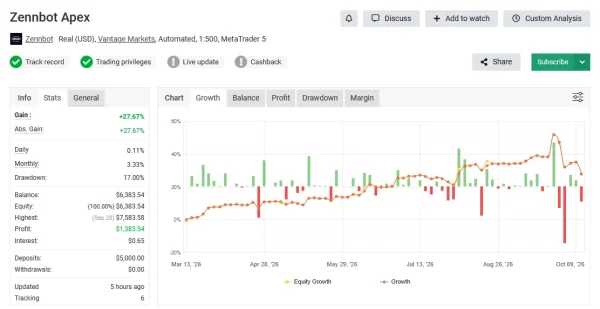
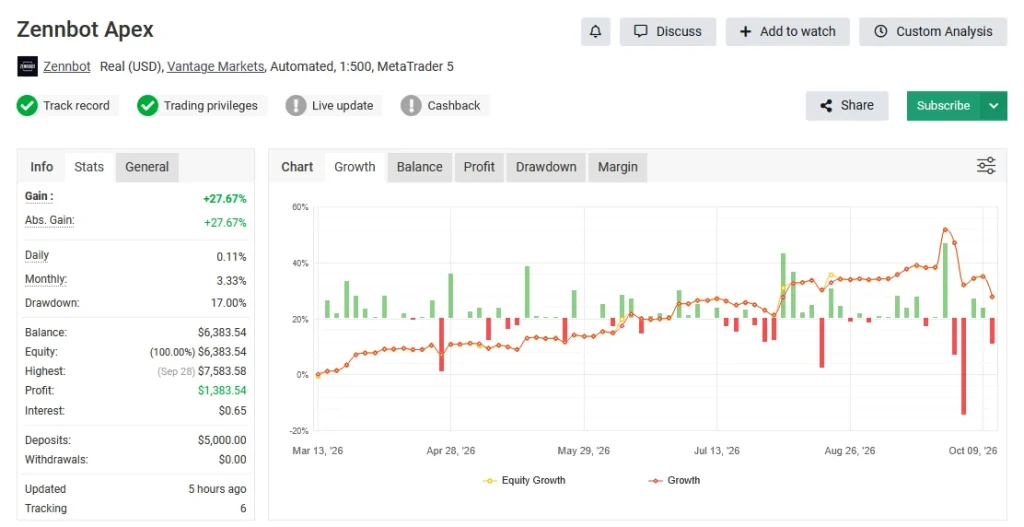
Zennbot Apex — Account 12227566
The
Zennbot Apex Myfxbook account is the relevant record to examine when considering this Apex offer. Review its growth alongside drawdown, account age and trading history. Check the latest update and whether open losses create a gap between balance and equity.
The account name alone does not confirm that its trades used
version 2.5 or the
SET file supplied with this offer. Those details need to match before comparing its results with your setup.
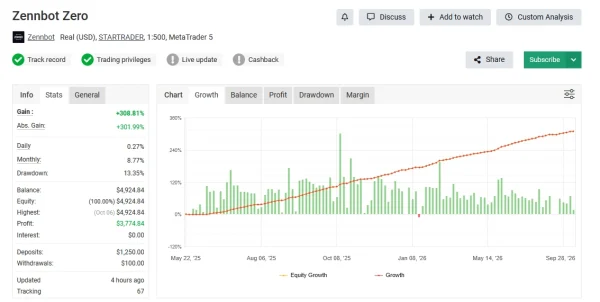
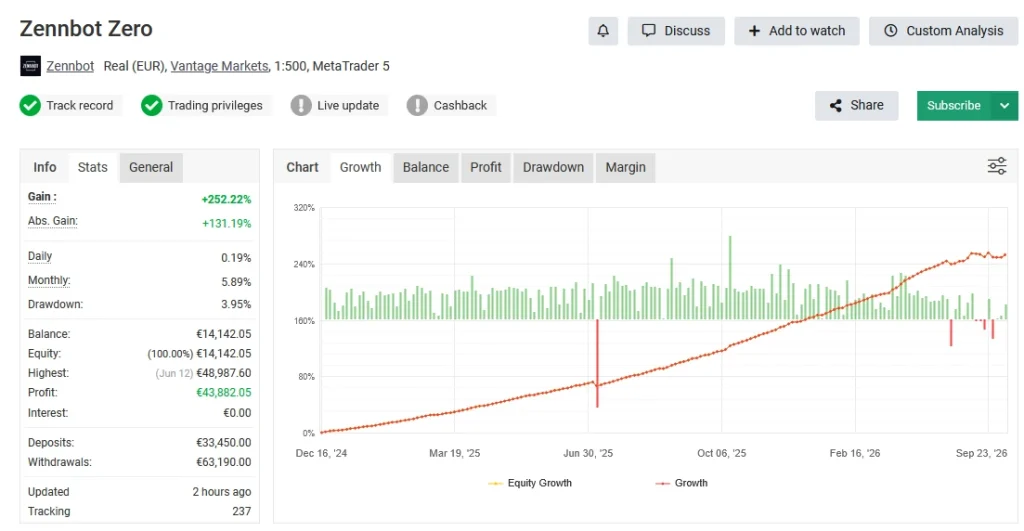
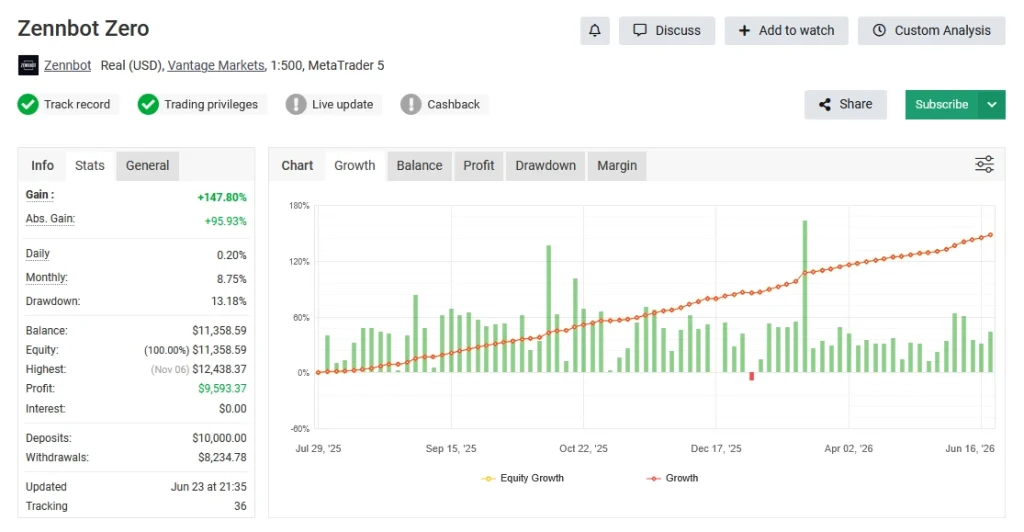
Zennbot Zero — Account 11529291
The first
Zennbot Zero account provides a separate record for the Zero system. When reviewing it, check the trading period, deposits, withdrawals and drawdown alongside the headline gain. Cash movements matter when interpreting how the account balance changed.
This account belongs to the Zero product record and should not be presented as Apex v2.5 performance.
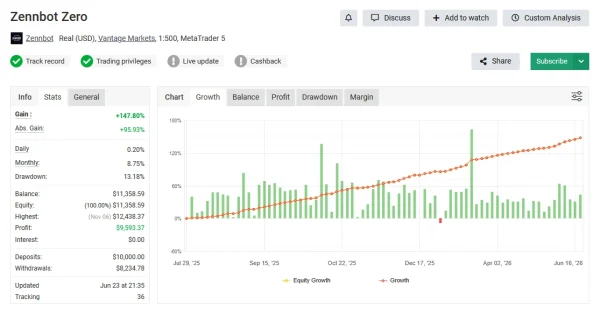
Zennbot Zero — Account 11747358
The second
Zennbot Zero account offers another record to inspect. Compare its trading dates, broker conditions and position sizes with the other Zero accounts before drawing conclusions.
Accounts using the same product can produce different outcomes. Without matching settings and trading periods, a higher return does not establish that one setup is better or safer.
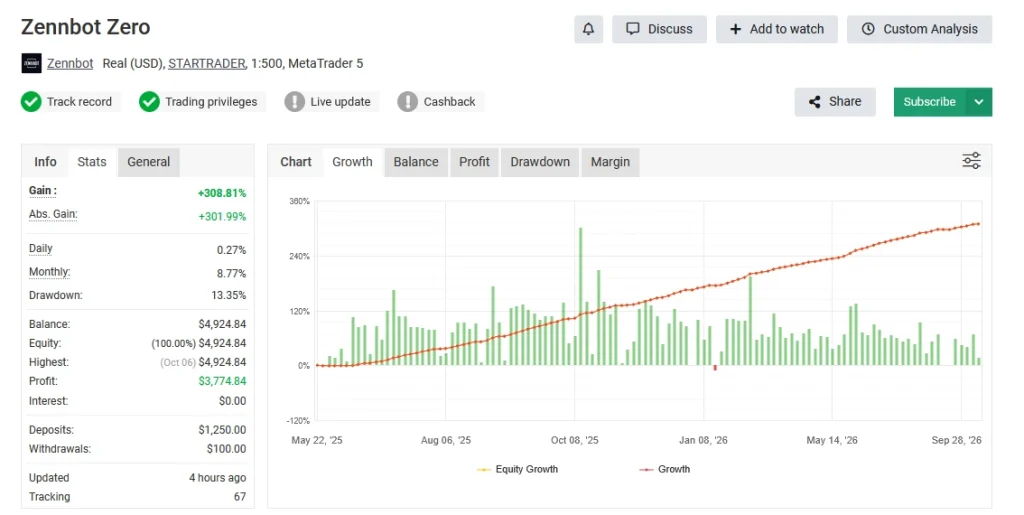
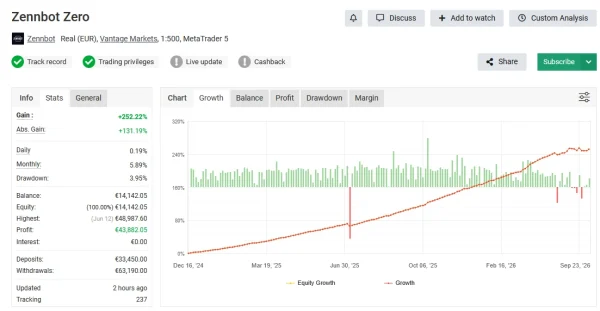
Zennbot Zero — Account 11830136
The third
Zennbot Zero account is another separate Zero record. Check its losing periods, open positions and trading activity rather than relying only on its total growth.
Three accounts carrying the Zero name do not prove that they use different strategies or provide independent evidence for Apex.
What Should You Consider Before Buying?
These links let you inspect the provider’s published records.
Current numerical results and verification statuses could not be independently checked for this page, so no unconfirmed performance figures are quoted here.
Check the exact product, release, preset and account conditions behind any result. Historical drawdown is not a limit on future losses, and past profits do not guarantee future returns.
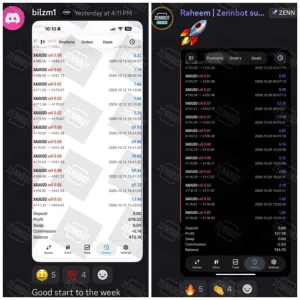
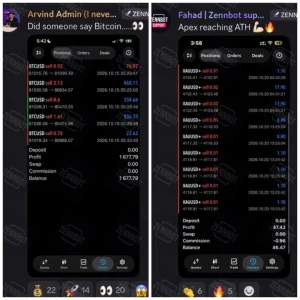
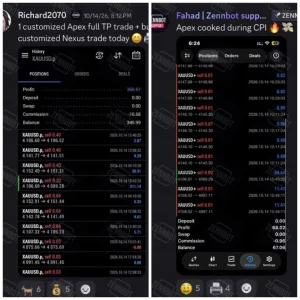
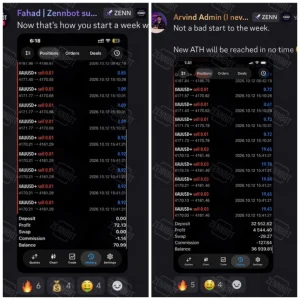
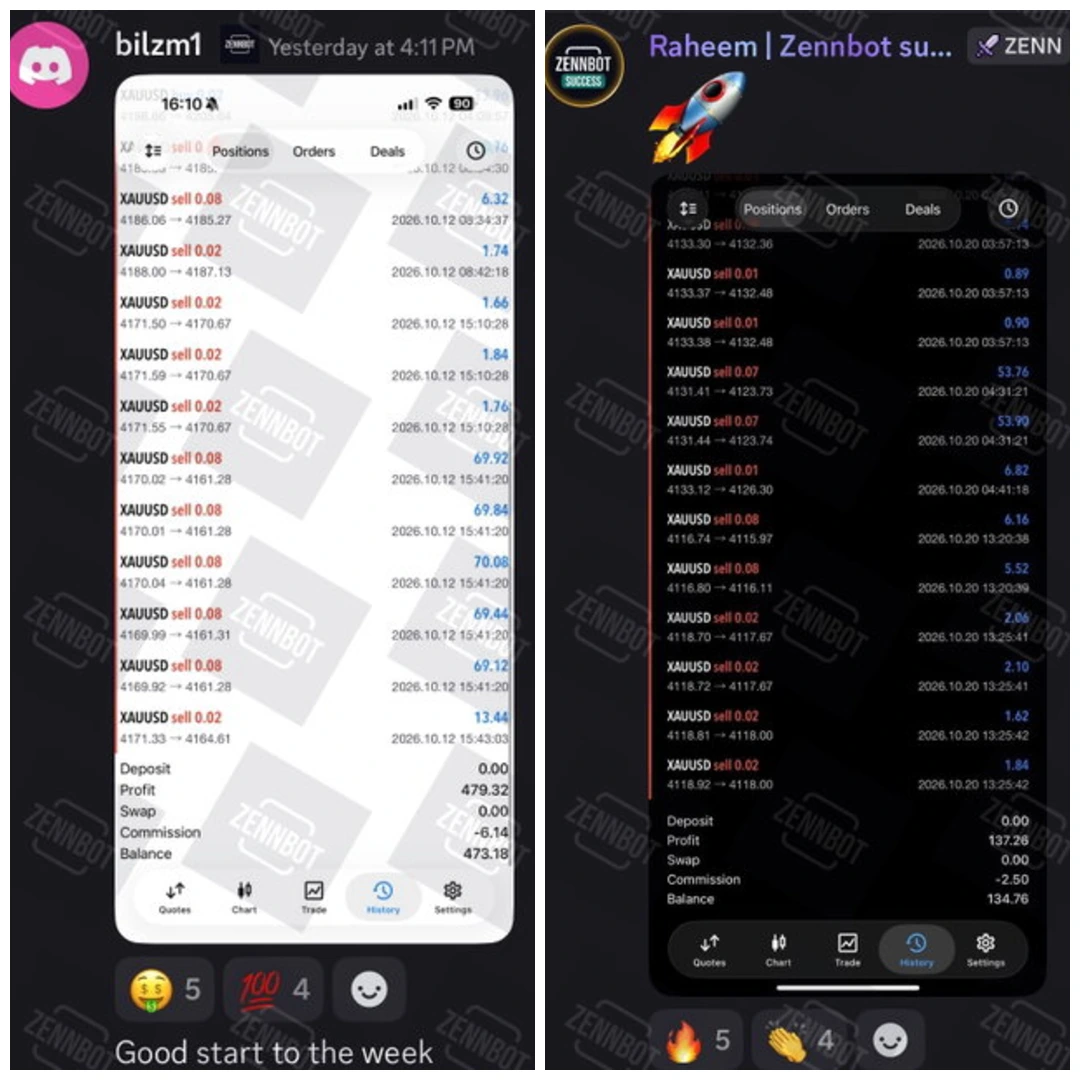
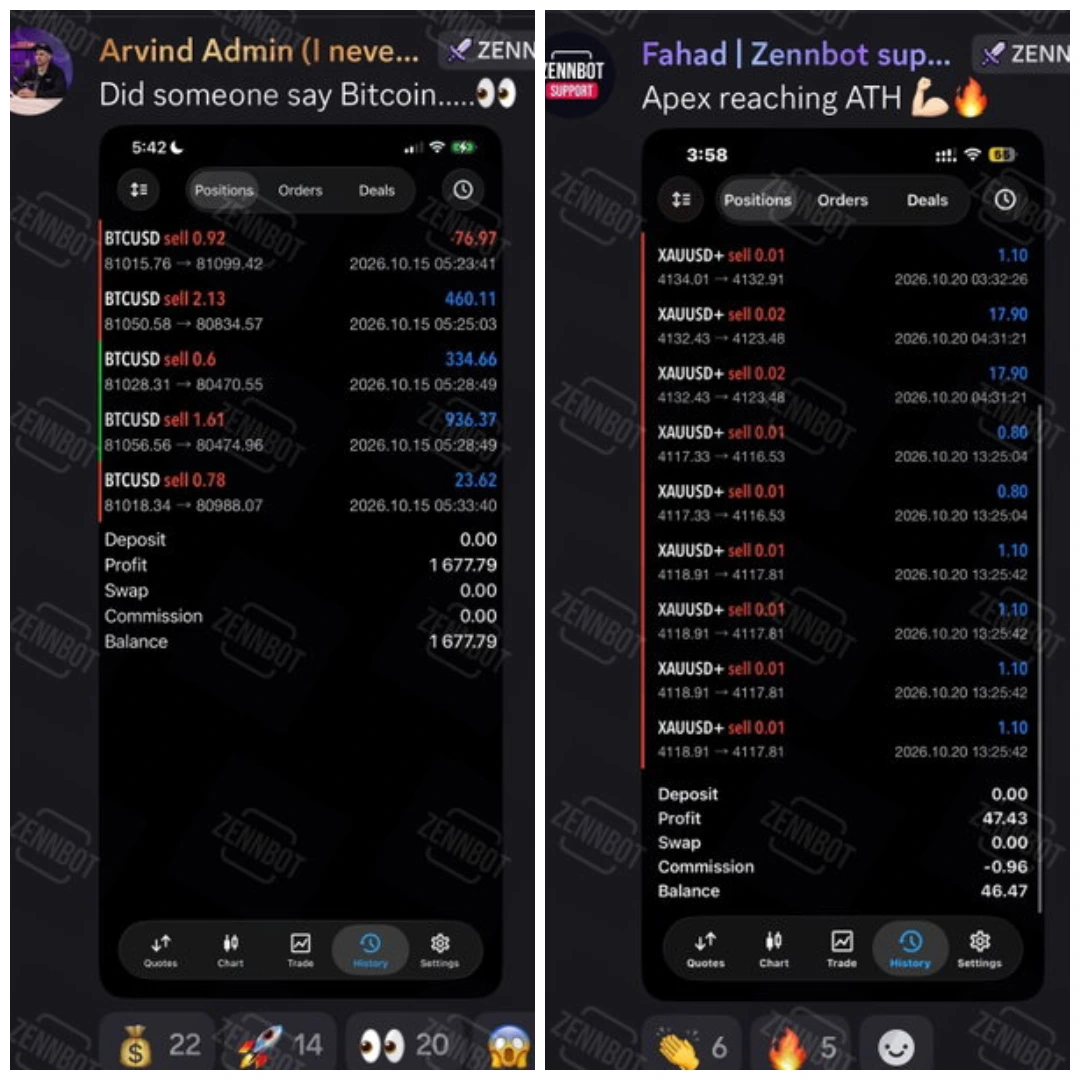
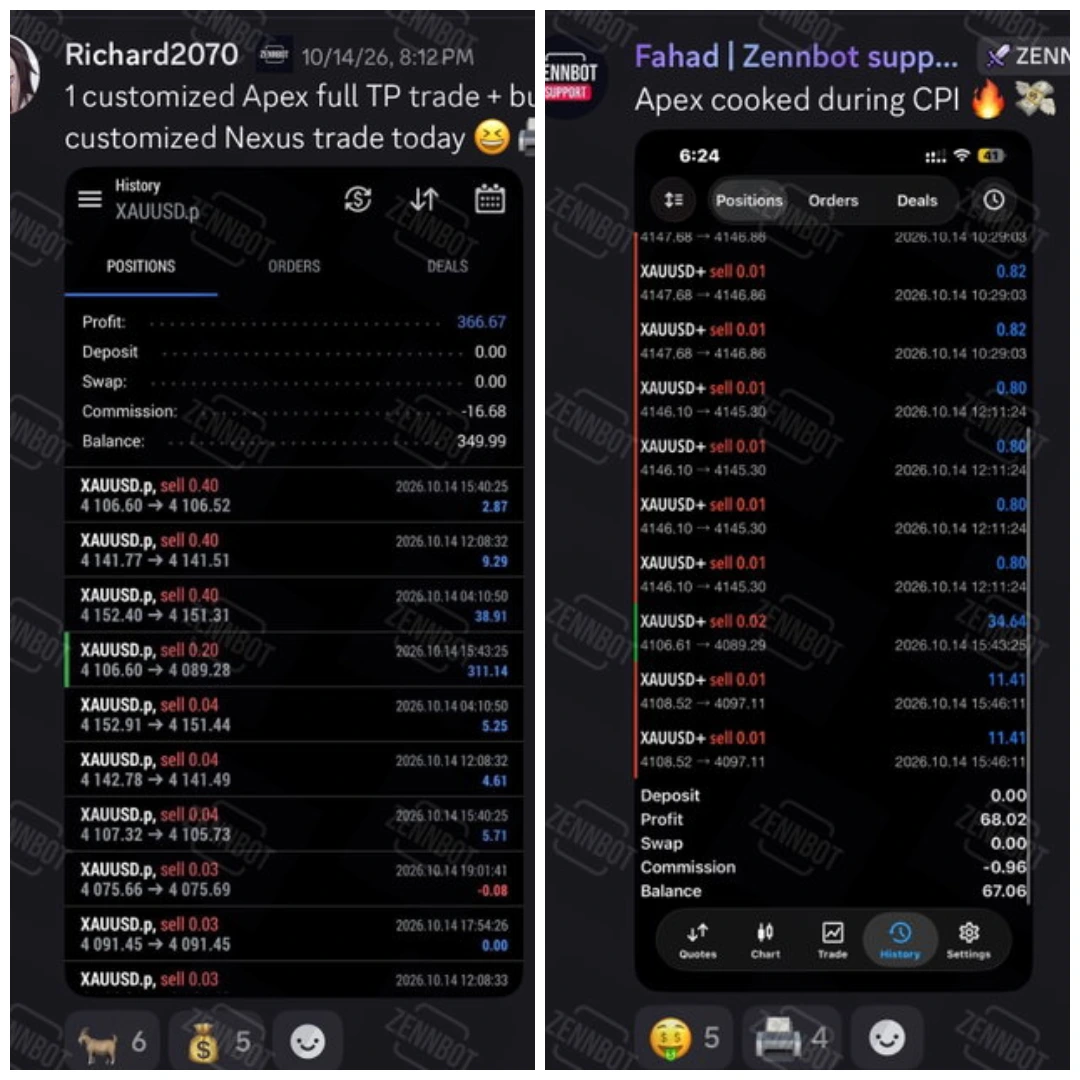
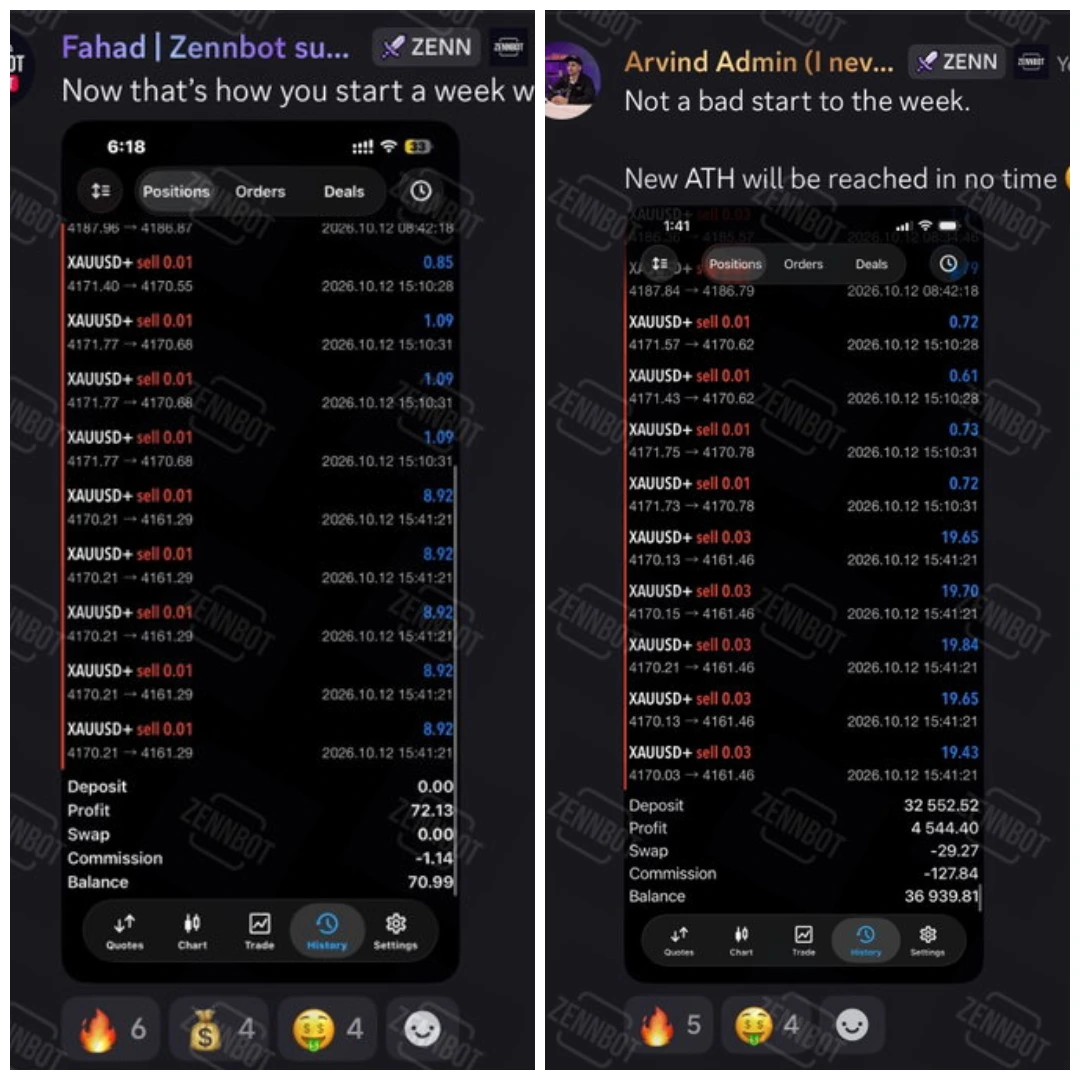
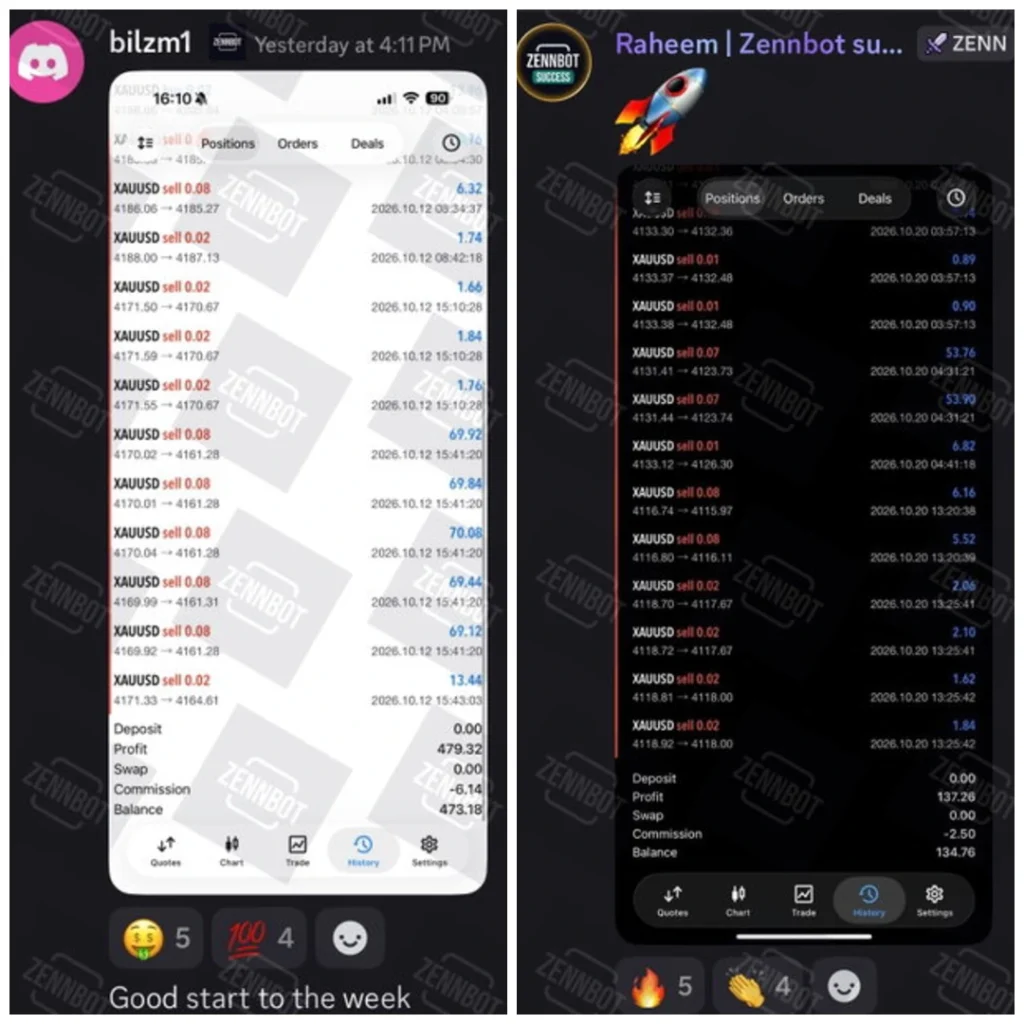
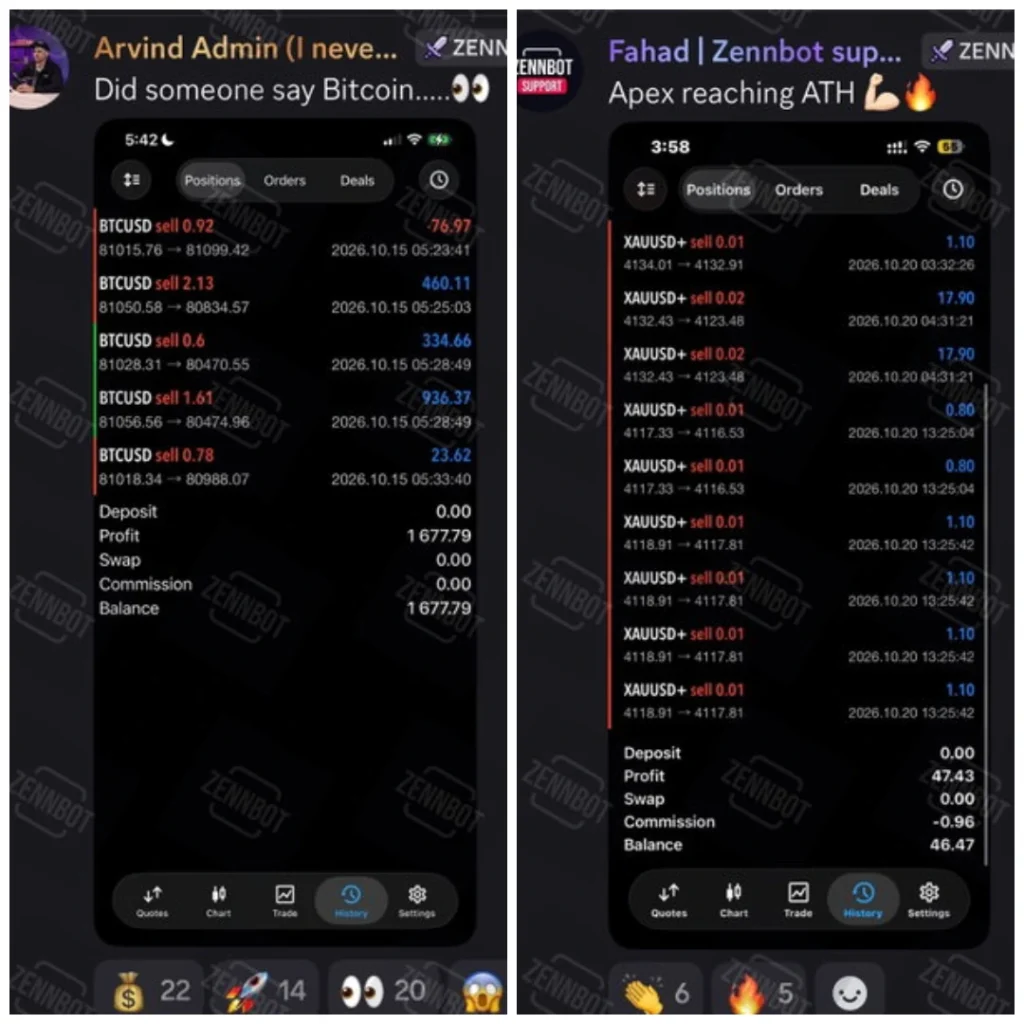
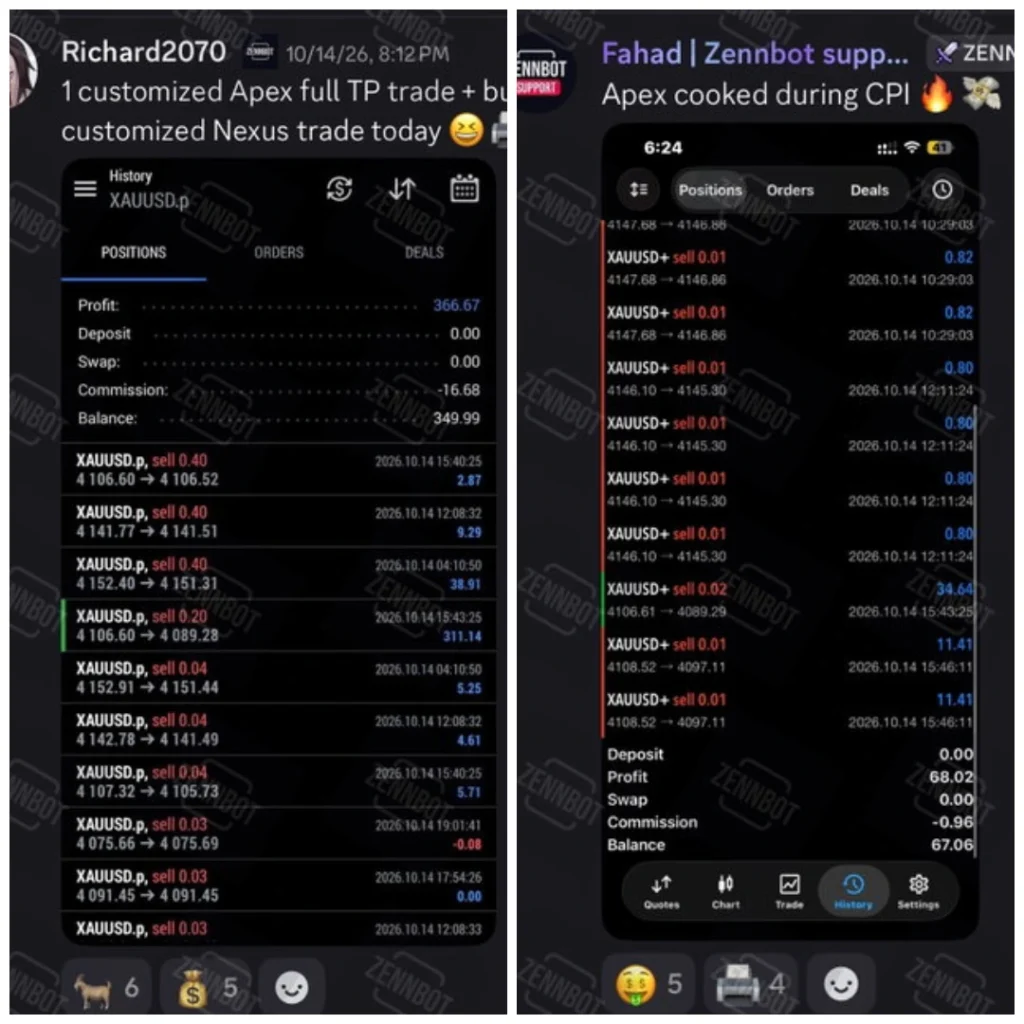
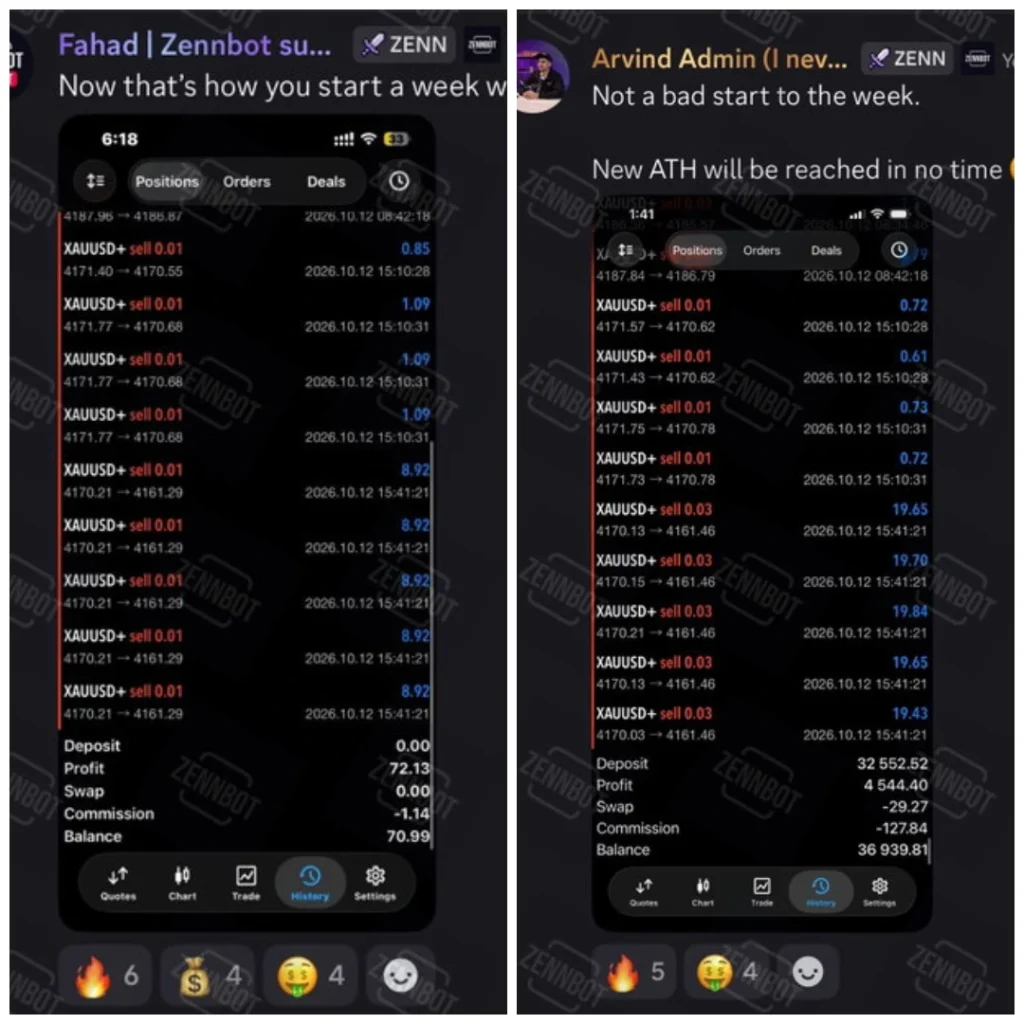
Live Trading Results
How to install the EA and load its SET file
For a manually supplied MT5 package:
- Open MT5 desktop and select File → Open Data Folder.
- Follow the package instructions to put the EA in MQL5 → Experts.
- Install any required libraries in their specified locations.
- Refresh Navigator → Expert Advisors or restart MT5.
- Open the chart and timeframe stated for your preset.
- Attach the EA, open Inputs → Load, and select the matching SET file.
- Review position sizes, permissions and any required activation or connections.
- Test on demo where the licence permits, and inspect the Experts and Journal tabs.
Our
MT5 EA installation guide explains the general process. For preset steps, use
how to load a SET file in MT5.
What should you check in the preset?
Check the EA version, intended symbol, chart timeframe and broker conditions first. Then review the sizing method, number of allowed positions and any account-loss controls.
Do not assume an input called “risk” limits the loss of the whole account. Find out whether it applies to one trade, one strategy or all positions. Review overlapping exposure and leave room for costs and execution differences.
A SET file does not install the EA, activate its licence or make an unsuitable account configuration safe.
Is it suitable for prop-firm use?
The developer discusses prop-firm availability, but that is not a guarantee of acceptance by every firm or a promise to pass an evaluation.
Check the firm’s current rules on EAs, daily loss, total loss, news, holding periods and multiple accounts. Confirm that any necessary loss-control settings are available and enabled in your v2.5 package.
Help with setup
For questions about the package or a covered order issue, contact
Product Support. Include the EA version, preset filename, MT5 build, broker symbol and exact error text. Existing customers should also include their order number. Never share your trading-account password.
Frequently asked questions
Does Zennbot Apex MT5 work on MT4?
This offer is for MT5. An MT5 EA cannot run as an MT4 program.
Does the mobile app run the EA?
Do not assume so. Monitoring an account on a phone is different from running the EA. Use a supported running trading environment for execution.
Is v2.5 the latest version?
The offer is for v2.5. A current developer release history confirming that it is the latest version was not established during this review.
Are Apex and Zero the same product?
The developer presents them separately. Do not transfer Zero’s results, service terms or setup claims to Apex.
Does a stop loss guarantee the exact money loss?
No. Execution can differ from the requested level. Check the combined exposure across trades as well as each position’s stop.
Can the SET file be used with another EA release?
Only use it where compatibility has been established. A newer release can have different input names, defaults or trading behaviour.