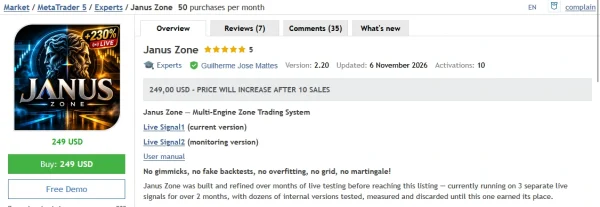
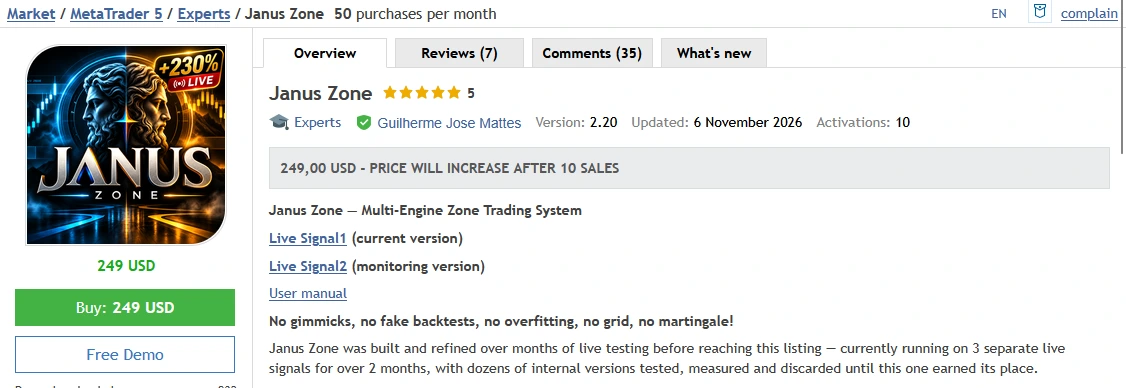
Janus Zone EA MT5 is an automated trading tool with several entry strategies for
gold (XAUUSD) on the H1 chart. Compare the setup, the features in your version and two public trading records before you buy.
Platform: MetaTrader 5 ·
Gold setup: XAUUSD, H1 ·
Chart: One gold chart for the developer’s gold setup
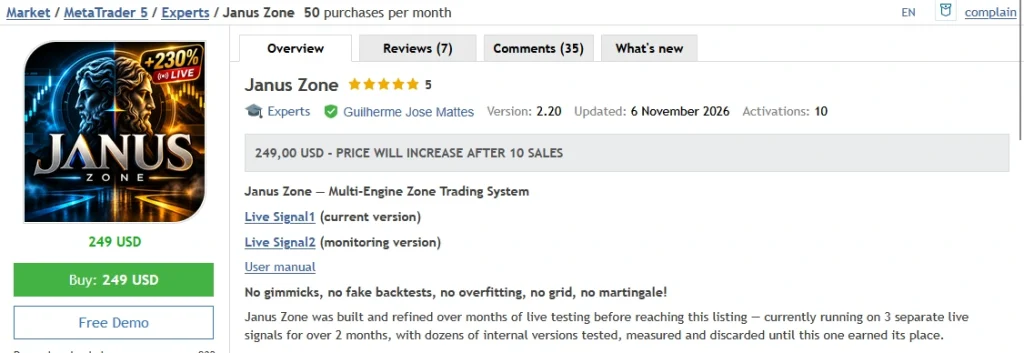
Janus Zone settings and version differences
| What to check |
Published guidance |
| Platform |
MetaTrader 5 desktop |
| Gold chart |
XAUUSD, H1 (one hour) |
| Broker account |
Developer recommends Raw Spread, ECN or Zero accounts for the gold setup |
| Silver (XAGUSD) |
Added in v2.10 according to the developer’s release notes. Check the instructions for your build before setting up silver. |
| Minimum deposit |
No universal minimum confirmed for this offer. Check your broker’s gold contract size, minimum lot and margin, and test your settings on demo. |
The
developer’s release notes say
v2.10 added silver support, a news filter and a prop firm mode.
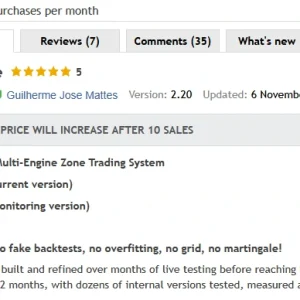
v2.20 added a second gold mode with earlier break-even and trailing-stop settings, plus a filter based on Brent oil price moves. These features depend on the version you receive.
Which settings should you review first?
Start with the lot size, enabled strategies and daily limits. Lot size controls how much you trade. The daily protection settings can take open gains and losses into account, but a limit in the EA does not guarantee where trades will close. Check how the settings behave on demo, especially if more than one strategy is active.
Janus Zone EA MT5 live results
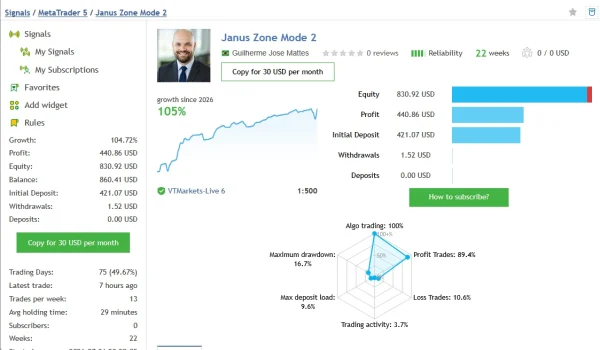
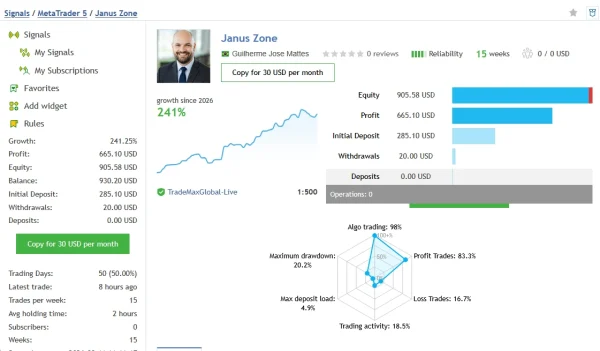
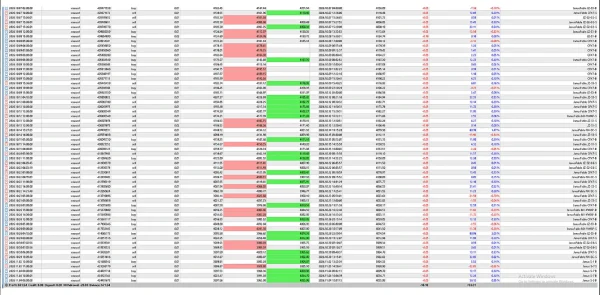
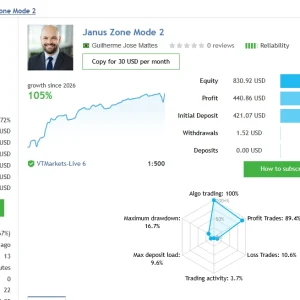
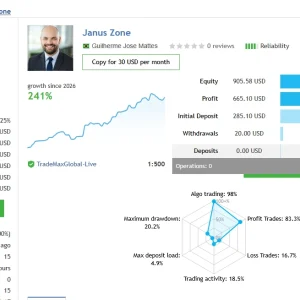
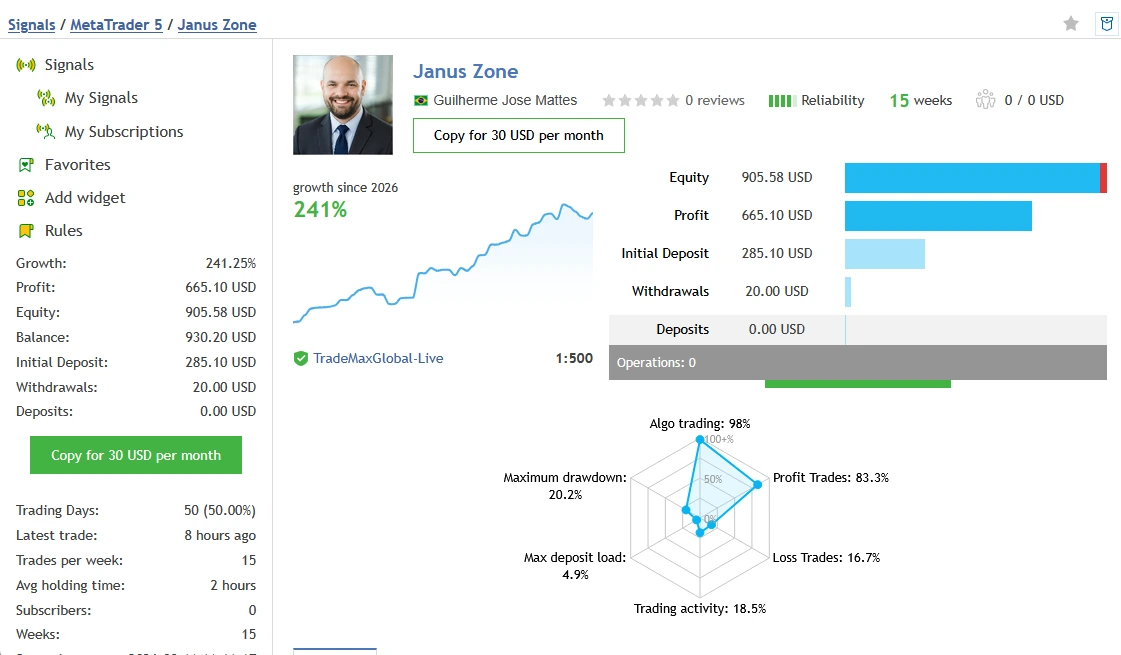
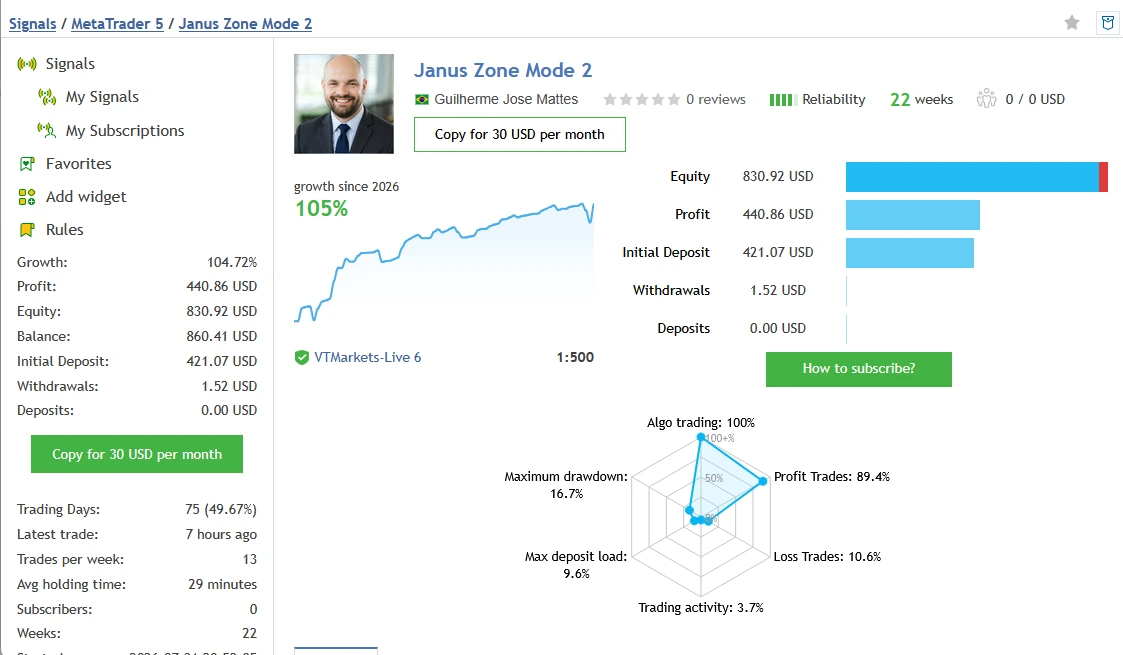
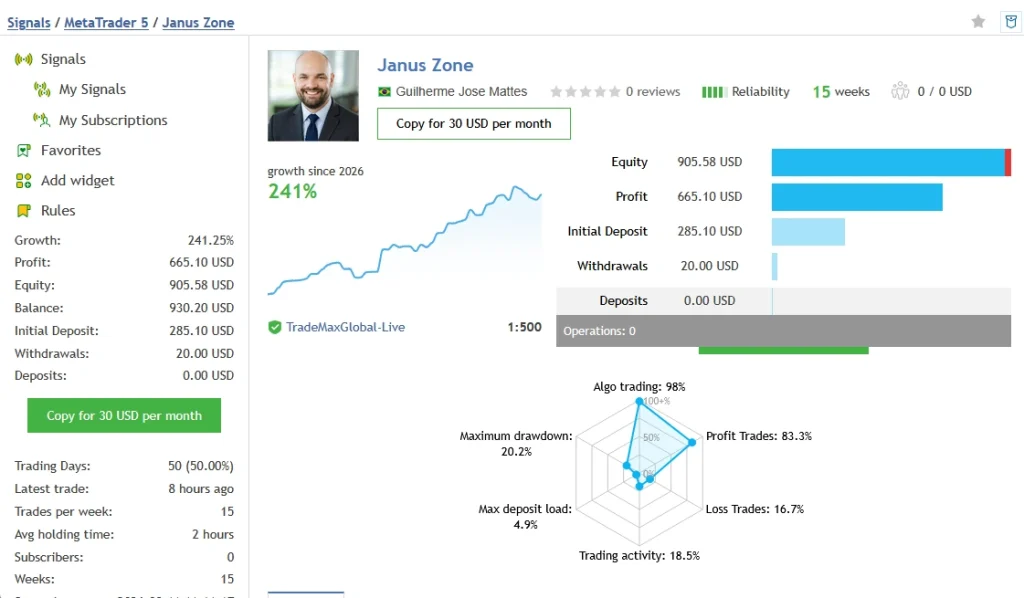
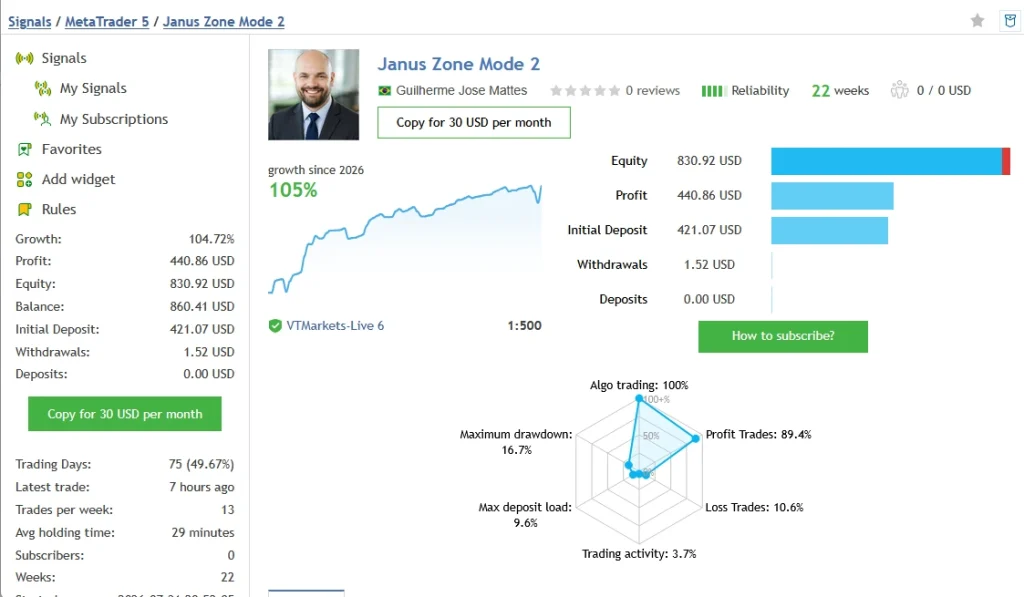
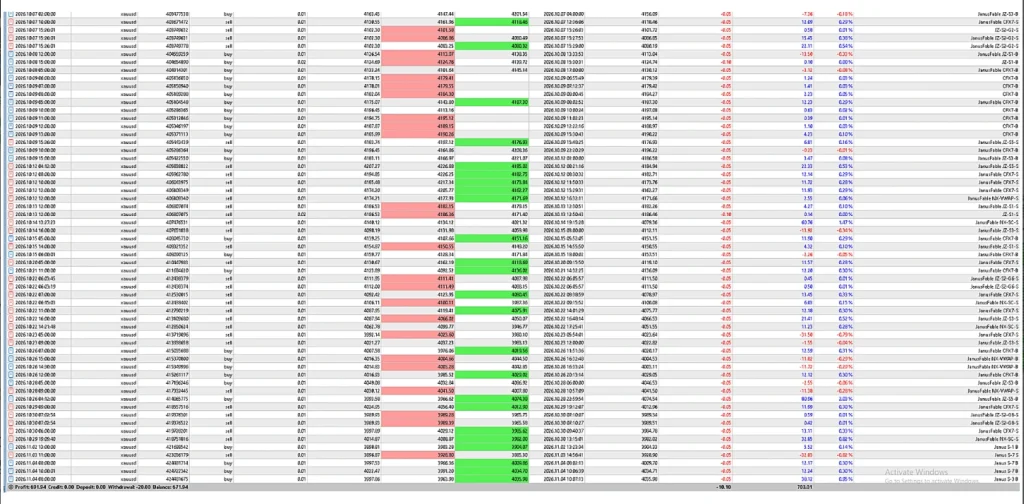
The developer links to two MQL5 accounts. The release notes say the first account continues with the default gold mode, while the second is used to monitor Mode 2. Both account histories began before v2.20, so the totals cover more than the latest release. Figures below are an MQL5 snapshot checked on
13 November 2026.
| Public account |
Broker |
Initial deposit |
Reported growth |
Relative equity drawdown |
Trades shown |
| Janus Zone |
TradeMaxGlobal |
$285.10 |
+241.25% |
9.68% |
186 |
| Janus Zone Mode 2 |
VT Markets |
$421.07 |
+104.72% |
16.66% |
227 |
What to look at: Equity drawdown shows how far the account value fell, including gains and losses on open trades. Read it alongside growth. The accounts use different brokers and have different histories, so their totals do not tell you which mode will work better for you. Their starting deposits are account records, not minimum deposit requirements. Buying the EA is separate from subscribing to a signal. Past results do not guarantee future returns.
How to install Janus Zone EA in MT5
- Follow our guide to installing an Expert Advisor in MT5.
- Open your broker’s XAUUSD chart and select H1 for the developer’s gold setup.
- Attach Janus Zone from Navigator → Expert Advisors.
- If you received a preset for your build, load the SET file in MT5 and review the lot size and risk settings.
- Enable Algo Trading when you are ready to test on demo. If it does not start, check Experts and Journal for the exact error.
Delivery, updates and support
Check
Delivery & Downloads to find your digital order. For setup help, contact
Product Support with your order number, EA version, MT5 build and any error message. See the
Refund Policy before buying.
Frequently asked questions
Which Janus Zone version will I receive?
The version in the package table is the one supplied with your order. The developer’s MQL5 listing showed
v2.20 when checked on 13 November 2026.
Can Janus Zone trade both gold and silver?
The developer’s gold setup is XAUUSD on H1. The release notes add XAGUSD support from v2.10. If you plan to trade silver, confirm the supplied version and follow its silver setup instructions.
How many strategies does Janus Zone have?
The developer’s overview gives two different counts. Check the strategy switches in the
Inputs tab for your build. Those switches show the options available in your copy.
Can I run Janus Zone with $100?
A universal $100 minimum has not been verified. Margin, minimum lot size and the total risk across active strategies matter. Check these with your broker and try the setup on demo first.
Is Mode 2 safer than the default mode?
The developer says Mode 2 moves stops earlier. That can change when trades close, but the two public accounts do not establish that one mode is safer. The records cover different brokers and include trades from before the latest release.
Can I use Janus Zone on a prop firm account?
Check your firm’s rules on automated trading, third-party EAs and daily loss limits. A prop firm mode does not mean the firm approves the EA or that its settings match your firm’s loss calculations.