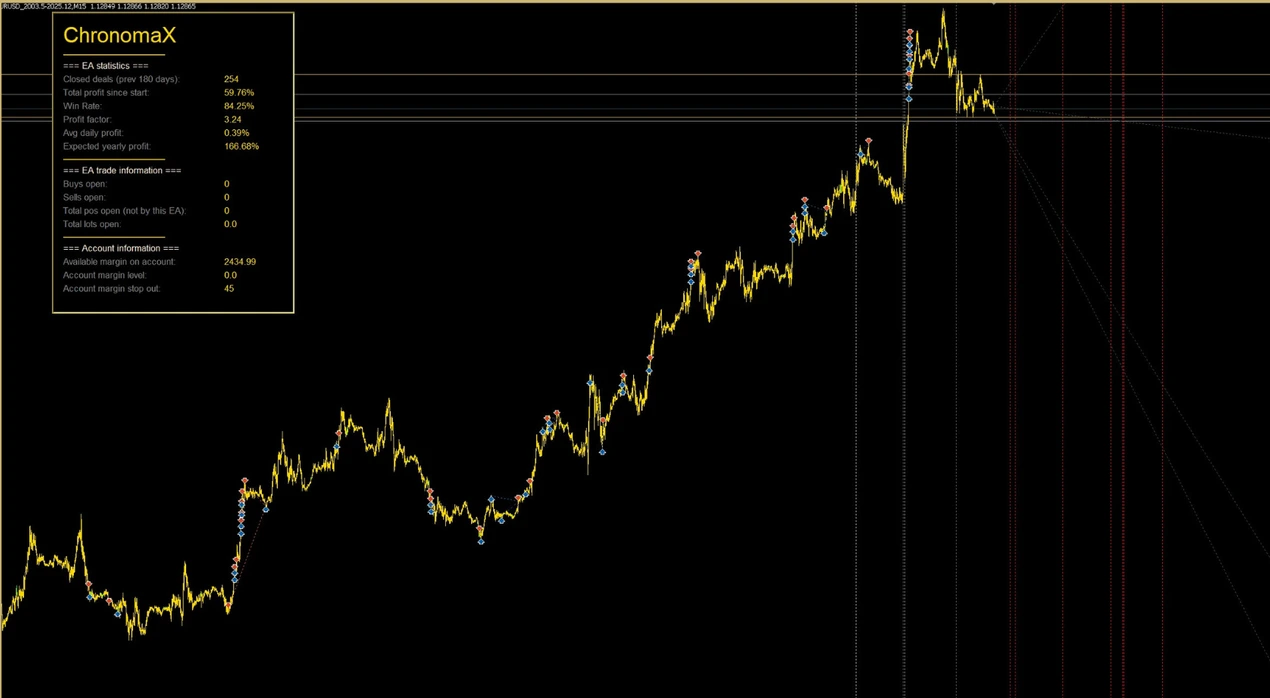
ChronomaX is an Expert Advisor for MetaTrader 5. The developer describes adaptive grid spacing, position sizing and AI/ML-assisted entry timing.
In a grid, additional trades can bring the average entry closer to the market price. A rebound may then be enough to close a group of trades. The trade-off is increased exposure if price keeps moving in the wrong direction.
AI is a description of the developer’s method, not independent proof that it can predict prices. We have not audited the program or verified the model’s training process.
Pair, timeframe and account requirements
| Setup item |
Developer guidance |
| Platform |
MetaTrader 5 desktop |
| Trading pair |
EURUSD |
| Chart timeframe |
The listing says the visible timeframe is irrelevant |
| Account balance reference |
$1,000 minimum stated on the listing |
| Leverage reference |
1:500 minimum stated on the listing |
| Starting size |
Review the AutoLot level for your account |
| VPS |
Useful for keeping MT5 running and connected; check your setup |
These figures describe the published setup, not a guarantee that an account can survive a grid. Higher leverage reduces the margin required for a given trade; it does not reduce that trade’s price risk. Where local rules or your broker offer lower leverage, do not assume the published setup will work unchanged.
What about a cent account?
The developer mentions cent-account use. However, a balance displayed in cents is not the same amount of money in dollars.
$10 remains $10 of capital, even if the platform displays 1,000 cents.
Check the broker’s contract size, minimum lot and margin calculation. Do not use the displayed balance alone to compare a cent account with a standard account.
Which settings matter most?
The shared TickStack guide describes fixed or automatic starting lots, linear and exponential sizing, a maximum number of grid positions, news filters and loss controls. Availability and behaviour must be checked against your delivered build.
Trade size and total open volume
Check both the first position and the largest combined volume the sequence can reach. A small opening lot does not establish a small maximum loss.
For example, three positions of 0.01, 0.02 and 0.03 lots total 0.06 lots. This is a simple illustration, not a ChronomaX preset or recommendation.
Our guide to
grid, martingale and breakout EAs explains how these approaches change exposure.
Grid limits and loss controls
The guide distinguishes a drawdown stop, emergency margin protection and drawdown alerts. An alert notifies you; it is not an automatic exit.
It also documents disabling the grid and using a pip stop. That changes the strategy and should be tested separately. Confirm the exact exit action, enabled status and units of every limit.
Even an enabled stop cannot guarantee an exact cash loss. Gaps, slippage and execution failures can produce a different outcome.
News settings
Blocking a new basket around news and blocking additions to an existing basket are separate controls in the guide. Check both if you intend to limit news exposure. Pausing new orders does not remove positions already open.
What is included with this offer?
| Purchase detail |
ForexEaTools package |
| Product |
ChronomaX MT5 |
| Supplied version |
1.0 |
| EA file |
EX5 |
| SET files |
not included |
| Setup instructions |
Yes |
| Licence and activation |
Unlimited |
| Expiry or subscription |
No Expiry |
| DLL and external requirements |
No DLL |
| Updates and support |
LifeTime |
| Delivery |
[Digital |
The purchase table defines what you receive. An EX5 is the running program; it does not include editable MQ5 source code unless that is explicitly listed.
Developer support, private groups and direct-buyer benefits are separate from this store’s offer.
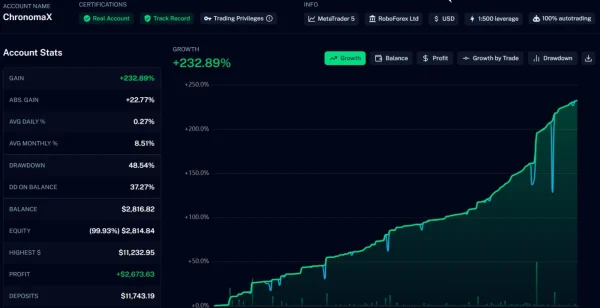
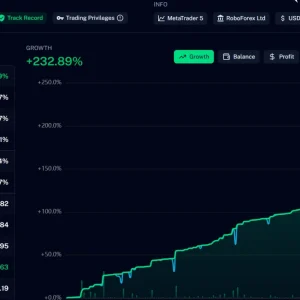
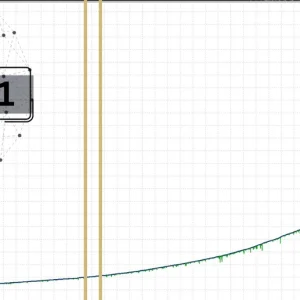
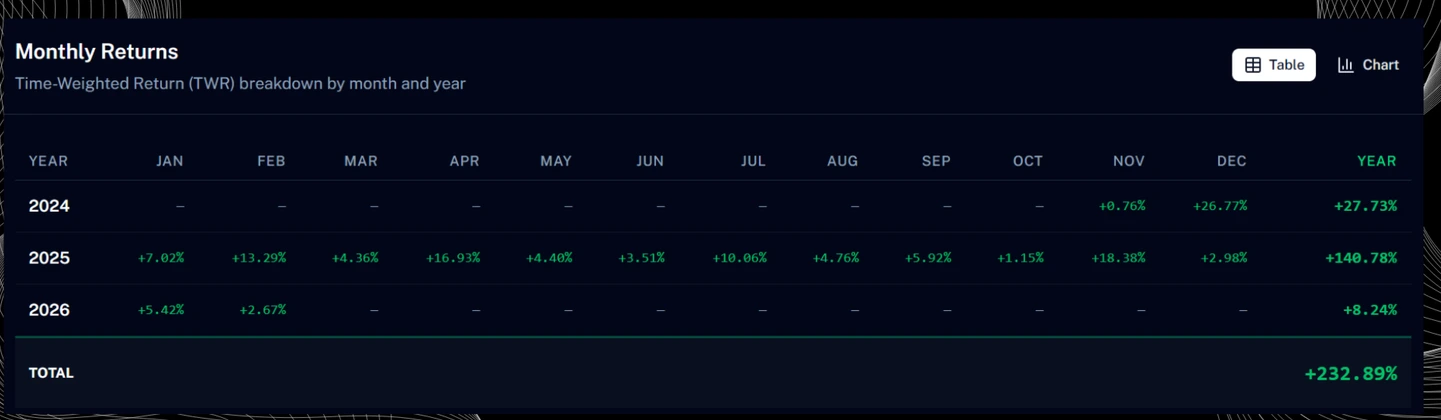
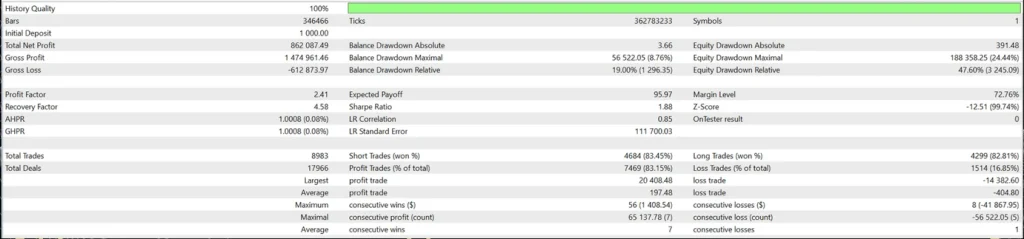
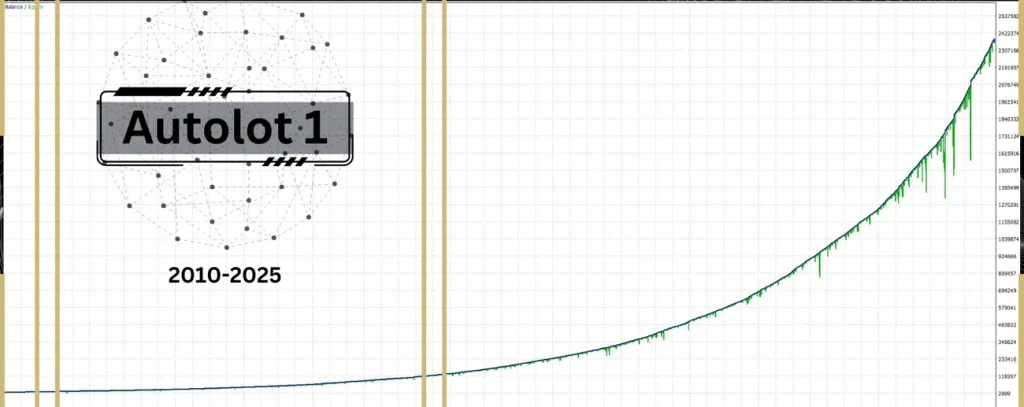
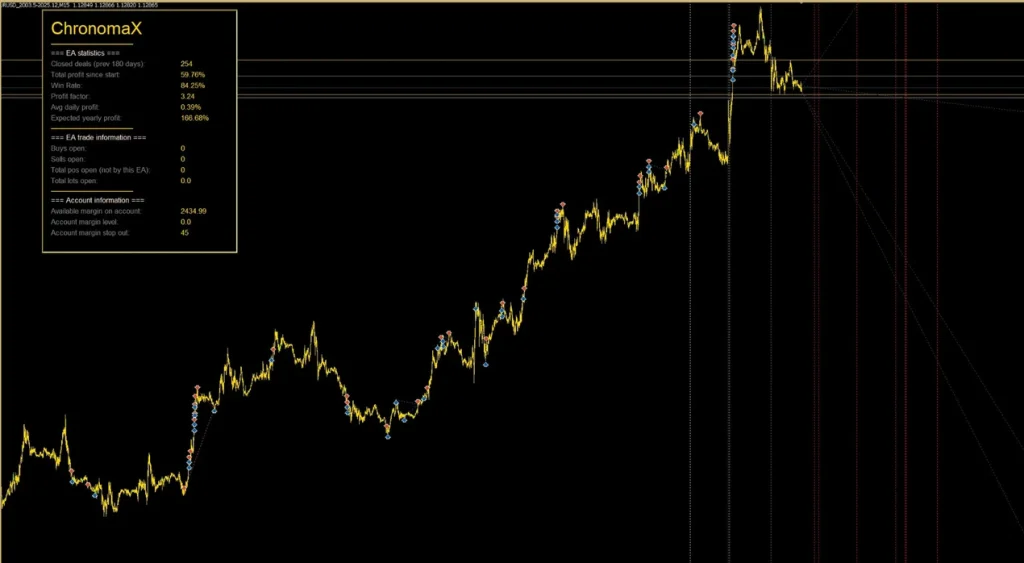
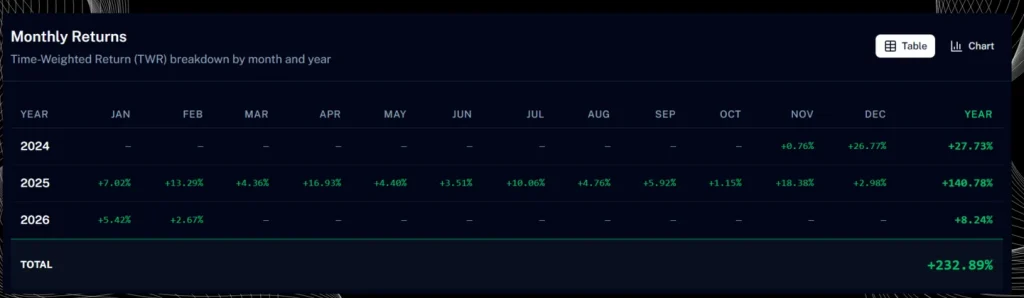
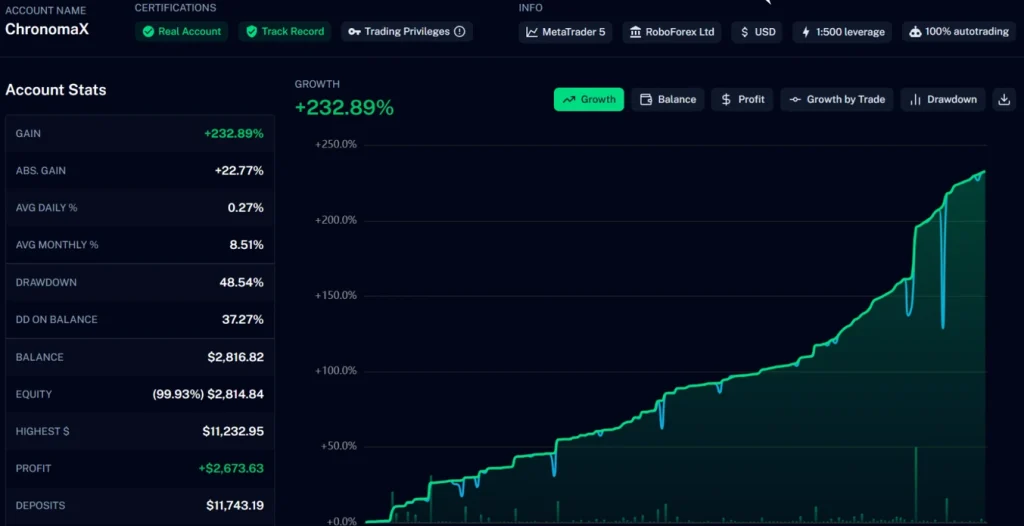
ChronomaX public results: read growth alongside losses
The developer’s account directory leads to a
public ChronomaX record on ShowMyTrades.
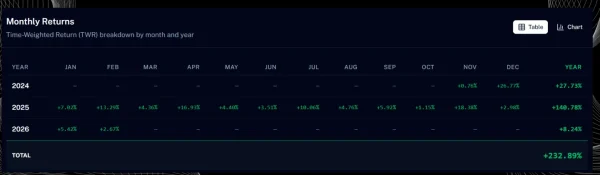
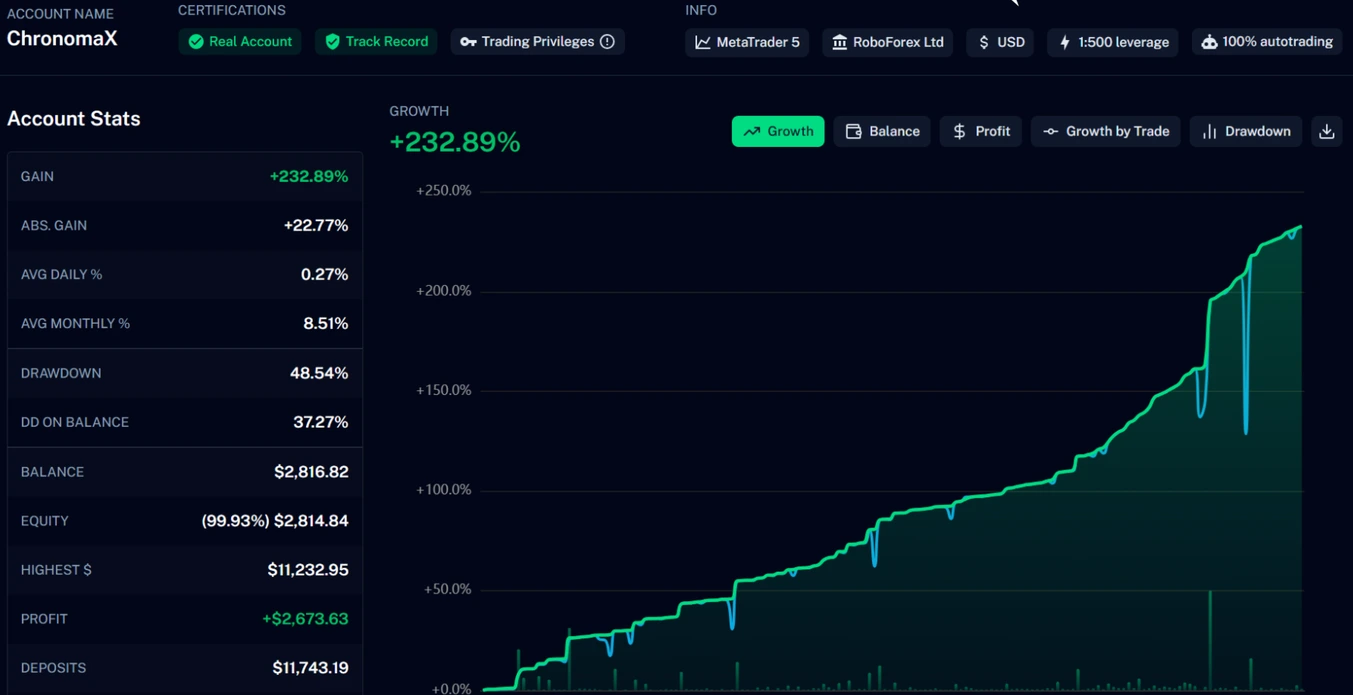
Snapshot retrieved 21 November 2026: the account page displayed
+433.45% time-weighted gain,
53.29% maximum equity drawdown and
37.27% maximum balance drawdown. It identified MT5 on
RoboForex-Pro, 1:500.
It showed
$4,150.36 profit,
$17,743.19 deposits and
$19,100 withdrawals, with balance and equity both
$2,793.55. The platform’s separate absolute-gain field was
+23.39%.
Why the two gain figures differ
The platform describes time-weighted gain as a compounded return adjusted for cash flows. Absolute gain relates closed profit to deposits. They answer different questions: the headline percentage is not the cash profit earned on every dollar deposited.
The totals reconcile: deposits plus profit minus withdrawals equal the displayed balance. That arithmetic check does not independently verify the underlying trades.
What does the drawdown mean?
A 53.29% equity drawdown represents a decline of more than half from a reference peak. It is historical evidence, not a maximum future loss.
For illustration, falling from $1,000 to $500 is a 50% loss. Returning from $500 to $1,000 requires a 100% gain. This is why a high growth figure deserves to be read beside the loss history.
Our guide to
drawdown in forex trading explains the difference between balance and equity.
Limits of this evidence
The profile directory and account page returned different gain snapshots during the check. The figures above come from the account page, and can change.
The text view did not establish the status of every verification badge, so we do not describe all checks as complete. A public record also cannot establish that your supplied version and preset produced its whole history.
Past performance does not guarantee future returns. This is a performance-monitoring link, not an included copy-trading service.
Version and update checks
The developer listing displayed
version 3.71, updated
15 March 2026. Its release notes describe revised entries, a blend of ATR and rolling volatility for sizing distance, and a modifier based on the number of open grid positions.
These changes do not establish that the file offered here contains them. Check the supplied version in the purchase table. Older builds may have different Inputs, so avoid loading an unrelated preset simply because it shares the product name.
How to install and test ChronomaX
- Download your package and check its contents against the purchase table.
- Follow our MT5 Expert Advisor installation guide using the instructions appropriate to your delivery format.
- Open the symbol specified in the setup table and attach the EA.
- Check the risk model, starting size, position limits and loss-handling settings.
- If a matching preset is supplied, load the SET file in MT5 and review the imported values.
- Enable trading for a demo test. Read the Experts and Journal tabs for errors.
Watch what happens during an adverse move, not only profitable baskets. Record maximum open volume, floating loss, margin use, holding time and trading costs. Keep MT5 connected while it needs to manage positions.
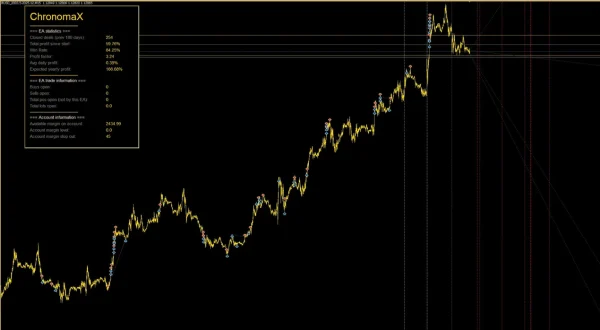
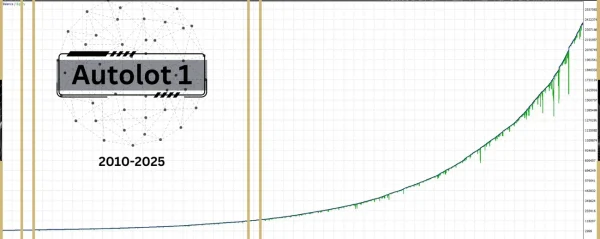
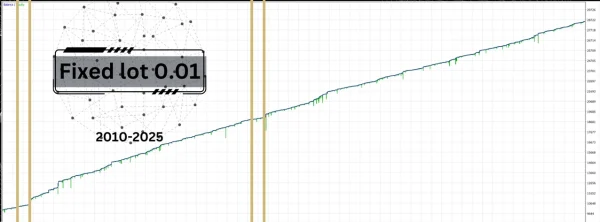
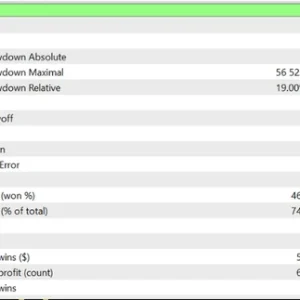
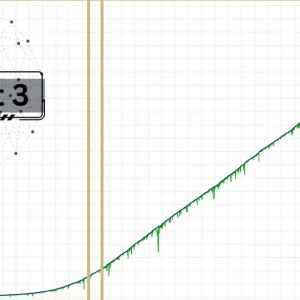
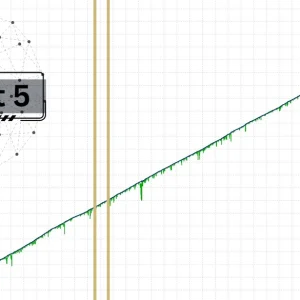
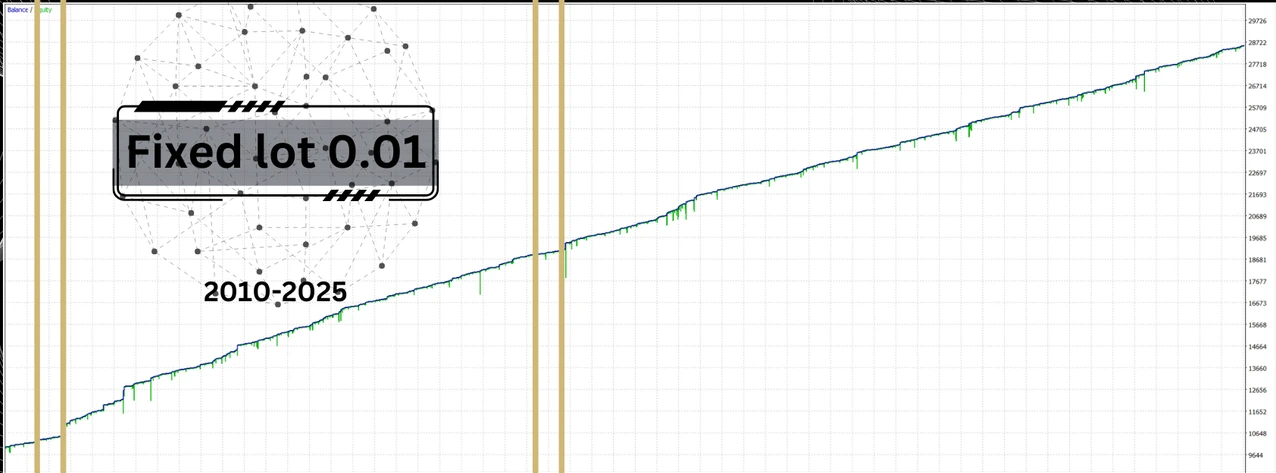
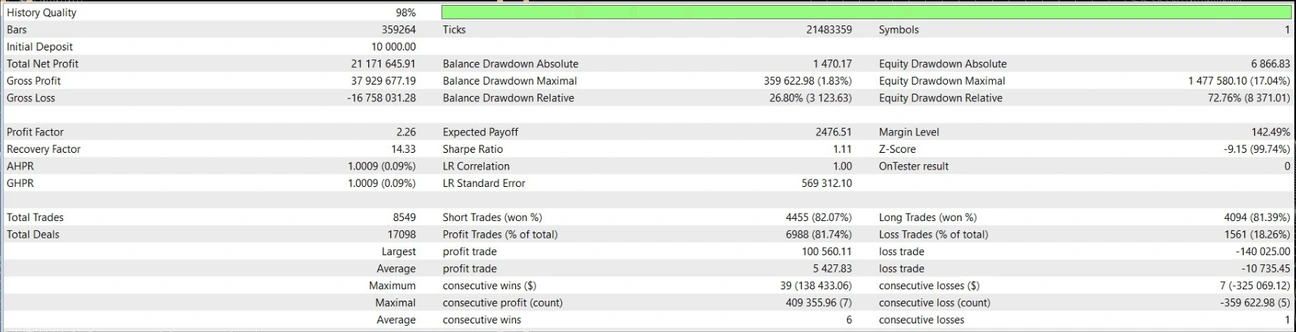
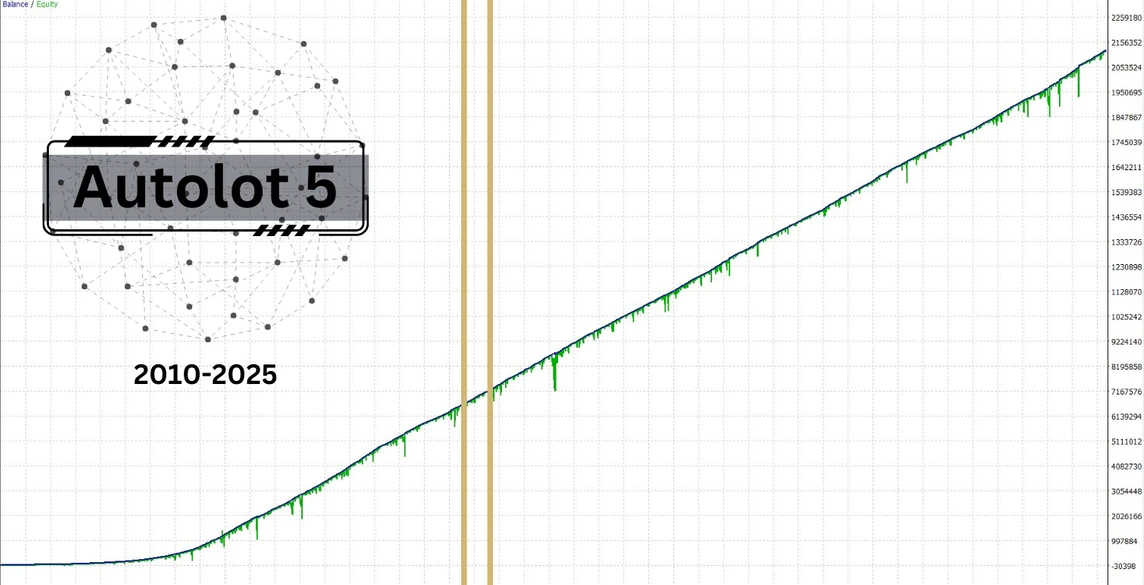
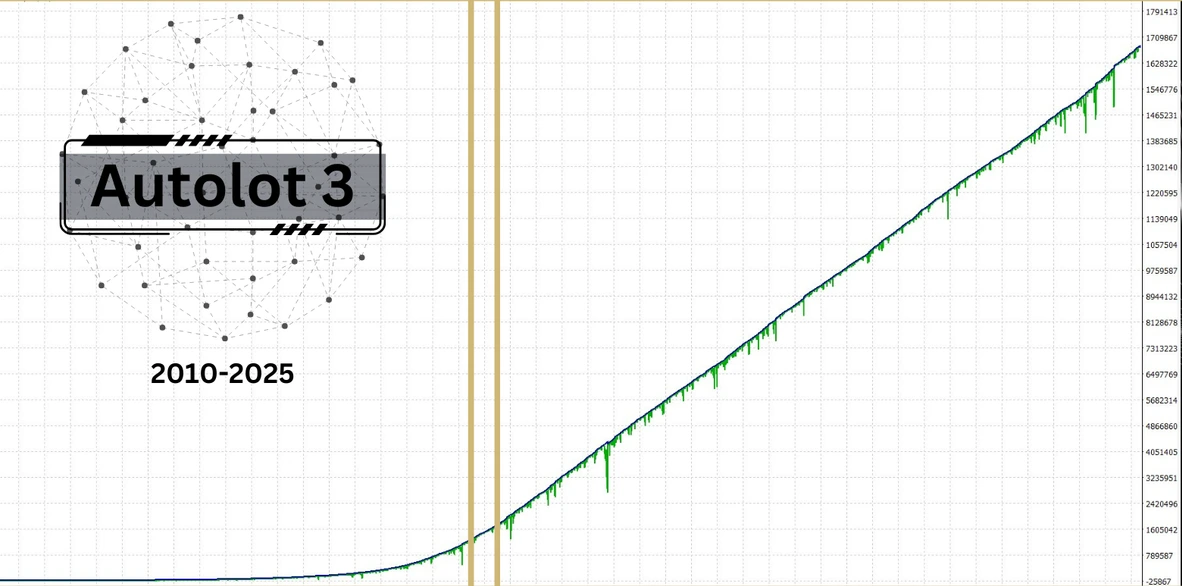
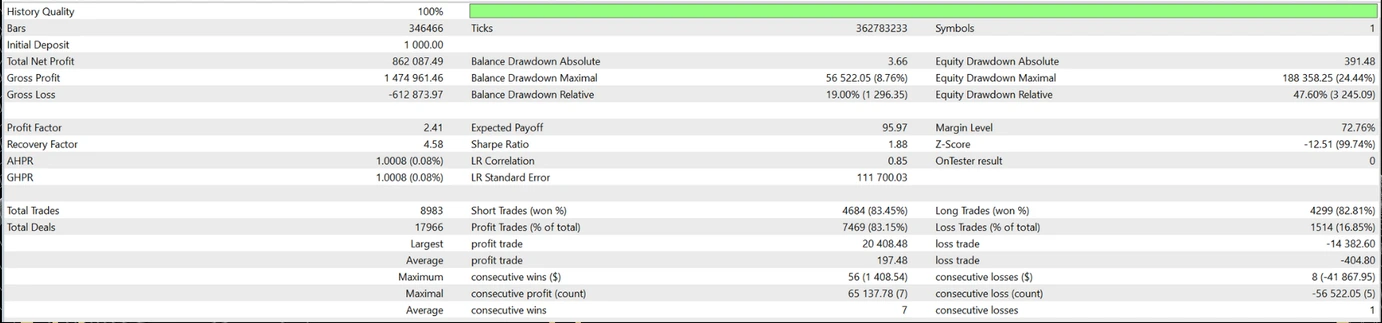
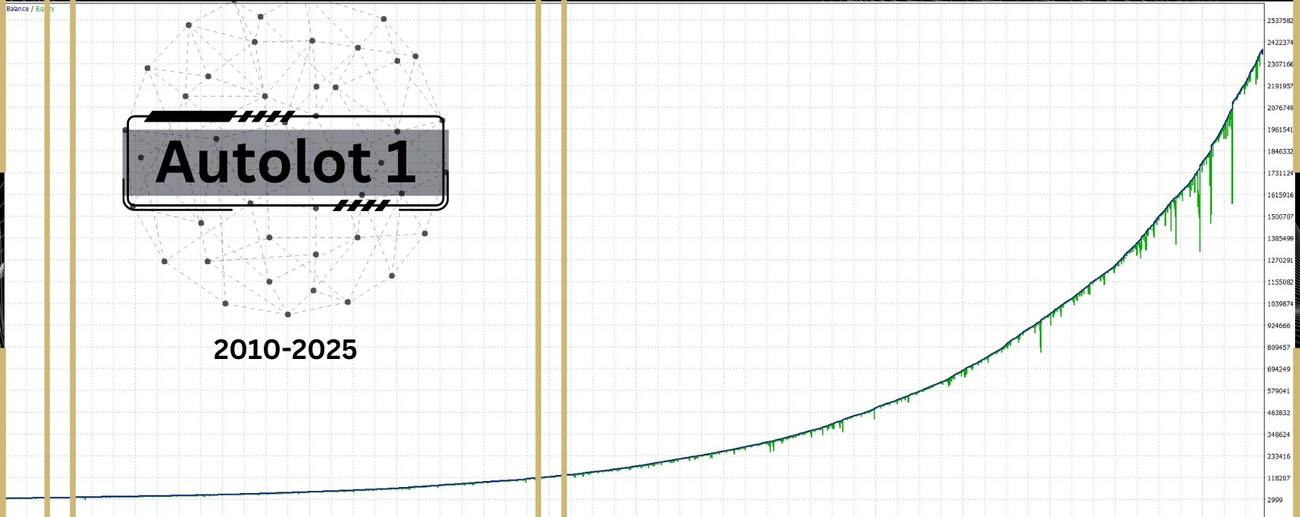
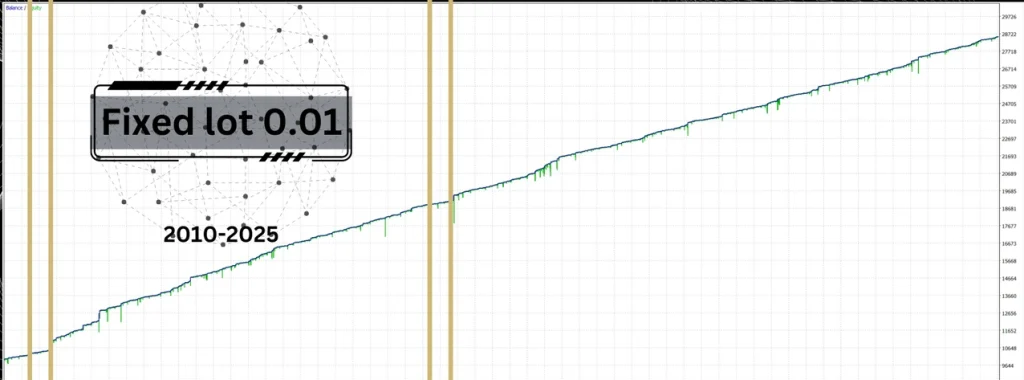
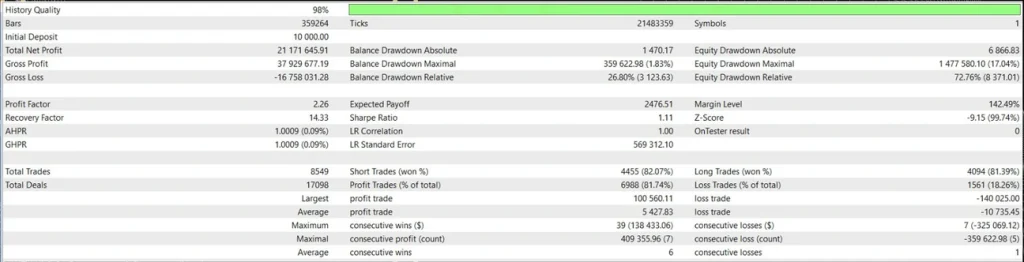
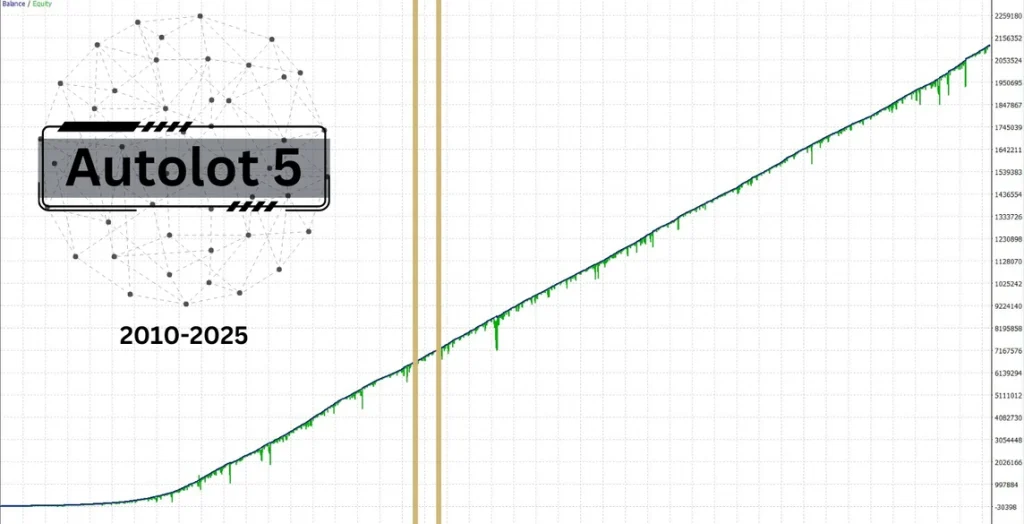
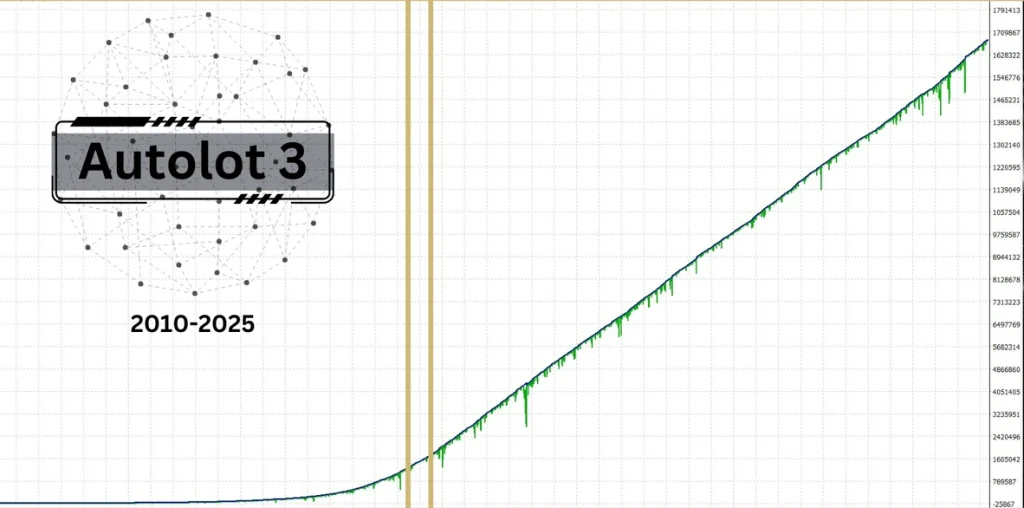
If you run a backtest, retain the EA version, SET file, date range, data source, costs and account conditions. A curve alone cannot establish how a result was produced.
Is ChronomaX suitable for you?
This product may interest experienced traders who understand averaging and can monitor the account.
If you need a robot that guarantees a small loss, predictable income or a funded-account pass, this page does not establish those outcomes. Before buying, read our guide on
how to choose a forex Expert Advisor and decide whether you understand its worst-case exposure.
Delivery, updates and support
Check the purchase table for the delivery method and update coverage included with your order. Visit
Delivery & Downloads for general access help.
For a setup issue, contact
Product Support with your order number, EA version, MT5 build and exact error message. Hide private details and never share your trading password.
Read the
Refund Policy before purchasing. Technical assistance does not guarantee profitable trading.
Frequently asked questions
Is ChronomaX a Gold EA?
The developer documents the pair in the setup table. Do not switch to Gold based on a different store’s description.
Should I use M1, M15 or H1?
Follow the published timeframe guidance above and the instructions matching your file. Changing the visible chart period does not necessarily change internal analysis.
Is the minimum balance a safe amount to deposit?
No. It is a setup reference, not a loss limit. Broker conditions, lot sizing and additional positions determine exposure.
Does a cent account turn $10 into $1,000?
No. The display unit changes; your deposited money does not increase. Check contract specifications before comparing trade sizes.
Is grid trading the same as martingale?
No. Grid describes how positions are spaced. Martingale usually refers to increasing size after losses. Review the sizing rules as well as the entry spacing.
Does the news filter close existing trades?
Do not assume so. Check whether your selected settings block entries, block additions or close positions. These are different actions.
Is ChronomaX approved for prop firms?
A software feature does not establish approval. Check the firm’s current rules on EAs, grids, exposure and loss calculations. Do not use execution settings to bypass a firm’s restrictions.
Does it run on MT4 or a phone?
This offer is for MT5 desktop. An EX5 program does not run in MT4, and the mobile app does not host a desktop EA. Use a suitable computer or VPS.
Will I receive the developer’s latest version?
Only the version stated in your purchase table is promised. Confirm the package and update coverage before paying.